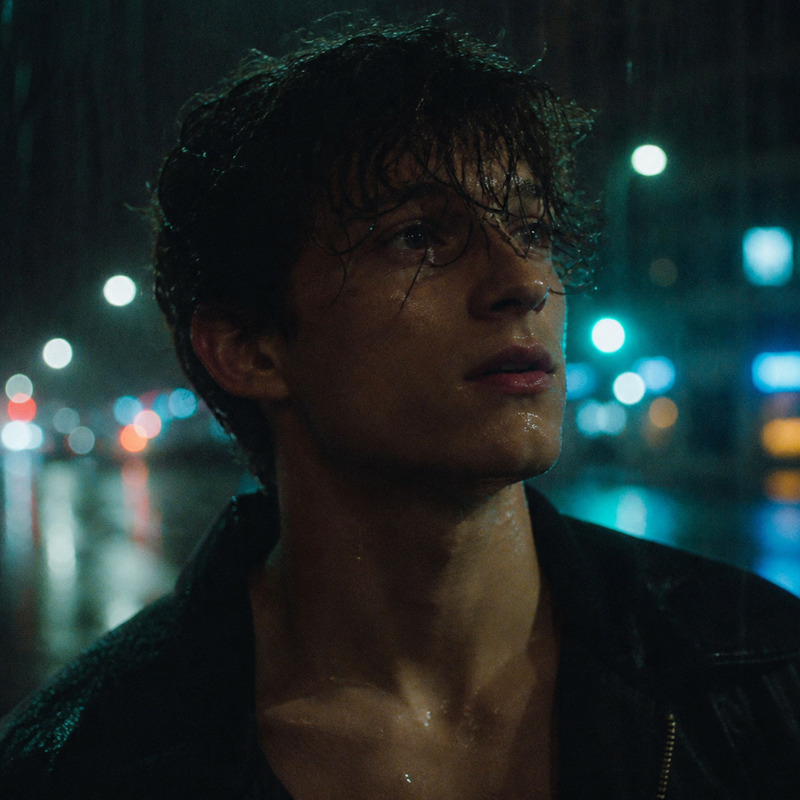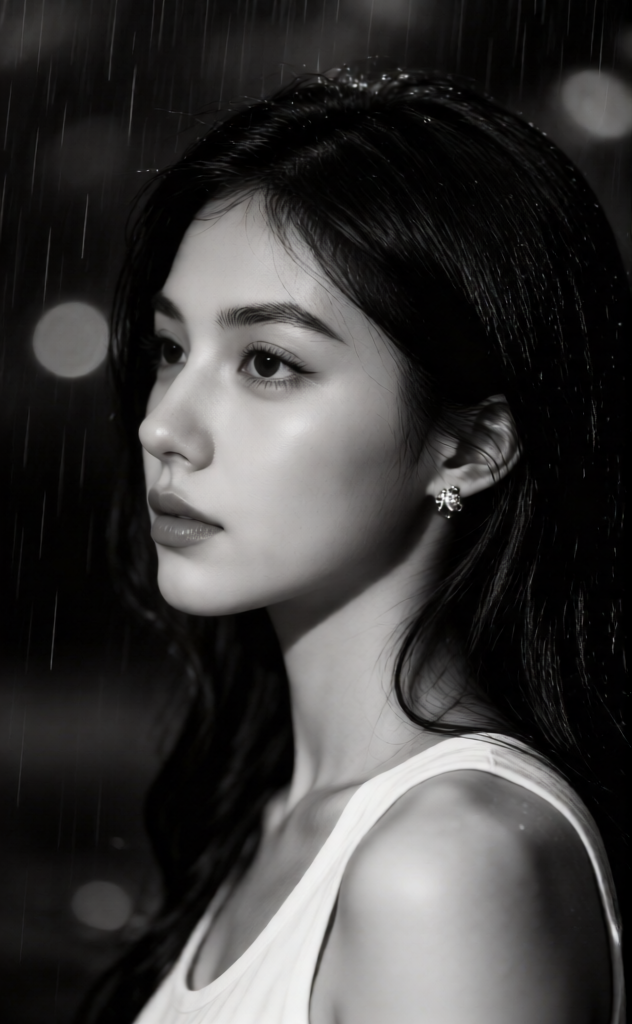
Rainfall Solitude
- Model
- Qwen Edit
- Image
- 632 × 1024 px
Prompt
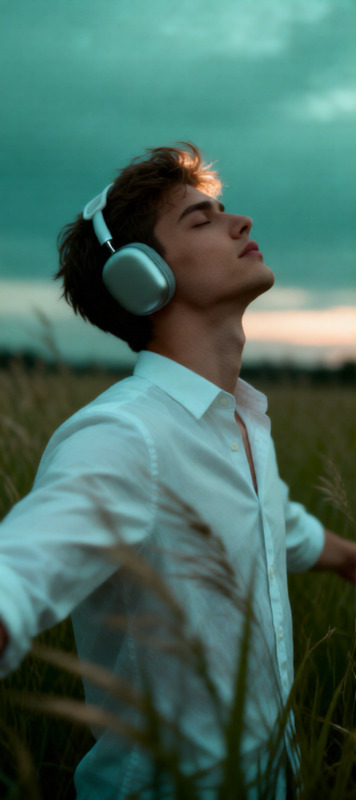
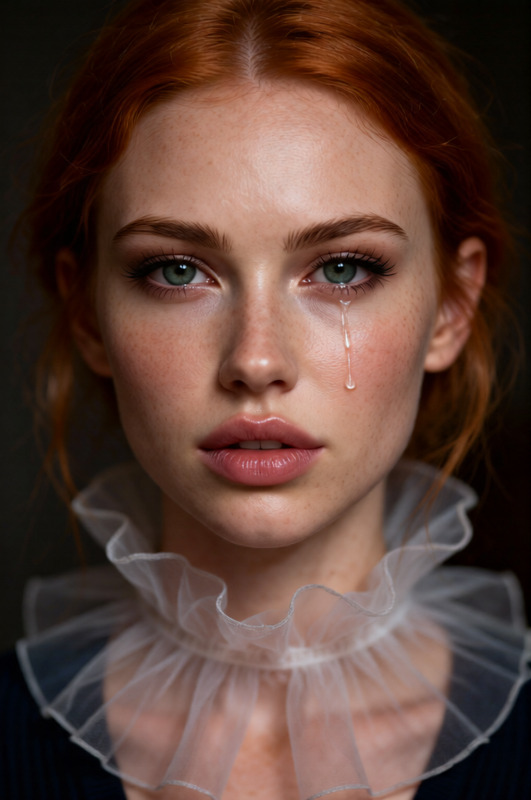
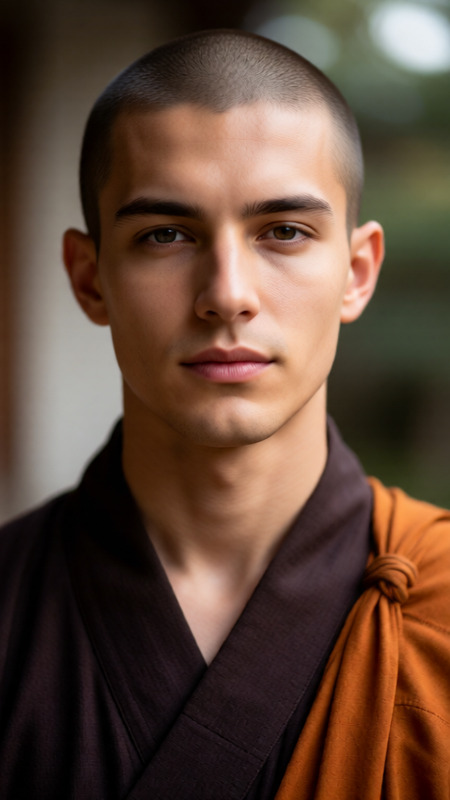
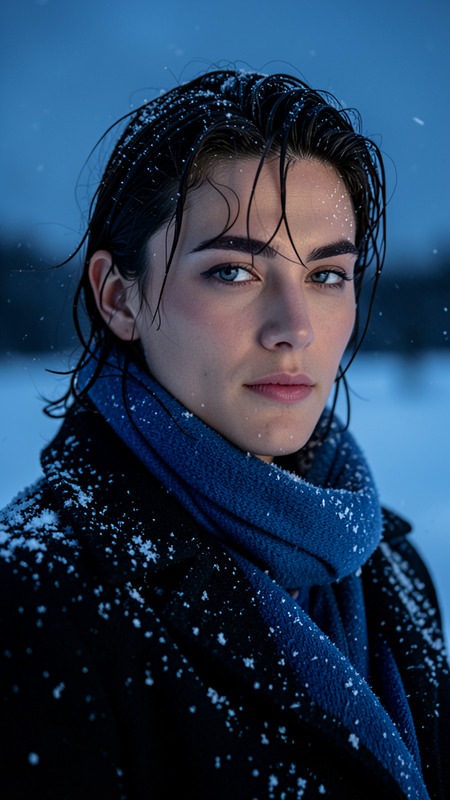
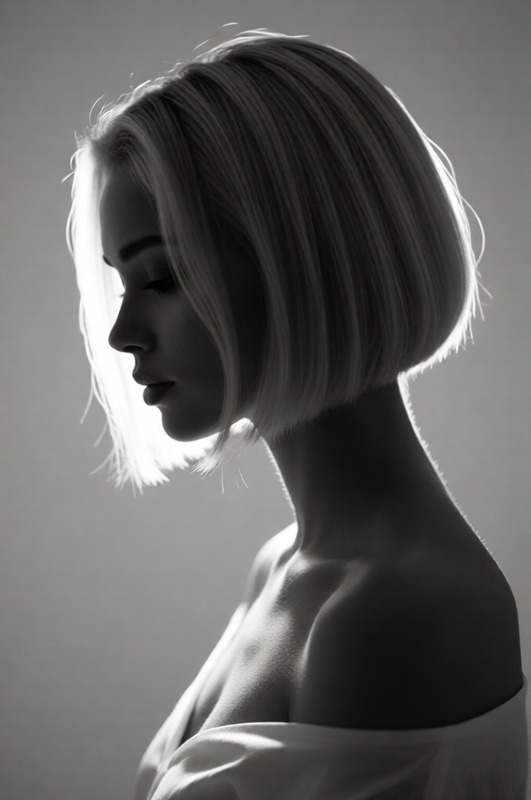
A dramatic black-and-white close-up portrait of a subject, a subject shown in side profile facing left, with a calm, pensive expression. The subject wears a minimal sleeveless top. Rainfall is visible in the background with a dark, deep bokeh effect. Soft, moody directional lighting creates gentle highlights and shadows across the face, enhancing a high-contrast monochrome, cinematic, emotional, and introspective atmosphere. Sharp focus on the subject’s face, blurred background, ultra-realistic, high detail.
Any aspect ratio
Overview
"Rainfall Solitude" is a refined template designed for the AI Image Editor. With an emphasis on dramatic black-and-white photography, this tool offers a close-up portrait feature ideal for creating introspective and emotional imagery. Powered by the Qwen-Edit model, it results in ultra-realistic, high-detail depictions.
What It Does
This template allows creators to transform portraits into high-contrast, cinematic experiences. The emphasis is on a monochrome palette with soft, moody lighting, which accentuates the subject while the rainfall and deep bokeh effect add depth. The AI Image Editor ensures every detail is enhanced, bringing out the emotional essence of each image.
Who It's For
"Rainfall Solitude" is perfect for photographers and artists aiming to explore the dramatic potential of black-and-white imagery. It's also suited for graphic designers focusing on mood boards or marketing materials, and video creators developing content for relaxation or meditation contexts using the AI Video Generator to extend their work into video.
Summary
With "Rainfall Solitude", users can produce images that aren't just seen, but felt. The combination of high-detail portraiture and atmospheric effects creates pieces that are evocative and unforgettable. Dive into the capabilities of the AI Image Editor to capture the serenity and emotion of quiet moments.
How To
Choose

Customize

Generate

Use Cases
Photography Enhancements
- Add emotional depth to photo series.
- Create striking photography exhibitions.
Video Production
- Incorporate into meditation videos.
- Develop cinematic short films.
Marketing & Design
- Design moody advertisements.
- Upgrade visual presentations.
Best Practices
Select the Right Subject
Choose subjects with expressive features to bring out the template's emotional and introspective capabilities.Manage Lighting Effectively
Use the lighting controls to emphasize the subject's facial features and create a dramatic mood.Consider Contextual Content
Pair with other templates such as AI Clothes Changer for varied visual effects.