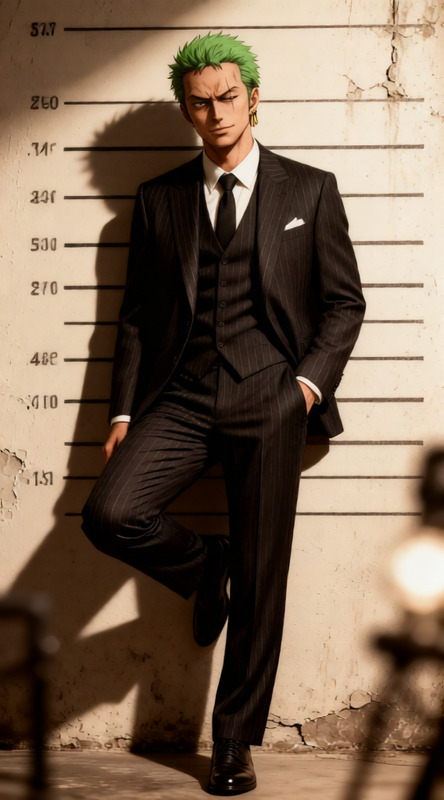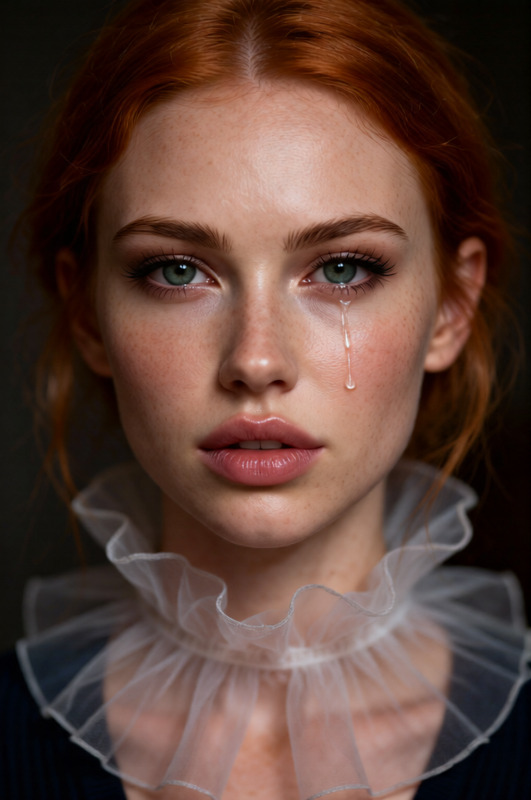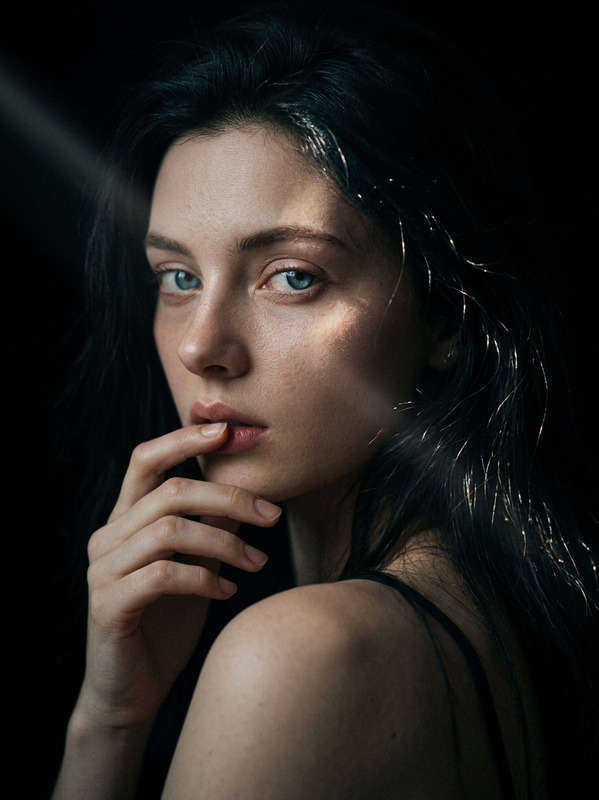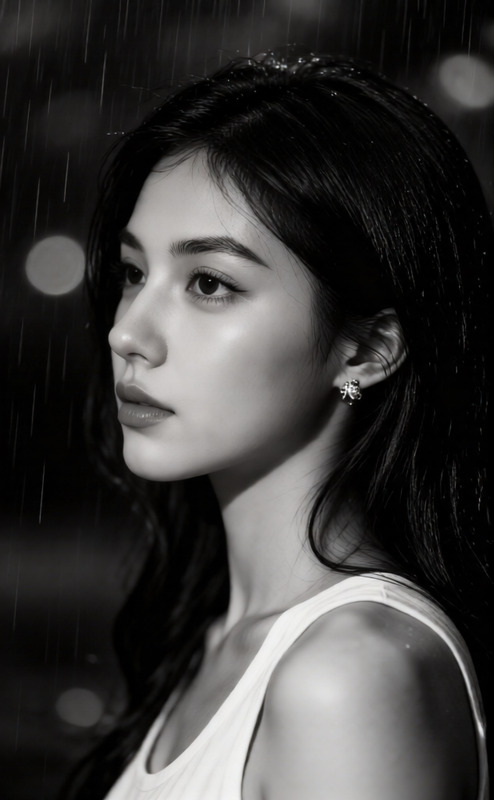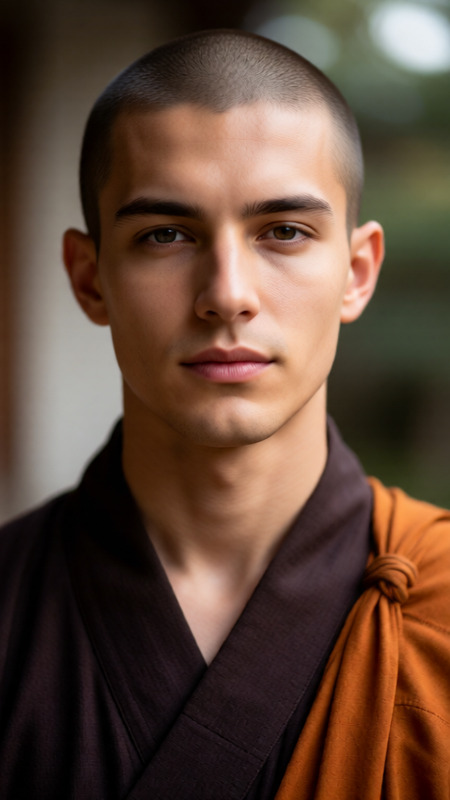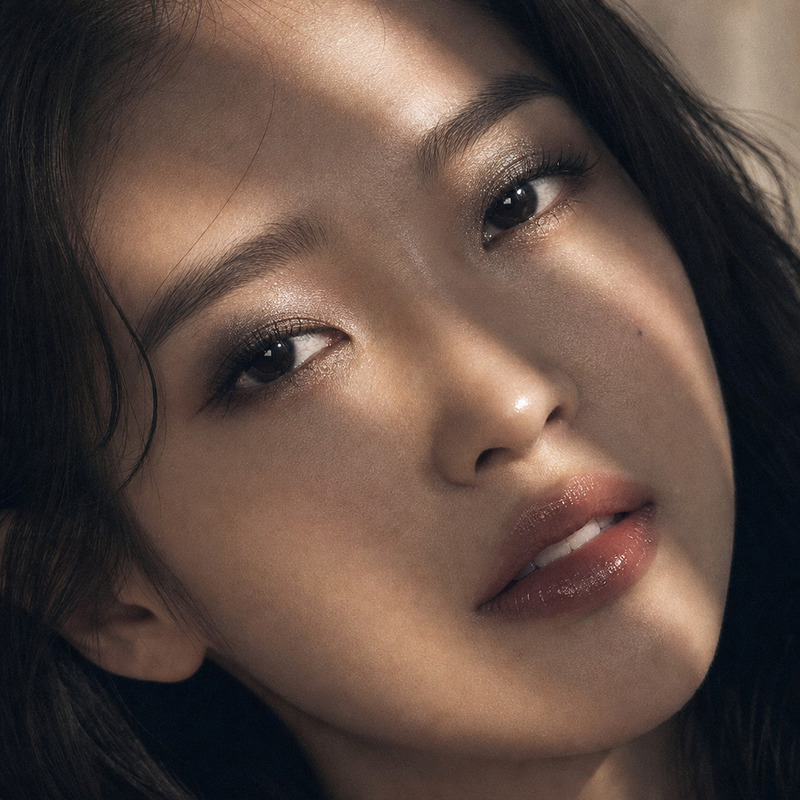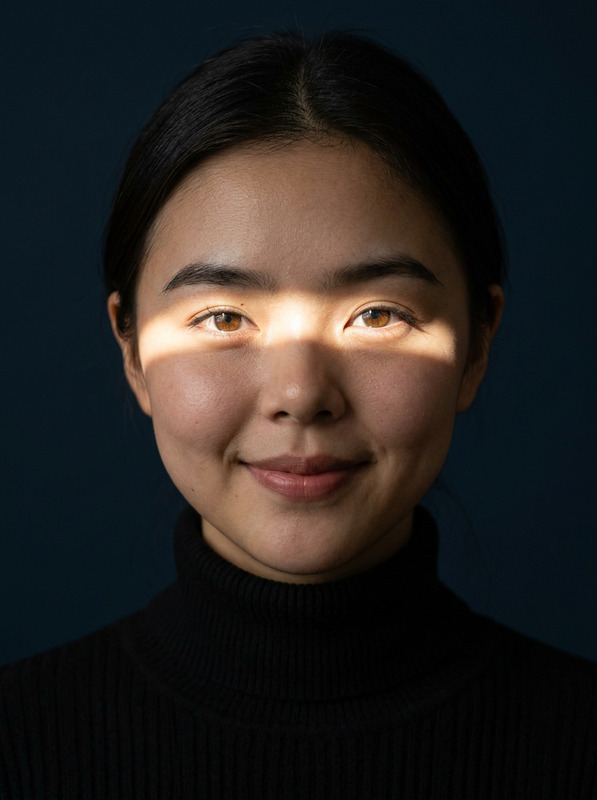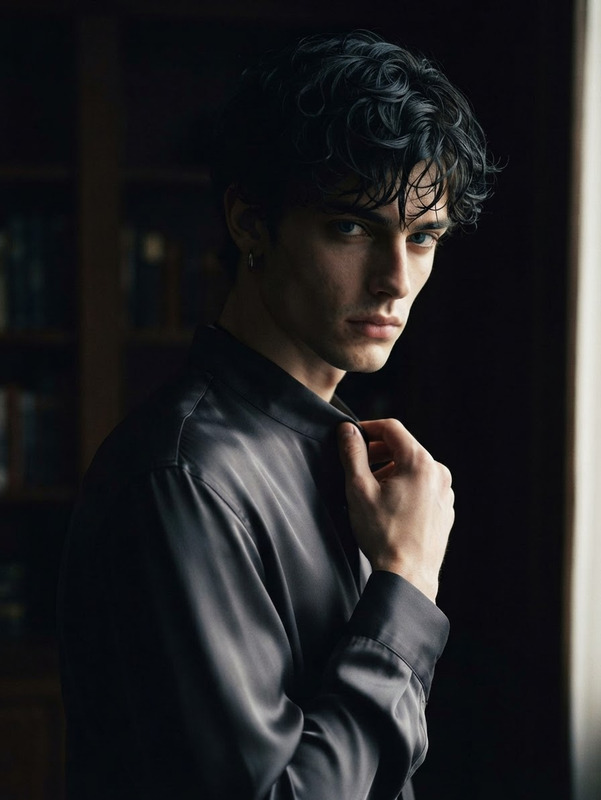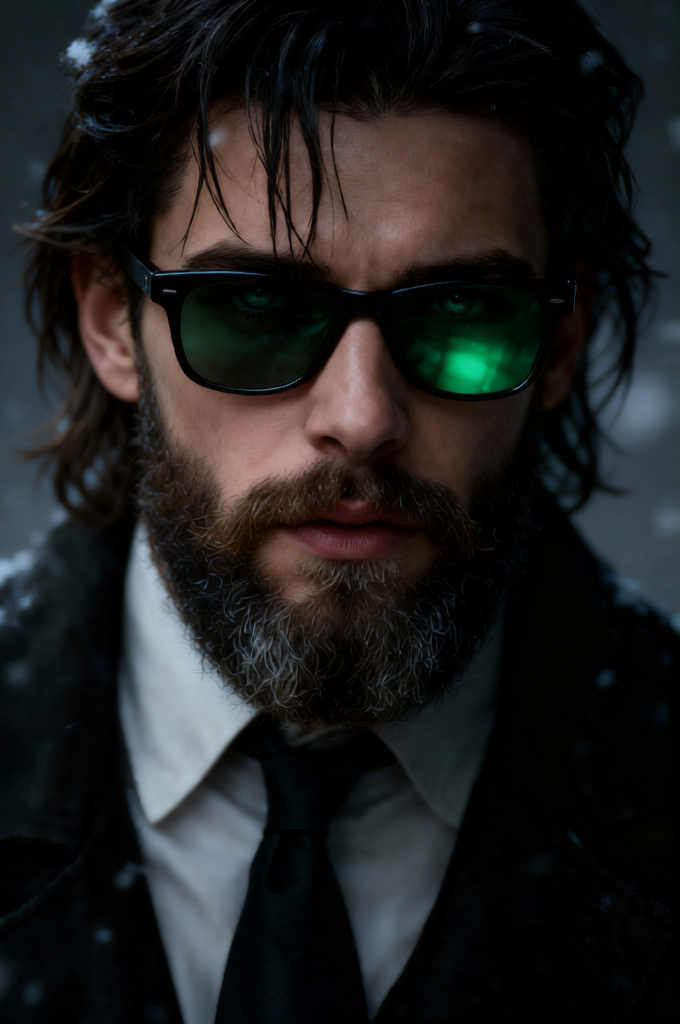
Shadowed Intensity Portrait
- Model
- Qwen Edit
- Image
- 680 × 1024 px
Prompt
Rugged, intense close-up portrait of a middle-aged man with a textured beard and slightly long messy hair falling across his face. Wearing dark sunglasses with green-tinted lenses reflecting subtle light, enhancing a mysterious cinematic mood. Dramatic low-key lighting highlights facial contours, deep skin texture, and beard detail, with strong contrast and moody tones. Serious, brooding expression against a shadowy blurred background. Hyper-realistic, ultra-detailed, 8K cinematic portrait photography.
Any aspect ratio
Overview
The Shadowed Intensity Portrait template is part of our AI Image Editor suite, designed to transform simple images into stunning visual presentations. Leveraging the power of qwen-edit, this template is perfect for crafting hyper-realistic portraits with a brooding, cinematic flair.
What It Does
This template allows you to enhance portraits by adding dramatic shadow effects and emphasizing facial features with high contrast. The result is a hyper-detailed, cinematic-quality image that draws the viewer in with its moody tones. The tool is indispensable for those aiming to achieve a professional finish in their portraits without extensive manual editing.
Who It's For
The Shadowed Intensity Portrait template is ideal for artists, photographers, and anyone involved in creative media production who seeks to add a mysterious and intense mood to their images. It's a valuable resource in the AI Clothes Changer for those working on fashion shoots or podcast clip covers.
Summary
Incorporate cinematic depth into your portraits with our Shadowed Intensity Portrait template. Suitable for enhancing any photographic style, this tool utilizes advanced AI models like qwen-edit to produce images that are both artistically captivating and technically refined.
How To
Choose the Template

Customize the Inputs

Generate and Download

Use Cases
Artistic Photography
- Enhance gallery displays
- Design unique portraits
Marketing Campaigns
- Fashion brand imagery
- Film poster production
Character Design
- Game cinematics
- Graphic novels
Best Practices
Select High-Resolution Images
For the best results, start with high-resolution images, ensuring maximum detail capture.Experiment with Lighting
Play with different lighting settings to discover the most dramatic effects on your subject.Focus on Facial Features
When customizing, emphasize pronounced facial details like the beard and skin texture for an ultra-realistic touch.