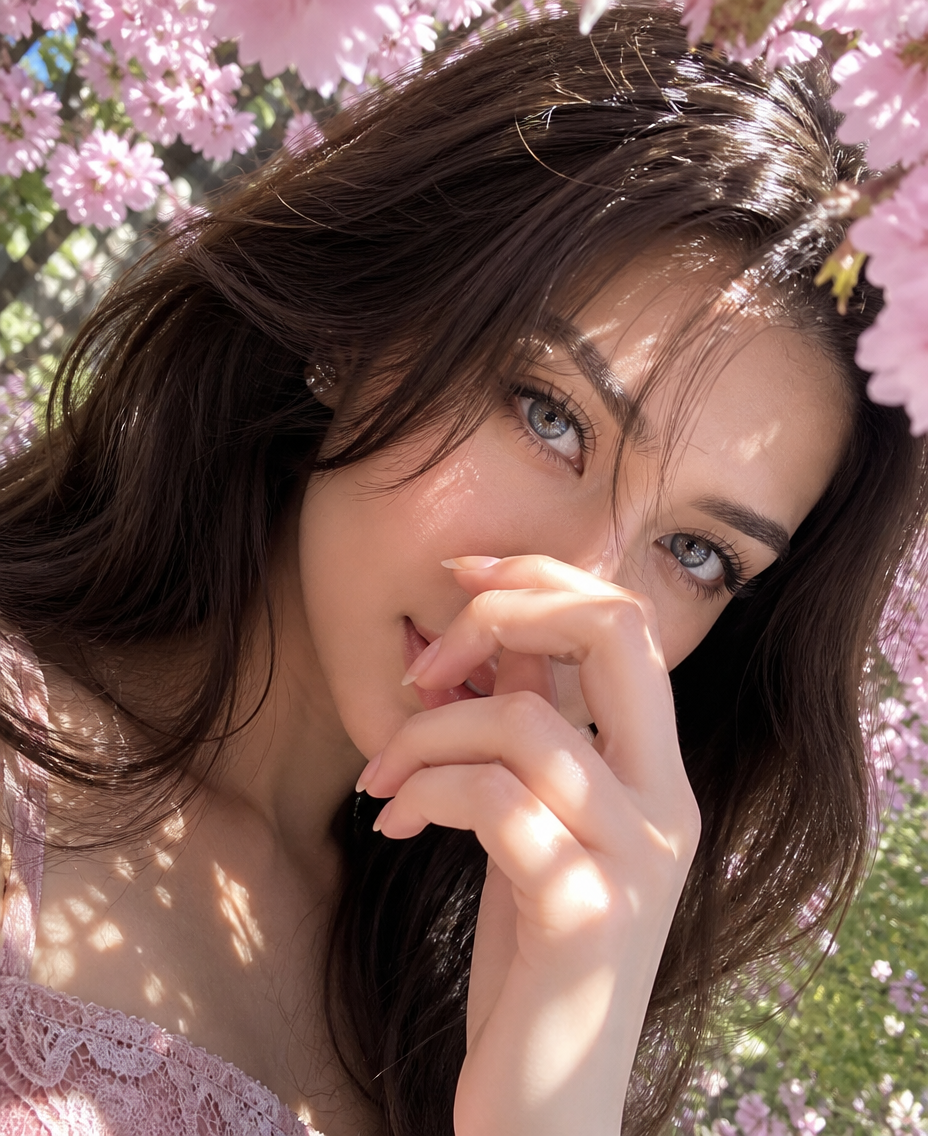
Spring Cherry Blossom Snapshot
- Model
- GPT Image 2
- Image
- 928 × 1136 px
Prompt
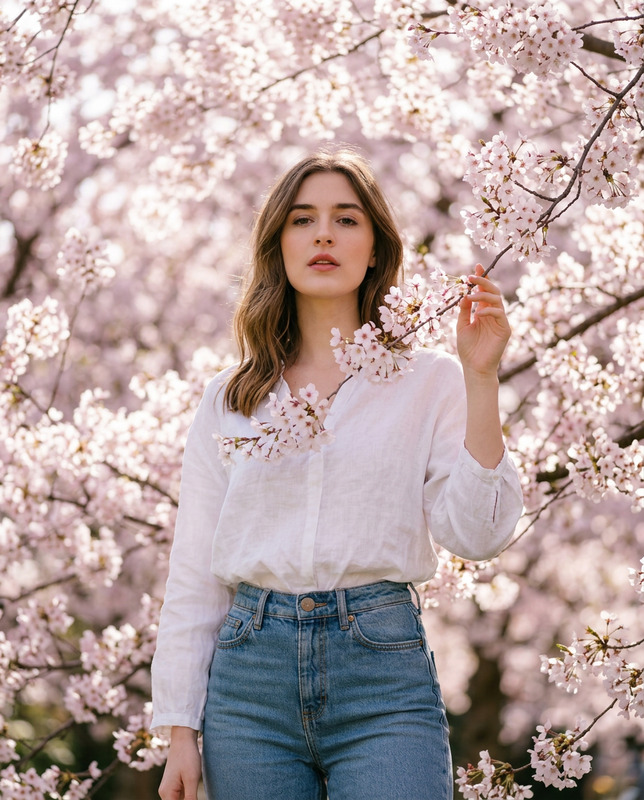
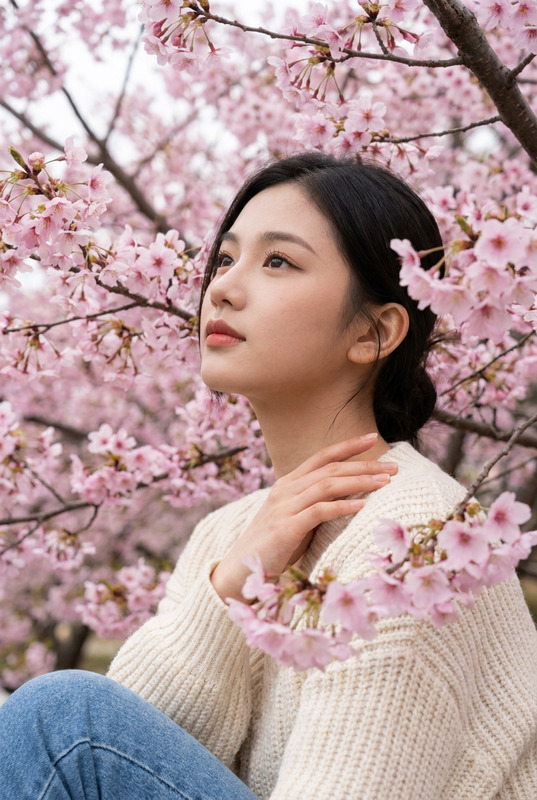
Extreme close-up smartphone portrait of the subject with face filling the frame, strongly tilted oblique angle. Long dark-brown hair with wispy bangs and striking cool-saturated blue eyes, looking softly at the lens. One hand is raised in the foreground, fingers partially covering the nose and lips. Positioned beneath blooming pink cherry blossoms, strong dappled natural sunlight filtering through petals with slight highlight clipping on the skin. Natural makeup, pale pink lace neckline visible. Casual, intimate Japanese spring social-media snapshot aesthetic with 9:16 vertical aspect ratio, realistic skin texture, and soft bokeh background.
Any aspect ratio
Overview
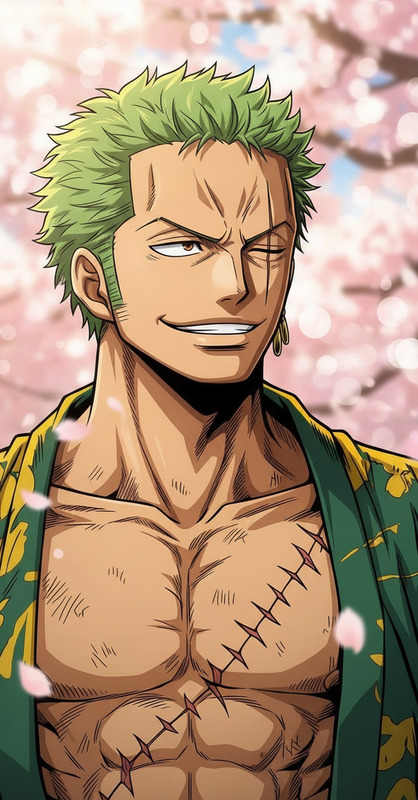
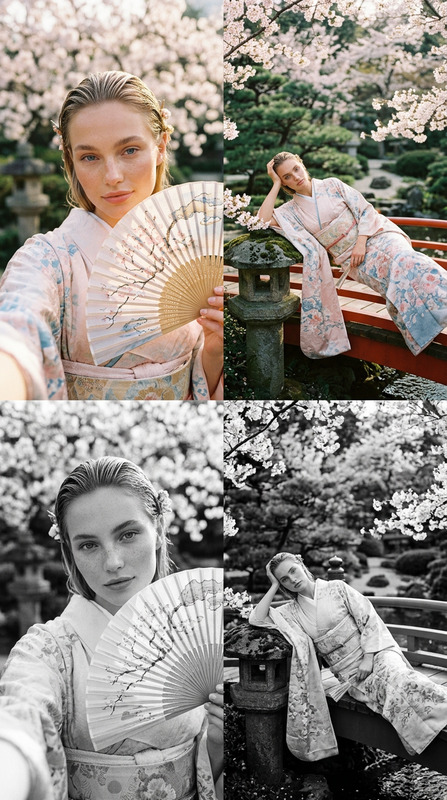
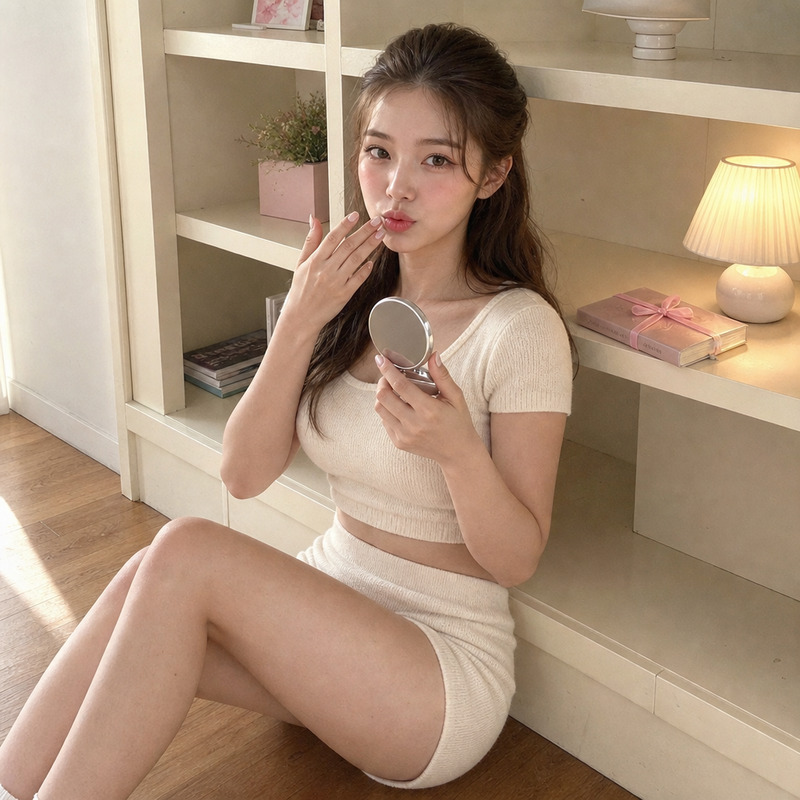
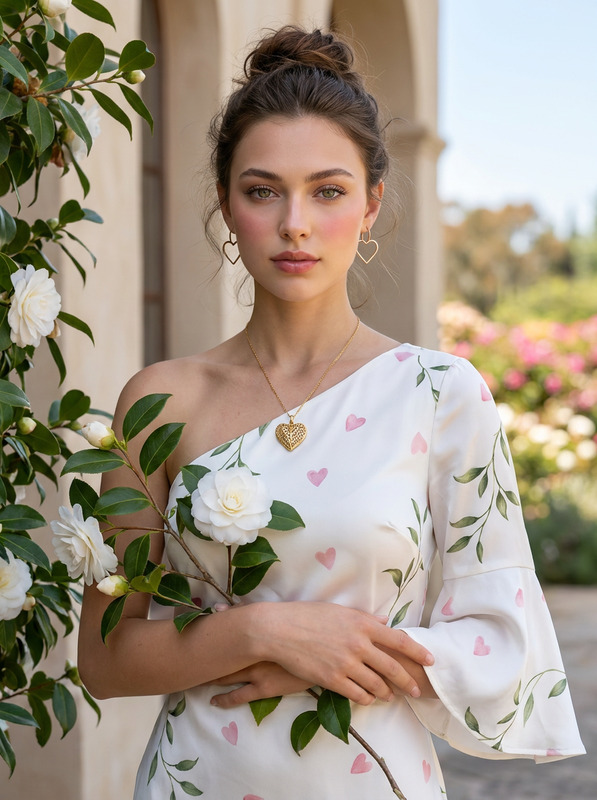
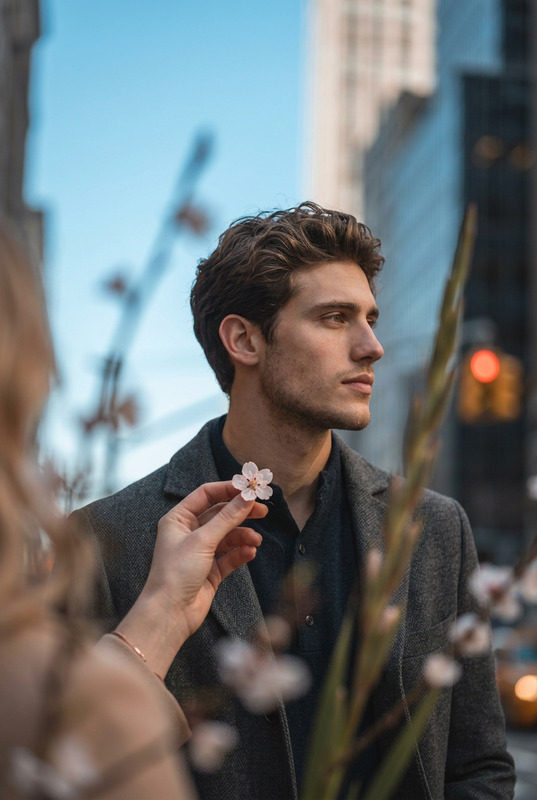
Capture the ephemeral beauty of cherry blossom season with the Spring Cherry Blossom Snapshot template. This AI Image Editor uses the gpt-image-2 model to create an immersive visual experience that lends a realistic Japanese spring aesthetic to your photos.
What It Does
This template transforms ordinary photos into captivating portraits framed by blooming cherry blossoms and soft bokeh backgrounds. By harnessing the capabilities of our AI Image Editor, users can achieve a portrait with realistic skin textures enhanced by dynamic natural lighting.
Who It's For
Ideal for photographers and social media enthusiasts aiming for a creative way to document the beauty of spring. This template is perfect for those wanting to enhance their photo collection with unique angles and vibrant colors reminiscent of a professional AI Talking Photo experience.
Summary
Whether you're capturing content for personal keepsakes or crafting a standout post, this template makes it easy to generate eye-catching visuals. It complements other tools like the AI Image Upscaler for enhanced detail, ensuring your images remain sharp and engaging.
How To
Choose Your Template

Customize Your Inputs

Generate the Image

Use Cases
Social Media Enhancements
- Capture vibrant springtime aesthetics
- Boost engagement with a unique portrait style
Photography Portfolios
- Highlight seasonal beauty
- Introduce creative angles
Event Flyers
- Integrate stunning visuals
- Ensure standout design with realistic details
Best Practices
Perfect Your Composition
When capturing your initial photo, ensure good lighting and a clear background to make the most of template effects.Refine Realism
Combine this template with the AI Image Generator to create consistent looks across multiple images.Maintain High Resolution
Use the AI Image Upscaler to ensure that your final image retains clarity, especially when printing.