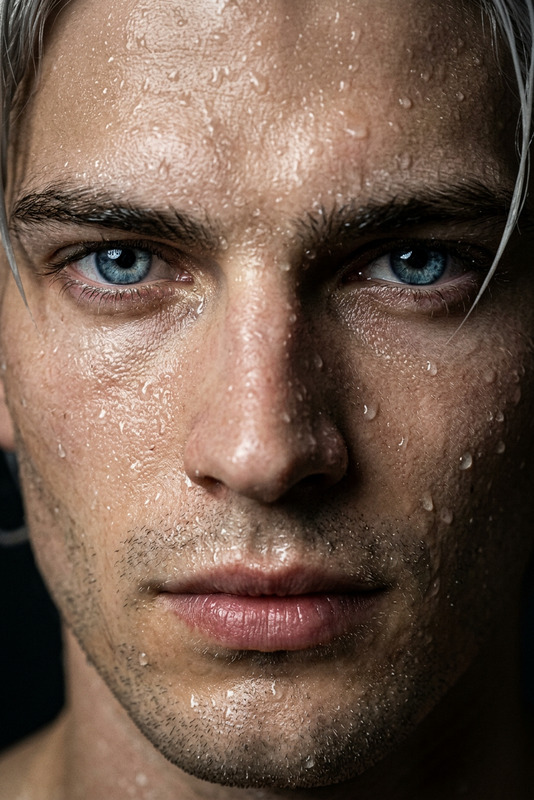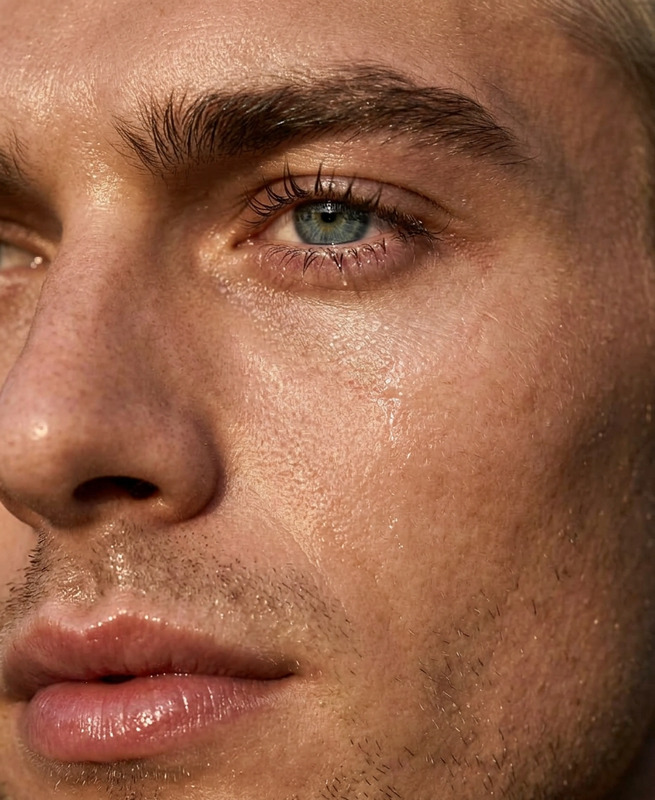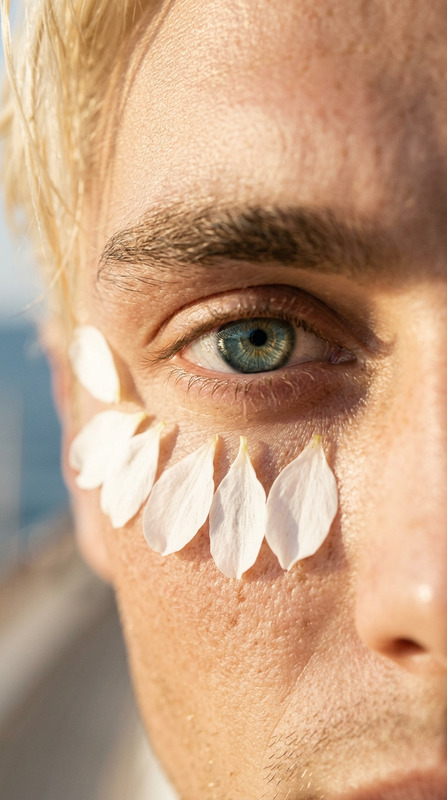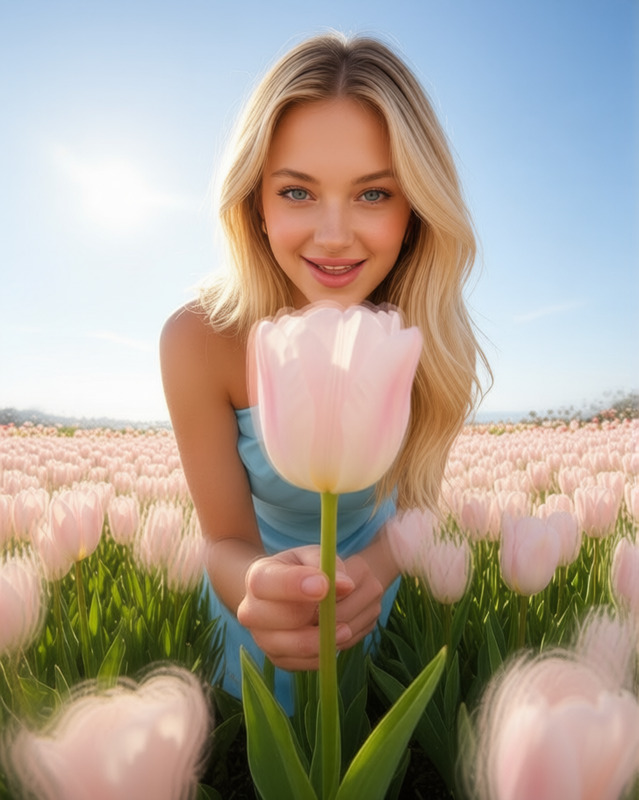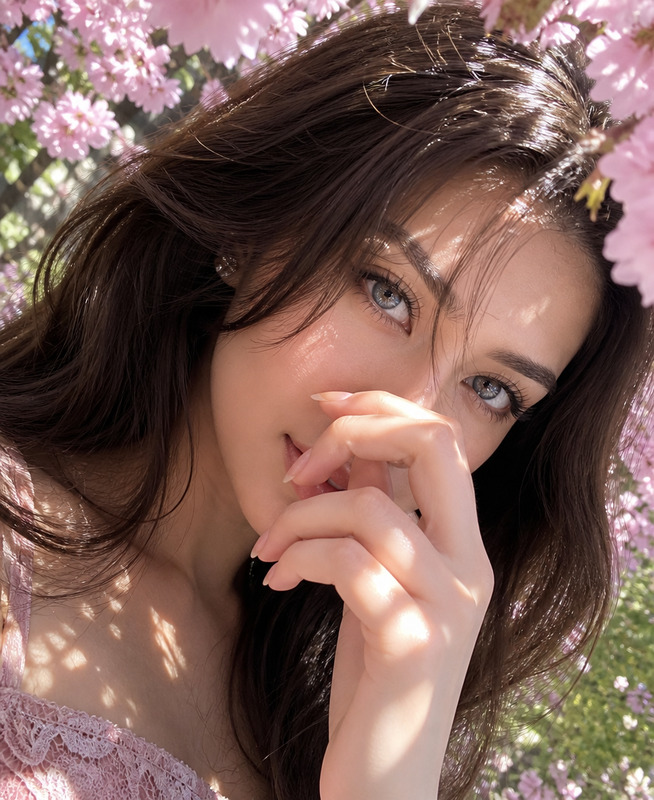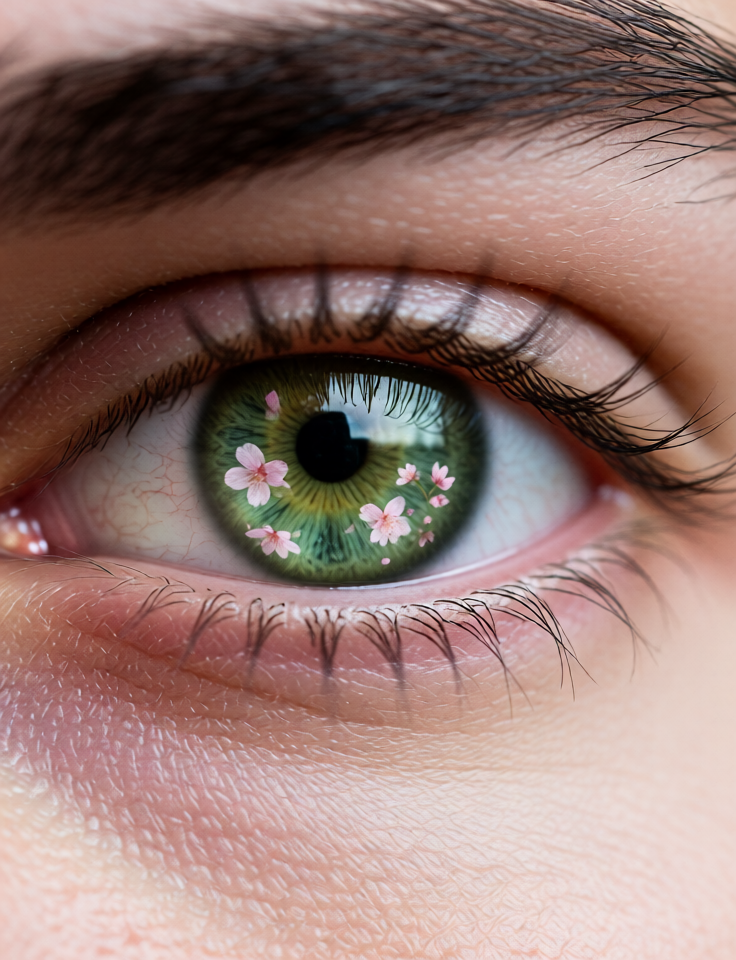
Cherry Blossom Eye Macro
- Model
- Qwen Edit
- Image
- 736 × 960 px
Prompt
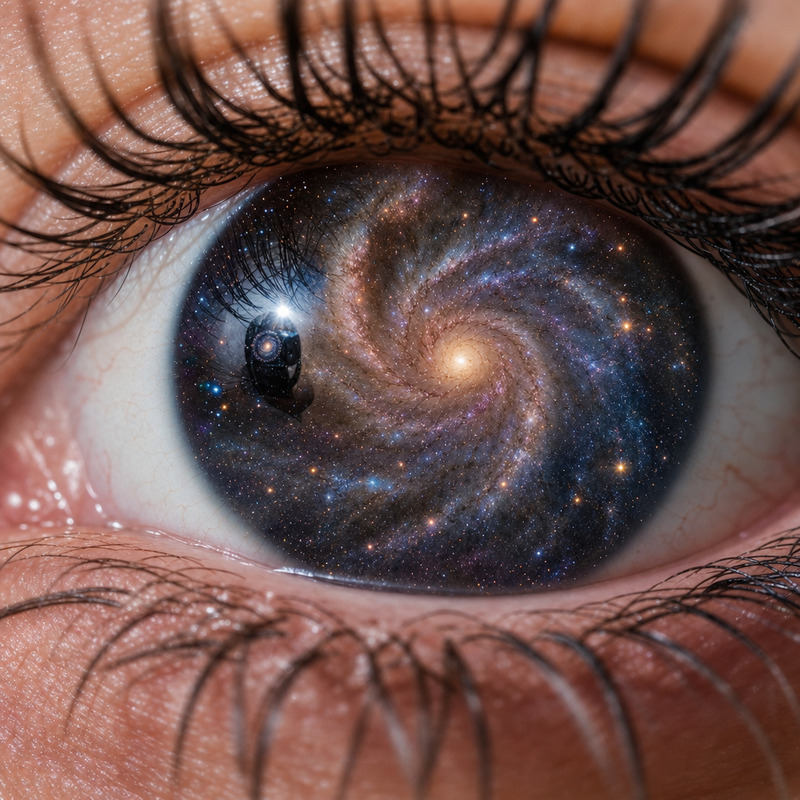
Extreme close-up macro of the subject’s eye, individual eyelashes sharply defined, subtle reflections of pink cherry blossoms in the eye, razor-sharp focus, shallow depth of field, photorealistic, natural light.
Any aspect ratio
Overview
The Cherry Blossom Eye Macro template is a powerful tool in the AI Image Editor family, perfect for achieving breathtaking close-ups with a touch of nature's elegance. This template is built on the advanced qwen-edit model, allowing for photorealistic and finely detailed visuals centered on the subject's eye.
What It Does
This template enhances images by offering an extreme macro view of an eye, capturing the minute details such as individual eyelashes and reflections of pink cherry blossoms. The result is a strikingly sharp and natural photo that can transform your visuals into artistic masterpieces.
If you're interested in detailing other facial features, explore the AI Face Editor for comprehensive facial detail enhancements.
Who It's For
This template is designed for photographers, digital artists, and creative professionals looking to infuse their projects with unique, nature-themed elements. Ideal for those involved in mood boards and product photo-to-video transformations, it offers an exquisite way to accentuate fine details in your storytelling.
Summary
The Cherry Blossom Eye Macro template leverages the capabilities of the qwen-edit model to deliver exceptional visual quality, focusing on the delicate intricacies of the human eye with added floral reflections. The output is ideal for nature enthusiasts and story-driven creators seeking to captivate their audience through detailed visual storytelling.
How-To
Choose

Customize

Generate

Use Cases
Nature Photography Enhancements
Artistic Projects
Marketing Visuals
Best Practices
Select High-Quality Images
Use high-resolution images of subjects to ensure the eye details are crisp and vivid.Consistent Lighting
Choose images taken in natural light conditions for the best reflection and color accuracy.Prompt Refinement
Experiment with the prompt to fine-tune the reflection intensity and eye focus based on your narrative needs.