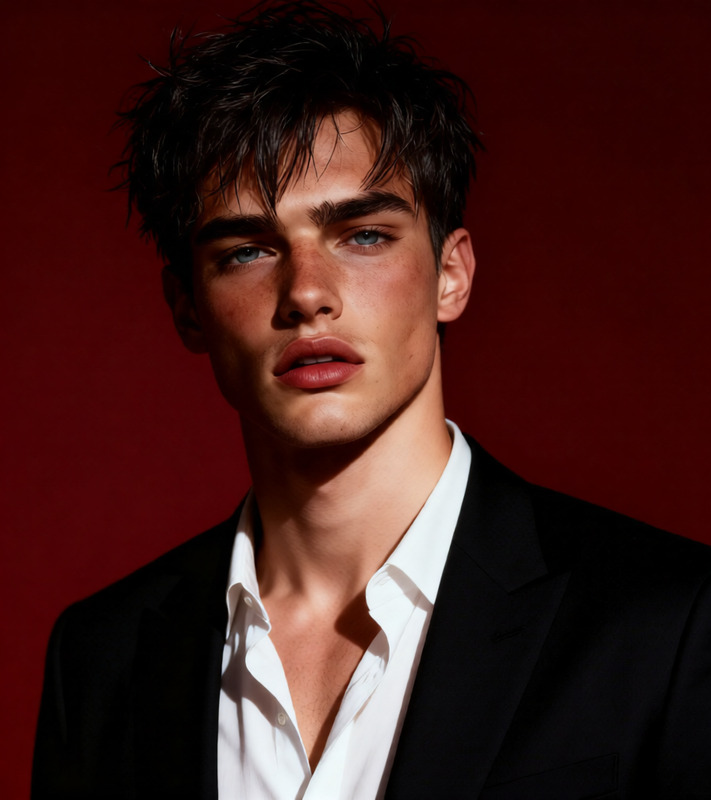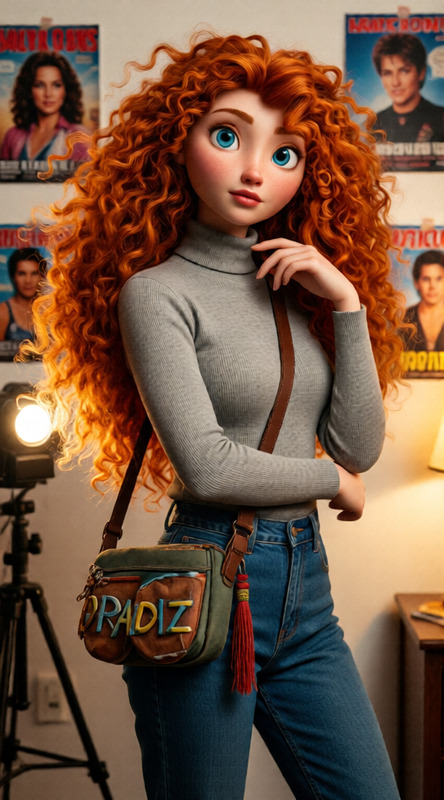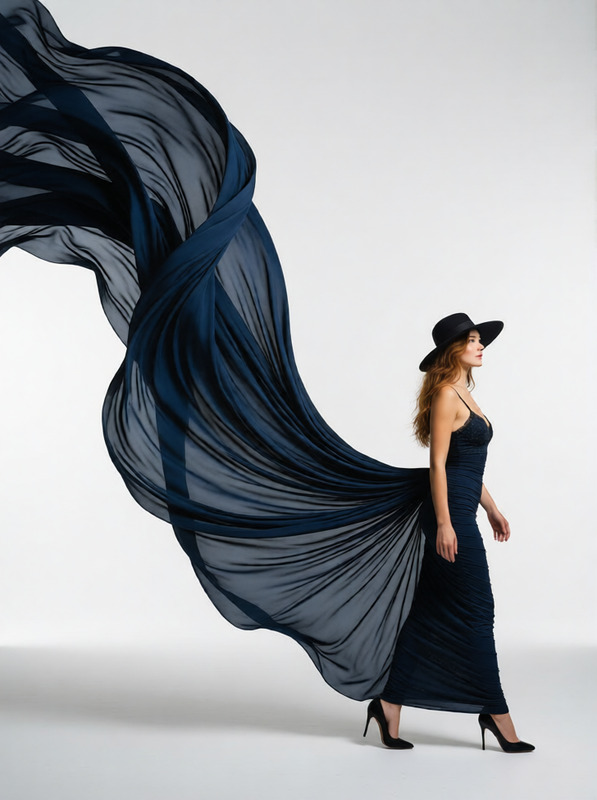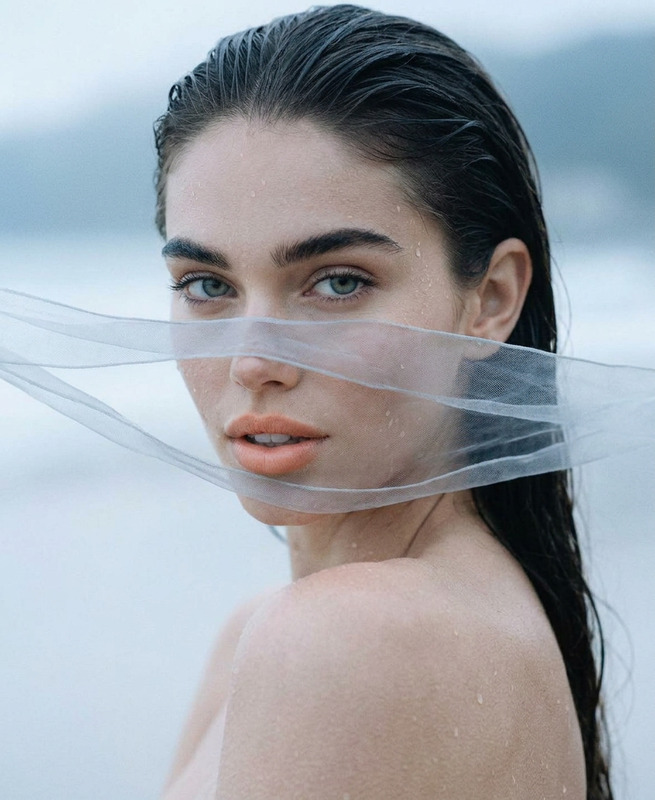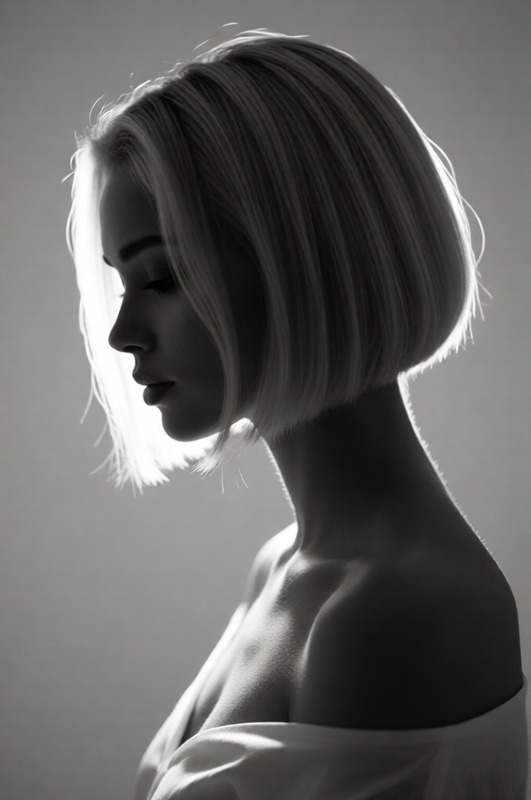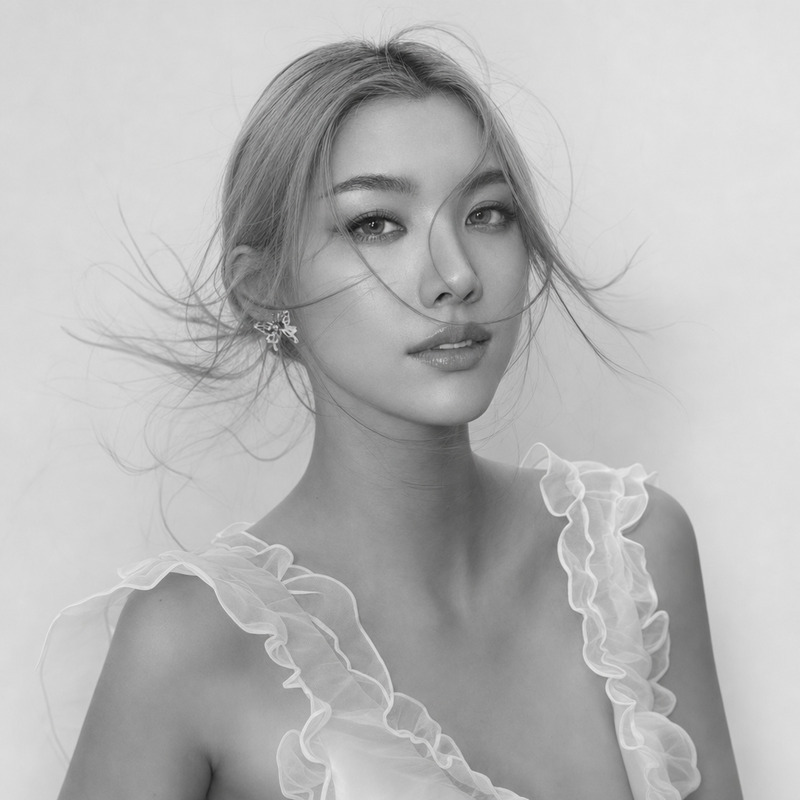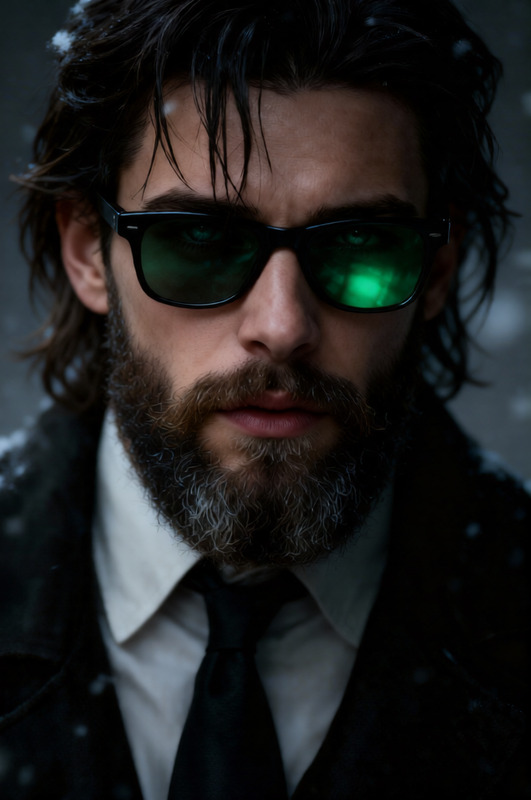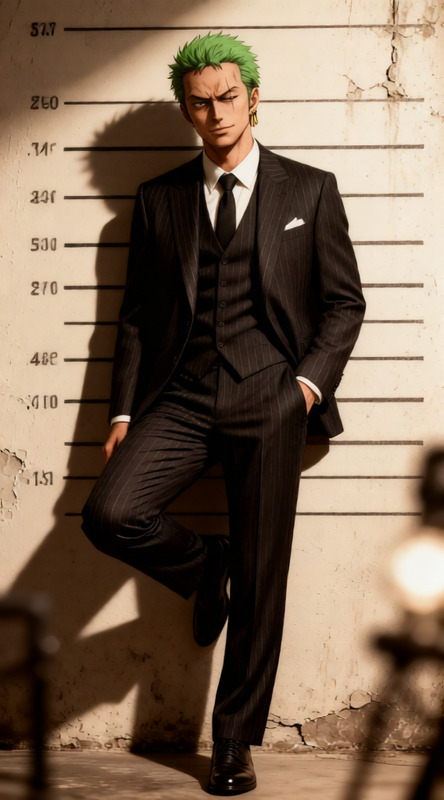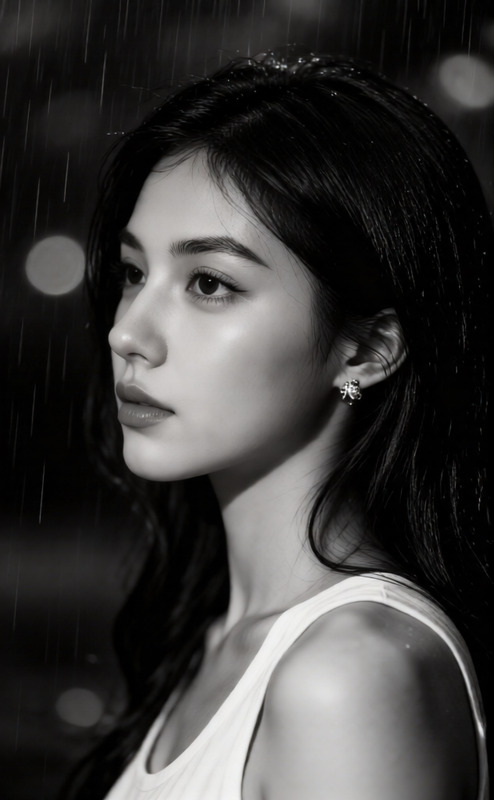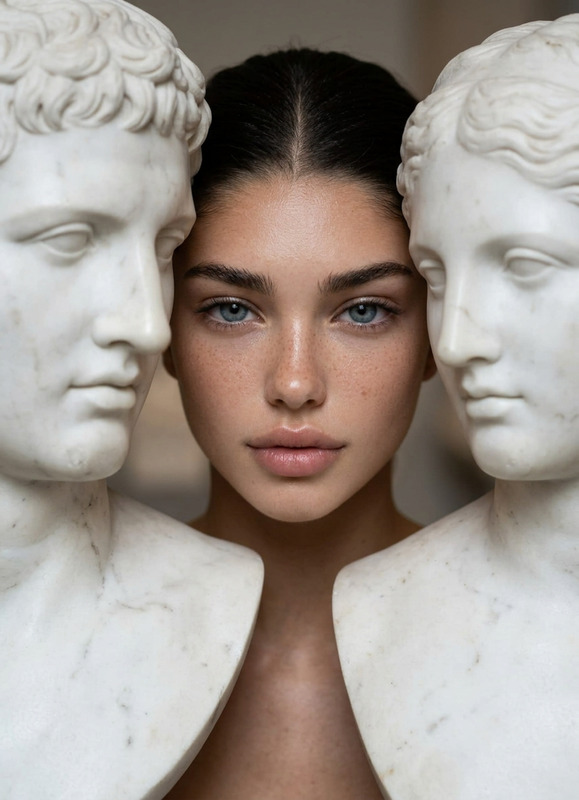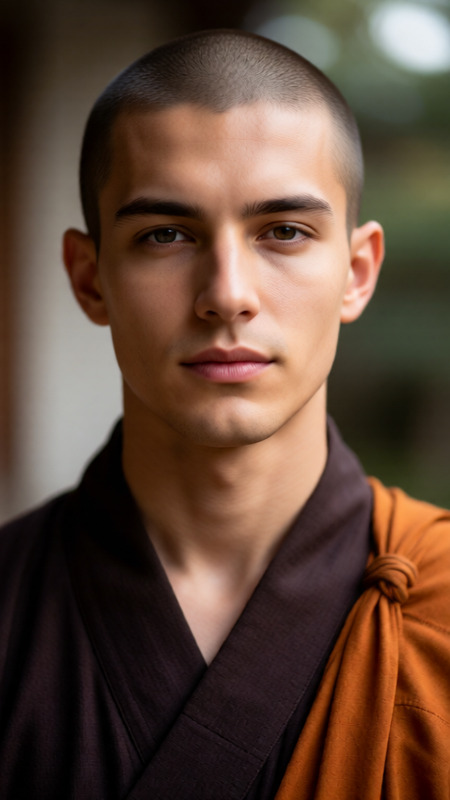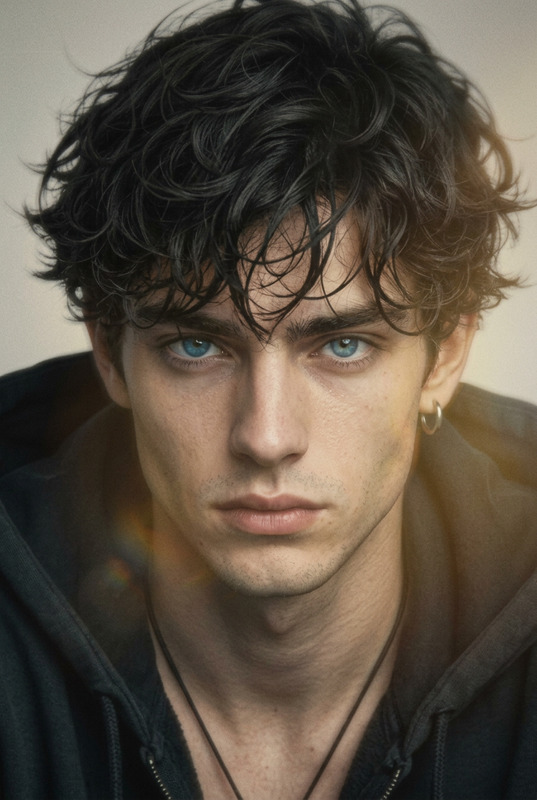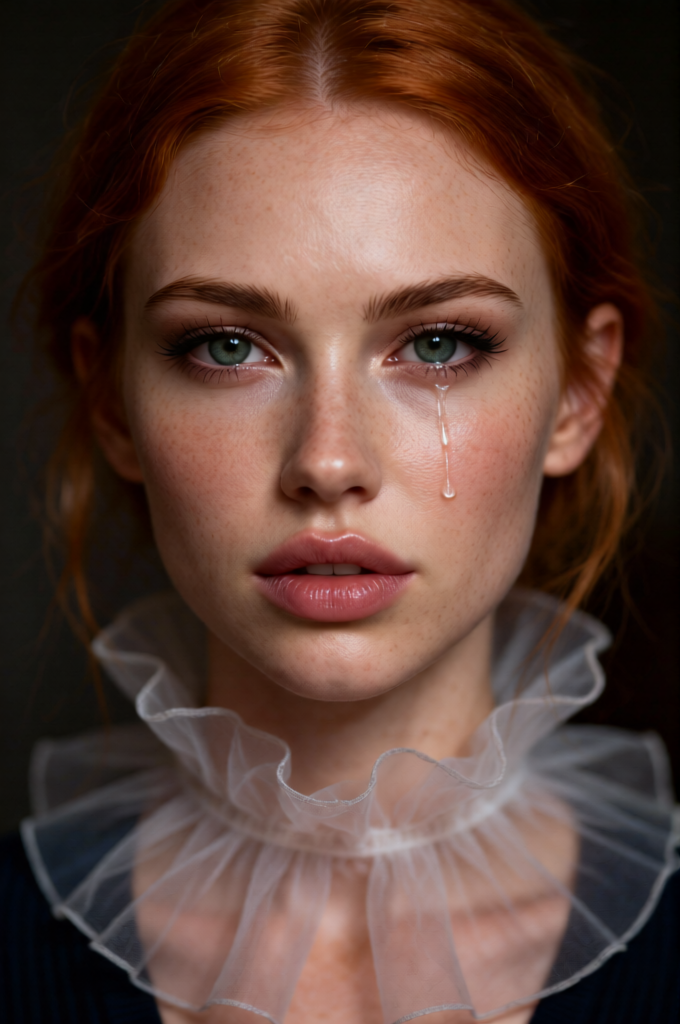
Emotional Freckled Portrait
- Model
- Qwen Edit
- Image
- 680 × 1024 px
Prompt
Generate a very close-up fine art portrait of a freckled red-haired subject wearing a delicate organza collar, captured with an intimate and emotional focus; the expression is sorrowful and restrained, with a tear welling in one eye as if about to fall; the lighting is soft and directional, emphasizing skin texture, freckles, and subtle emotional tension; the background is dark and minimal, isolating the subject and enhancing the dramatic mood; the composition is artistic and contemplative, with shallow depth of field and a cinematic photographic style that highlights vulnerability, realism, and emotional depth.
Any aspect ratio
Overview
The Emotional Freckled Portrait template is a specialized AI Image Editor tool designed to produce intricate and emotionally charged portraits. Utilizing the qwen-edit model, this template creates high-quality images that capture the subtle nuances of emotion and texture.
What It Does
This template focuses on generating close-up, fine art portraits of freckled subjects, emphasizing a cinematic style with shallow depth of field. It highlights the emotional tension and realism by accentuating skin texture and freckles, set against a minimal background to enhance the dramatic mood. The AI Photo Relighting capability further enhances the soft and directional lighting that emphasizes the subject's expression.
Who It's For
Ideal for artists and content creators who seek unique and emotionally resonant visuals, the Emotional Freckled Portrait template is perfect for those looking to push the boundaries of traditional portrait photography. It provides a valuable tool for anyone in need of artistic composition for projects such as mood boards or product videos.
Summary
The Emotional Freckled Portrait template harnesses AI technology to deliver deeply compelling and introspective images. By focusing on emotional and textural details, it gives creators the ability to produce portraits that resonate emotionally and visually. Explore the capabilities of this template alongside other tools like the AI Image Upscaler for an even higher level of detail and clarity.
How-To
Choose Your Template

Customize the Inputs

Generate the Image

Use Cases
Artistic Mood Boards
- Evocative imagery
- Rich emotional focus
- Cinematic style
Product Videos
- Highlighting human elements
- Adding depth to storytelling
- Boosting viewer engagement
Social Media Content
- Engaging aesthetics
- Emotional resonance
- Increased shareability
Best Practices
Light and Shadow Balance
Ensure the lighting settings in your project highlight the subject's features while maintaining the dramatic aesthetic.Expression Emphasis
Focus on the subtle emotional cues to evoke the desired viewer response.Background Contrast
Use a minimal background to ensure the subject remains the focal point of the portrait.