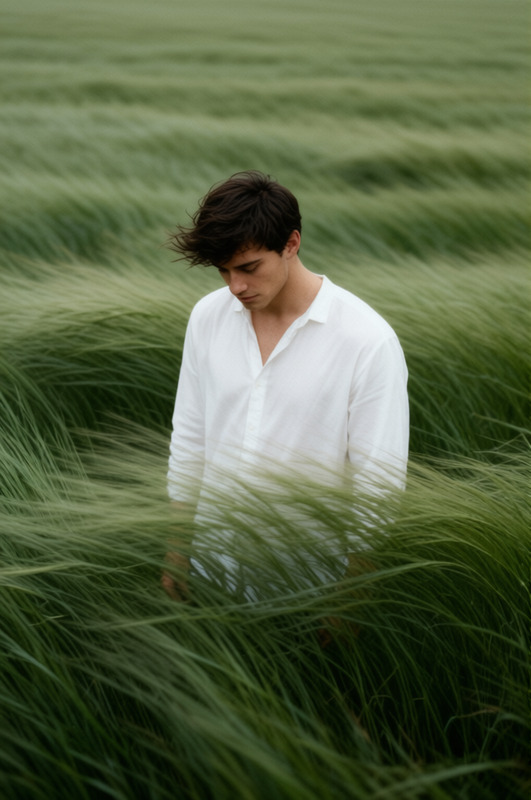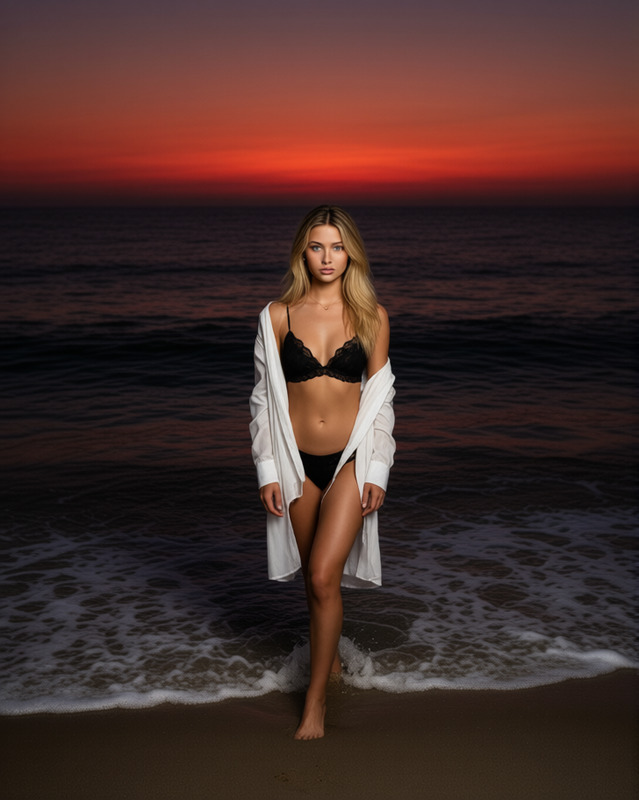
Melancholic Field Reverie
- Model
- Qwen Edit
- Image
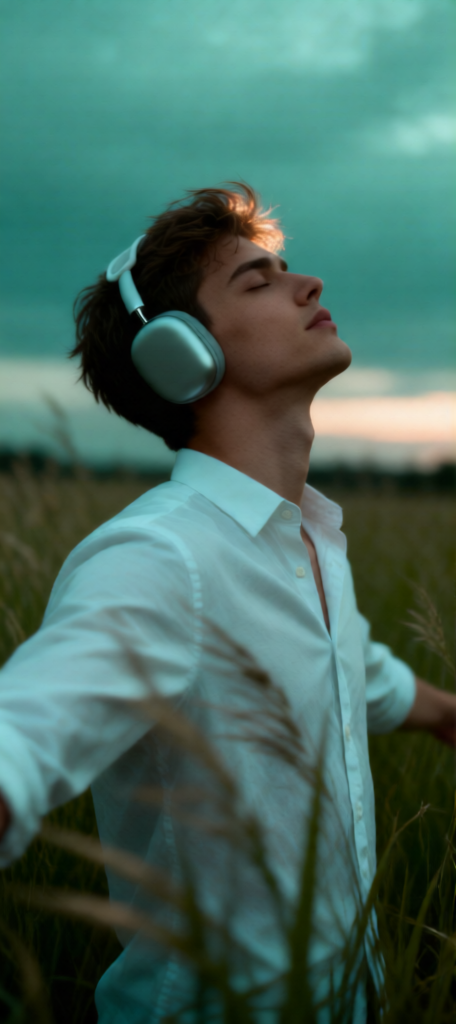
- 456 × 1024 px
Prompt
Subject in a tall grass field at dusk under an overcast sky, teal-green color grade. Wearing a white buttoned shirt and matte silver over-ear headphones. Side profile, head tilted back toward the sky, eyes closed, arms open slightly behind, expressing quiet freedom. Wind-swept grass in foreground with soft motion blur. Shallow depth of field with creamy bokeh, natural ambient light with soft rim light on hair. Moody cinematic portrait, minimal contrast, subtle film grain, melancholic atmosphere.
Any aspect ratio
Overview
The Melancholic Field Reverie template invites you to transform your videos into emotive visual stories. With a focus on mood and atmosphere, this template emphasizes a cinematic style, perfect for capturing the introspective and serene moments in life. It leverages the Qwen-Edit model to deliver high-quality, artistically styled imagery.
What It Does
Utilizing the capabilities of AI Image Editor, the Melancholic Field Reverie template helps create a cinematic portrait with a moody vibe. This template applies a teal-green color grade to your videos, adding sophistication and depth. It is great for enhancing imagery with natural ambient lighting, soft rim lights, and minimal contrast to evoke feelings of quiet freedom and melancholy.
Who It's For
This template is ideal for filmmakers, video editors, and content creators who wish to convey a deeper emotional impact in their projects. Whether you're producing a short film, a music video, or a personal project, Melancholic Field Reverie's style will elevate your work. It's also beneficial for those who use the AI Video Generator to create immersive cinematic experiences.
Summary
With the Melancholic Field Reverie template, capture subtle emotions and narratives through artistic video enhancements. Using advanced AI technology, your footage gains a melancholic yet beautiful touch that resonates with audiences, making this template a valuable tool for any creative professional seeking to enrich their visual storytelling.
How to Use
Choose the Template

Customize Inputs

Generate Your Video

Use Cases
Short Films
- Teal-green color grading for a cohesive look
- Subtle film grain for authenticity
Music Videos
- Natural ambient light highlights the subject
- Cinematic portrait style for expressive storytelling
Personal Projects
- Control over depth of field and lighting
- Imposes soft motion blur for dynamic effects
Best Practices
Use High-Quality Footage
For best results, start with high-resolution videos to ensure the template enhances without losing quality.Optimize Lighting Settings
Adjust ambient and rim lighting settings to match the mood you aim to capture, ensuring a balanced contrast in your final output.Experiment with Film Grain
Subtle film grain can enhance the melancholic atmosphere. Use sparingly to maintain clarity while adding texture.