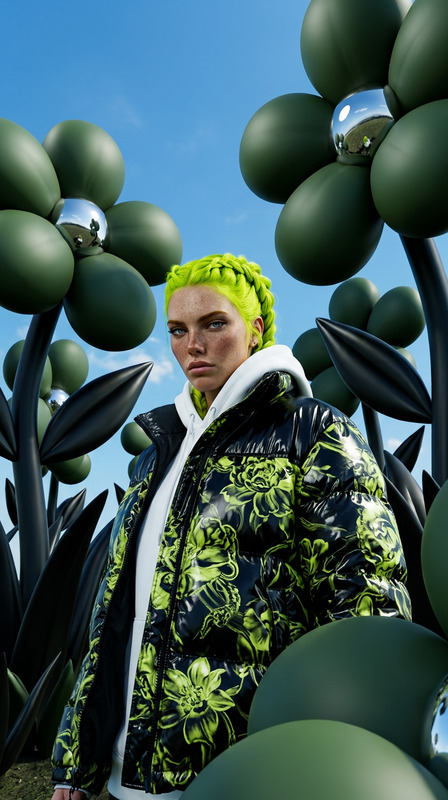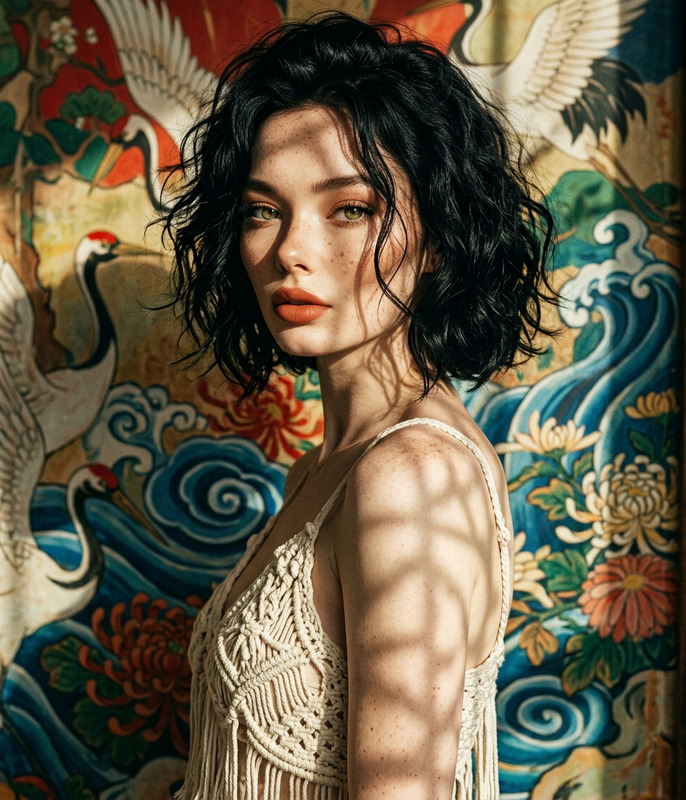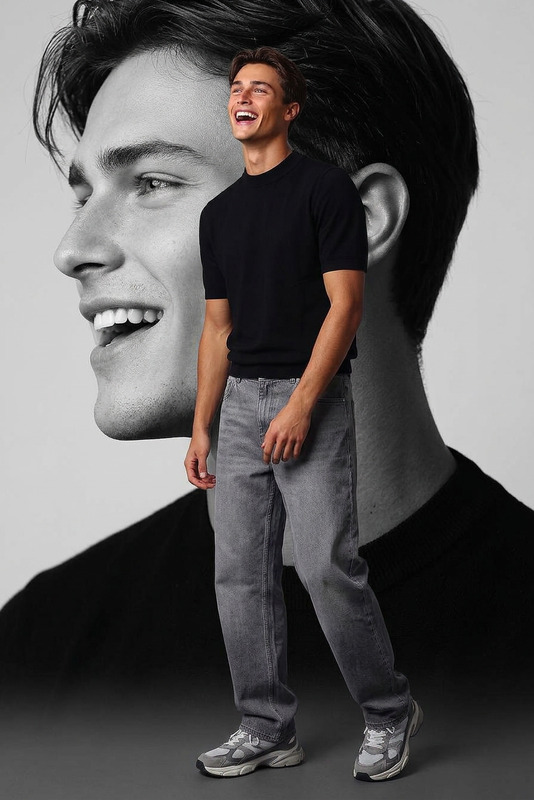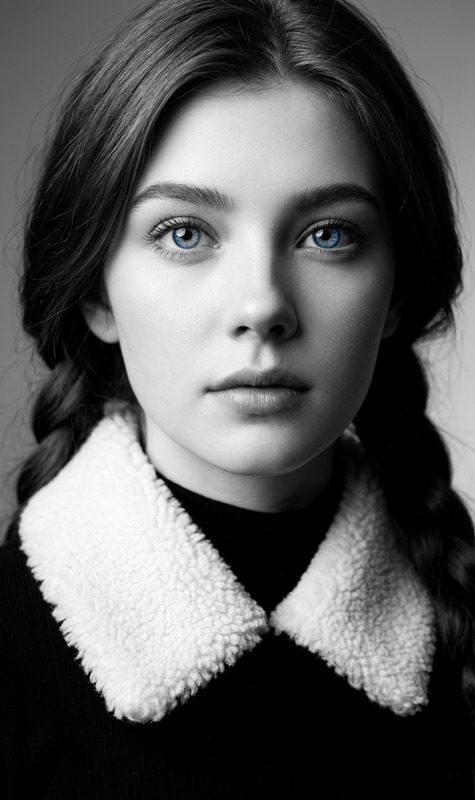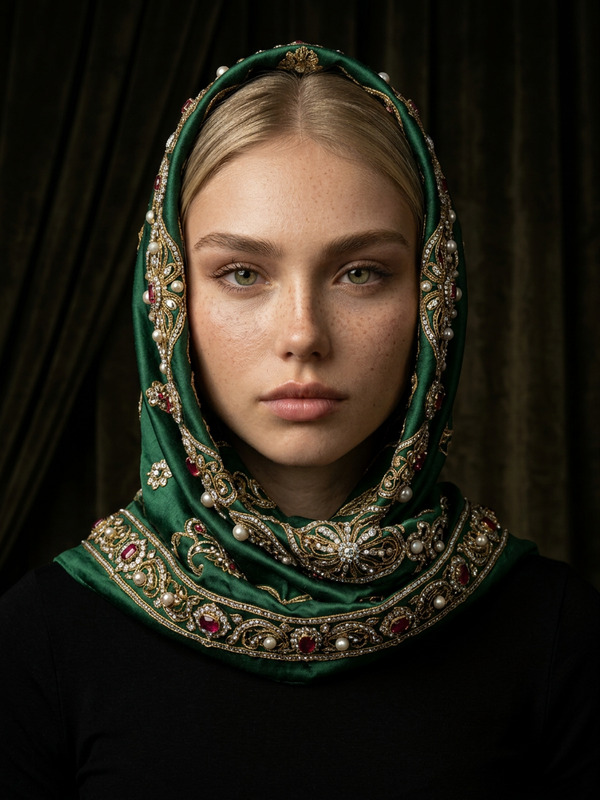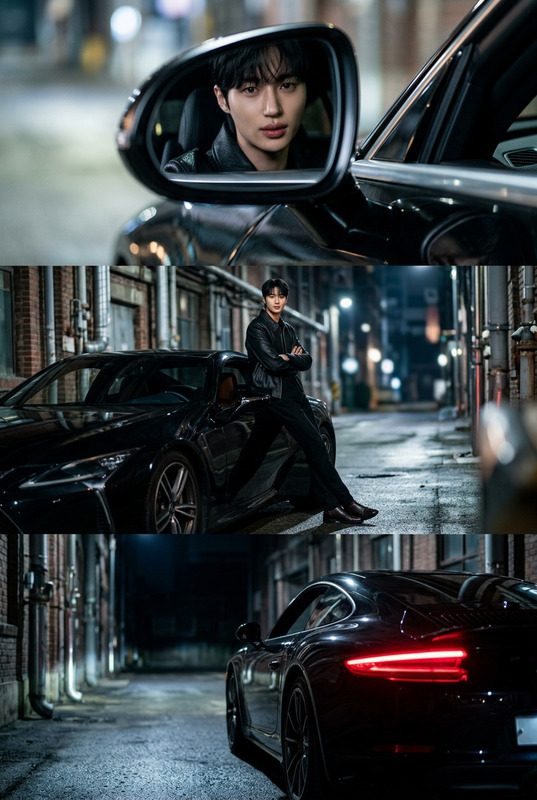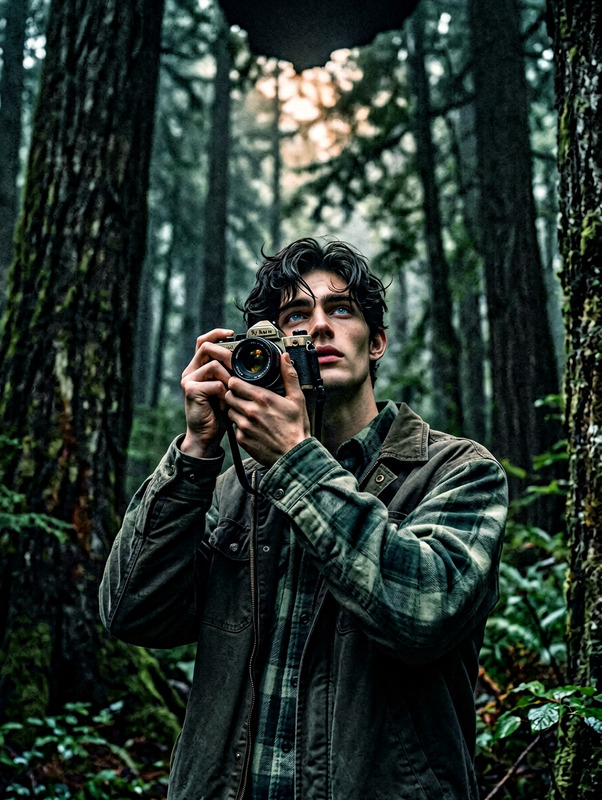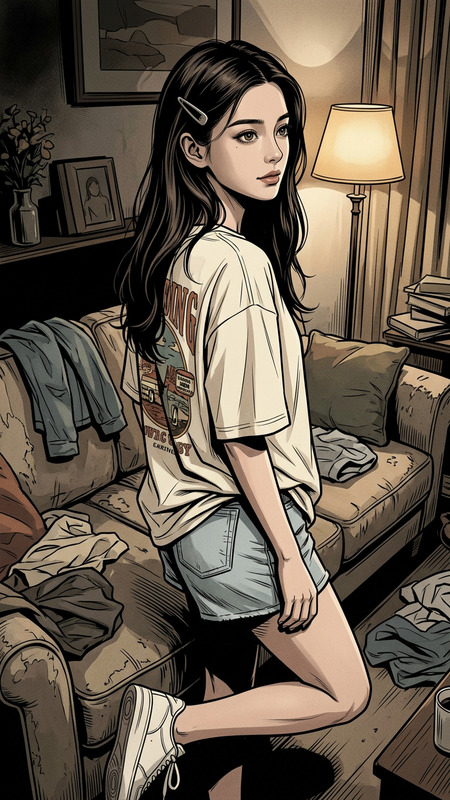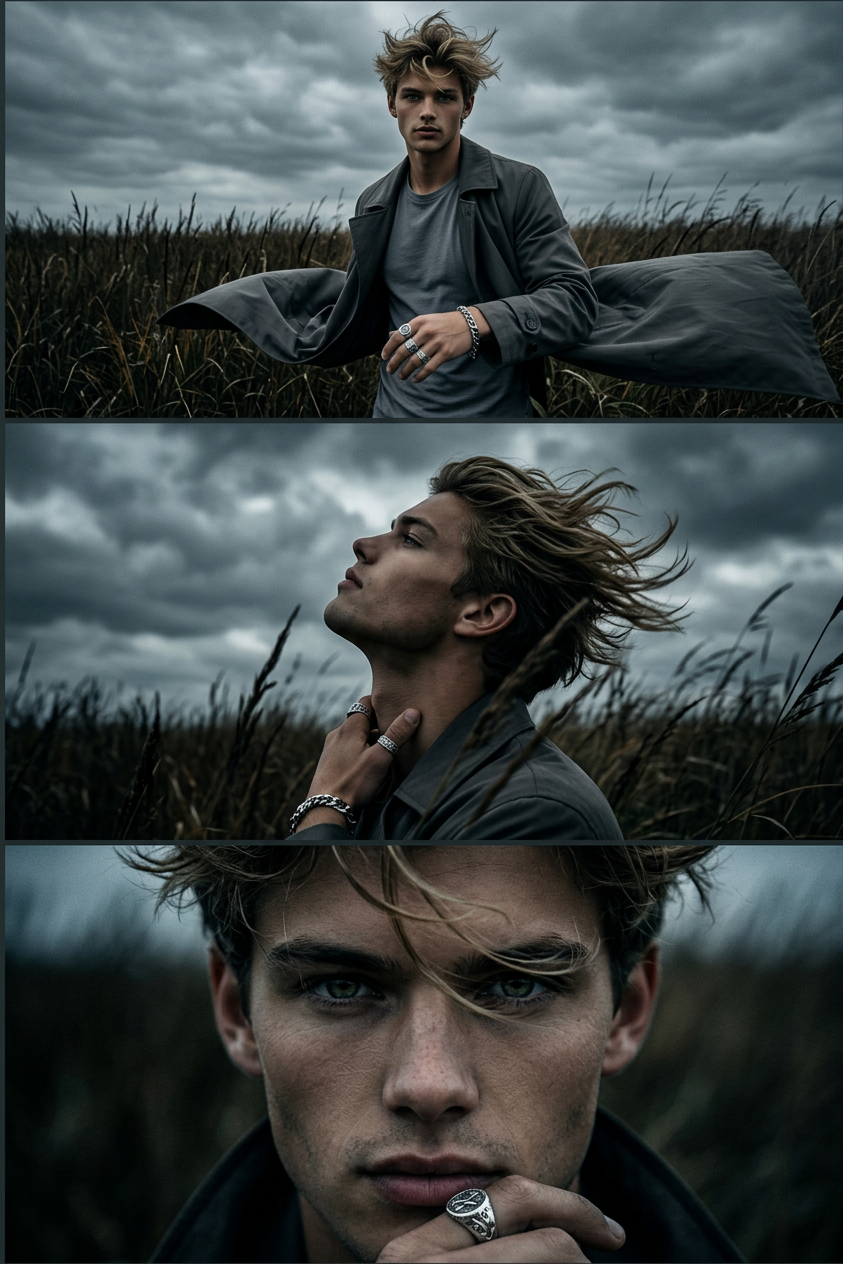
Moody Triptych Portrait
- Model
- Nano Banana 2
- Image
- 843 × 1264 px
Prompt
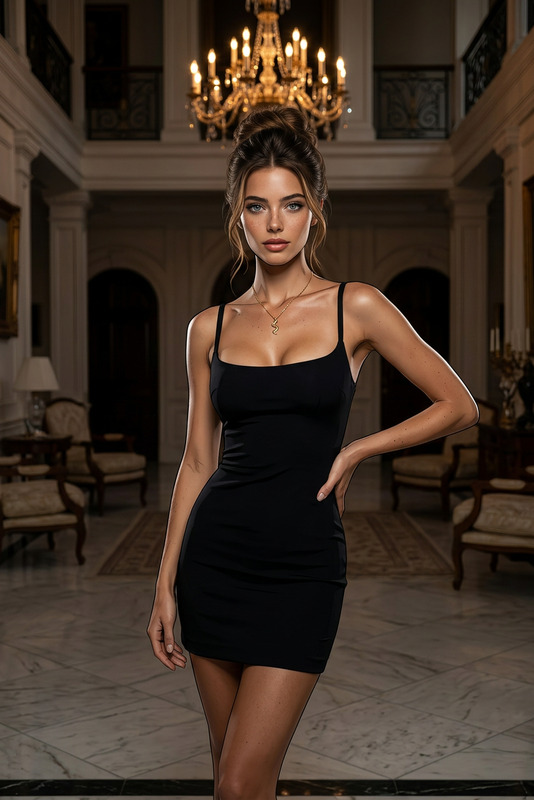
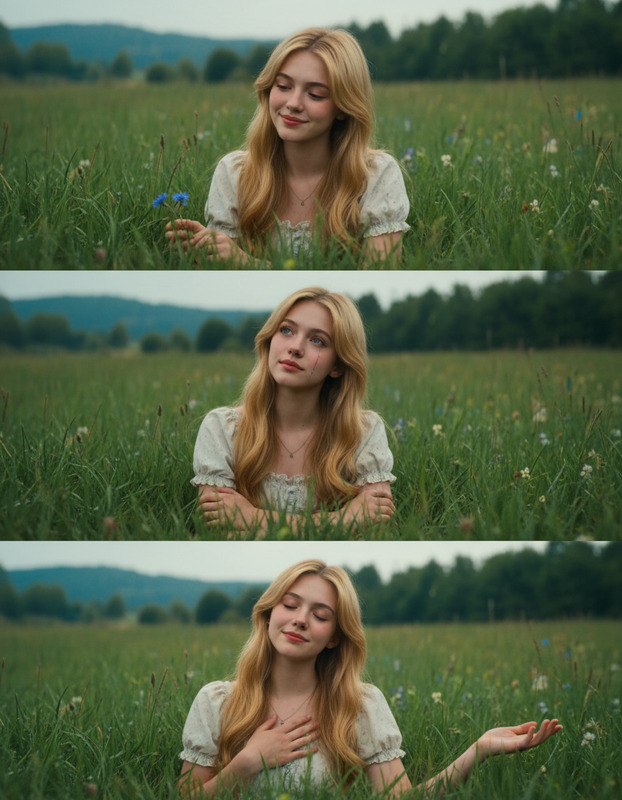
A cinematic moody triptych of a subject wearing silver rings and a silver bracelet, with wild hair. Top panel: direct gaze, standing in tall dark grass under an overcast sky, dramatic contrast, coat fluttering in the wind. Middle panel: profile view looking up at cloudy sky, hair blowing dramatically, grass partially obscuring the scene. Bottom panel: close-up of the subject’s face with sharp attractive eyes, hair moving in the wind. Dark atmospheric mood, high contrast lighting, ultra-detailed, 8K cinematic style.
Any aspect ratio
Overview
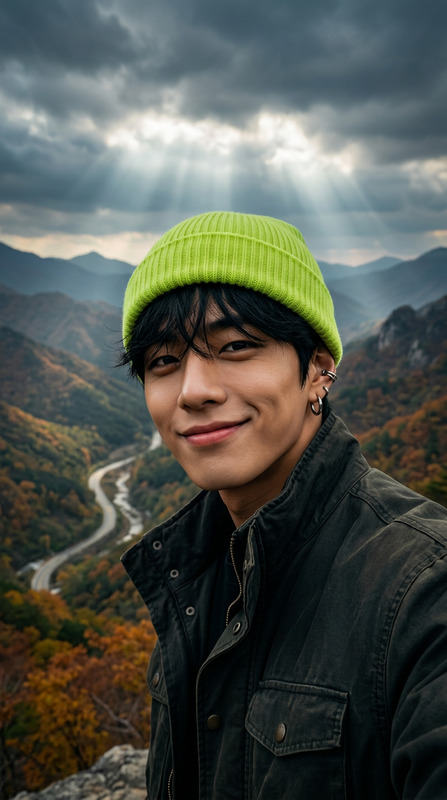
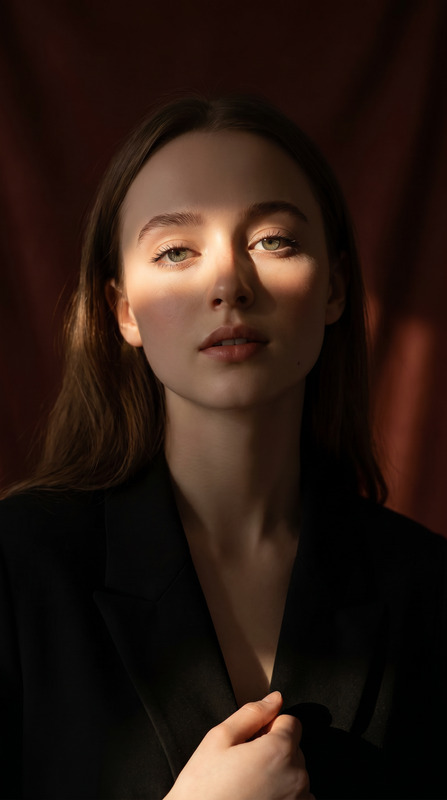
The Moody Triptych Portrait template allows you to transform ordinary photos into a series of sophisticated and cinematic portraits. Utilizing advanced AI capabilities, this template creates a dramatic visual story through a triptych format, emphasizing moody atmospheres and high-contrast lighting.
What It Does
This template uses the AI Image Editor to produce a triptych portrait split into three panels: a direct gaze, a profile view, and a close-up. Each panel captures intricate details and the dramatic effects of lighting and wind in a dark, cinematic setting. Suitable for creating ultra-detailed, visually arresting images, these portraits are rendered in 8K quality.
Who It's For
The Moody Triptych Portrait is ideal for photographers, digital artists, and social media influencers aiming to create impactful, atmospheric images. Additionally, educators and creators of visual storytelling can benefit from this tool to enhance narrative depth in their projects.
Summary
This AI-driven template offers a sophisticated way to create moody, dramatic portraits using the nano-banana-2 model. By integrating multiple elements of high contrast, detailed textures, and dynamic compositions, users can turn basic images into stunning art pieces with ease. Explore more on how this complements your creative work through our AI Image Editor.
How-To
Choose Your Template

Customize Your Inputs

Generate and Download

Use Cases
Artistic Portfolios
Social Media Content
Gallery Exhibitions
Best Practices
Consider Light and Shadow
Experiment with different lighting setups to maximize the contrast and depth in the portrait.Focus on Details
Ensure high resolution input images to capture fine features like the subject's hair and eyes more vividly.Match the Style
Align your subject's wardrobe and setting with the cinematic style described in the template prompt for consistent results.