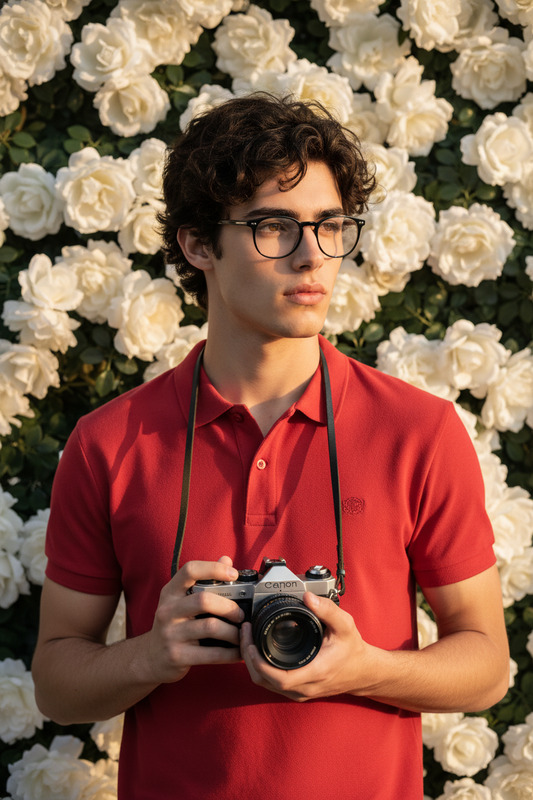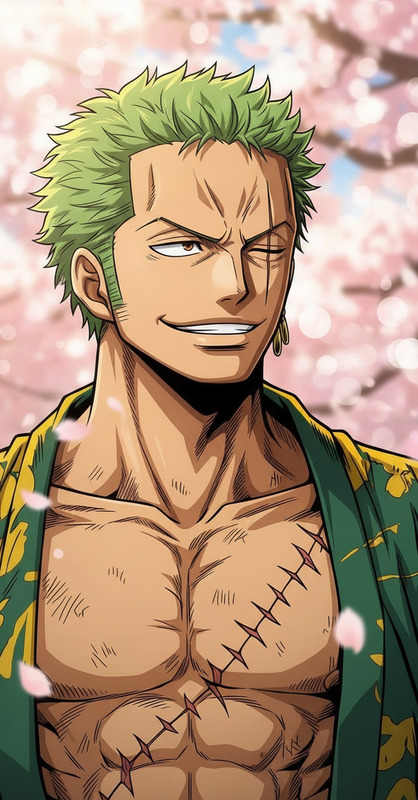
Blossom Portrait
- Model
- Nano Banana 2
- Image
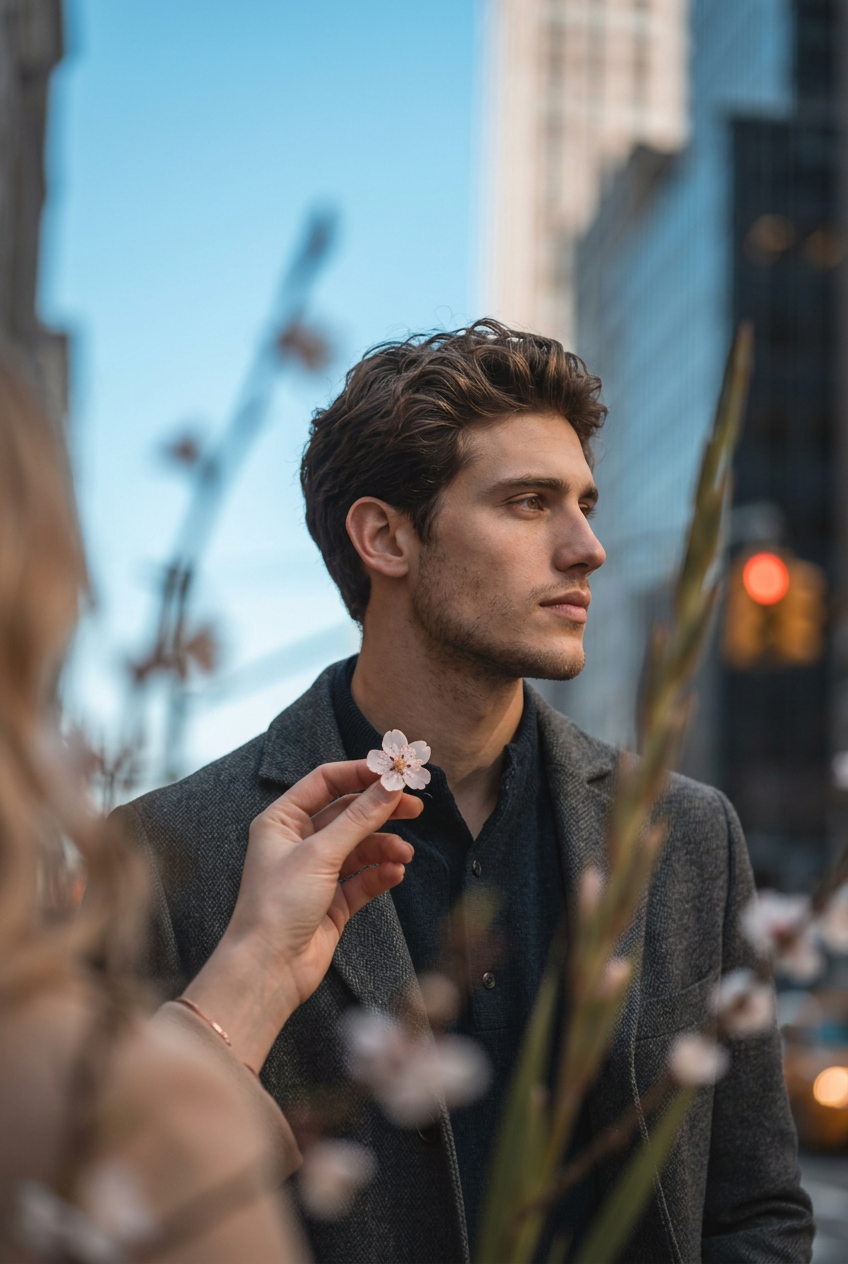
- 848 × 1264 px
Prompt
Cinematic vertical portrait of the subject @jack a relaxed 2/3 profile, calmly looking to the right. A soft hand gently holding a tiny blossom enters from the bottom-left corner with a natural gesture and relaxed wrist. Large out-of-focus foreground elements frame the subject, creating layered depth, while a diagonal composition leads the viewer’s eye from the hand toward the subject’s gaze. Minimalist blue sky background with striking cool and warm color contrast, emotional storytelling, refined cinematic atmosphere, and high-detail photography.
Any aspect ratio
Overview
The Blossom Portrait template leverages the capabilities of the AI Image Editor to transform any photograph into a masterpiece. Using the nano-banana-2 model, this template adds layers of cinematic depth and storytelling to capture a serene, artistic essence in your images.
What It Does
The Blossom Portrait template enhances your photography by incorporating soft, naturalistic elements like a gently holding hand with a blossom, and an expansive, minimalist sky. These features, combined with advanced AI techniques, bring out intricate details and emotional depth. Experience refined photography with carefully arranged foreground and background elements to create a rich and immersive visual narrative.
Who It's For
This template is ideal for photographers, artists, and creative professionals who want to add a cinematic touch to their portraits. Whether you're working on product videos or crafting social media ads, the Blossom Portrait template offers the tools you need to produce high-detail, emotionally engaging visual content.
Summary
The Blossom Portrait template invites you to explore the art of storytelling through photography. It equips you with AI-powered tools to achieve high-detail imagery that is both aesthetically pleasing and emotionally resonant. Perfectly suited for integrating into various creative workflows, from AI Product Photography to personalized content creation.
How To
Choose Your Image

Customize Your Settings

Generate and Download

Use Cases
Artistic Portraiture
- Professional photography
- Creative artistic projects
Social Media Visuals
- Instagram stories
- Facebook cover photos
Marketing Campaigns
- Ad agency visual assets
- Product launch visuals
Best Practices
Balance Elements
Ensure that the composition of hands, blossoms, and gaze are balanced to guide the viewer's eye effectively across the image.Focus on Details
Finely-tuned details, such as the out-of-focus foreground and color contrast, can significantly enhance storytelling elements.Consider Lighting
Natural light can greatly complement the AI-generated adjustments, adding realism and vibrancy to the final portrait.