Close Hold
- Model
- Nano Banana 2
- Image
- 832 × 1270 px
Prompt
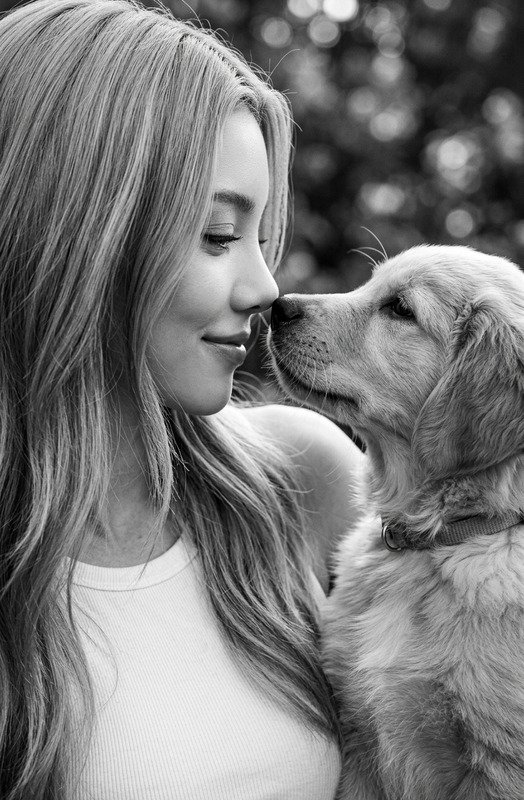
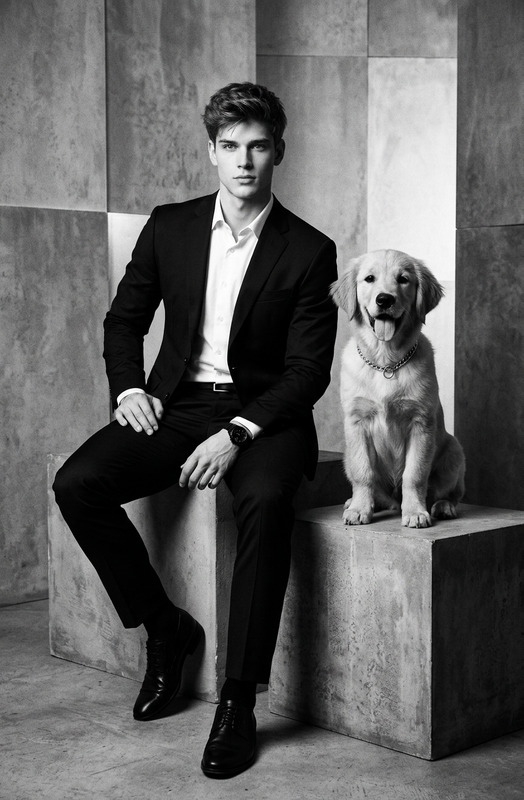
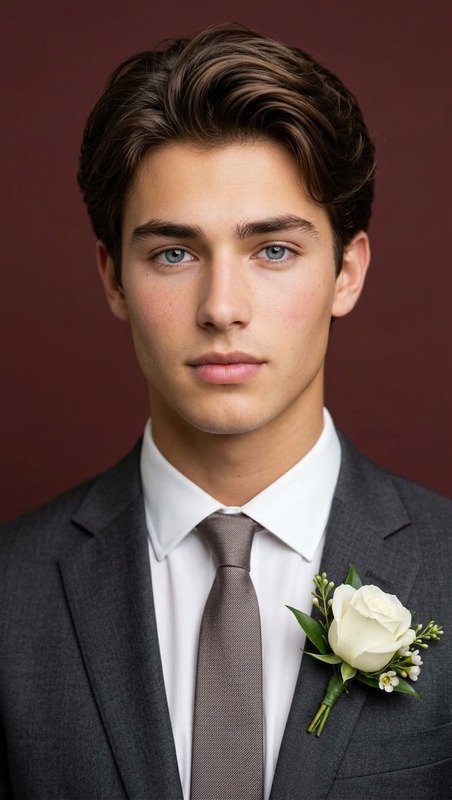
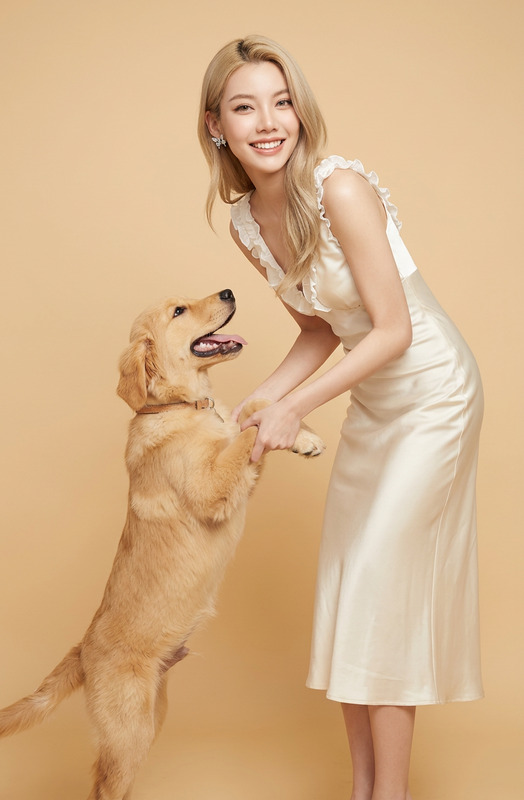
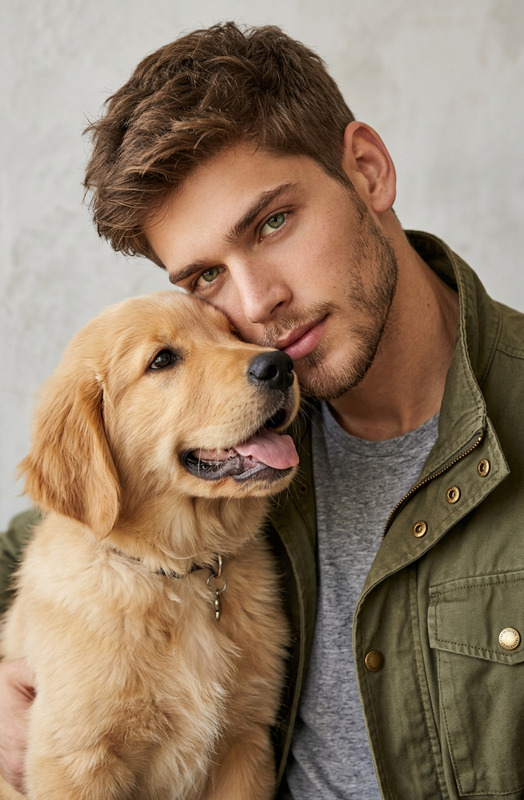
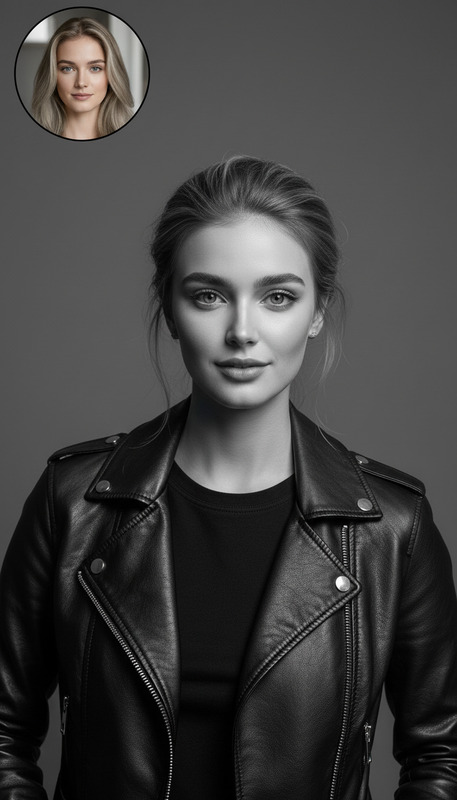
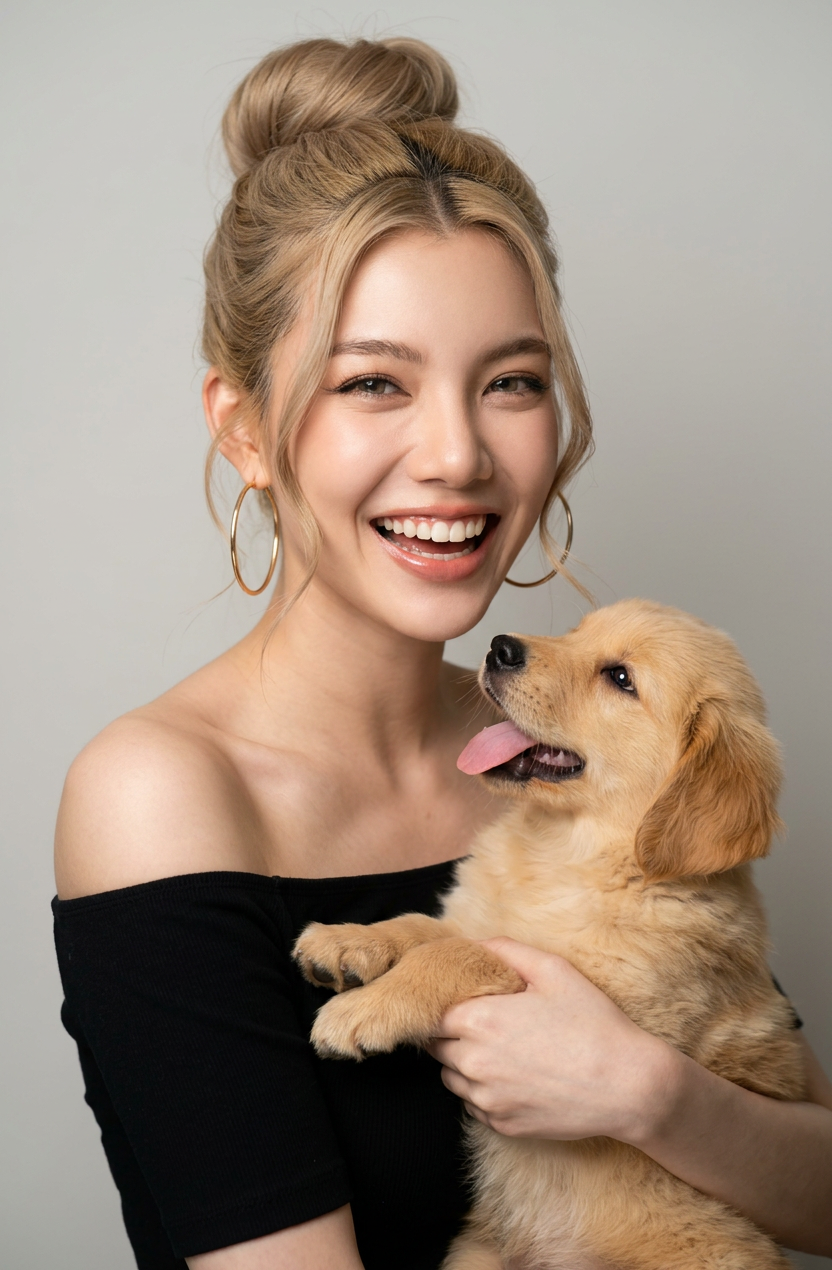
An elegant studio portrait of a beautiful smiling subject 1 holding subject 2. The subject 1 has in a chic high bun with a few loose strands, wears large gold hoop earrings, and a black off-the-shoulder top. subject 1 has a big, happy smile. The background is a solid light grey color. High-quality fashion photography with soft studio lighting and a warm, elegant atmosphere.
Any aspect ratio
Overview
Elevate your creative projects with the "Close Hold" template in our AI Image Editor. This tool uses advanced AI models to transform ordinary photos into high-quality fashion portraits. Capture the essence of elegance and warmth in your images with ease.
What It Does
The "Close Hold" template lets you create visually stunning studio portraits. By using the AI Image Editor, you can adjust the background, lighting, and subject's attire effortlessly. The AI model, nano-banana-2, ensures the output is of professional quality.
Who It's For
This template is perfect for photographers, content creators, and social media influencers aiming to produce polished, professional images. Whether you're designing a product video or enhancing a personal project, "Close Hold" provides the tools to make your vision stand out.
Summary
With "Close Hold," transform your images by leveraging the capabilities of the AI Image Editor. This tool is designed to streamline your workflow while offering high-end results. Embrace this tool to elevate your content's visual appeal effortlessly.
How to Use
Choose the Template

Customize the Image

Generate the Image

Use Cases
Fashion Photography
- Enhance model images with studio light effects.
- Adjust attire and background for a chic look.
Professional Headshots
- Upgrade profile pictures.
- Maintain high quality with AI adjustments.
Social Media Content
- Create visually appealing content.
- Customize backgrounds to match your brand.
Best Practices
Choose the Right Background
Consider the context of where the image will be used and choose a complimentary background to enhance the main subject.Keep Lighting Consistent
Ensure that the lighting settings within the AI editor match any existing lighting in your original photos for seamless results.Experiment with Accessories
Adding details such as jewelry or hair accessories in editing can significantly enhance the final image's aesthetic.