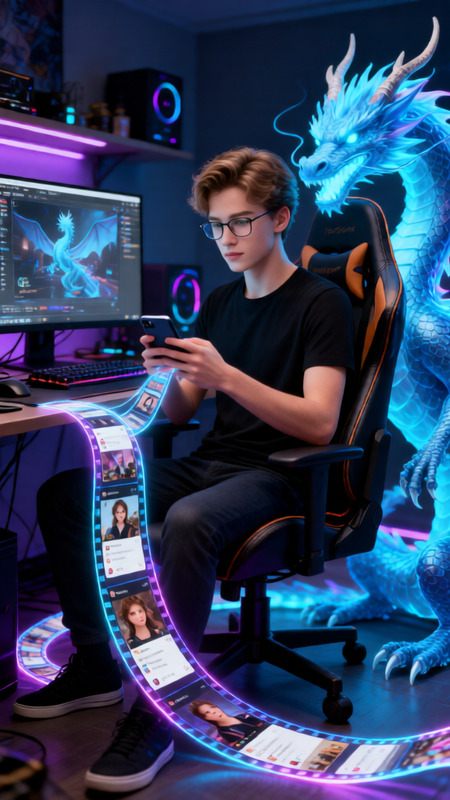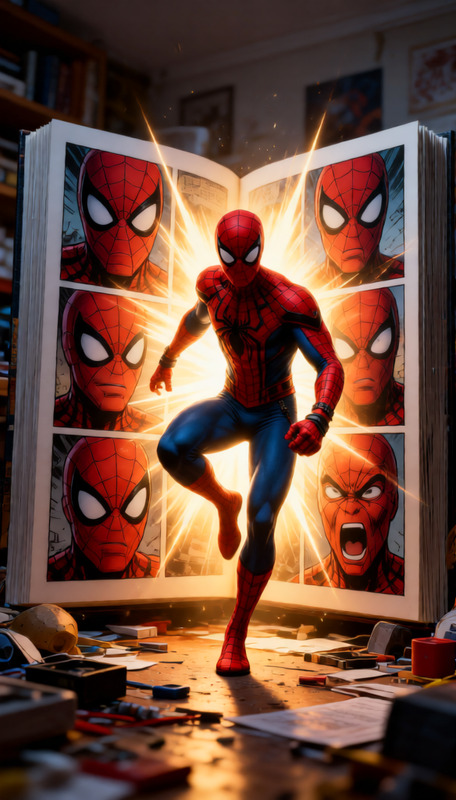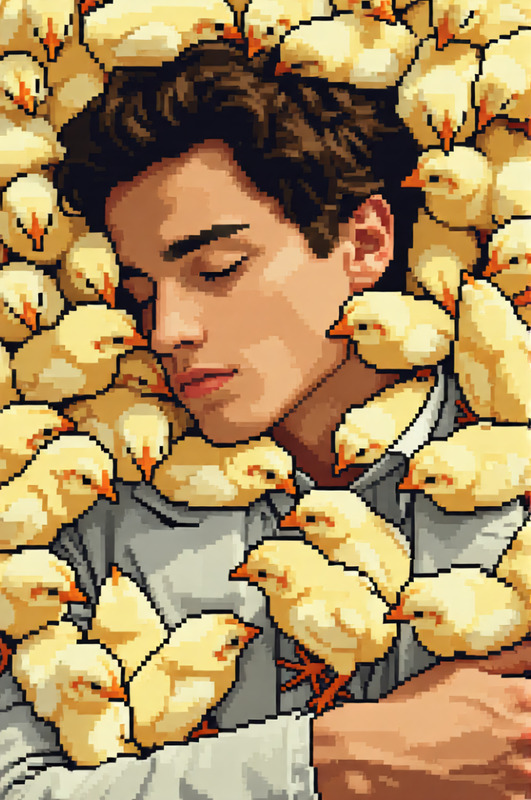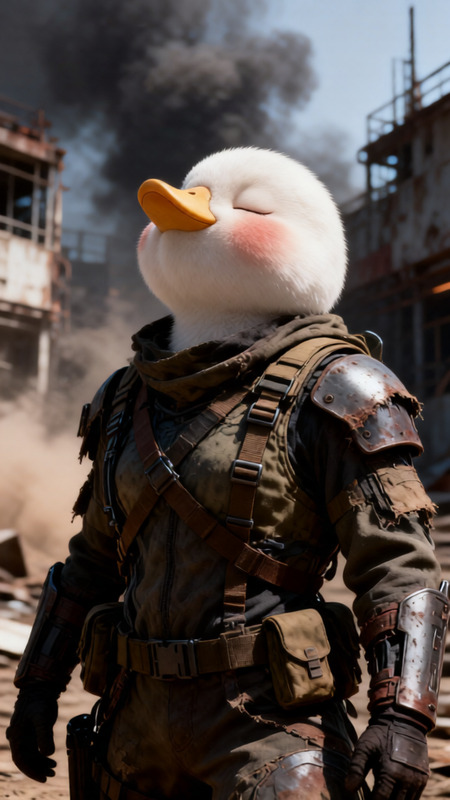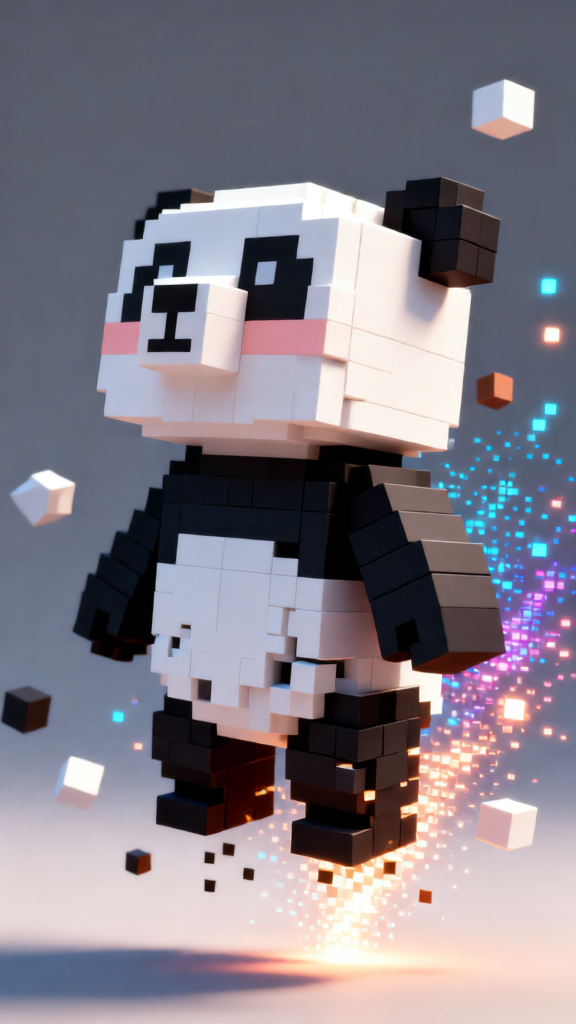
Cubic Character
- Model
- Qwen Edit
- Image
- 576 × 1024 px
Prompt
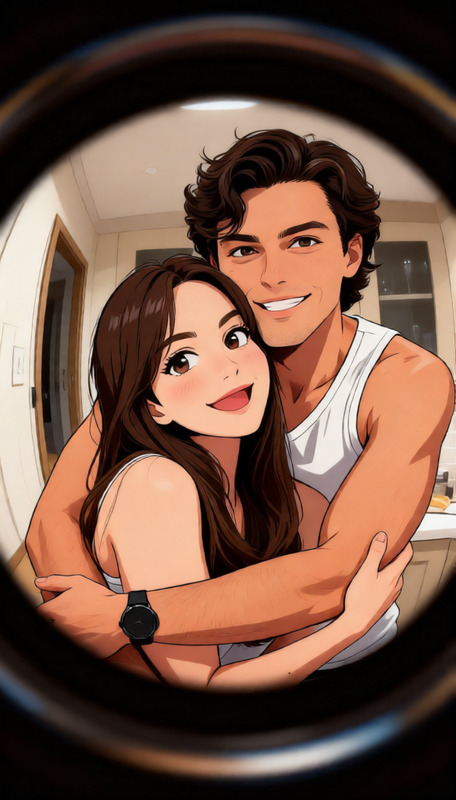
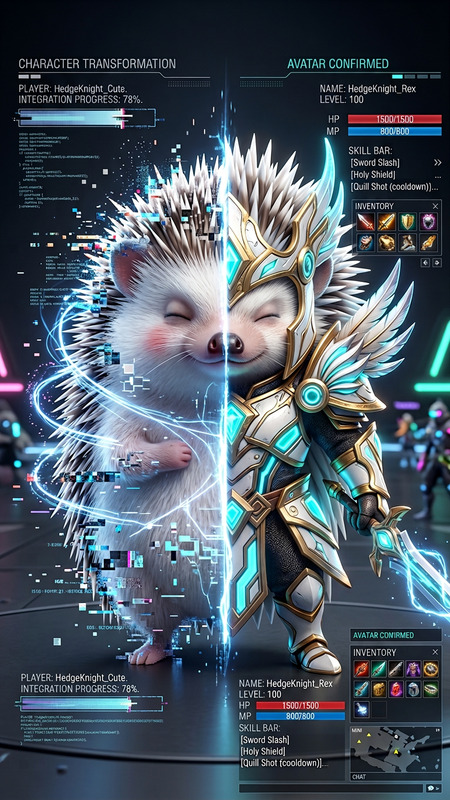
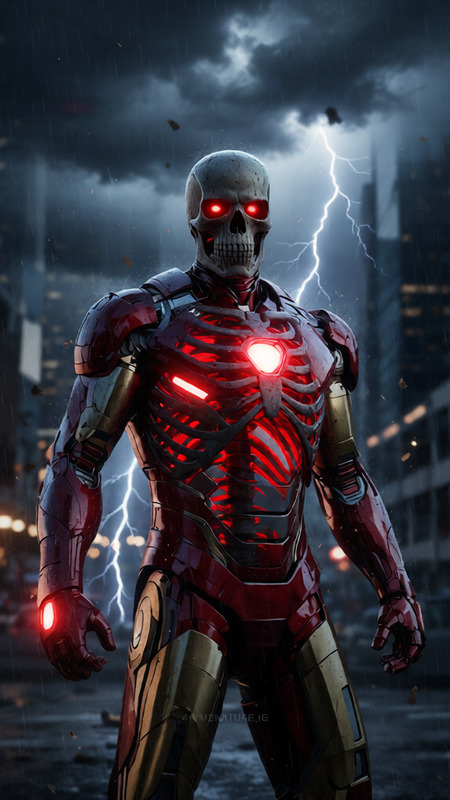
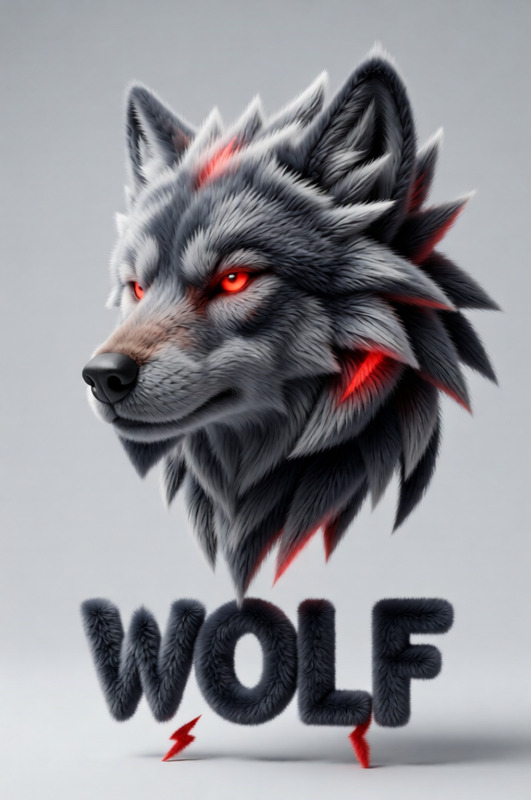
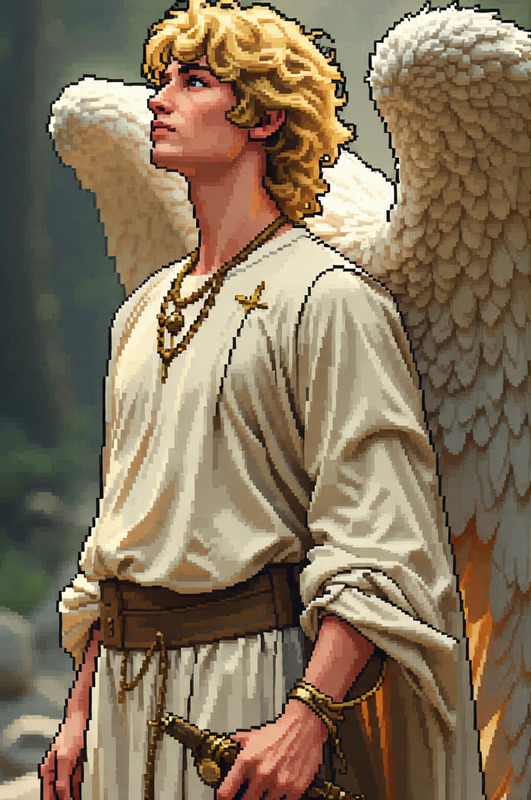
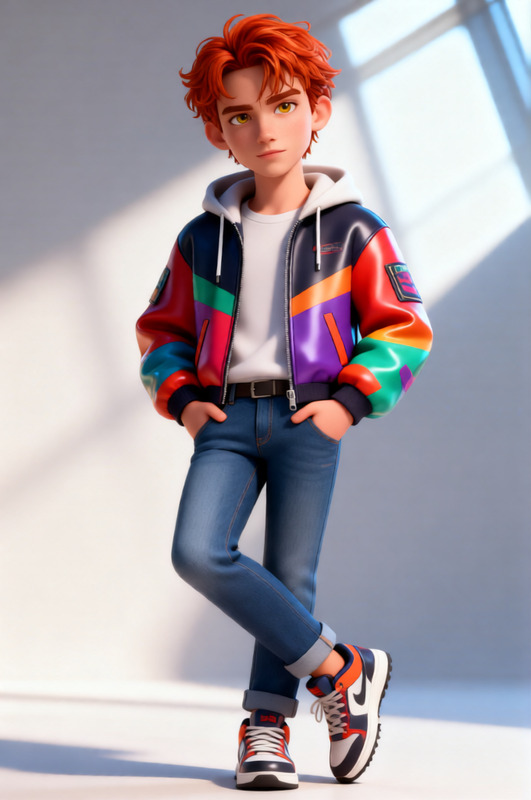
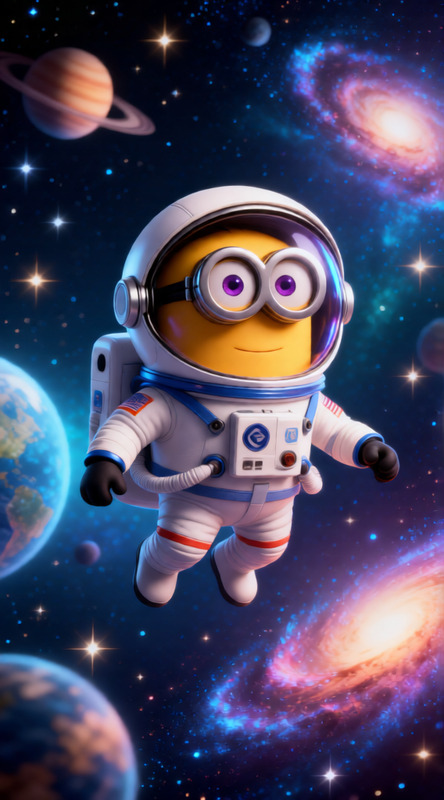
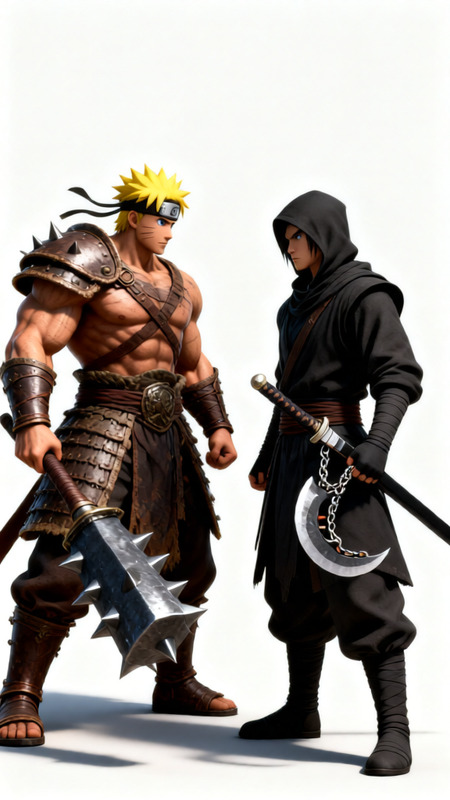
Cinematic transformation of a subject turning into a cubic voxel-style character, body gradually breaking into blocky cube particles and reconstructing into a stylized 3D pixel form. Smooth transition between human realism and cube geometry, floating voxel fragments and glowing digital dust. Minimal or abstract background with soft lighting and subtle gradients. Hybrid realism and voxel game aesthetic, high detail, dynamic motion, 8K, cinematic composition.
Any aspect ratio
Overview
Transform your subjects into captivating cubic voxel-style characters with the Cubic Character AI Image Editor template. Perfect for producing dynamic gaming intros and artistic video projects, this tool harnesses the power of the Qwen-Edit model. Whether you're looking to add a unique stylistic flair or achieve cinematic compositions, our template ensures a smooth transition from human realism to cubic dimensions.
What It Does
The Cubic Character template allows creators to perform a cinematic transformation of subjects, turning them into voxel-style characters. As the subject transitions, the image breaks into blocky cubes, reconstructing into a stylized 3D pixel form. Enjoy a blend of hybrid realism and voxel game aesthetics with floating fragments and glowing digital dust for added depth.
With compatibility to formats often used in gaming and creative industries, this tool provides high-detail, dynamic motion outputs perfect for 8K resolution projects.
Who It's For
Designed for game developers, video editors, and creative professionals, the Cubic Character template enables users to craft unique visuals that stand out. It's ideal for those working in the gaming cinematics and animation industries, as well as anyone looking to add a cutting-edge flair to their video projects.
If you're someone exploring new visual languages in digital media, this tool will help redefine your project's aesthetic borders.
Summary
The Cubic Character template is a versatile tool that bridges the gap between human realism and digital artistry. By leveraging the robust capabilities of the AI Image Editor, users can achieve professional-grade outputs that are both innovative and visually engaging. This template caters to the needs of modern creators who require flexibility and precision in design.
How to Use
Choose

Customize

Generate

Use Cases
Gaming Intros
- Unique visual style
- Customizable voxel effects
Creative Projects
- Engage viewers with evolving characters
- Make abstract visual presentations
Advertising
- Captivate audiences with aesthetic transformations
- Enhance product showcases
Best Practices
Optimize Image Quality
Ensure initial images are high resolution for best voxel transformation results.Adjust Lighting
Edit lighting effects for a more pronounced cinematic transition.Test Various Styles
Experiment with different prompt settings to achieve the desired artistic balance between voxel and realism.