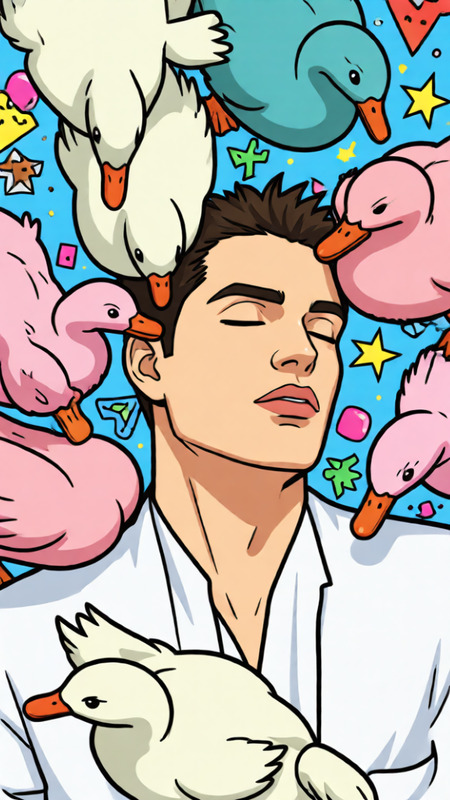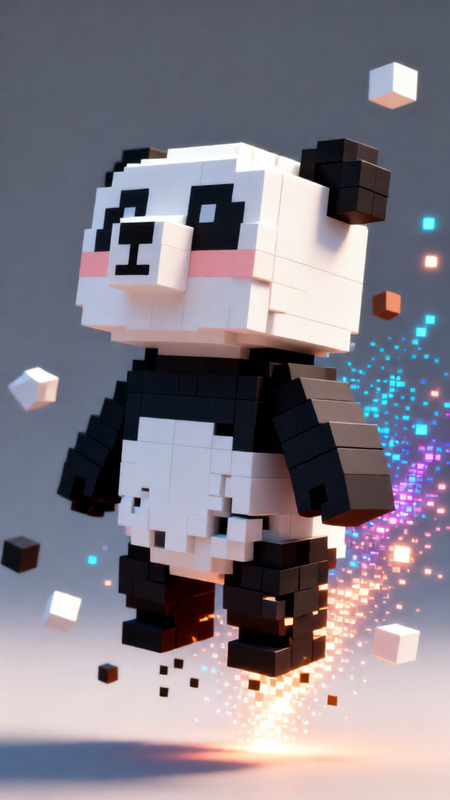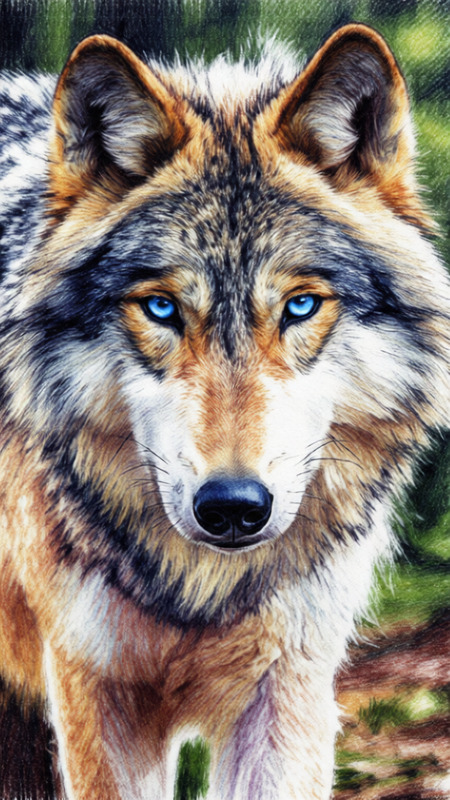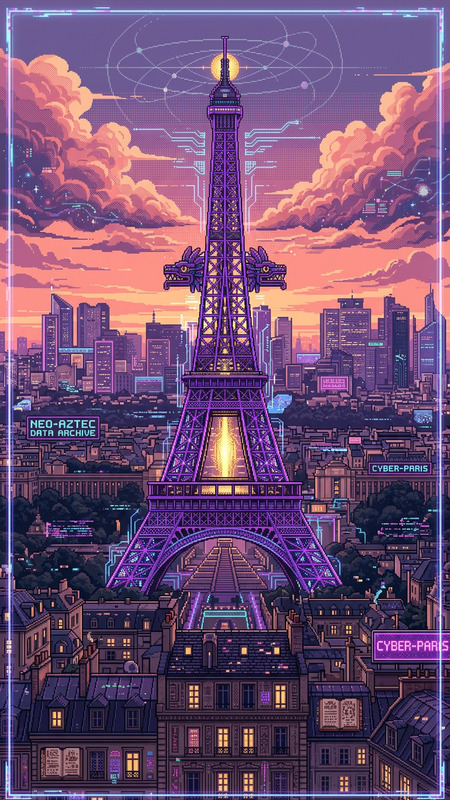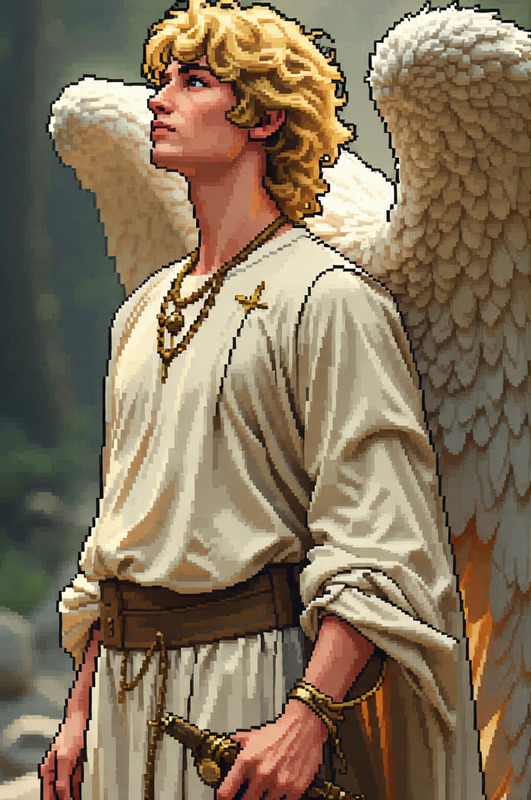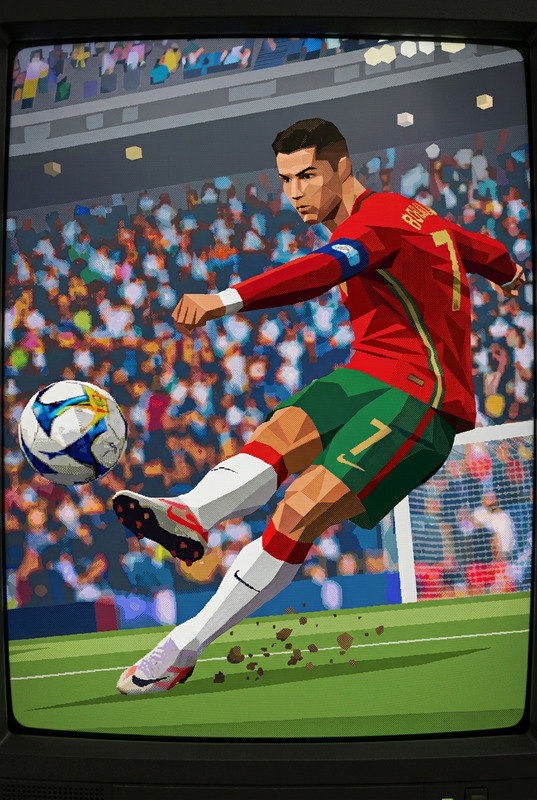
8-Bit Pixel Art Conversion
- Model
- Qwen Edit
- Image
- 680 × 1024 px
Prompt
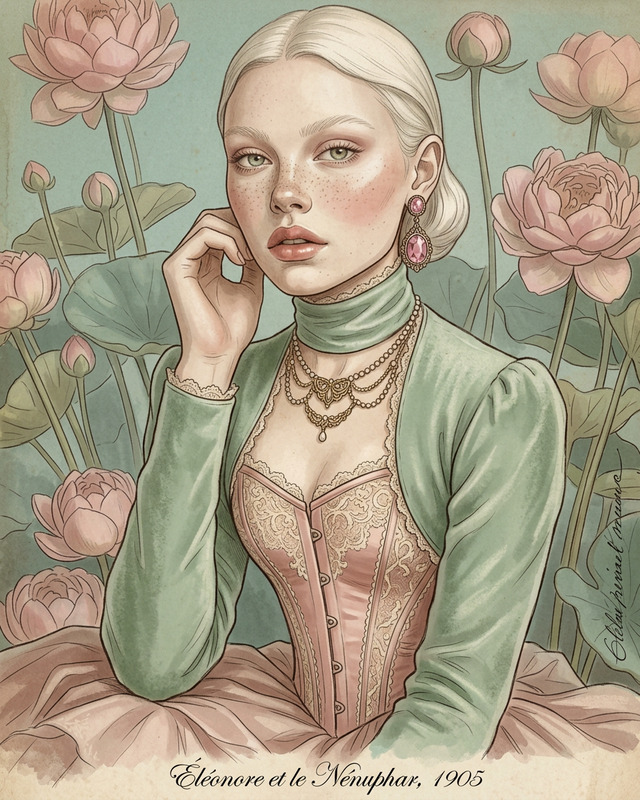
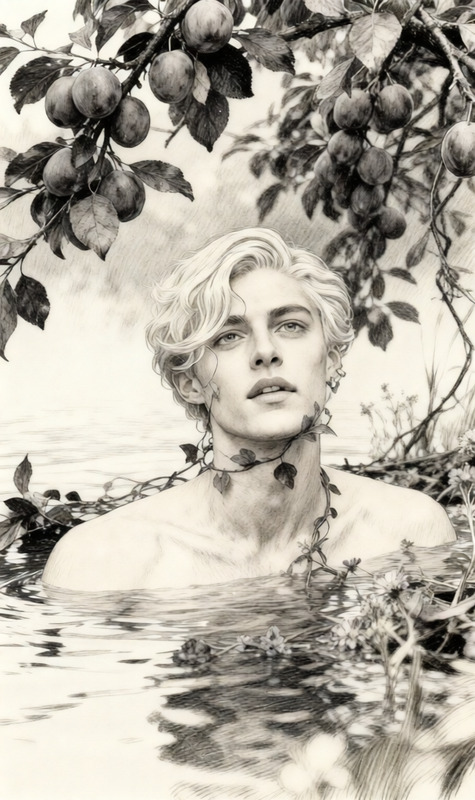
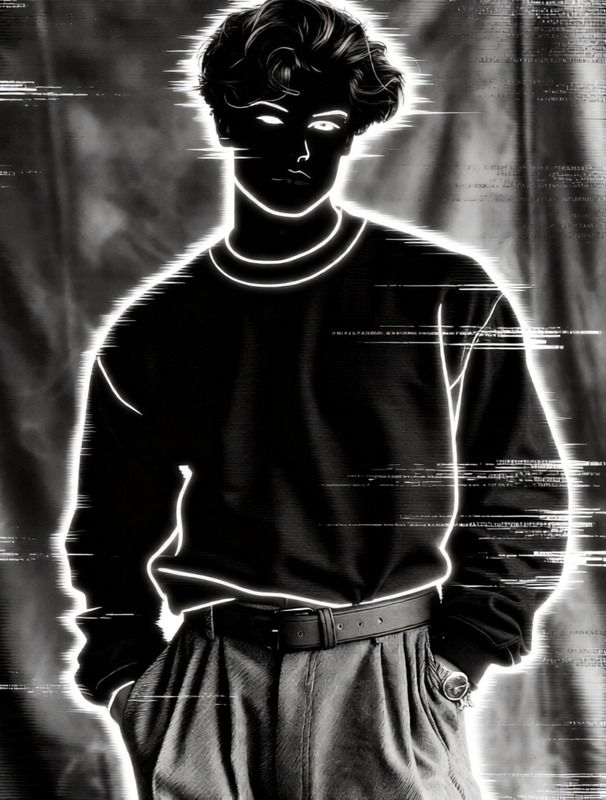
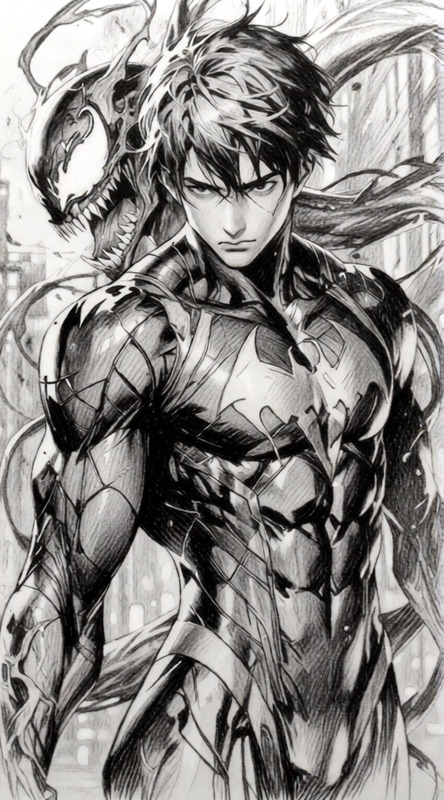
Transform the image into an 8-bit pixel art style. Simplify details into a low-resolution grid with visible square pixels. Use a limited color palette with bold, flat colors and minimal shading. Preserve the main shapes and recognizable features while embracing a retro game aesthetic. Clean edges, crisp pixel alignment, and nostalgic arcade-style look.
Any aspect ratio
Overview
Embrace the nostalgia of retro gaming with the 8-Bit Pixel Art Conversion template. This AI Image Editor leverages the powerful qwen-edit model to transform your images into classic 8-bit style, marked by bold colors and visible pixels. It's an ideal choice for creating eye-catching digital art with a vintage twist.
What It Does
Utilizing state-of-the-art AI technology, this template simplifies complex image details into a low-resolution grid, creating a stunning 8-bit pixel art aesthetic. It retains your image's essential features while applying a limited palette of bold, flat colors to deliver a clean, arcade-game look. Explore how this template compares with other tools like the AI Talking Photo.
Who It's For
Specifically designed for avid gamers, digital artists, and pixel art enthusiasts, the 8-Bit Pixel Art Conversion is perfect for anyone looking to breathe life into their images with a vintage gaming aesthetic. The template also caters to creative professionals seeking unique visuals for marketing or content creation. Those interested in expanding their image style might also consider our Image to Video product.
Summary
The 8-Bit Pixel Art Conversion template offers an innovative way to convert photos into pixel art, paying homage to the days of retro gaming. By preserving key shapes and using a minimalistic color palette, images are transformed with clarity and precision. For those intrigued by AI-driven artistic transformations, check out the AI Meme Generator as well.
How To
Choose Your Template

Customize Your Inputs

Generate Your Pixel Art

Use Cases
Gaming Thumbnails
- Use limited color palettes to capture attention
- Enhance video descriptions with retro aesthetics
Social Media Posts
- Stand out with nostalgic art
- Engage your audience with retro flair
Merchandise Design
- Capture a vintage look for attire
- Appeal to the gamer market
Best Practices
Select Clear Images
For best results, start with images that have well-defined shapes and figures to ensure clarity in pixel conversion.Experiment with Color Settings
Try different color palettes to see which style best fits the retro theme you are aiming for.Review and Revise
Always review the generated pixel art to make fine adjustments for the best visual appeal.