3D Street Icon

3D Street Icon

ai-image-editor

1 clip
11 uses

Any aspect ratio

Prompt

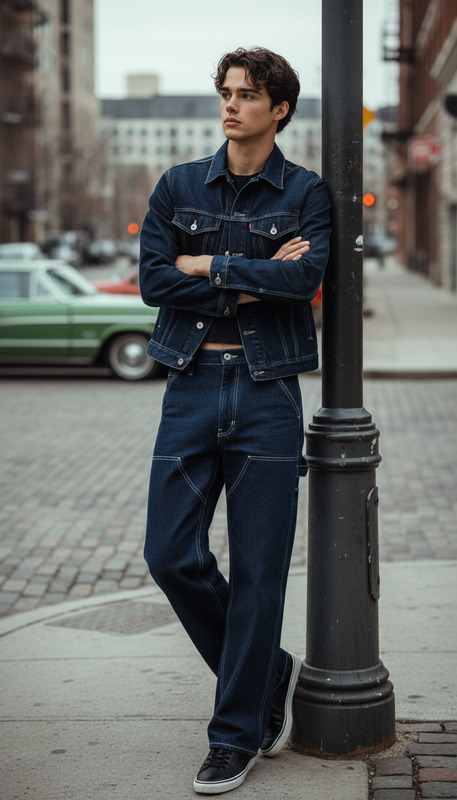
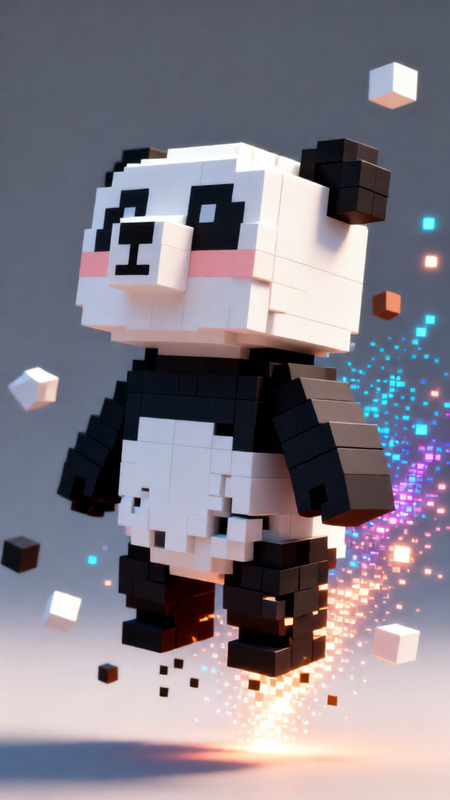
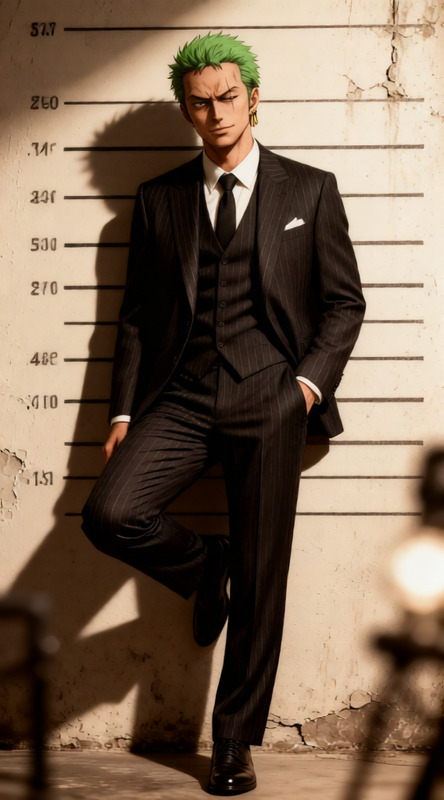
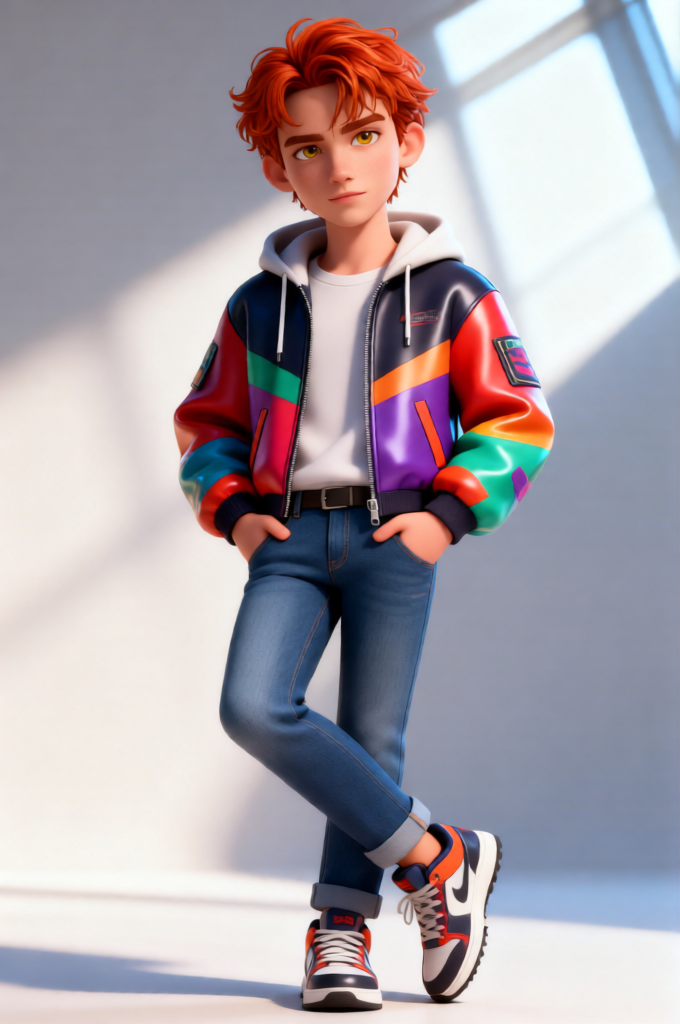
Subject in a full-body pose, standing confidently with one leg crossed over the other and both hands in pockets, relaxed and self-assured. Style: 3D cartoon aesthetic with bold, vibrant high-fashion street style, smooth yet detailed textures, slightly stylized proportions while retaining realism. Visuals: bright, sharp, vivid tones with strong contrast, clean edge definition, glossy material rendering, and subtle stylization. Lighting: bright cinematic lighting with crisp highlights and shadows, modern fashion-photography mood. Composition: full-body, centered, ultra-detailed, playful yet premium 3D character look.

AI Image Editor Template: Turn Any Photo Into High-Impact Creative in Minutes

This template uses Magic Hour’s AI Image Editor to help you transform a single image into multiple polished, on-brand variations—without design skills or complex workflows.

Use it to:

  • Clean up and enhance product photos for landing pages or ads
  • Create multiple creative angles from one asset for A/B testing
  • Quickly localize visuals for different markets or audiences
  • Prototype visual concepts for campaigns, pitches, and decks

What this template does

This AI Image Editor–based template is designed for fast, iterative image transformation. You can:

  • Replace or redesign backgrounds (e.g., swap a cluttered room for a clean studio, or create thematic scenes for campaigns)
  • Remove unwanted objects or distractions using AI inpainting
  • Add, modify, or restyle elements in the image (props, clothing, accessories, UI screens, environments)
  • Change visual style to match brand or platform (minimalist, cinematic, anime, comic, realistic, etc.)
  • Adapt a single asset into formats suitable for ads, social content, product pages, and presentations

Because it runs on AI Image Editor, every edit is prompt-driven and non-destructive—you can generate multiple versions, compare, and keep only what works.


How to remix this template in Magic Hour

You can use this template as a starting point, then customize it to your workflow. A typical remix flow:

  1. Start from this template

    • Open the template in Magic Hour.
    • Upload your base image (product shot, portrait, UI mock, illustration, etc.).
  2. Decide the transformation goal
    Ask: what’s the business purpose of this image? Common goals:

    • “Make this product photo look premium and e‑commerce ready”
    • “Create 3–5 variations for social ads and thumbnails”
    • “Localize this visual for different regions or demographics”
    • “Turn this flat concept into something pitch-ready for stakeholders”
  3. Use prompt-driven editing for fast iterations
    With AI Image Editor, you can:

    • Describe the desired background or scene
    • Specify brand adjectives (e.g., “clean, modern, tech, high contrast”)
    • Indicate platform or context (“optimized for mobile social ads”, “hero image for SaaS landing page”, etc.)
  4. Chain edits with other Magic Hour tools (optional)
    For richer content from the same base image:

  5. Save your remix as a reusable pattern

    • Once you have a version that works (for thumbnails, ads, or product shots), you can reuse the same prompts and flow to create a series of consistent assets.

Practical use cases for creators, marketers, and product teams

1. Performance marketing & growth teams

  • Generate multiple ad creatives from a single product image
  • Create platform-specific assets (Meta, TikTok, YouTube thumbnails, LinkedIn banners) by changing formats and backgrounds
  • Quickly test different visual angles (lifestyle vs studio, bright vs dark, minimal vs detailed)

You can pair this with:

2. Product and startup teams

  • Turn rough product screenshots into polished mockups with realistic devices and environments
  • Create pitch-deck visuals without a designer
  • Generate visual variants for usability tests or user research

Consider combining with:

3. Brand, content, and creative teams

  • Maintain visual consistency across campaigns while exploring new creative directions
  • Quickly adapt hero images into multiple crops and moods
  • Build content series (e.g., weekly visuals, newsletters, blog headers) from a handful of base assets

Helpful complements:

4. Founders, solo builders, and non-designers

  • Upgrade DIY photos into professional-looking assets for landing pages, decks, and profiles
  • Polish headshots and profile photos using AI Headshot Generator and edit details with this template
  • Explore multiple brand aesthetics before committing to a design system

You can also:


Advanced editing ideas with AI Image Editor

To get more out of this template, combine it with other Magic Hour tools and workflows:


Turning edited images into video, GIFs, and interactive content

Once you’ve created strong images with this template, you can extend them into motion and richer formats:

  • Image to video & text to video

    • Use Image to Video to animate your edited images into short sequences (product spins, cinematic reveals, etc.).
    • Use Text to Video to build full scenes or explainers that incorporate your edited visuals.
  • Face swap & lip sync for dynamic creatives

  • Video refinement and scaling


Niche workflows and specialized use cases

Depending on your domain, you can remix this template into more specialized pipelines:


Tips for getting strong results with this template

  • Be explicit with intent. Describe the use case (“homepage hero for SaaS tool”, “DTC product ad for Instagram”, “YouTube thumbnail for tutorial”) so your edits align with the final context.
  • Think in systems, not one-offs. Use the same prompts across multiple images to create a consistent visual language for your brand.
  • Iterate quickly. Generate multiple options, shortlist what resonates, then refine. The cost of exploration is low; use that to your advantage.
  • Combine tools thoughtfully. The strongest workflows pair this template (for core editing) with specialized tools (for upscaling, removal, video, or style).

Related Magic Hour templates and tools to explore

If you find this AI Image Editor template useful, you may also want to try:

Use this template as your base, then remix, chain tools, and refine until you have a repeatable, high-leverage visual pipeline that fits your product, brand, or campaign.

More Like This