Cosmic Astronaut Drift

Cosmic Astronaut Drift

ai-image-editor

1 clip
2 uses

Any aspect ratio

Prompt

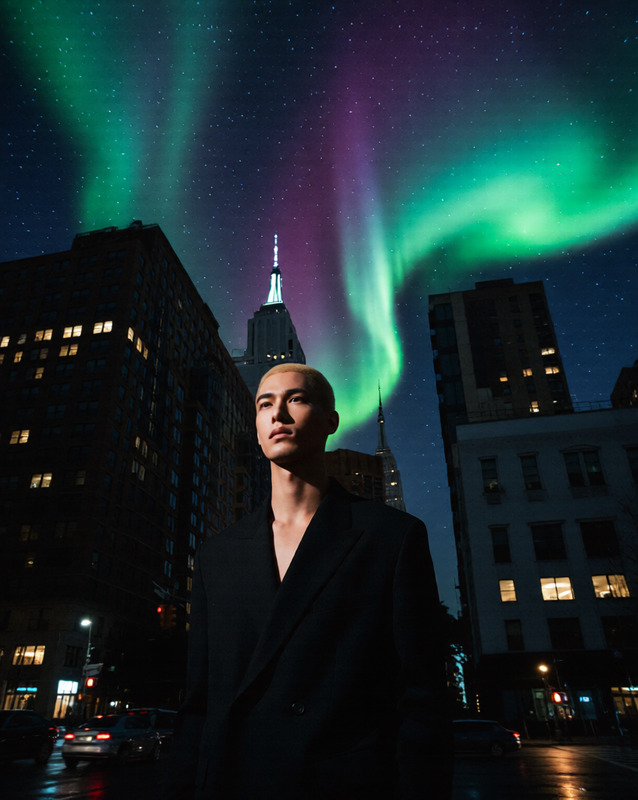
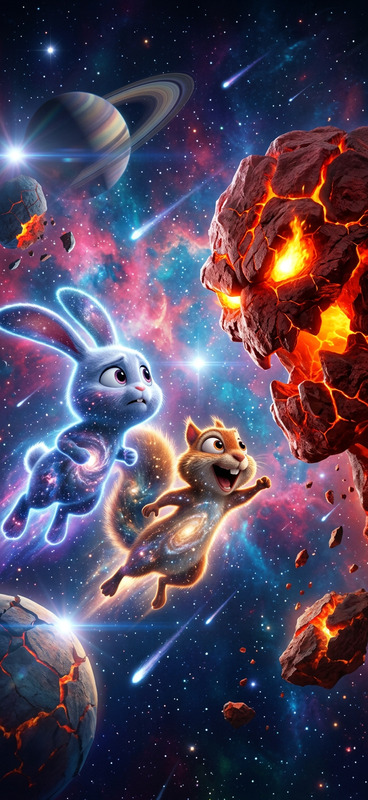
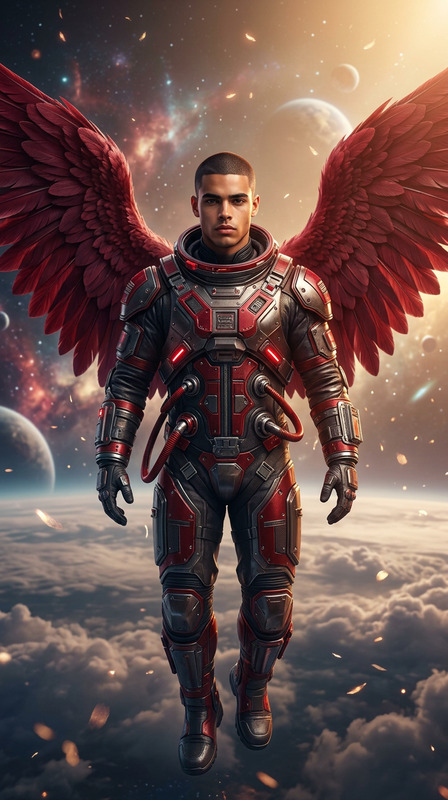
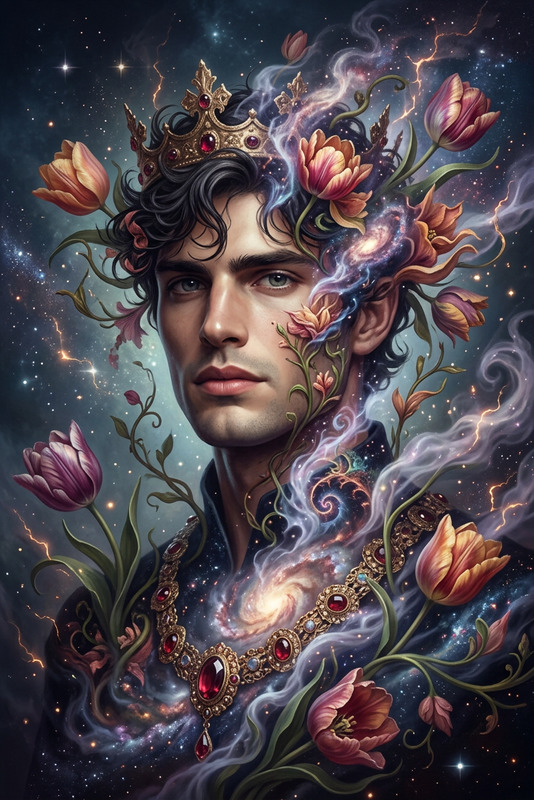
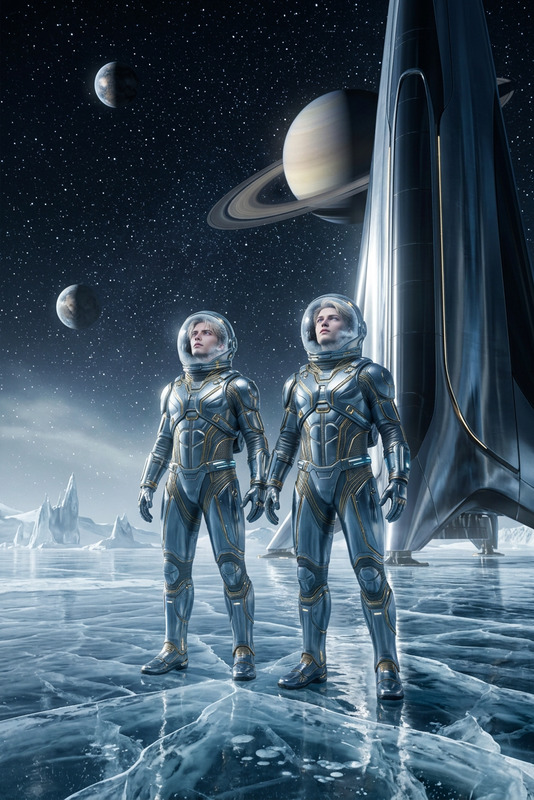
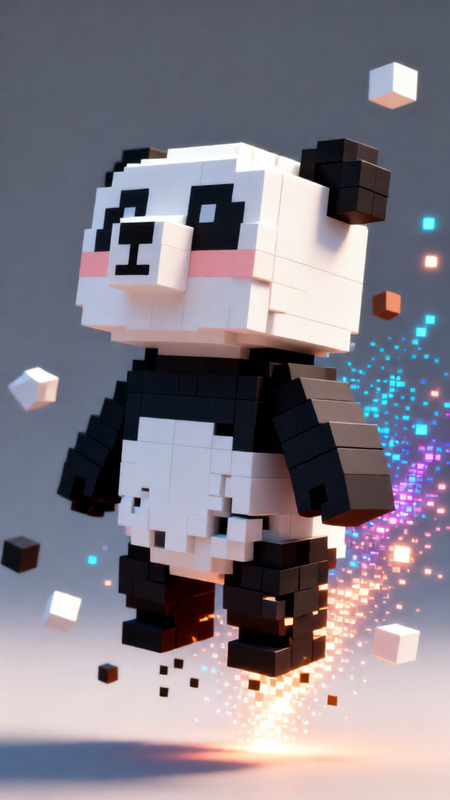
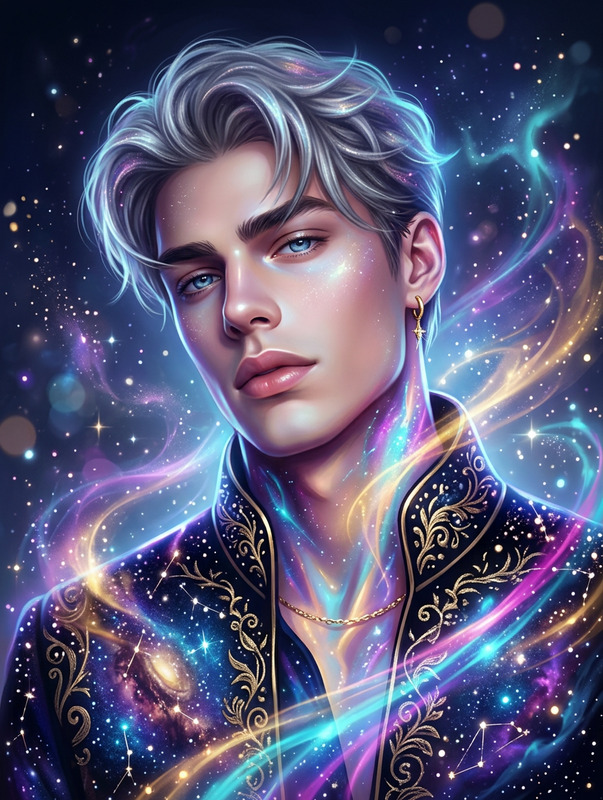
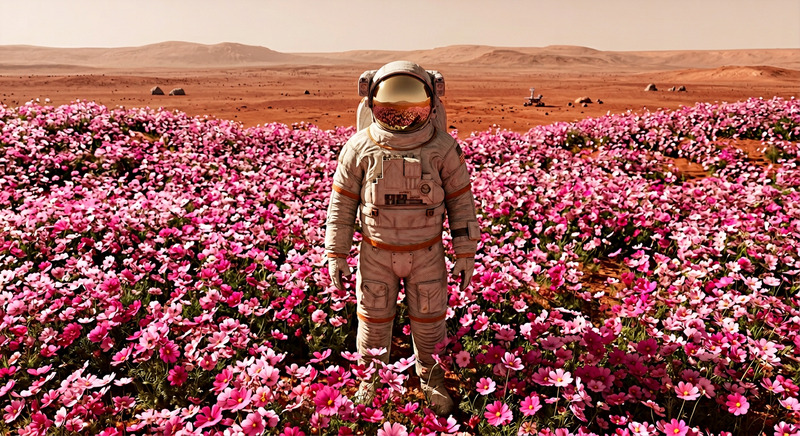
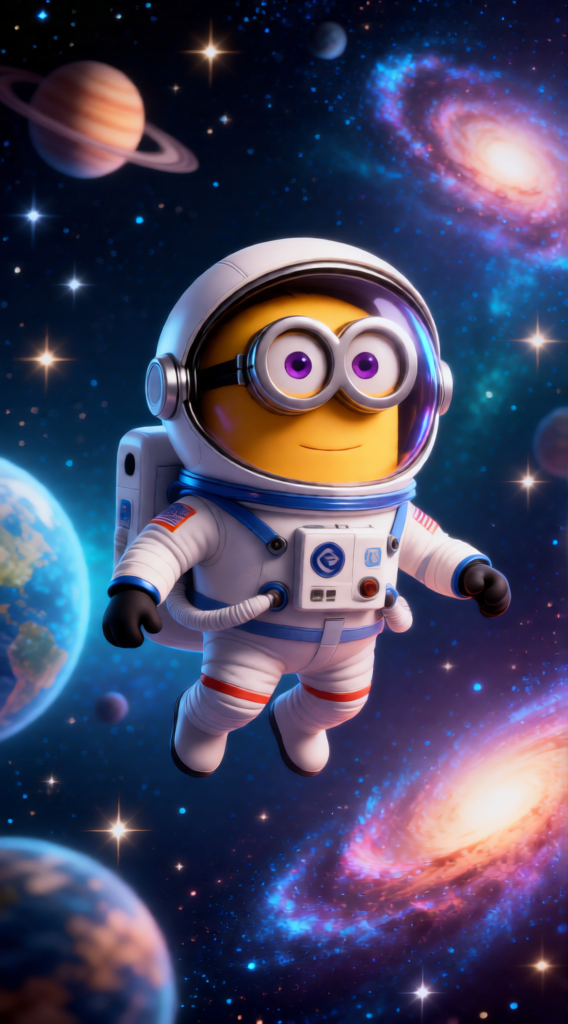
Subject depicts whimsical astronaut in a miniature space suit drifting through outer space, surrounded by stars, planets, and vibrant galaxies. Expression appears serene while exploring cosmic scenery. Background features twinkling celestial elements with a gentle ethereal glow, creating a dreamy and magical atmosphere.

AI Image Editor Template: Turn Any Sketch into a Clean, Production‑Ready Visual

Use this AI Image Editor–powered template to transform rough ideas—wireframes, mockups, whiteboard photos, or hand‑drawn sketches—into polished, high‑resolution visuals you can ship, share, or test with users.

Whether you’re a product designer, marketer, indie hacker, or developer validating a new feature, this template gives you a fast path from “napkin sketch” to “ready-to-present” asset.


What This Template Is For

This template is ideal when you want to:

  • Convert hand‑drawn UI/UX sketches into clean interface mockups
  • Turn storyboard frames into sharper, more consistent visuals
  • Refine concept art, characters, or environments into higher‑quality images
  • Clean up diagrams, flows, or whiteboard snapshots for decks and docs
  • Modernize or restyle existing assets while keeping layout and structure

Under the hood, it uses AI Image Editor to understand the structure of your input image and regenerate it in a more polished, on‑brand style.


How to Remix This Template in Magic Hour

You can quickly build your own version of this template by remixing it in Magic Hour:

  1. Open AI Image Editor
    Go to AI Image Editor. This tool lets you upload any image, guide edits with text instructions, and regenerate refined versions while preserving the overall layout.

  2. Upload Your Source Image
    Good sources include:

    • Phone photo of a whiteboard or notebook
    • Figma/Sketch export of a rough wireframe
    • Early concept art or storyboard frames
    • Existing marketing visuals you want to modernize
  3. Describe the Desired Outcome
    In your instructions, be explicit about:

    • Style (e.g., “clean SaaS UI, light mode, minimal shadows,” “flat illustration,” “comic‑book style,” “anime‑inspired character art”)
    • Level of fidelity (“production‑ready mockup,” “presentation‑quality slide visual,” “hero image for landing page”)
    • Constraints (“keep the layout the same,” “preserve the character pose,” “keep text boxes where they are”)
  4. Iterate and Refine
    Use the same input image but:

    • Adjust stylistic instructions (e.g., from “flat illustration” to “3D isometric style”)
    • Ask for variations (“generate three visual options with different color palettes”)
    • Refine specific parts (“improve the button section,” “make icons more consistent,” “sharpen text areas”)
  5. Save as Your Own Template
    Once you find a prompt + workflow that reliably gives you the results you want, reuse it as your personal “sketch‑to‑visual” pipeline. You can:

    • Keep one “base” image and change instructions for new concepts
    • Maintain consistent visual identity across multiple designs or campaigns

Example Workflows for Different Use Cases

1. Product & UX Teams

  • Upload: Whiteboard photo or low‑fidelity wireframe
  • Goal: Turn into a clean, testable UI mock
  • Instructions: Specify platform (web, mobile), design system inspiration, and tone (enterprise, consumer, playful, minimal).
  • Then optionally upscale the final result with AI Image Upscaler for crisp presentation in decks, user tests, or documentation.

2. Marketing & Growth Teams

  • Upload: Rough layout for a landing hero, ad visual, or social graphic
  • Goal: Generate a polished, brand‑aligned creative concept
  • Instructions: Describe target audience, brand tone, and where the asset will live (homepage hero, LinkedIn ad, App Store screenshots).
  • You can further adapt static outputs into motion with:

3. Founders & Builders Prototyping Ideas

  • Upload: Napkin sketch of your product concept, architecture, or funnel
  • Goal: Deck‑ready visuals to explain ideas to investors, teammates, or early users
  • Instructions: Ask for “clear, high‑contrast, presentation‑ready diagrams” or “clean product mockups suitable for investor decks.”
  • For pitch materials, you can also generate:

Keeping Layout, Changing Style

A key advantage of using this template with AI Image Editor is that you can lock in the structure but change the style:

  • Same UI layout, different design languages (neumorphic, flat, brutalist, minimal)
  • Same character pose, different genres (realistic, anime via AI Anime Generator, comic‑book via Comic Book Generator)
  • Same flow diagram, different contexts (internal documentation vs client‑facing visualization)

This is especially useful if you’re A/B‑testing visual directions or need to align multiple stakeholders around one layout before committing to a design system.


Combining This Template with Other Magic Hour Tools

To build more advanced creative pipelines, you can chain this AI Image Editor template with other Magic Hour tools:

  • From sketch to character to animation

  • From wireframe to product story video

    • Turn low‑fidelity UI sketches into polished mockups
    • Convert static images into motion with Image to Video
    • Or build talking product explainers from static personas using AI Talking Photo
  • From concept board to social content

    • Clean up mood boards or concept collages with AI Image Editor
    • Generate memes or playful variants with AI Meme Generator
    • Create eye‑catching thumbnails using Thumbnail Maker

Advanced Use Cases for Technical & Creative Teams

Developers & Technical Founders

  • Convey complex systems visually: sketch architectures, data flows, or state machines and turn them into legible, shareable diagrams.
  • Use AI Illustration Generator or AI Art Generator to explore aesthetic directions once your structural diagram is finalized with AI Image Editor.

Game, Fantasy & Worldbuilding Creators

Brand & Visual Identity Designers

  • Quickly explore multiple directions while locking core structure (grid, hierarchy, composition)
  • Test different illustration systems (flat, 3D, isometric) and character styles (cartoon, semi‑realistic, anime) with support from:

Cleaning, Repairing, and Enhancing Input Images

If your original sketch or reference is low‑quality, you can pre‑ or post‑process it with other Magic Hour tools for better results:

These steps are optional but can give the AI Image Editor a cleaner starting point, which often leads to more precise and on‑target outputs.


Related Templates and Flows You Might Explore

If you like this AI Image Editor template, you might also want to experiment with:

  • Video & Animation Templates

    • Face Swap Video – drop your refined visuals or characters into existing video templates
    • Lip Sync – make static characters or avatars talk
    • Video to Video – restyle existing footage to match the visual language from your edited images
    • Animation – bring static frames, storyboards, or refined illustrations to life
  • Image Creation & Exploration

    • AI Image Generator – generate net‑new visuals from text, then refine specific frames with AI Image Editor
    • AI Photo Generator – quickly explore photorealistic concepts or product shots
    • AI Background Generator – create custom backdrops for UI mockups, product renders, or character scenes

How to Get the Most Out of This Template

To consistently get strong results when remixing this AI Image Editor template:

  • Be concrete in your instructions. Specify visual style, use case, and audience.
  • Preserve structure when needed. Clearly state when layout, poses, or information hierarchy must stay the same.
  • Iterate in small steps. Change one variable at a time—style, color, density, or level of detail—to converge on a direction.
  • Document your best prompts. Treat your favorite instructions as reusable building blocks for your internal design system or creative workflow.

By combining this template with Magic Hour’s broader toolset—image editing, generation, upscaling, video, and animation—you can move from idea to polished, multi‑format assets in hours instead of weeks, without needing a full design or production team.

More Like This

Insufficient credits