Fluffy 3D Logo Transformation
- Model
- Qwen Edit
- Image
- 680 × 1024 px
Prompt
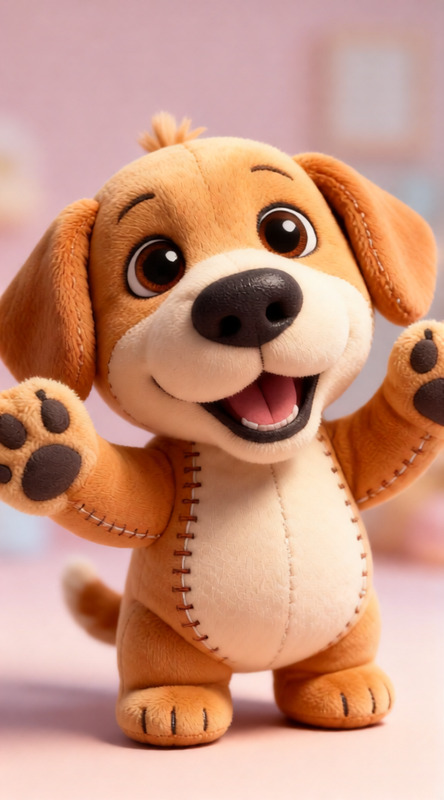
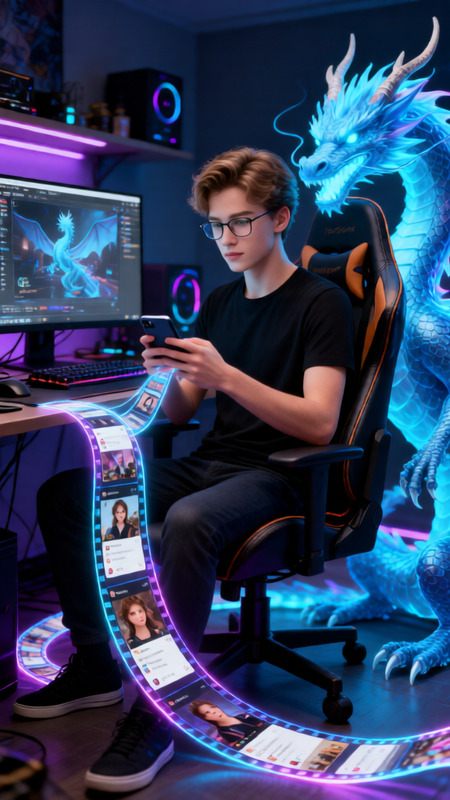
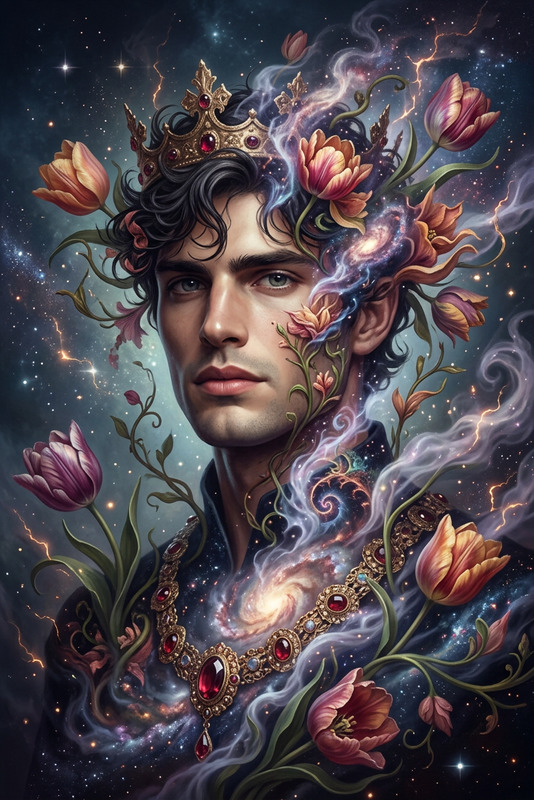
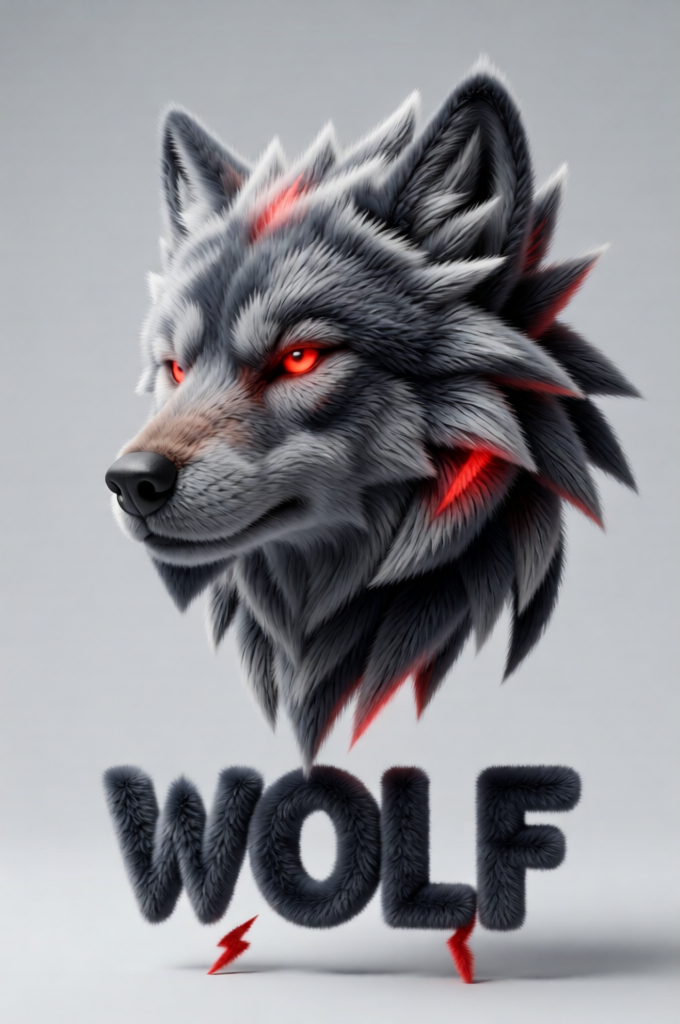
Transform a simple flat vector logo into a soft 3D fluffy object while preserving the exact original colors. The logo becomes fully covered in ultra-detailed fur with hyperrealistic hair strands, soft shadows, and tactile plush texture. Surreal, modern, and playful aesthetic with a comforting soft-touch feel. The object floats centered in space on a clean light gray background, evenly lit with soft studio lighting, subtle ambient occlusion, high detail, cinematic 3D render style.
Any aspect ratio
Overview
The Fluffy 3D Logo Transformation template transforms flat vector logos into plush, 3D masterpieces. Using hyperrealistic rendering techniques, this tool wraps your logo in fur-like textures, creating a whimsical yet modern aesthetic. The result is a cinematic, soft-touch render that captures attention instantly.
What It Does
This AI Image Editor template allows you to envelop your logos in ultra-detailed, fluffy fur while maintaining their original colors. It ensures a realistic hair strand effect, soft shadows, and a picturesque tactile texture. Positioned against a light gray background with subtle ambient occlusion, your logo appears as a floating, comforting object.
Who It's For
This template is ideal for designers seeking a unique presentation style for brand logos. It's perfect for marketing teams aiming to enrich their visual storytelling or anyone wanting to add a playful yet professional touch to their projects. Even small business owners can leverage this to make their brand identity more engaging.
Summary
Transform any simple logo into a fluffy 3D version with our advanced tools. Compatible with our AI Image Generator and featuring high-detail renders, it allows creators to innovate with a playful design that stands out. Whether used for digital marketing or product visuals, it offers a distinctive visual upgrade.
How To
Choose Template

Customize Your Logo

Generate and Download

Use Cases
Brand Promotion
- Use in video ads and social media posts.
- Enhance branding at virtual events.
Marketing Campaigns
- Feature prominently in email campaigns.
- Incorporate in interactive digital content.
Product Packaging
- Apply to custom packages.
- Use in online product listings for visual appeal.
Best Practices
Choose High-Quality Logos
For best results, start with a vector logo file to preserve detail and color integrity.Adjust Lighting for Clarity
Fine-tune the studio lighting settings to enhance the 3D effect and highlight texture.Maintain Brand Consistency
While experimenting with styles, ensure your transformed logos still align with your brand guidelines.