Breaking Out of the Comic Book
- Model
- Qwen Edit
- Image
- 584 × 1024 px
Prompt
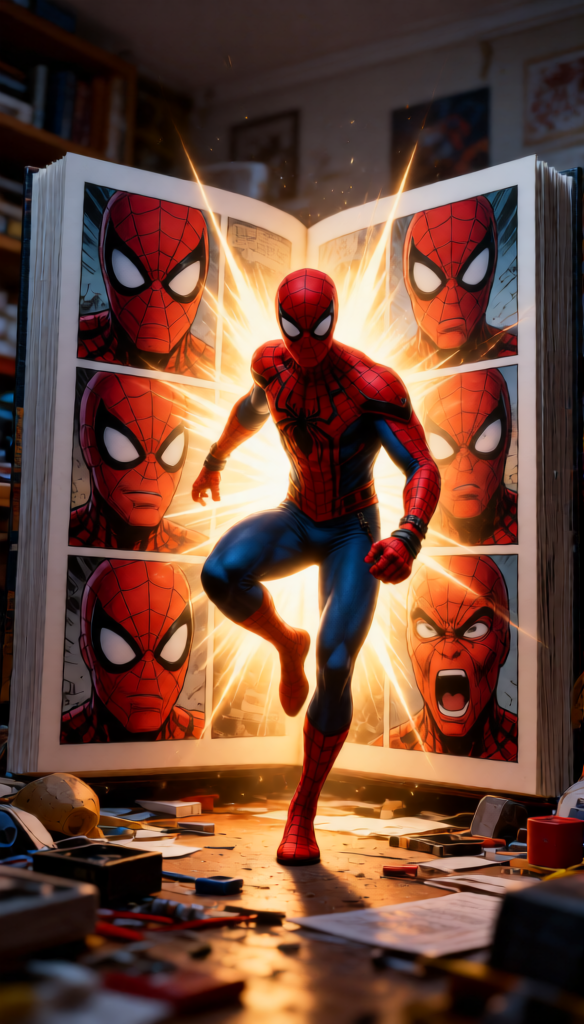
Cinematic scene of a {subject} stepping out from the pages of a giant comic book. The open book contains multiple panels showing their own expressive face. Dynamic high-action pose with dramatic glowing light emitting from within the book, illuminating the scene. Messy room background with scattered objects, hyper-realistic detail, cinematic lighting, shallow depth of field, ultra-detailed textures, 8K resolution, strong contrast between illustrated comic world and real environment.
Any aspect ratio
Overview
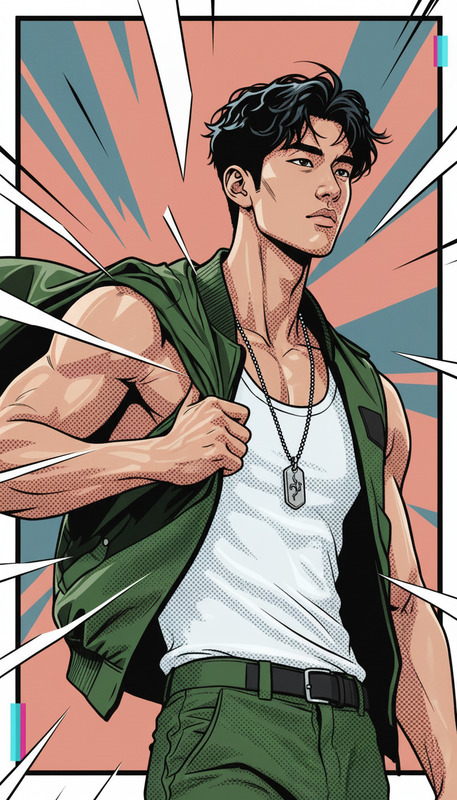
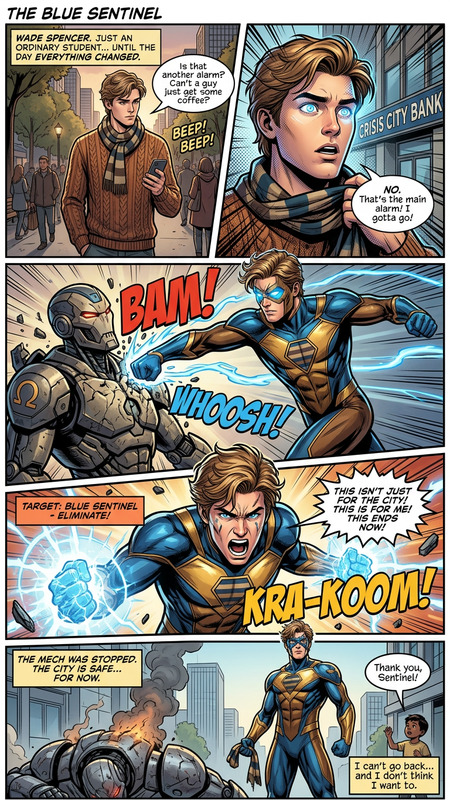
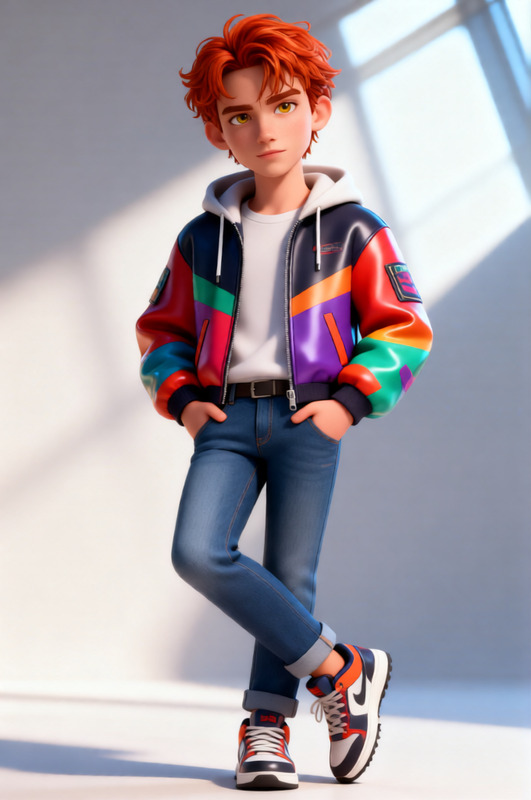
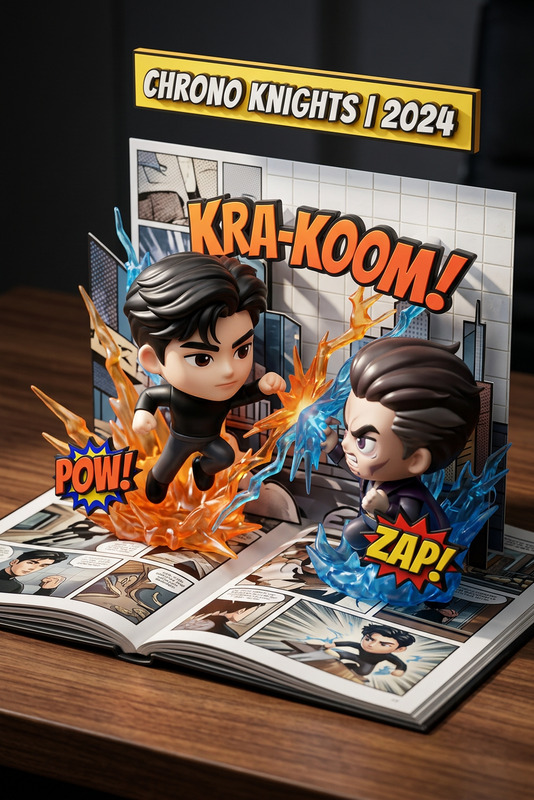
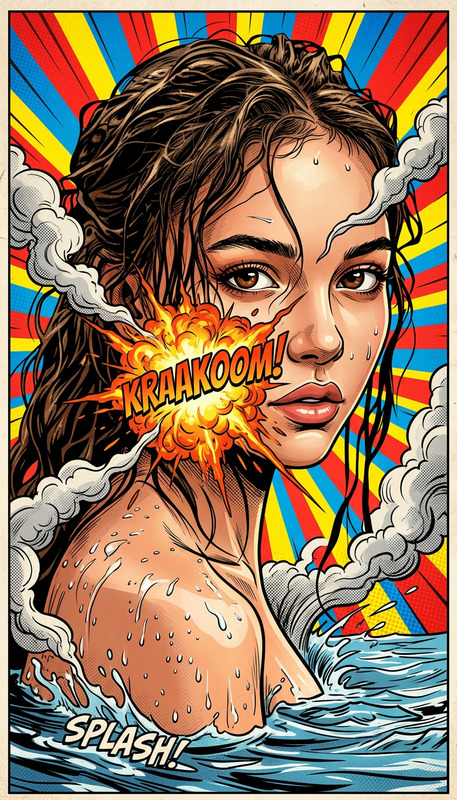
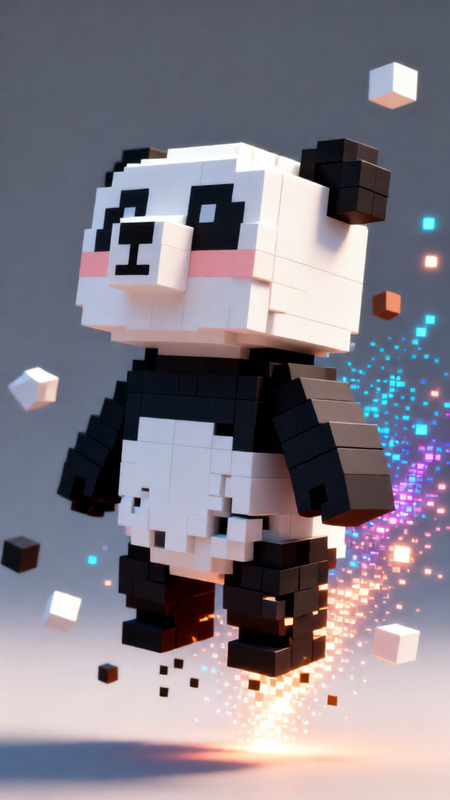
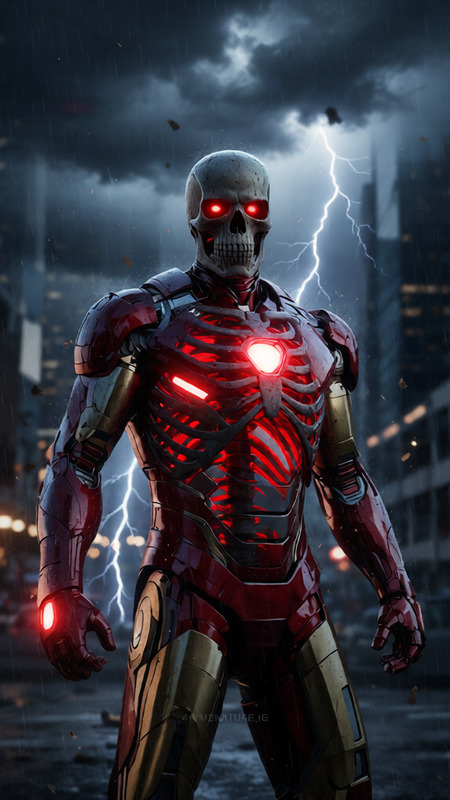
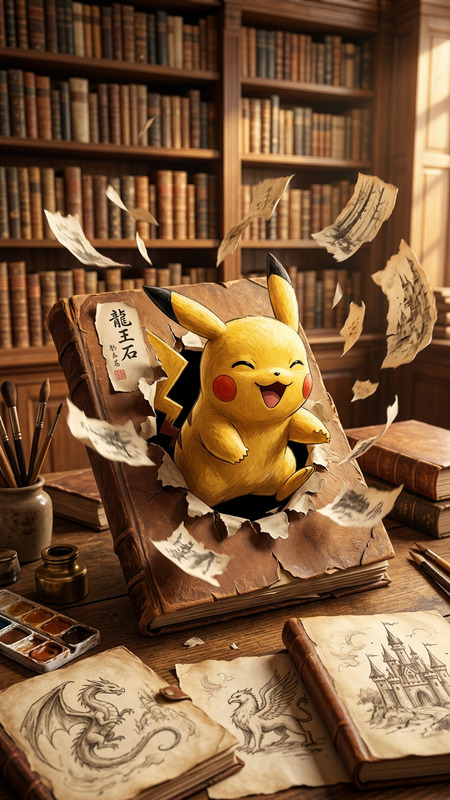
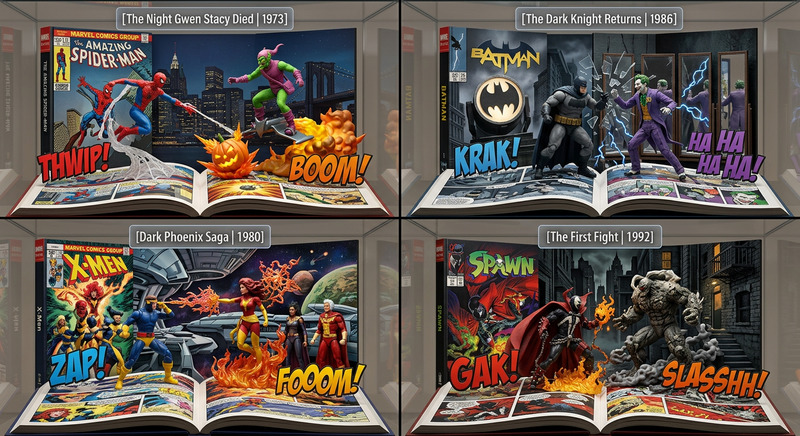
Capture the essence of cinematic storytelling with the "Breaking Out of the Comic Book" template, powered by the AI Image Editor tool. This template allows creators to craft breathtaking scenes where characters leap from the page into reality, expertly blending comic book artistry with hyper-realistic imagery.
What It Does
This template generates stunning images where a subject appears to step out of a comic book and into the real world, highlighting expressive features and dynamic movement. High-action poses and dramatic lighting create a compelling contrast between the vivid illustrated world and the real environment. With support from the AI Image Editor, you'll transform static images into vibrant storytelling moments.
Who It's For
The "Breaking Out of the Comic Book" template is perfect for digital artists, graphic novel enthusiasts, and storytellers looking to enhance their projects with eye-catching visuals. It's also ideal for marketers and advertisers seeking to create unique, attention-grabbing content. Easy to use with the AI Image Editor tool, it elevates any creative endeavor with professional-grade results.
Summary
Embrace the ultimate creative experience with the "Breaking Out of the Comic Book" template. Effortlessly blend the vibrancy of comic narratives with hyper-realistic image detailing. Whether for personal projects or professional campaigns, this template offers the perfect balance of art and reality, facilitated by advanced AI technology like the AI Image Editor.
How To
Choose

Customize

Generate

Use Cases
Graphic Novel Promotion
- Emphasize character traits
- Showcase narrative excitement
Advertising Campaigns
- Highlight products in a creative format
- Engage visual storytelling
Social Media Content
- Boost engagement
- Create shareable content
Best Practices
Select Contrasting Elements
To accentuate the transition from comic book to real life, choose elements with distinct differences in color and texture.Focus on Lighting
Utilize the dramatic light available in the template to highlight key areas of your subject's face and form.Refine Textures
Pay close attention to texture settings for both the comic and real-world elements to enhance depth and realism.