Game Character
- Model
- Nano Banana 2
- Image
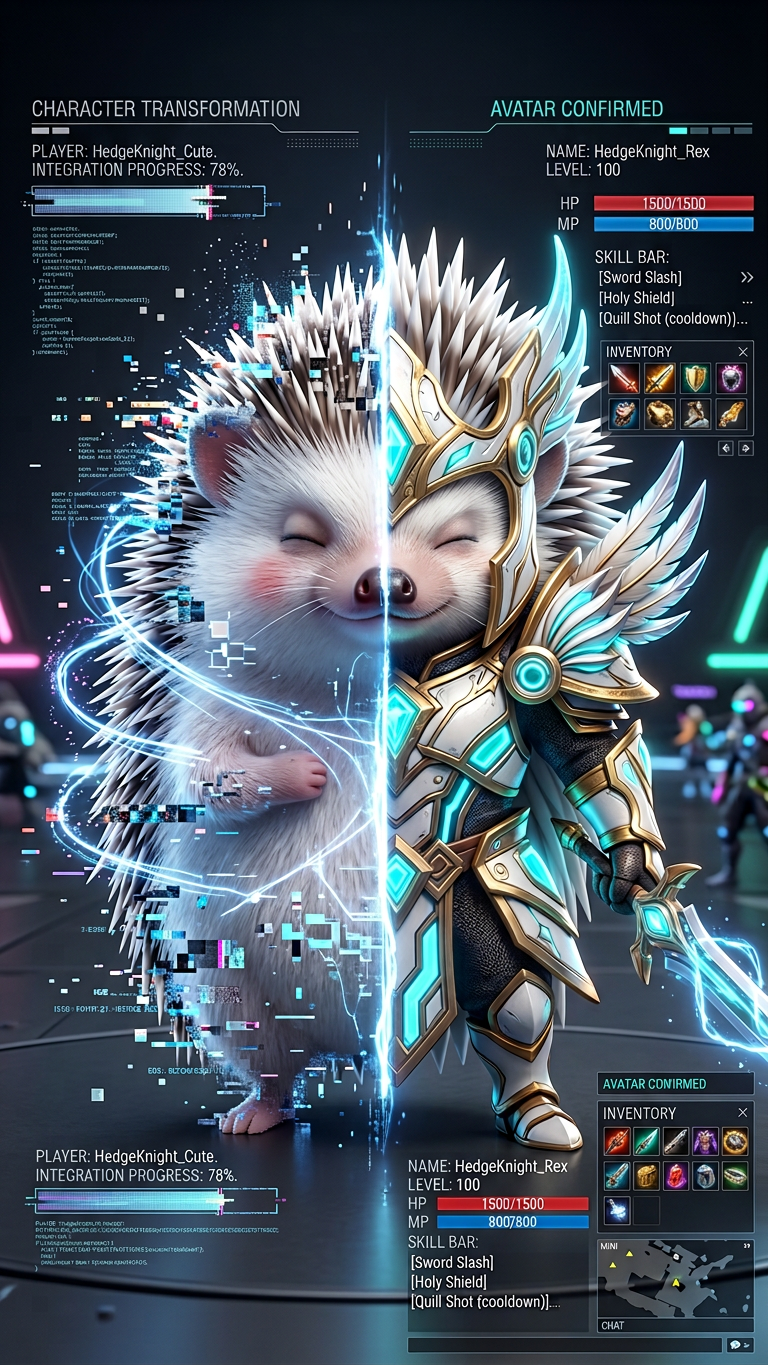
- 768 × 1365 px
Prompt
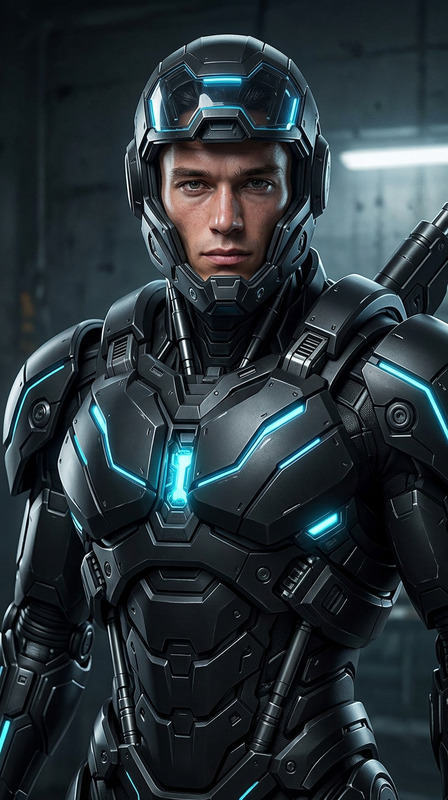
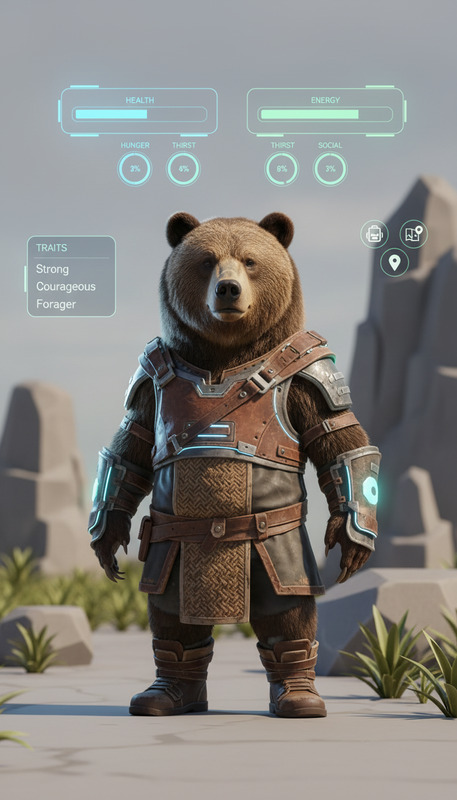
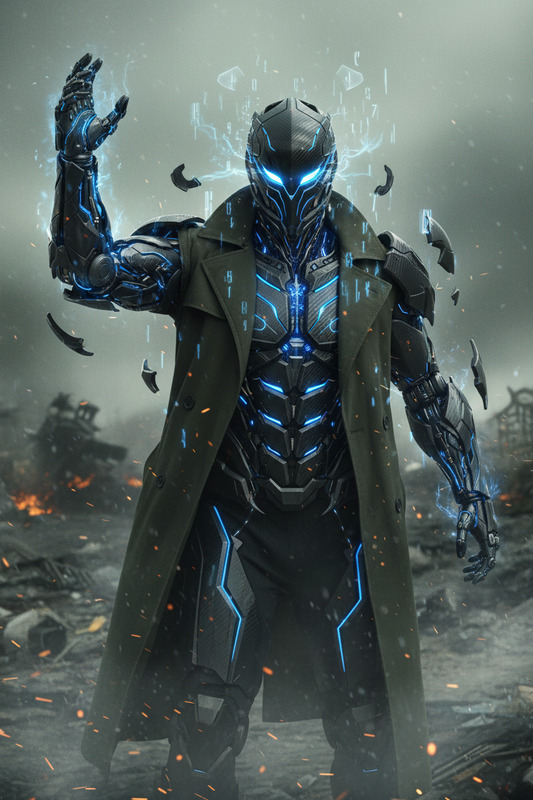
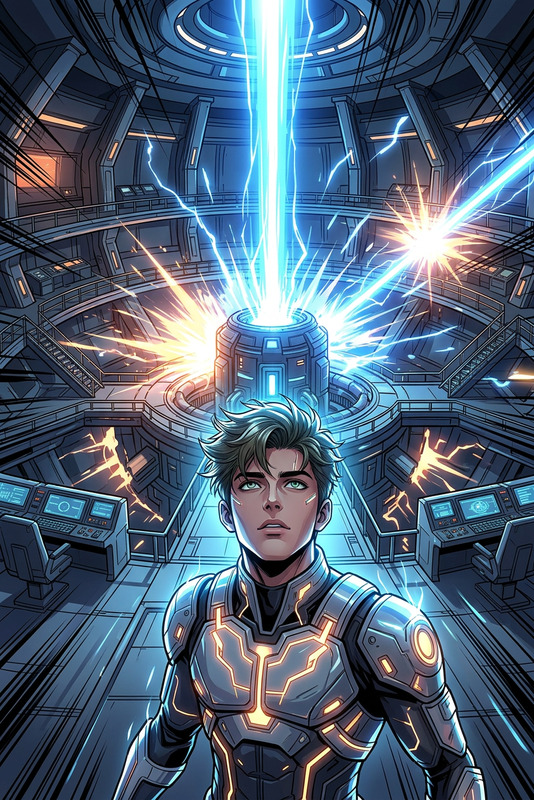
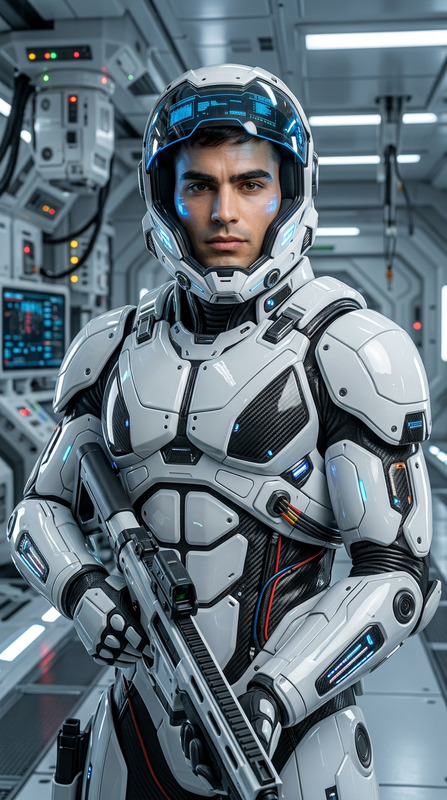
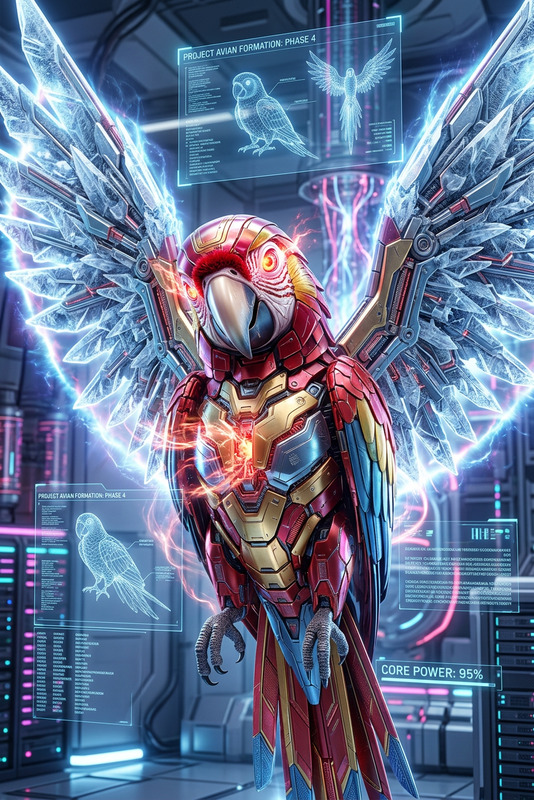
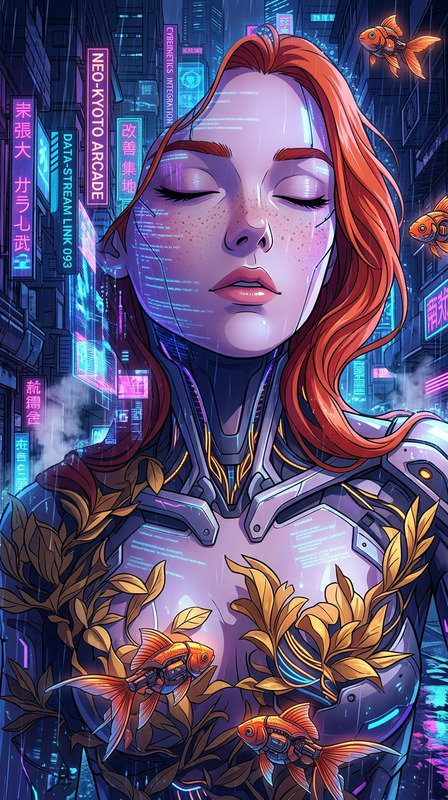
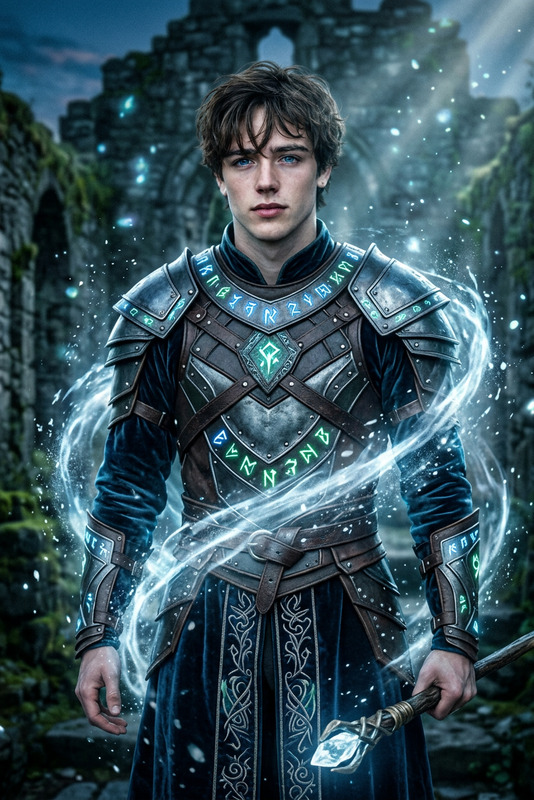
Cinematic transformation of a subject turning into an online game character, digital particles and holographic UI elements forming around the body. Split between human form and game avatar version, glowing armor or fantasy/sci-fi outfit materializing. Pixelation, glitch effects, and energy lines in the air. Dark or neutral background with neon highlights, high contrast lighting, ultra detailed, photorealistic + game UI hybrid style, 8K.
Any aspect ratio
Overview
Transform your subjects into dynamic game characters with the Game Character template. This AI Image Editor template allows you to achieve cinematic transformations with enhanced visual effects, fully utilizing the capabilities of the AI Image Editor model. Create an eye-catching fusion of realism and digital artistry that pairs perfectly with your gaming needs.
What It Does
This template not only converts your subjects into game characters but also infuses them with advanced digital particles, holographic UI elements, and glowing armor. The visual output supports high contrast lighting and ultra-detailed imagery. For creators looking to blend reality with a touch of sci-fi and fantasy, this template provides the tools needed to achieve an ultra-realistic transformation.
Who It's For
The Game Character template is ideal for digital content creators, game developers, and social media influencers seeking to enhance their storytelling with visually compelling characters. It's also perfect for anyone interested in producing high-quality game graphics, promotional content, or gaming cinematics that captivate audiences.
Summary
Leverage the power of AI to transform people into game avatars with ease. Whether you're crafting new content for an upcoming game release or enhancing your digital portfolio, the Game Character template offers a unique way to engage and inspire audiences. Explore the depth of creativity possible with the AI Video Generator for additional video applications.
How to Use
Choose Your Template

Customize Your Inputs

Generate Your Image

Use Cases
Gaming Cinematics
- Blend realism with high-tech aesthetics
- Engage players with captivating visuals
Social Media Content
- Boost engagement with dynamic content
- Stand out with eye-catching posts
Promotional Videos
- Create memorable advertising campaigns
- Convey complex narratives with ease
Best Practices
Focus on Details
Utilize the customization options to fine-tune details like lighting effects and digital enhancements. This ensures a polished and professional finish.Consistent Styling
Maintain a consistent visual style across images by saving your settings. This is crucial for creating a cohesive look in product photography or cinematic projects.High-Resolution Outputs
Always review and select high-resolution outputs to preserve the quality of intricate details, essential for professional presentations and print materials.