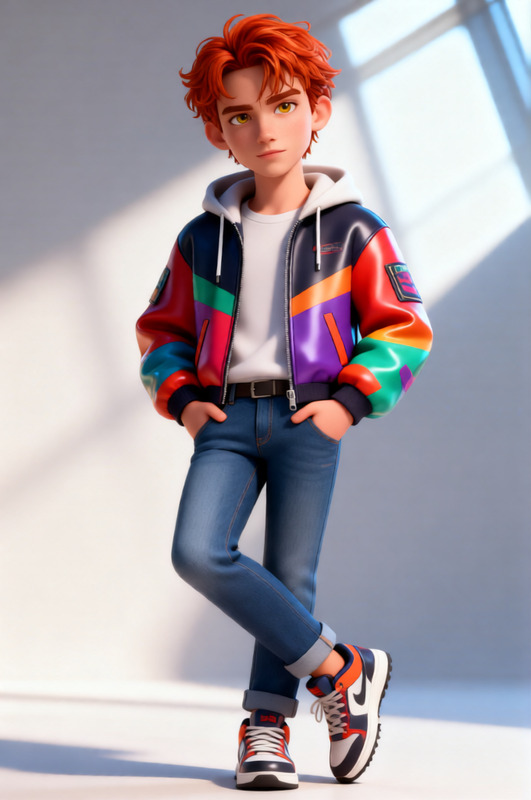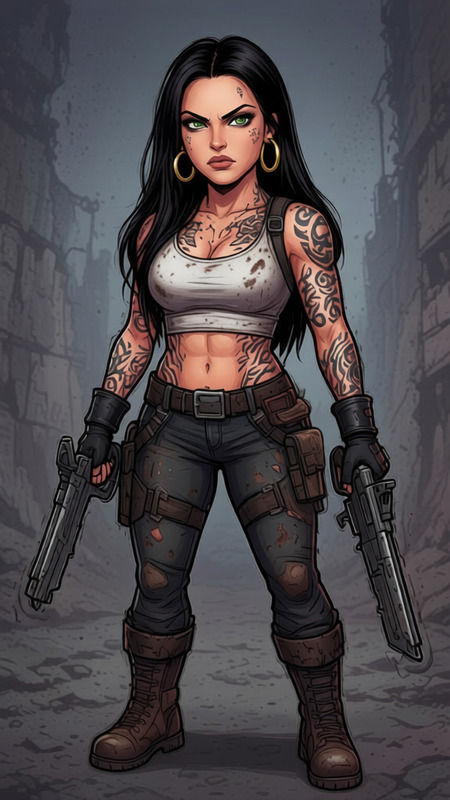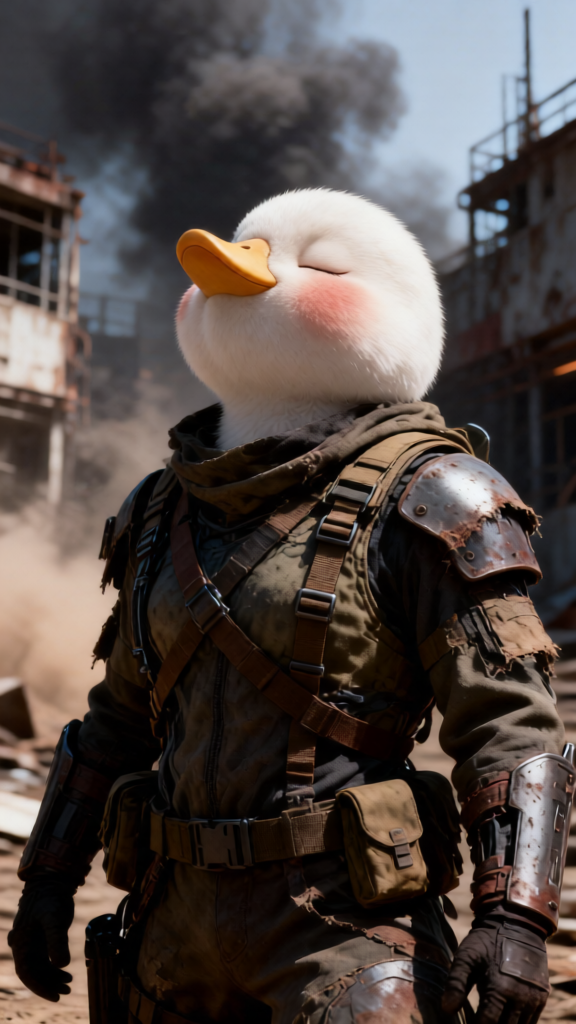
Life Simulator Character
- Model
- Qwen Edit
- Image
- 576 × 1024 px
Prompt
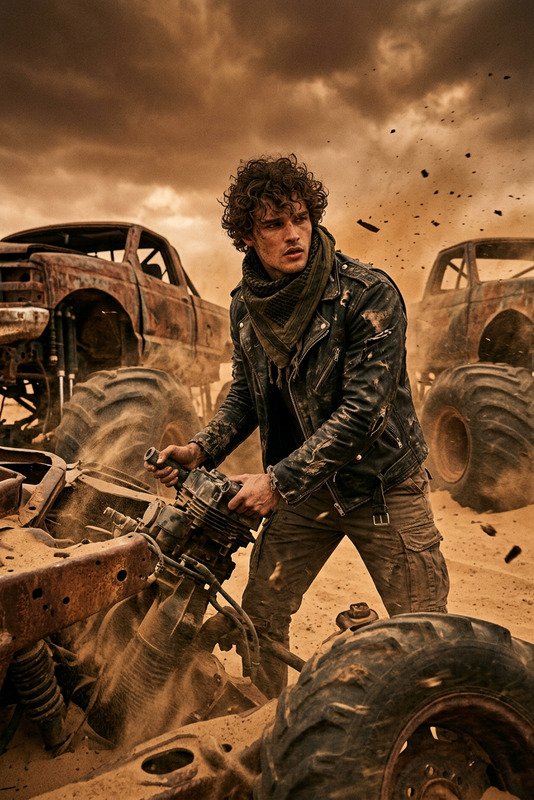
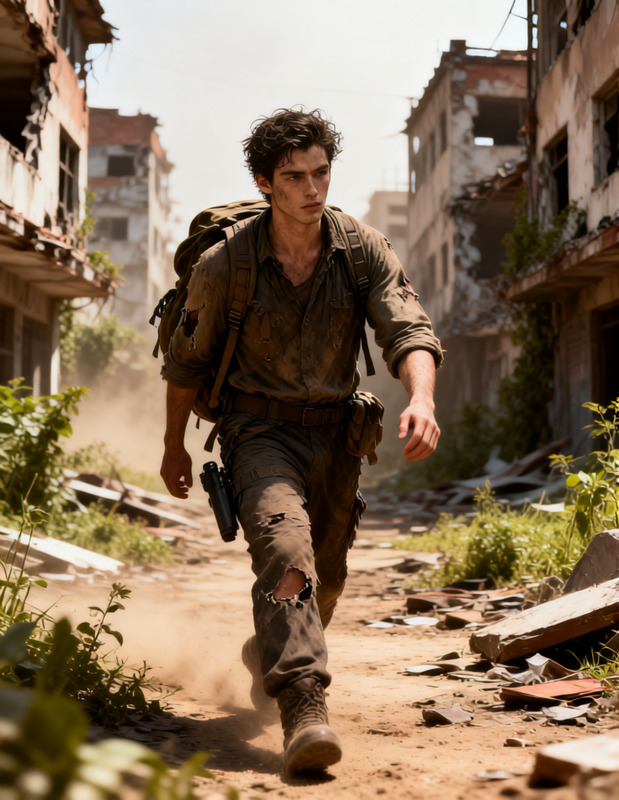
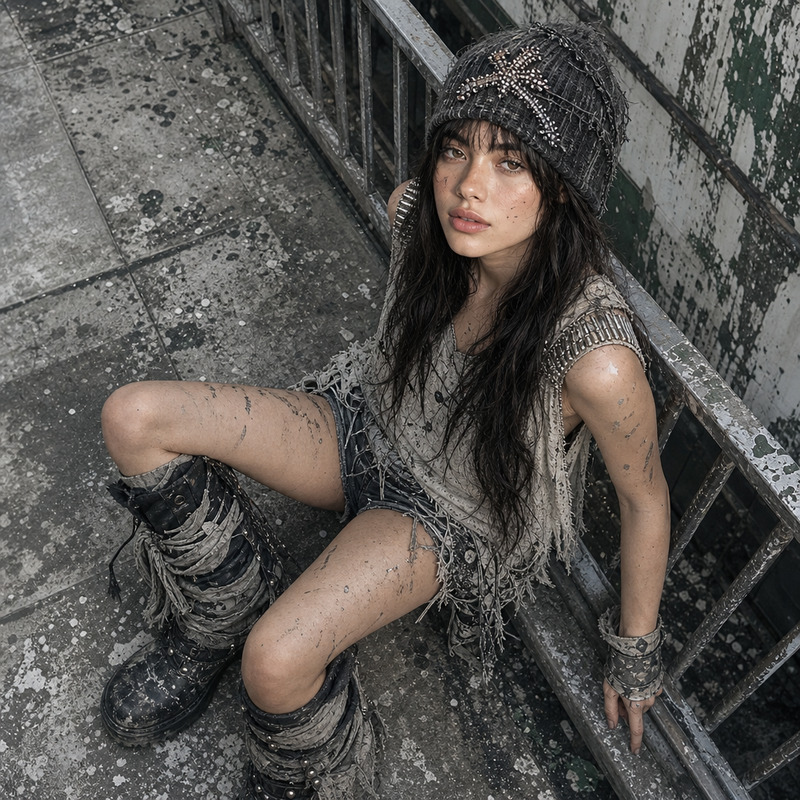
Cinematic portrait of a subject as a dystopian survivor character in a decayed futuristic world, wearing worn tactical clothing with layered fabric, utility straps, and improvised armor. Gritty environment with urban or industrial background, smoke and dust in the air. Harsh directional lighting with deep shadows, muted color palette, high texture detail on skin, fabric, and metal. Photorealistic, film grain, 8K, dramatic atmosphere.
Any aspect ratio
Overview
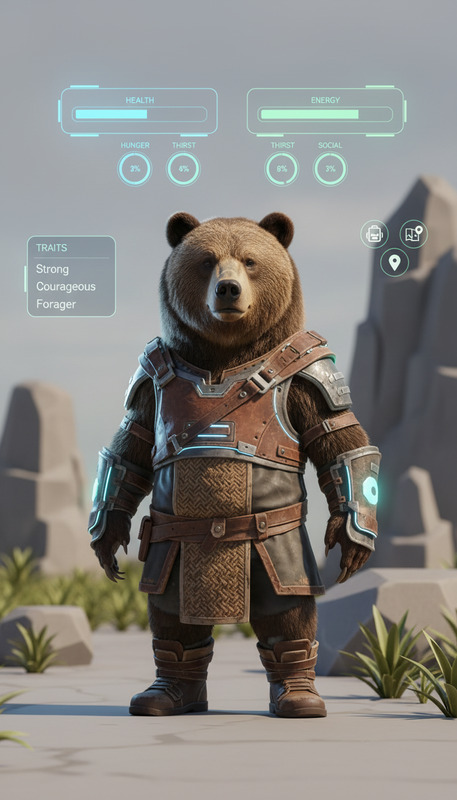
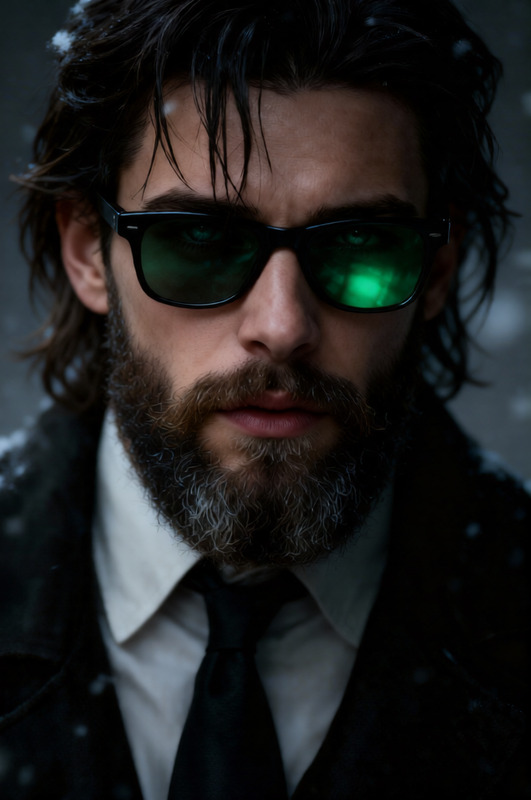
The Life Simulator Character template in our AI Image Editor showcases a cinematic approach to portraying characters as dystopian survivors. Using the power of the qwen-edit model, this template is designed to craft highly detailed, visually striking images suitable for storytelling and simulation game videos. Set your characters in dramatic lighting with a gritty urban or industrial backdrop, delivering photorealistic results.
What It Does
This template transforms your images into cinematic portraits that reflect a dystopian theme, complete with realistic textures and atmospheric effects such as smoke and dust. The AI Image Editor adds extensive detail to skin, fabrics, and metals, ensuring each element of your creation is both vivid and evocative.
Who It's For
Ideal for storytellers, game developers, and video creators, this template offers a powerful tool for crafting immersive narratives. Whether you're working on a simulation game or producing a dystopian short film, this resource will help you create visually compelling characters to enhance your projects. Explore more transformative tools like the Face Swap and AI Clothes Changer for further customization.
Summary
Utilize the Life Simulator Character template to create impactful, story-driven images. With photorealistic textures and an evocative atmosphere, your characters will come to life in a world marked by decay and survival. Embrace the physical transformation capabilities to enhance your project’s visual storytelling. Check out our other character-centric tools like the Head Swap for even more creative possibilities.
How To
Choose Your Template

Customize Inputs

Generate Image

Use Cases
Storytelling and Narratives
- Enhance story arcs with dynamic character portraits.
- Create engaging visual content for novels or video narratives.
Simulation Game Development
- Build detailed character models with immersive backdrops.
- Develop promotional materials or in-game content visuals.
Dystopian Art Projects
- Produce high-detail visual art for exhibitions.
- Support dystopian-themed writing or literature with matching visuals.
Best Practices
Leverage Lighting Effects
Focus on the template's ability with lighting by highlighting and contrasting key facial features and textures for realism.Texture Detailing
Pay attention to fabric and metal details to accentuate the character's environment and add depth to your images.Iterate and Experiment
Try different descriptive prompts and settings to explore a range of dystopian character looks and settings.