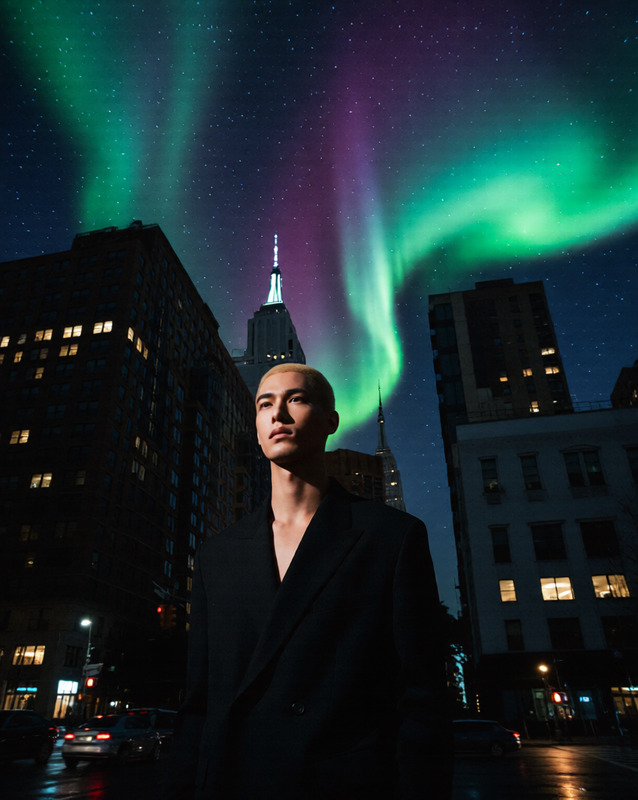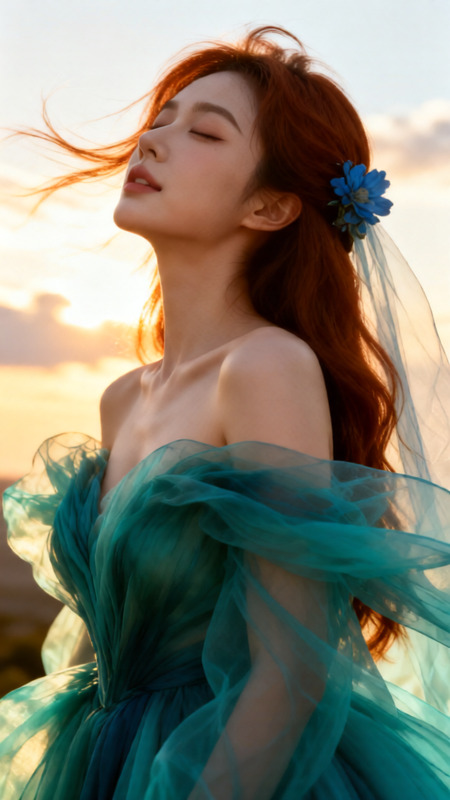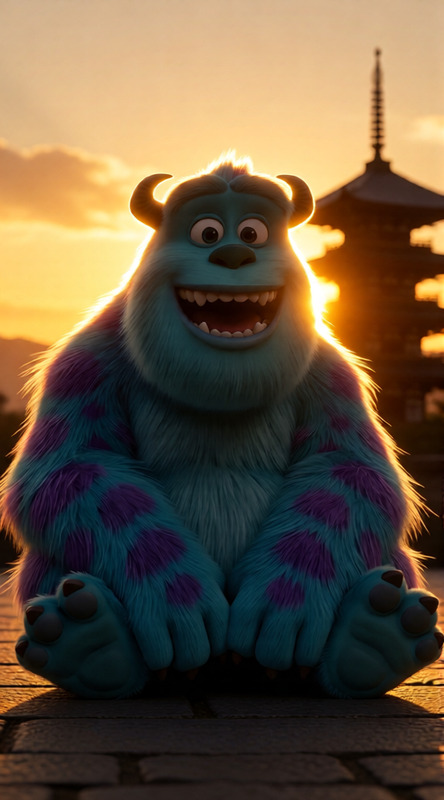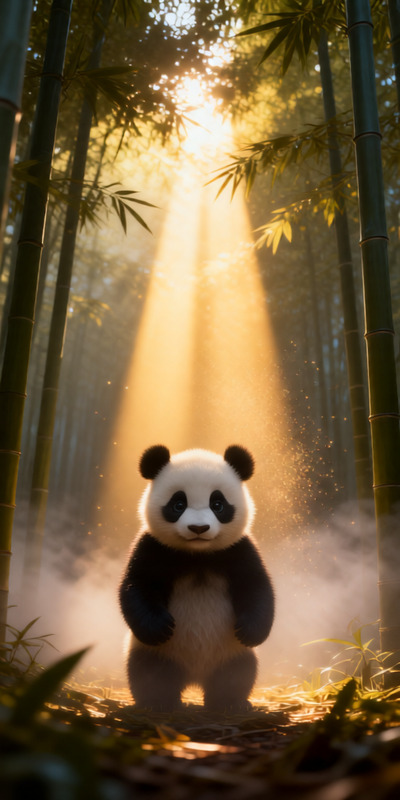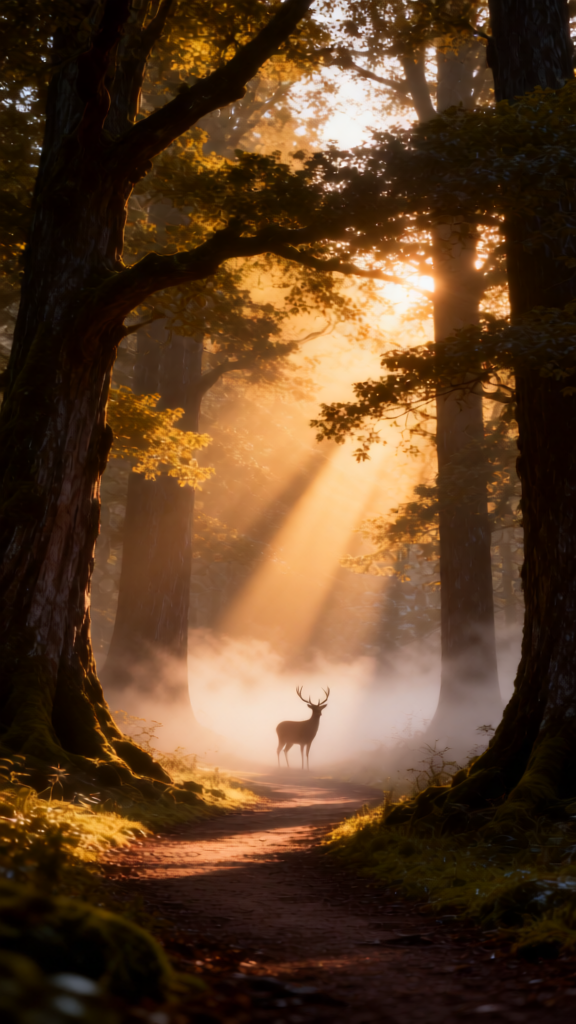
Whispering Dawn in the Ancient Forest

Whispering Dawn in the Ancient Forest

ai-image-editor

1 clip
1 uses

Any aspect ratio

Prompt

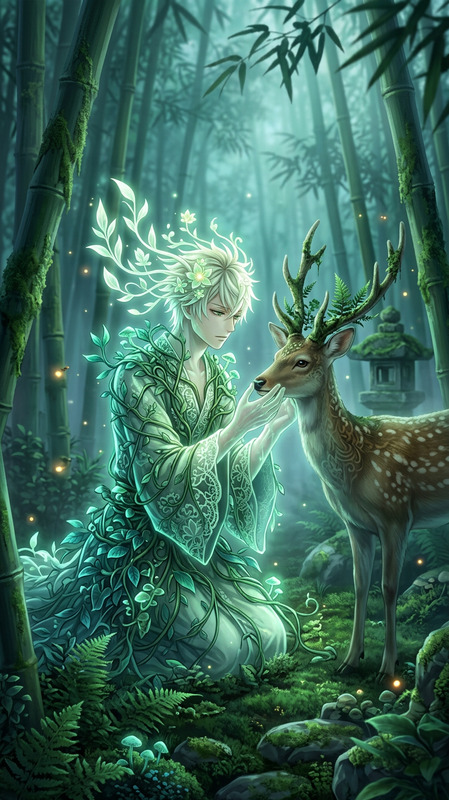
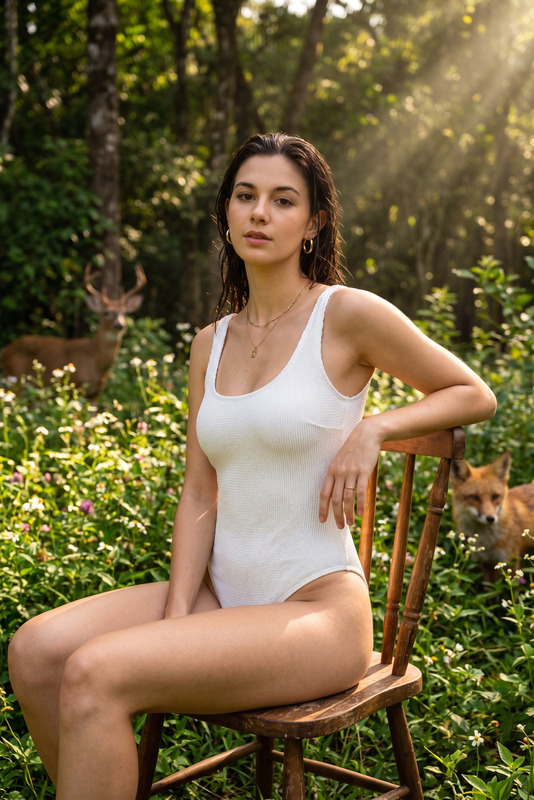
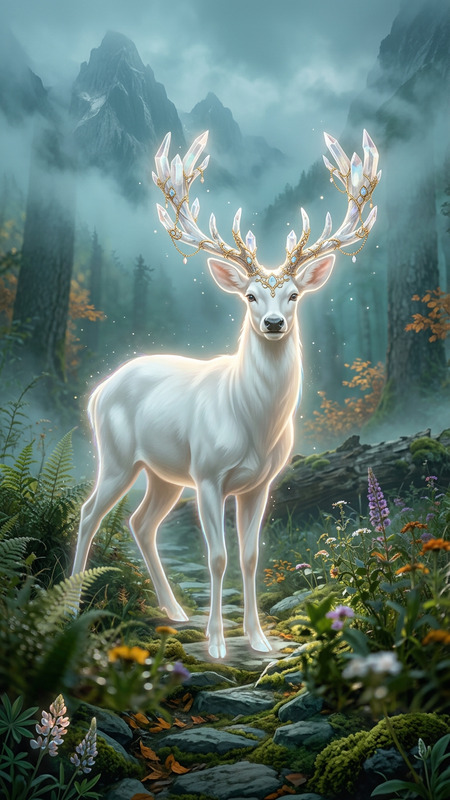
A serene forest path at dawn, soft golden sunlight gently filtering through towering ancient trees with dense foliage, long rays of light piercing through the canopy and illuminating a mist-covered ground. The atmosphere is calm and slightly mystical, with light fog drifting across the path. A lone deer stands quietly in the distance, partially veiled by mist, adding a sense of solitude and tranquility. Ultra photorealistic, soft golden hour lighting, cinematic composition, high detail, depth of field, 8K resolution, natural color grading, volumetric light, peaceful and ethereal mood.

AI Image Editor Template: Turn Any Photo Into a High-End Concept Visual

Use this AI Image Editor–based template to transform ordinary photos into polished, on-brand visuals for campaigns, product shots, social posts, pitch decks, and prototypes—without needing a designer or manual Photoshop work.


What this template does

This template uses Magic Hour’s AI Image Editor to let you:

  • Replace or refine backgrounds while keeping your subject intact
  • Change lighting, mood, and overall visual style
  • Add or remove objects cleanly (for example, props, logos, clutter)
  • Apply consistent brand aesthetics across multiple images
  • Quickly iterate on visual concepts before committing budget to production

Because it’s built inside Magic Hour, you can easily remix it into your own custom workflow and connect it with other AI tools in the stack.


Who it’s for

This template is designed for:

  • Founders & marketers – create campaign-ready visuals, product mockups, and landing-page images in minutes
  • Content & social teams – turn raw photos into scroll-stopping posts, thumbnails, and memes
  • Product & UX teams – generate visual concepts, UI mockups, and storyboards without design bottlenecks
  • Developers & builders – prototype visual features, test ideas, and ship AI-powered image workflows

How to remix this template in Magic Hour

You can use this template as-is, or clone the flow and adapt it to your own use cases. A typical remix process looks like this:

  1. Start from this template

    • Open the template in Magic Hour.
    • Duplicate the workflow to create your own editable version.
  2. Swap the source image type

    • Use any input image: product photo, selfie, logo, UI screenshot, or illustration.
    • For new assets from scratch, pair it with the AI Image Generator or AI Photo Generator, then refine with AI Image Editor.
  3. Define the transformation you want
    Common, high-leverage edits include:

    • Product in different environments (studio, lifestyle, “in-use” scenes)
    • Professional profile or AI headshot-style upgrades
    • Clean e‑commerce backgrounds using Image Background Remover
    • Visual experiments for AI memes or social posts
  4. Chain tools for richer outputs
    You can extend the template by chaining AI Image Editor with:

  5. Customize for your brand and use case

    • Establish your own visual “system” (lighting, color palette, style) and reuse it across campaigns.
    • Build variants for different channels: landing pages, pitch decks, social, app store assets, ads.
  6. Publish, test, and iterate

    • Export your final assets for web, social, or product.
    • Keep a reusable “recipe” inside Magic Hour so teammates can produce consistent visuals without expert oversight.

Example use cases you can build from this template

1. Product marketing & landing pages

  • Turn ordinary product photos into polished hero images
  • Generate multiple backgrounds (office, home, outdoors) for A/B testing
  • Combine with AI Logo Generator and AI Art Generator to build entire visual systems from scratch

2. Creator & social content pipelines

  • Upgrade selfies and portraits using AI Face Editor and this AI Image Editor template
  • Create cohesive sets of YouTube thumbnails with Thumbnail Maker plus AI Image Editor refinement
  • Build fast visual storytelling flows using AI Meme Generator

3. Brand, design, and pitch materials

4. Character, avatar, and concept art

5. Fashion, ecommerce, and UGC


Connecting images to motion and video

Once your images look right, you can turn them into dynamic content:

This makes it easy to go from static conceptpolished imagefully animated asset in a single environment.


Advanced creative directions you can try

To get more value out of this AI Image Editor template, consider:


Why use this template instead of manual editing?

Compared with manual Photoshop or typical mobile editors, an AI Image Editor–based workflow:

  • Scales to large batches of images and repeated campaigns
  • Makes it easy for non-designers to produce professional results
  • Keeps your visual language consistent across teams and assets
  • Integrates smoothly with downstream tools for video, avatars, and voice

By remixing this template in Magic Hour, you’re effectively building your own reusable visual engine: a production-ready pipeline for turning ideas and rough assets into consistent, high-quality imagery that supports growth, experiments, and user-facing products.

More Like This

Insufficient credits