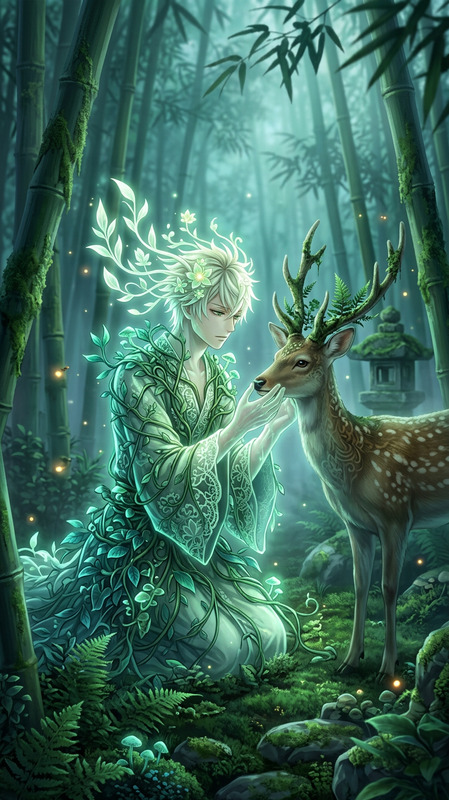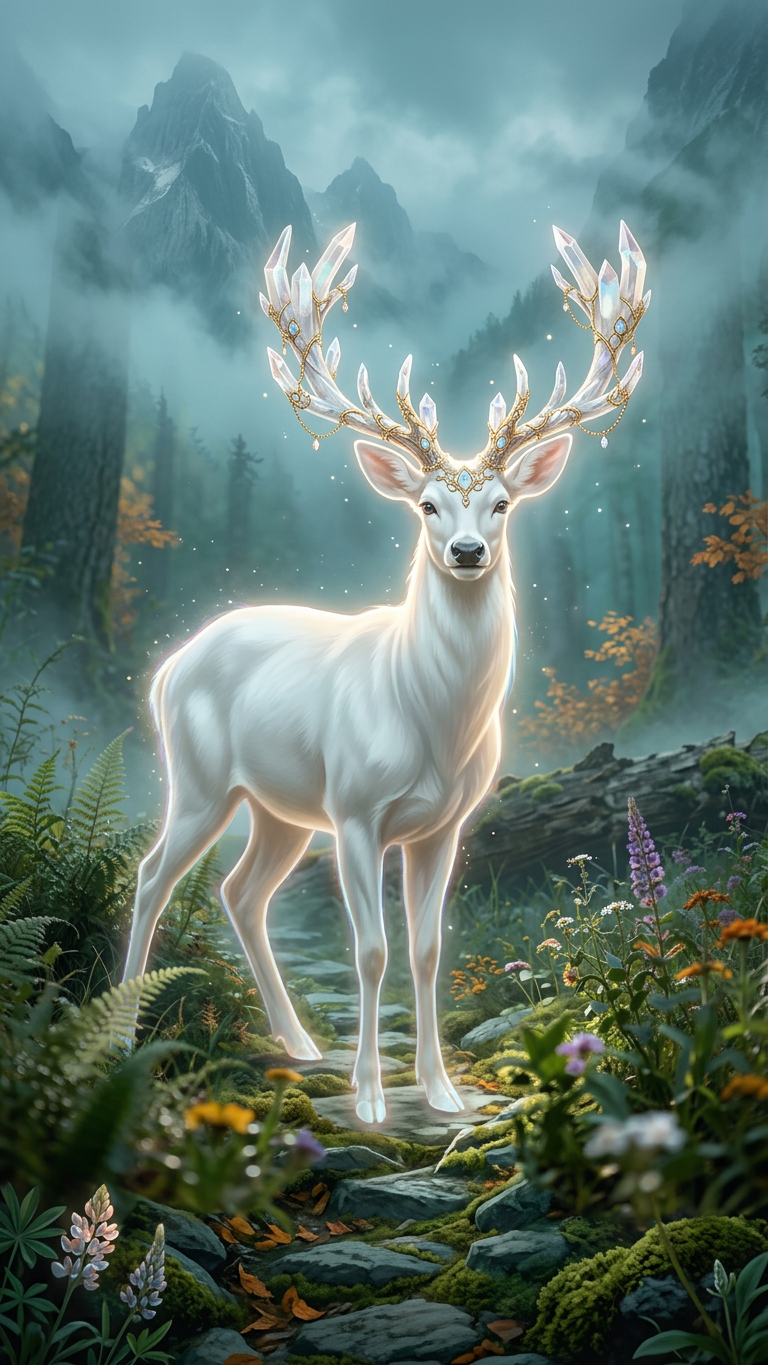
Luminous White Deer With Crystal Antlers
- Model
- Nano Banana 2
- Image
- 768 × 1365 px
Prompt
A majestic, luminous white subject with intricate, crystal-adorned antlers stands tall on a misty, verdant mountain path. Digital art, fantasy illustration. Soft, ethereal glow emanates from the subject, contrasting with the muted, atmospheric lighting of the misty forest. Cool greens and blues dominate the background, with hints of warm autumn foliage. A mystical, serene mood permeates the scene, with floating dust particles and glowing outlines around the deer. Detailed foliage and majestic mountain peaks visible through the fog.
Any aspect ratio
Overview
Experience the enchanting world of digital art with the Luminous White Deer With Crystal Antlers template in the AI Image Editor. With the power of the nano-banana-2 model, this template allows creators to enhance their visual storytelling with shades of fantasy. This highly detailed illustration features a striking white deer with crystal-adorned antlers, set against a misty forest backdrop.
What It Does
This AI Image Editor template provides a captivating canvas for creating fantasy illustrations that highlight the interplay of light and shadow. The luminous deer, with its crystal antlers, stands as a focal point amid cool greens and blues, accented by autumnal hues. The enhanced ethereal glow and meticulous detail bring fantasy worlds to life, perfect for visual storytelling.
Who It's For
The Luminous White Deer template is ideal for digital artists, illustrators, and content creators seeking to craft mesmerizing fantasy scenes. Whether you're designing a book cover or creating an image for a social media campaign, this template serves those looking to add a touch of mystique to their visual projects.
Summary
This template leverages the advanced features of the nano-banana-2 model to deliver high-quality, fantasy-themed images. Its focus on intricate details and atmospheric composition makes it a valuable tool for any digital creator aiming to produce captivating and mystical visuals.
How-To
Choose the Template

Customize Your Scene

Generate Your Image

Use Cases
Fantasy Book Covers
- Highlight key fantasy themes with detailed illustrations
- Set the mood with ethereal imagery
Game Concept Art
- Craft unique character designs with magical elements
- Visualize game settings with comprehensive environments
Social Media Campaigns
- Stand out with visually captivating posts
- Engage your audience with fantastical elements
Best Practices
Optimize for High Quality
When generating images, use the highest resolution supported by Magic Hour to maintain quality.Leverage Lighting Effects
Make use of lighting and shadows to emphasize the deer's crystalline antlers and create a dreamy atmosphere.Incorporate Custom Elements
Personalize by adding unique features like mist layers or additional wildlife for a more immersive scene.