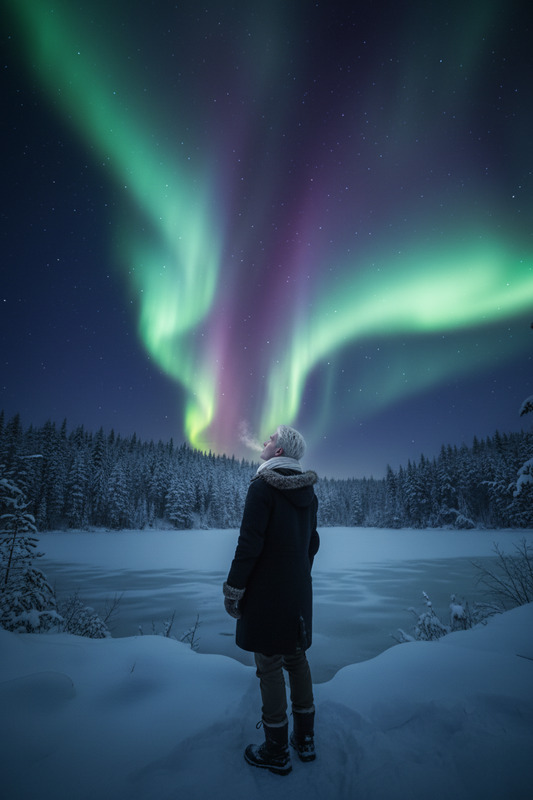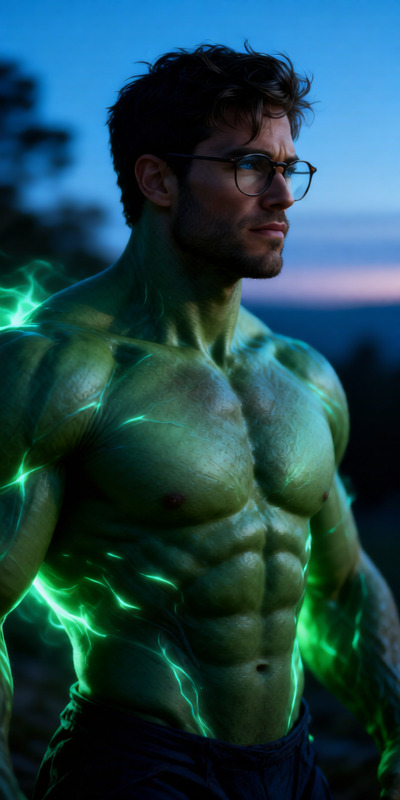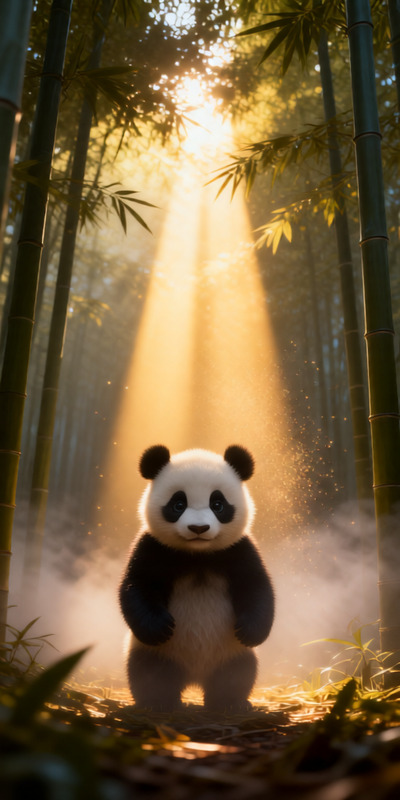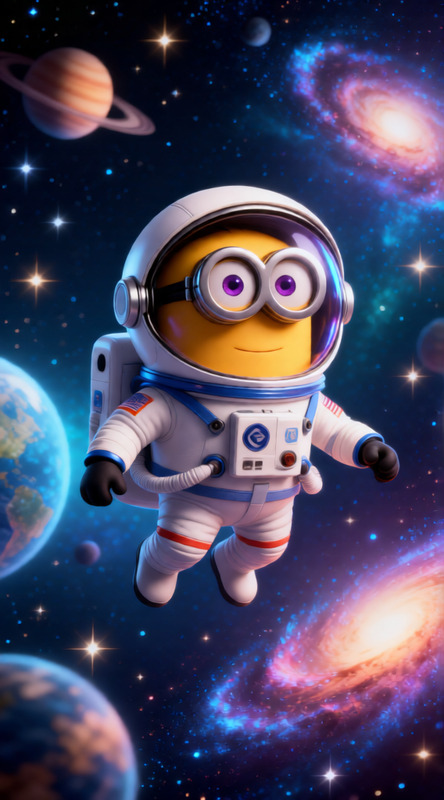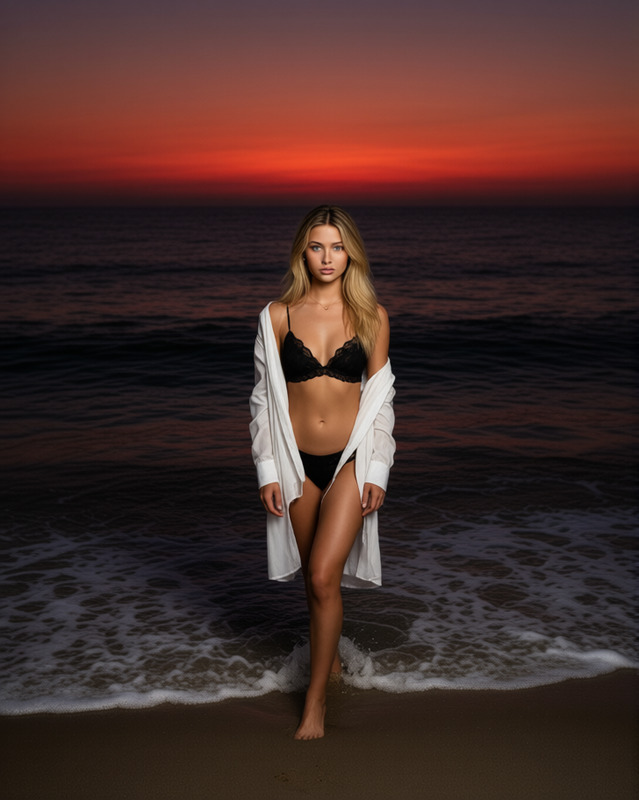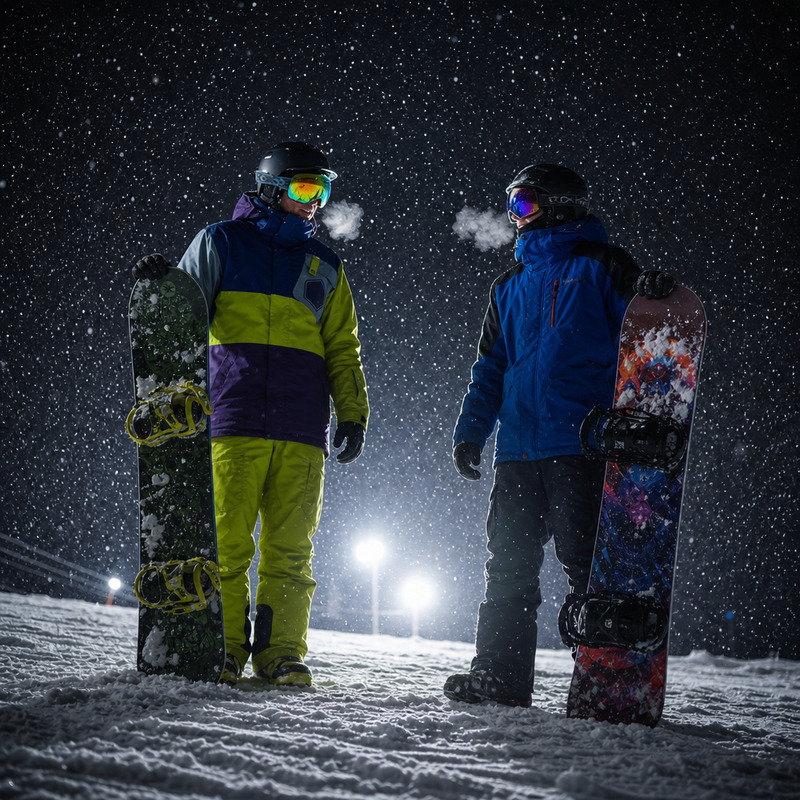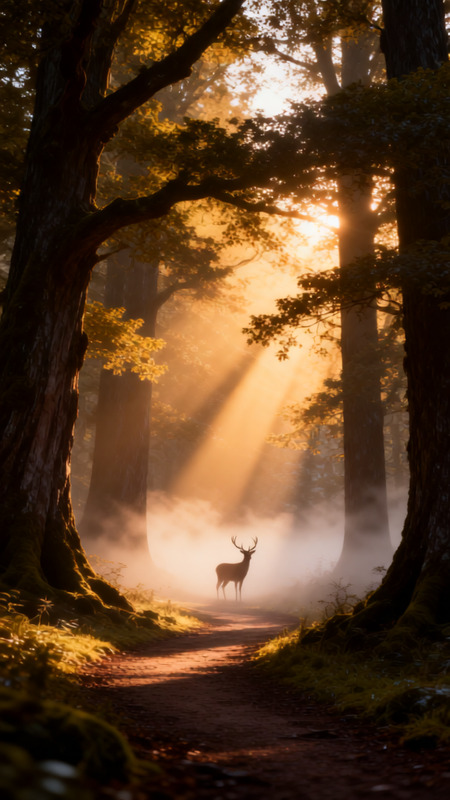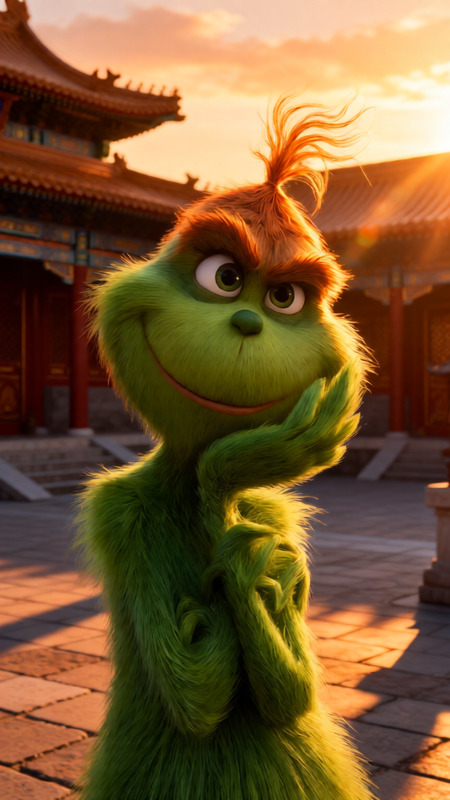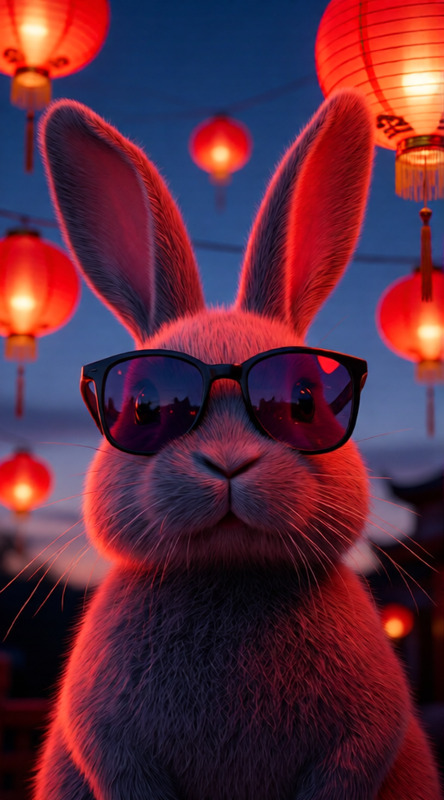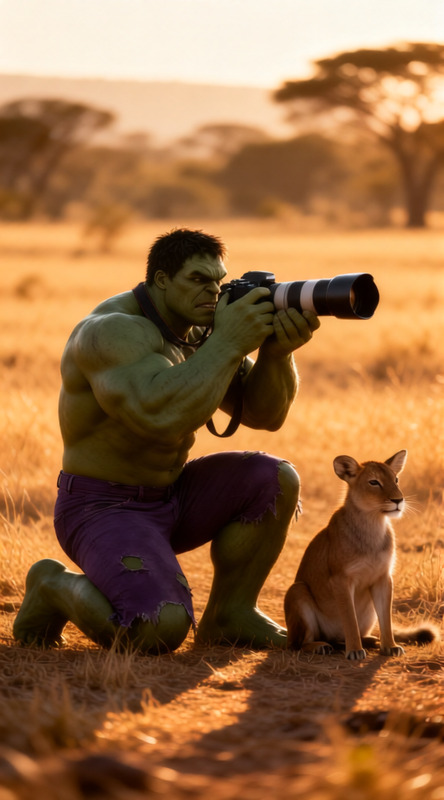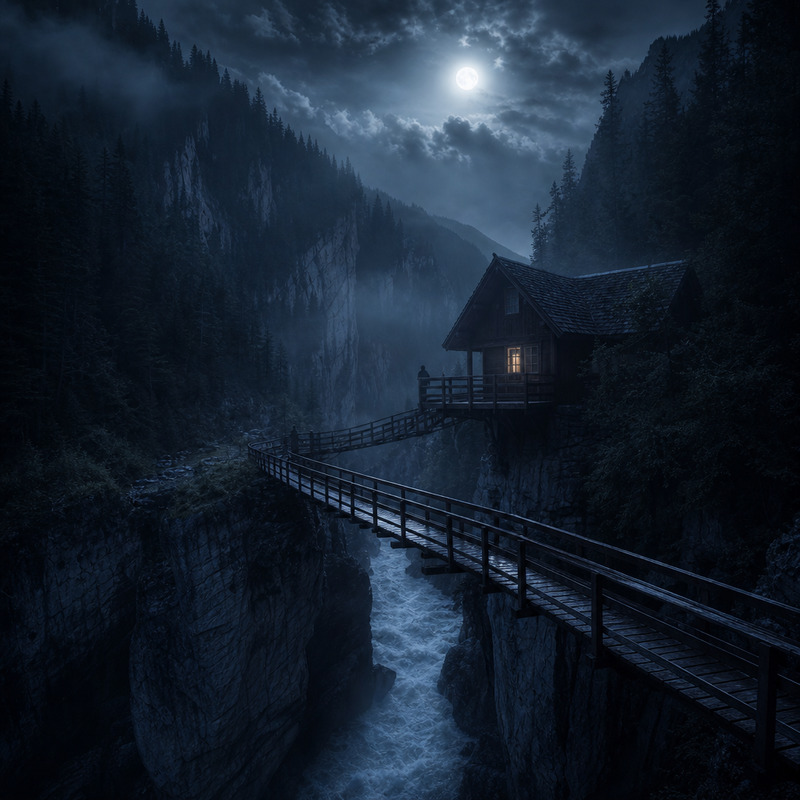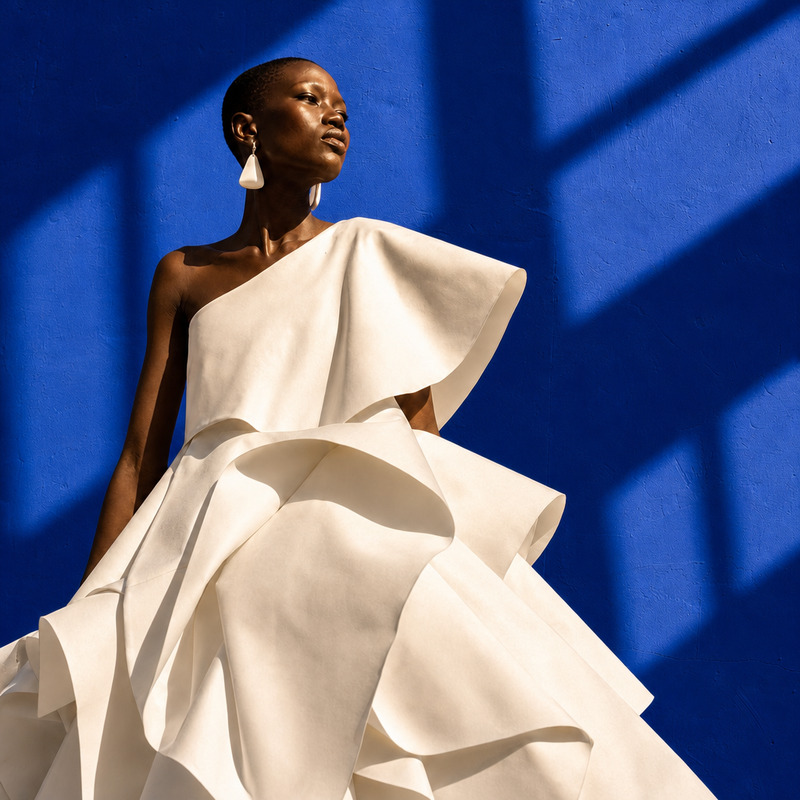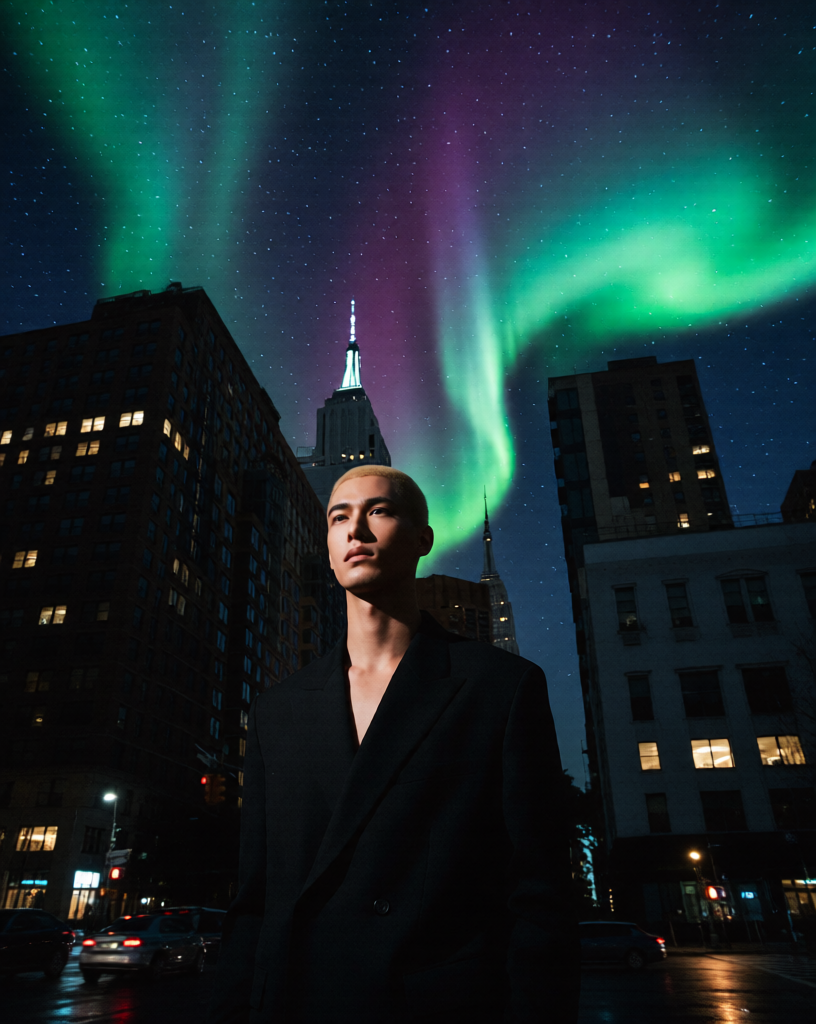
Aurora Night Cinematic
- Model
- Qwen Edit
- Image
- 816 × 1024 px
Prompt
Set the scene at night with a glowing Aurora Borealis across a star-filled sky. Use a wide-angle perspective with high contrast lighting, deep shadows, and vibrant aurora colors. Emphasize the dramatic night atmosphere with crisp stars, subtle reflections, and cinematic depth.
Any aspect ratio
Overview
The Aurora Night Cinematic template in the AI Image Editor collection transforms your ordinary night scenes into captivating cinematic experiences. This template is tailor-made for scenes featuring a glowing Aurora Borealis and starry skies.
What It Does
This template leverages the qwen-edit model to enhance images with a vivid Aurora Borealis, providing a wide-angle view that highlights contrast and vibrant colors. It integrates cinematic depth with crisp star details and subtle reflections, perfect for creating breathtaking visual narratives.
Who It's For
Ideal for filmmakers and content creators looking to elevate their visual storytelling. The Aurora Night Cinematic template is perfect for those who wish to incorporate dramatic atmospheric elements in videos, enhancing projects with a professional touch. Filmmakers exploring vlogs or documentaries about natural phenomena will particularly benefit from this tool.
Summary
With the Aurora Night Cinematic template, transform your nighttime visuals into stunning cinematics, ideal for both amateur and professional use. It is an integral part of our AI Video Generator lineup, facilitating the creation of impactful and visually cohesive content.
How to Use
Choose the Template

Customize Your Scene

Generate Your Video

Use Cases
Nature Documentaries
- Highlight wildlife in Arctic settings
- Set a dramatic scene for geographic documentaries
Content Creator Projects
- Create captivating travel content
- Incorporate dreamy night scenes into creative projects
Film Production
- Add atmospheric layers to horror or sci-fi films
- Develop dramatic backdrops for narrative tension
Best Practices
Choose High-Quality Inputs
Start with high-resolution images to ensure the best final output quality.Experiment with Colors
Adjust the variability of aurora hues and contrasts to emphasize mood and atmosphere.Integrate with Other Products
Combine with AI Image Upscaler for sharper details, enhancing overall visual impact.