Ember Reverie
- Model
- Nano Banana 2
- Image
- 768 × 1367 px
Prompt
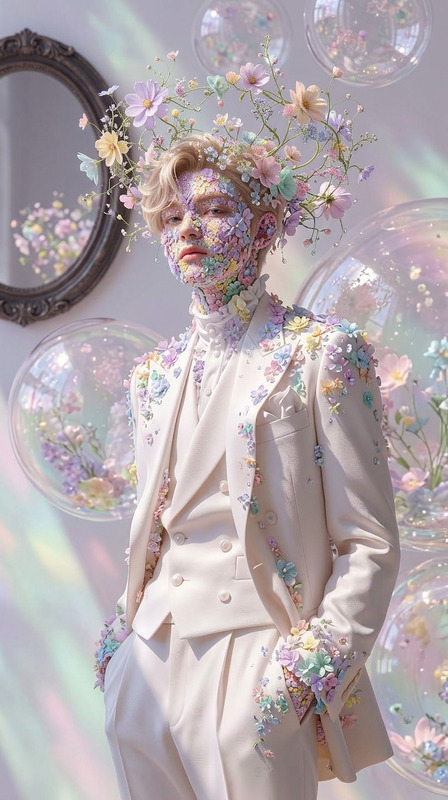
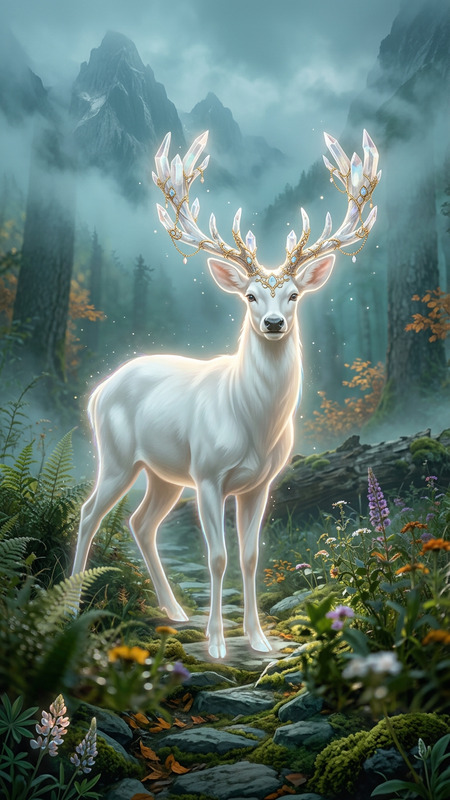
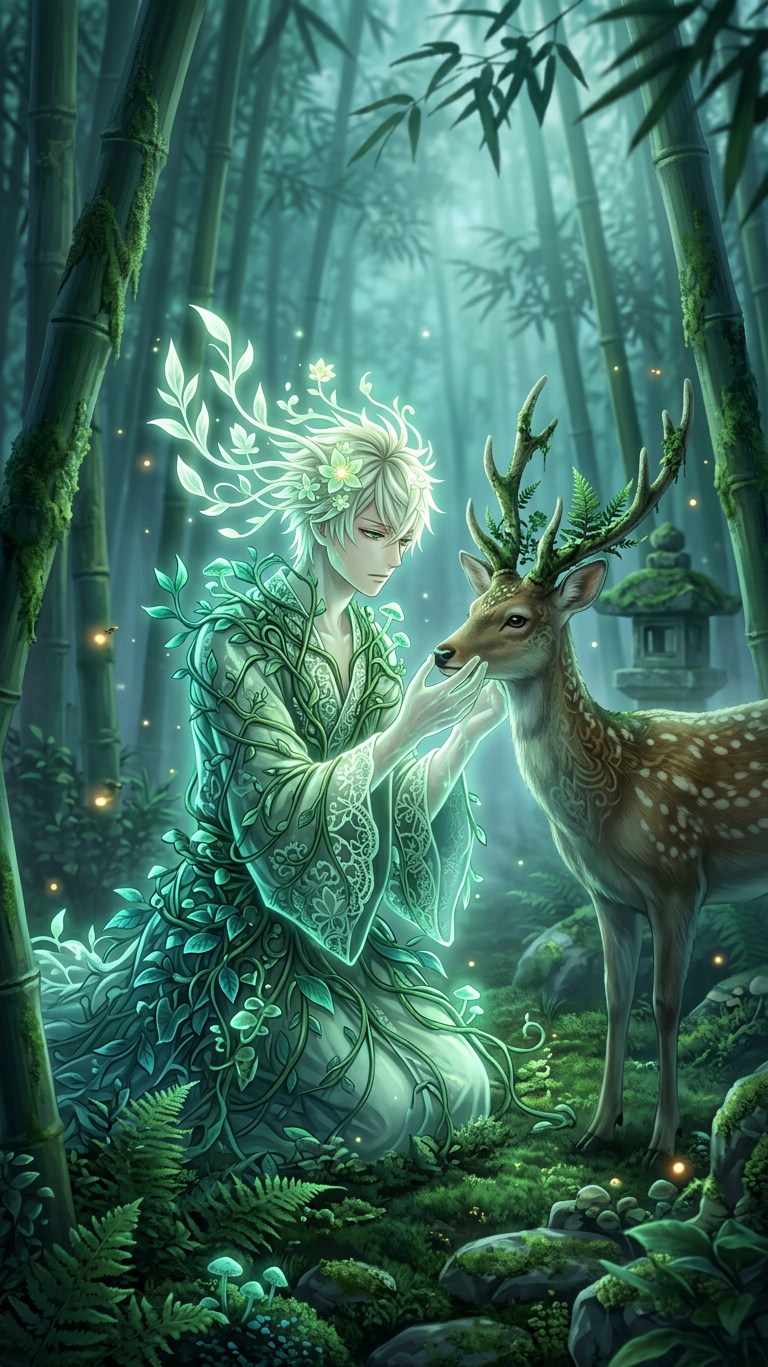
Full-body fantasy portrait of the subject as a glowing forest spirit with flowing leafy hair and a dress of vines and leaves, interacting gently with a spotted deer in a mystical bamboo forest. Soft, misty lighting with a cool atmospheric haze, luminous green accents on the spirit, and subtle warm fireflies drifting around. Intricate detail on the deer’s fur and antlers, moss-covered ground, and a quiet stone lantern nearby. Deep greens, blues, and teals dominate the palette, with soft background blur and sharp focus on the subjects. Highly detailed digital painting, serene and magical atmosphere.
Any aspect ratio
Overview
The "Ember Reverie" template leverages the unique capabilities of our AI Image Editor to transform the ordinary into the extraordinary. Using the power of the nano-banana-2 model, this template creates enchanting digital paintings where subjects become mystical forest spirits interacting with the serene nature around them.
What It Does
"Ember Reverie" allows you to craft intricate, full-body fantasy portraits. The detailed AI Image Editor prompt includes elements like glowing leafy hair, a mystical setting, and finely detailed interactions with wildlife. The resulting images boast distinguished atmospheric effects such as a soft, misty lighting and vibrant green accents, all while maintaining sharp focus on the main subjects.
Who It's For
This template is perfect for digital artists, creative storytellers, and marketers looking to enhance their storytelling with visually stunning imagery. It is also ideal for fantasy enthusiasts who wish to visualize characters in magical settings. Whether for digital content creation or enhancing Image-to-Video projects, "Ember Reverie" brings an artistic touch to any endeavor.
Summary
With "Ember Reverie," users are empowered to create magnificent fantasy scenes with ease, using our advanced AI Image Editor. This tool is poised to transform any visual content project into an immersive experience, blending intricate detail with atmospheric magic, making it a staple for serious creators and imaginative projects alike.
How-to Guide
Choose Template

Customize Your Image

Generate Image

Use Cases
Magical Storytelling
- Digital books
- Video productions
- Role-playing campaigns
Marketing and Advertising
- Social media posts
- Print ads
- Website banners
Personal Projects
- Custom portraits
- Art prints
- Gift cards
Best Practices
Focus on Detail
Pay attention to the minute details in the prompt to ensure the result is as detailed as possible.Color Harmony
Utilize the deep greens, blues, and teals in the template to create a visually pleasing color palette.Sharp Subject Focus
Balance the soft background blur with a sharp focus on key subjects to enhance the magical atmosphere.