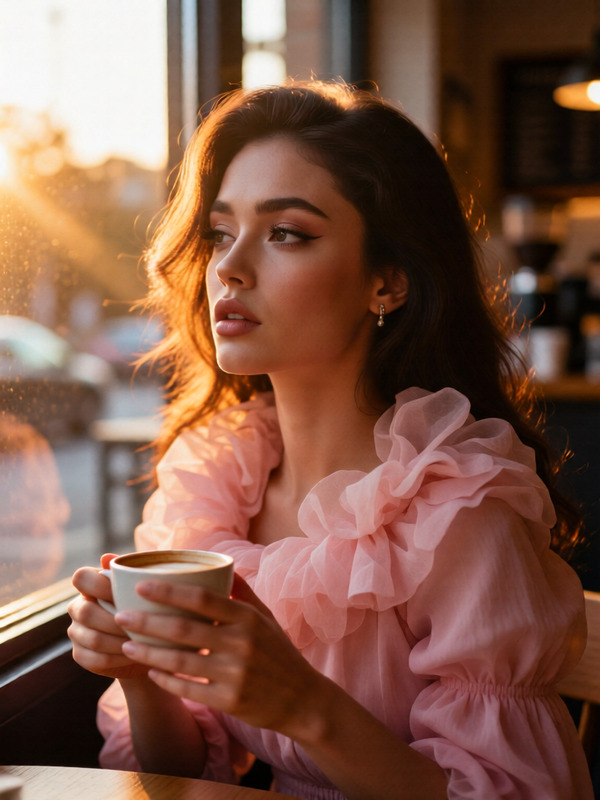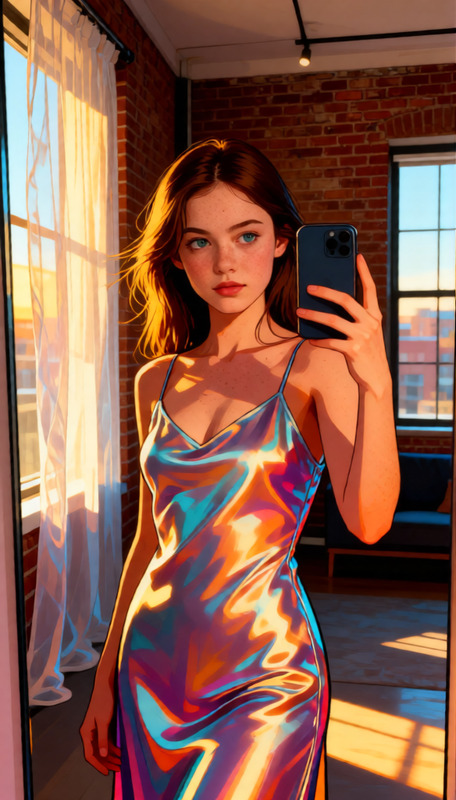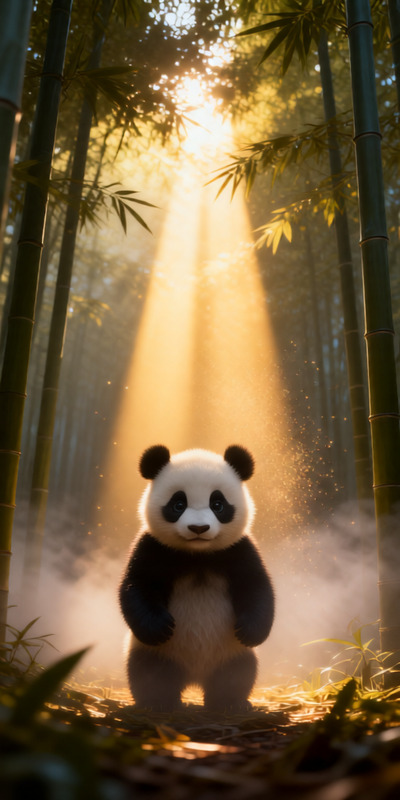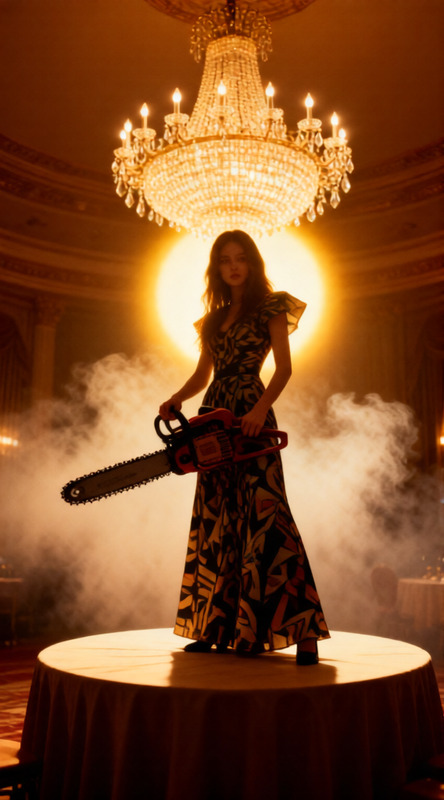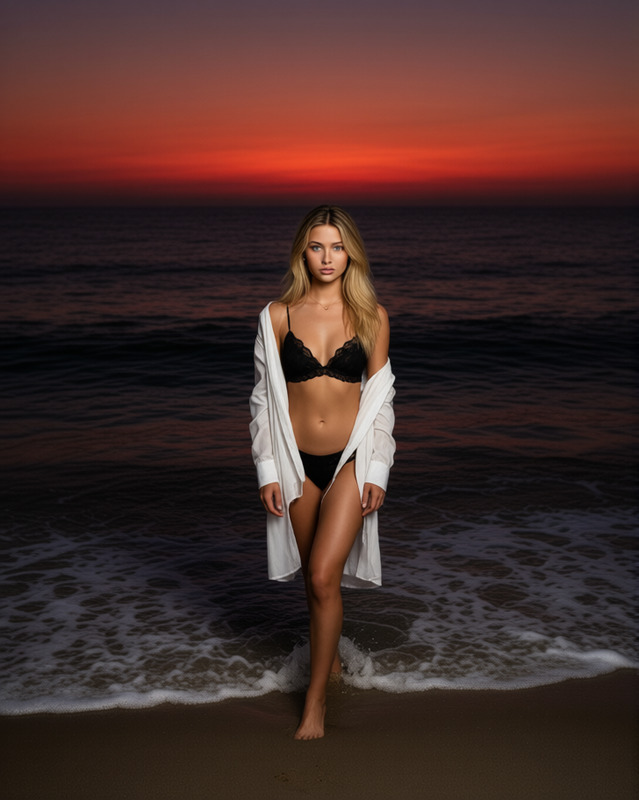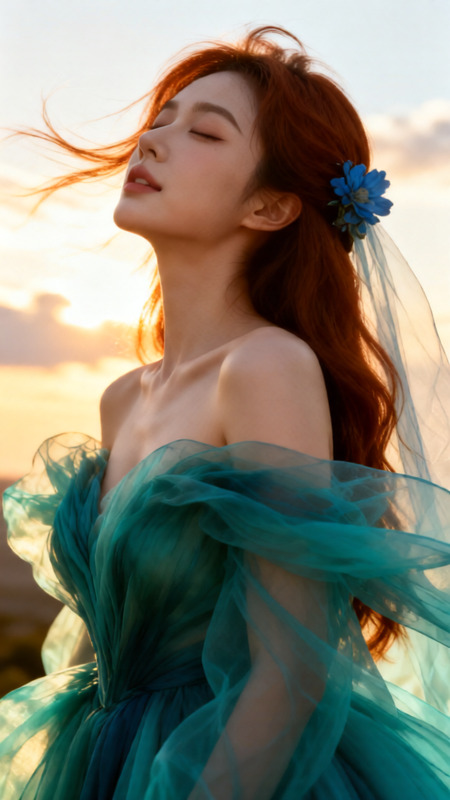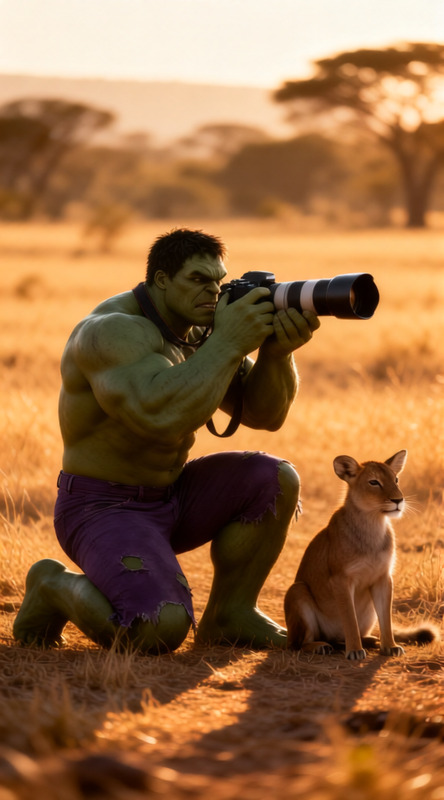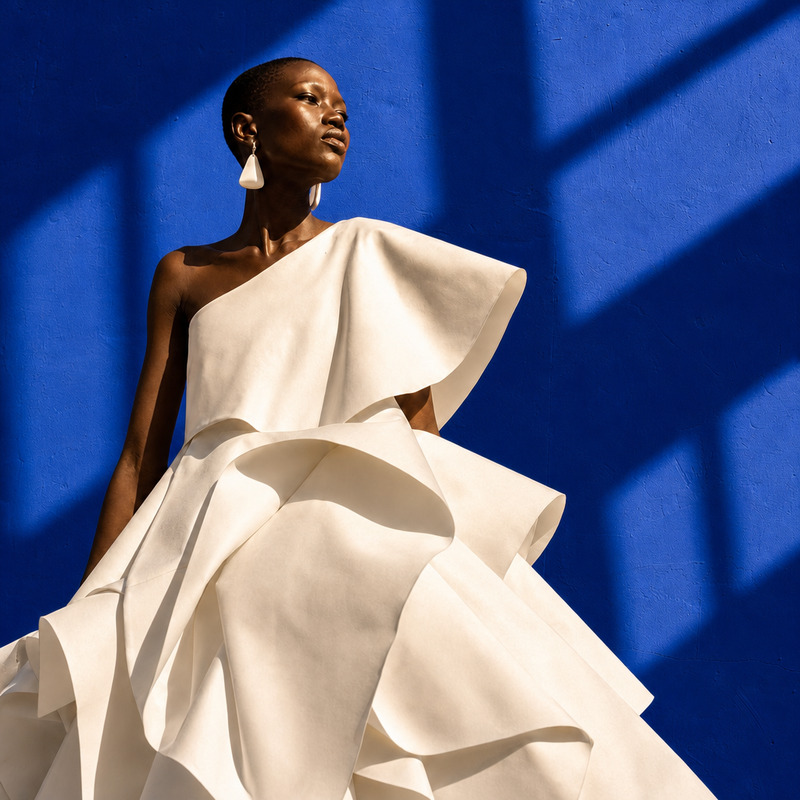
Golden Hour Glow
- Model
- Qwen Edit
- Image
- 576 × 1024 px
Prompt
Warm golden hour light flooding a Chinese courtyard, orange-amber tones, soft warm shadows, long shadows stretching across stone tiles. Subject’s copper hair glowing in sunlight, subtle lens flare, cinematic, photorealistic.
Any aspect ratio
Overview
The Golden Hour Glow template harnesses the power of the AI Image Editor to transform ordinary images into breathtaking scenes. Utilizing the qwen-edit model, this template is designed to enhance the natural beauty of your photographs by mimicking the magical effects of golden hour lighting.
What It Does
This template enhances images with a portrayal of warm golden hour lighting, perfect for capturing the serene and beautiful glow of sunset or sunrise in any setting. It emulates the soft amber tones and long shadows that define this enchanting time of day. Your subject's features, such as hair, can take on a copper-like glow, adding a dramatic yet natural effect to your visuals.
Who It's For
Photographers, designers, and anyone who wants to add a touch of magic to their images will find this tool invaluable. Whether you are a professional creator working on marketing content or a hobbyist looking to elevate your personal projects, the Golden Hour Glow is an excellent starting point. It's also ideal for those specializing in eCommerce ads or Instagram Reels where captivating visuals hold an edge.
Summary
By simulating the tranquil yet exquisite effect of golden hour light, the Golden Hour Glow template transforms your images into captivating artworks. Achieve a photorealistic finish that highlights your subject against a backdrop of warm tones and gentle shadows using this AI-powered image enhancer.
How-To

Customize

Generate

Use Cases
Nature Photography
- Elevate sunset photos with enhanced golden tones
- Add a cinematic touch to morning mist scenes
Portrait Enhancements
- Create dramatic portraits with enhanced copper hair highlights
- Subtle lens flares to add depth and interest
Urban Exploration
- Highlight structures with elongated shadows
- Enhance brick and stone textures with warm light
Best Practices
Choose High-Quality Images
Use high-resolution images to make the most of the AI enhancements, ensuring all details are crisply rendered.Focus on Natural Elements
When possible, incorporate elements like trees or buildings that can cast long shadows for a more dramatic effect.Consider Subject Positioning
Place your subject where natural light would logically strike them to create a realistic and cohesive scene.