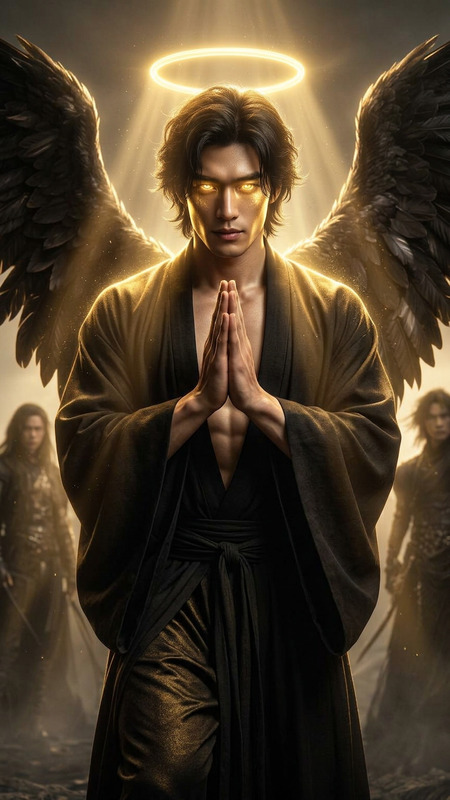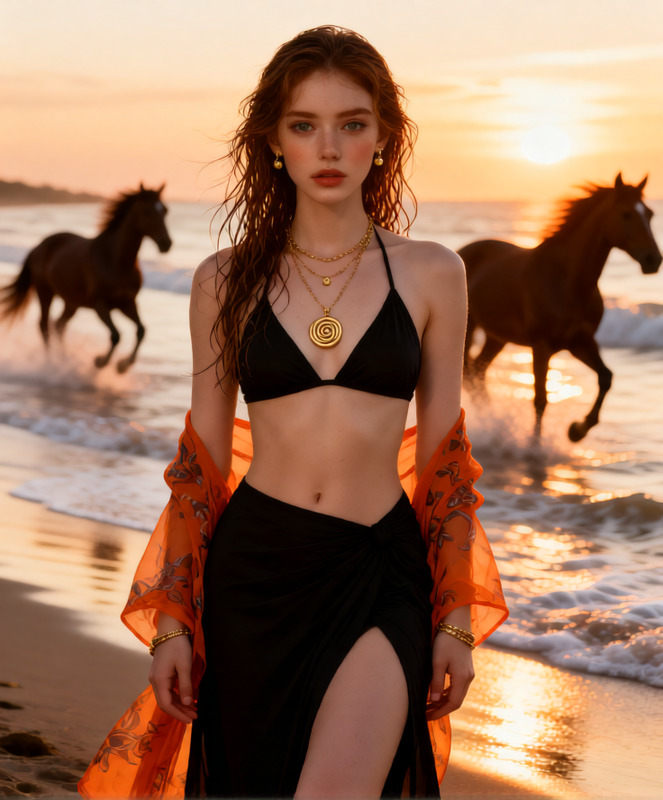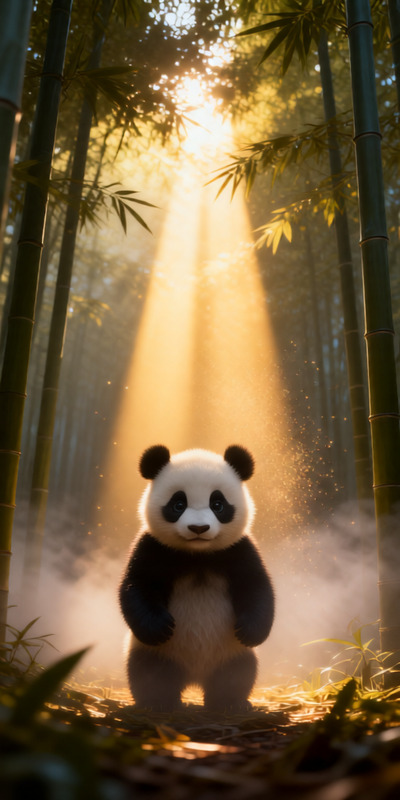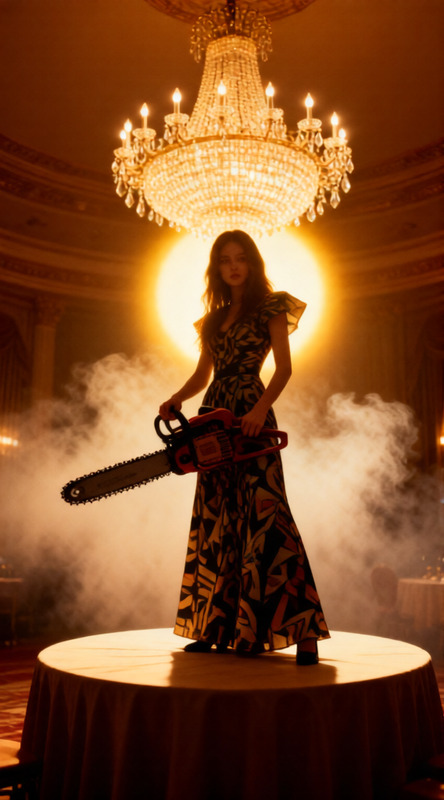
Golden Rim Halo
- Model
- Qwen Edit
- Image
- 568 × 1024 px
Prompt
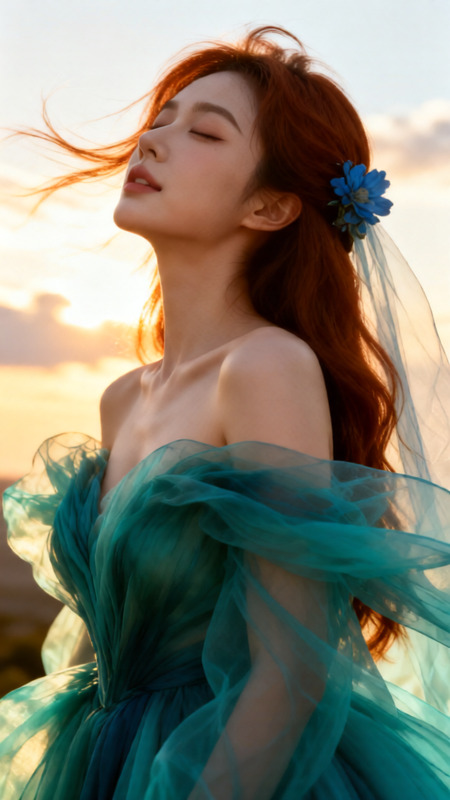
Strong rim lighting from warm sunset behind the subject, creating a glowing halo around hair and shoulders. Face mostly in soft shadow. Kyoto pagoda silhouetted in the background. Magical golden hour atmosphere, photorealistic, cinematic light.
Any aspect ratio
Overview
The Golden Rim Halo template offers a unique AI-powered editing experience with the AI Image Editor. Using the specialized qwen-edit model, this template brings a cinematic touch to your visual projects, capturing the enchanting glow of a warm sunset.
What It Does
Designed to enhance your imagery, the Golden Rim Halo template applies strong rim lighting to create a glowing halo around your subject. This effect spotlights hair and shoulders, while the face remains mostly in shadow. A Kyoto pagoda silhouette adds an exotic layer, perfect for creating photorealistic, cinematic light settings.
Who It's For
This template is ideal for photographers and visual artists looking to infuse their work with magical atmosphere. It's a great fit for projects requiring a blend of realism and cinematic effects. Video creators can also use it to complement storytelling with a stunning visual backdrop.
Summary
The Golden Rim Halo template provides a visually striking way to enhance images using AI. Suitable for professionals and hobbyists alike, it adds depth and elegance to any project. Explore other features in our AI Image Generator for further creative possibilities.
How to Use the Golden Rim Halo Template
Choose the Template

Customize Your Inputs

Generate and Download

Use Cases
Cinematic Photography
- Highlight your subject with dramatic lighting
- Enhance mood with shadow details
Travel Videos
- Utilize for stunning sunset scenes
- Add an exotic architectural silhouette
Marketing Visuals
- Draw viewer attention with unique lighting
- Convey warmth and elegance
Best Practices
Choose High-Resolution Images
For the best results, use high-resolution images to ensure the halo effect is clear and refined.Experiment with Lighting
Try different lighting angles and intensities to find the perfect balance for your project needs.Involve Contextual Elements
Include elements such as the Kyoto pagoda for a richer storytelling layer, enhancing the visual narrative.