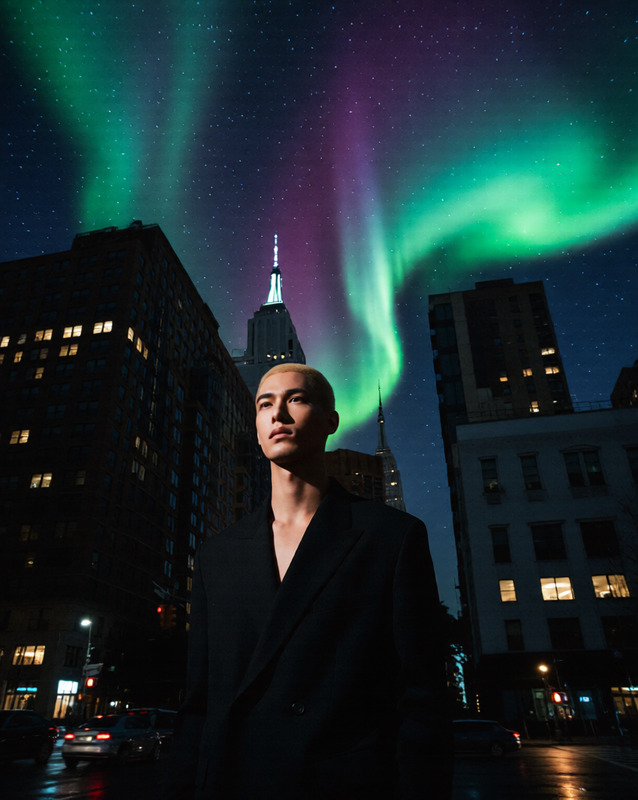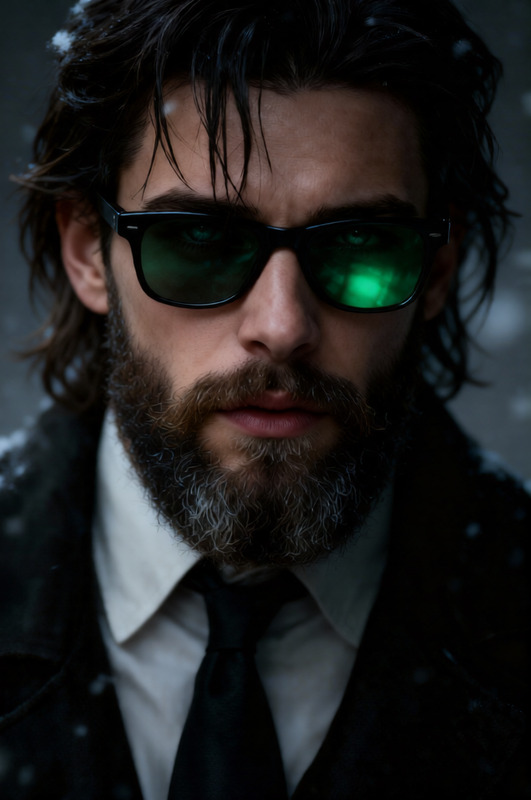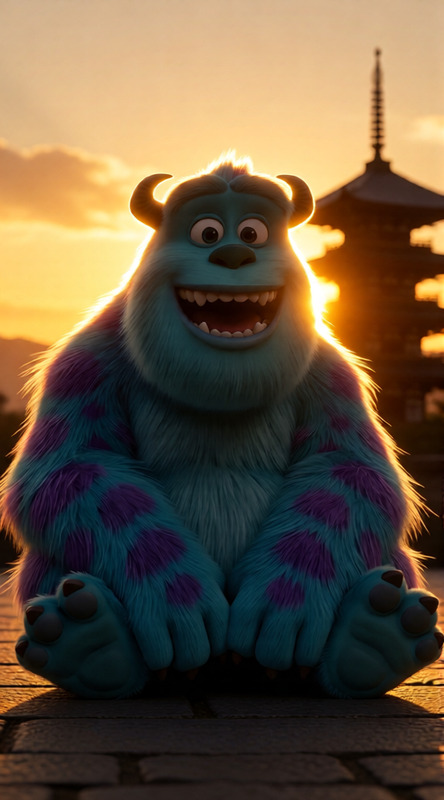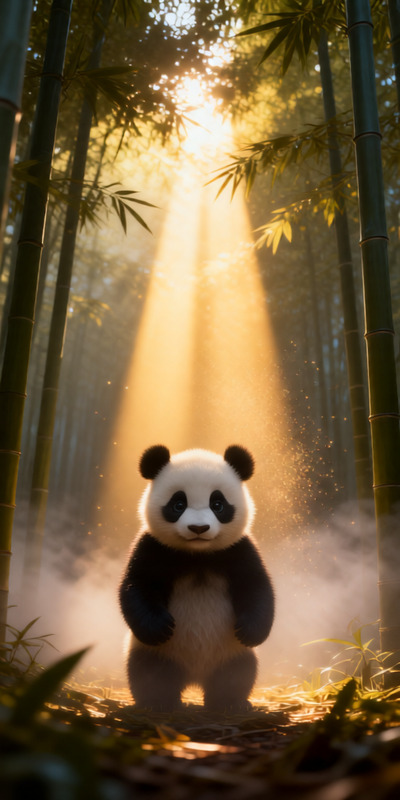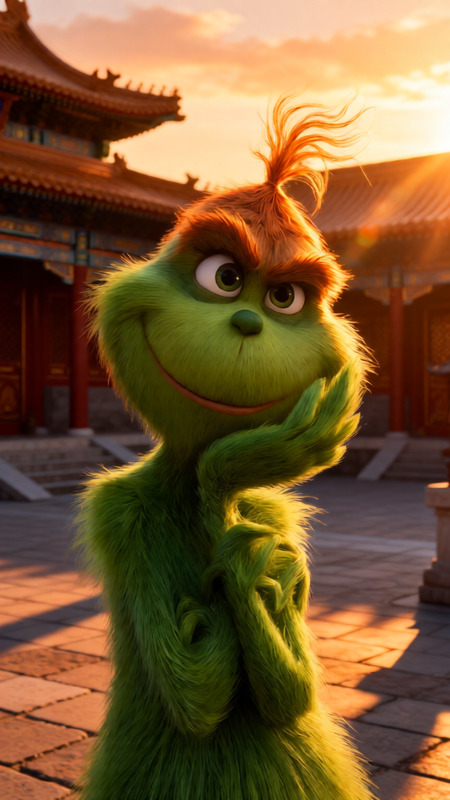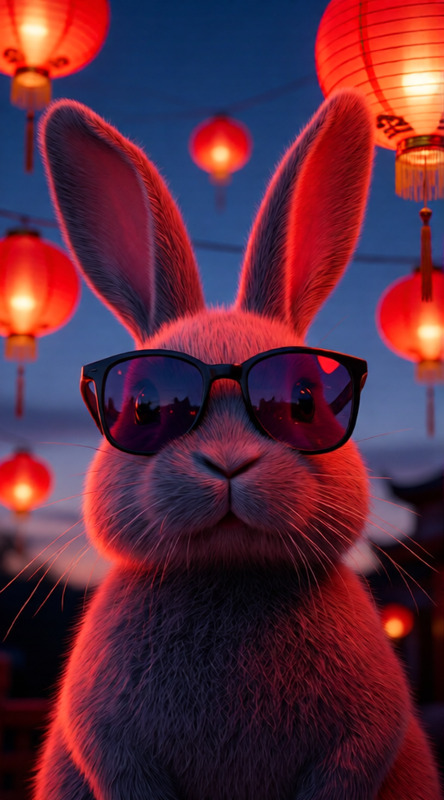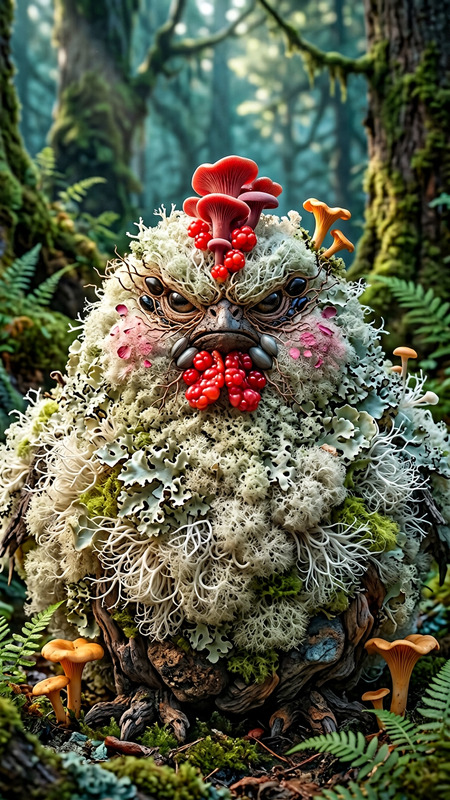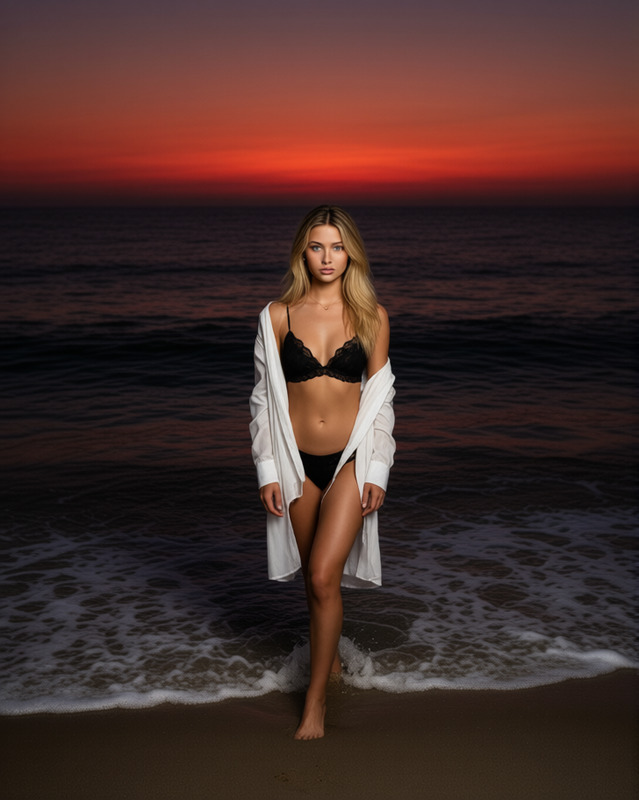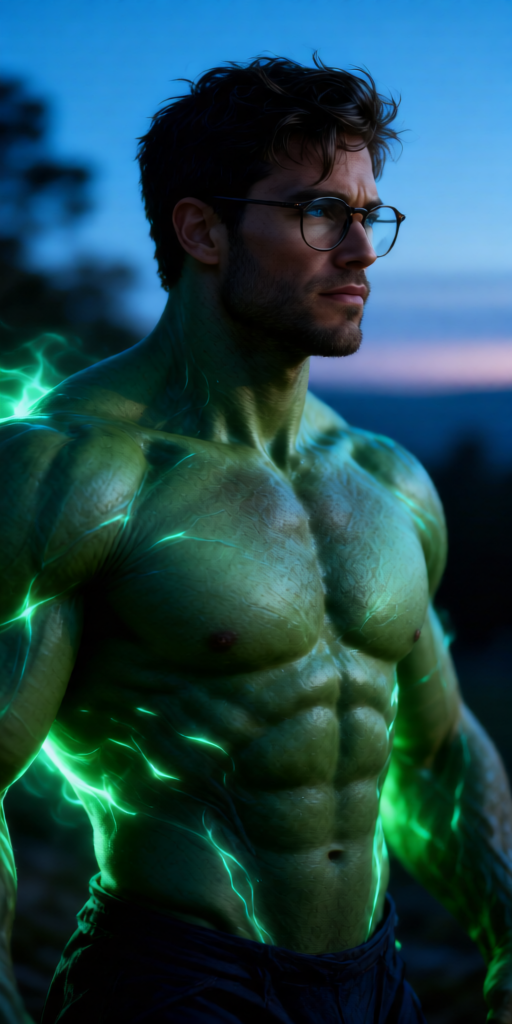
Emerald Hero Transformation
- Model
- Qwen Edit
- Image
- 512 × 1024 px
Prompt
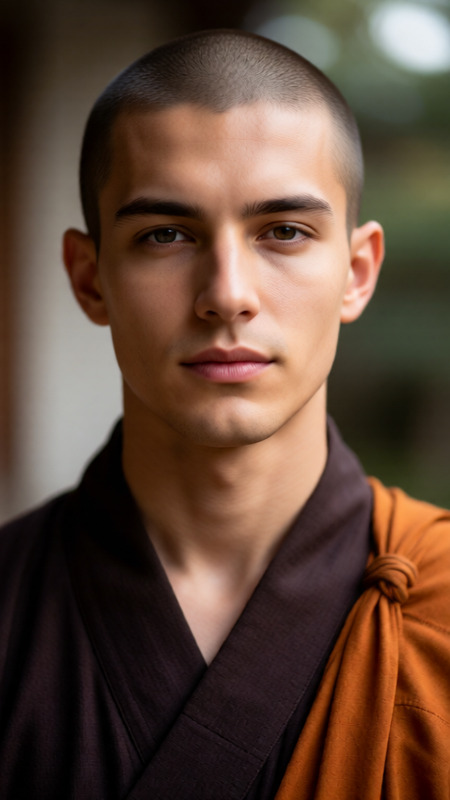
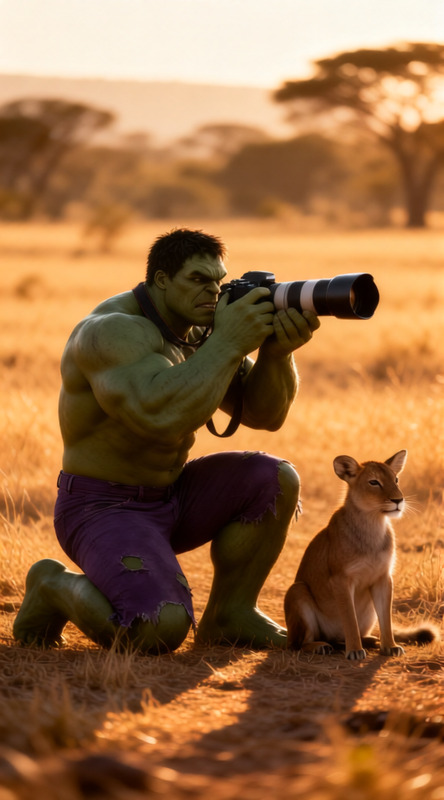
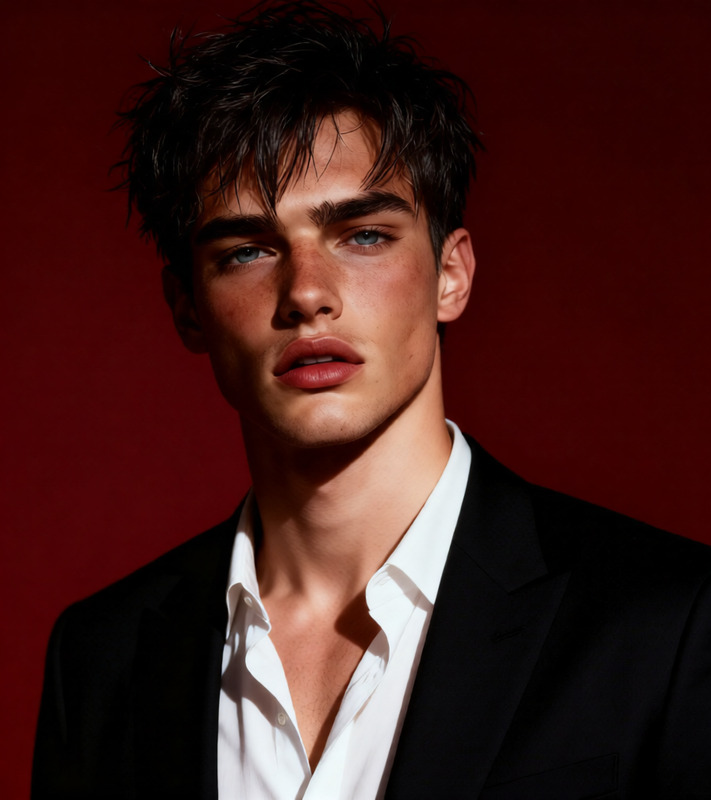
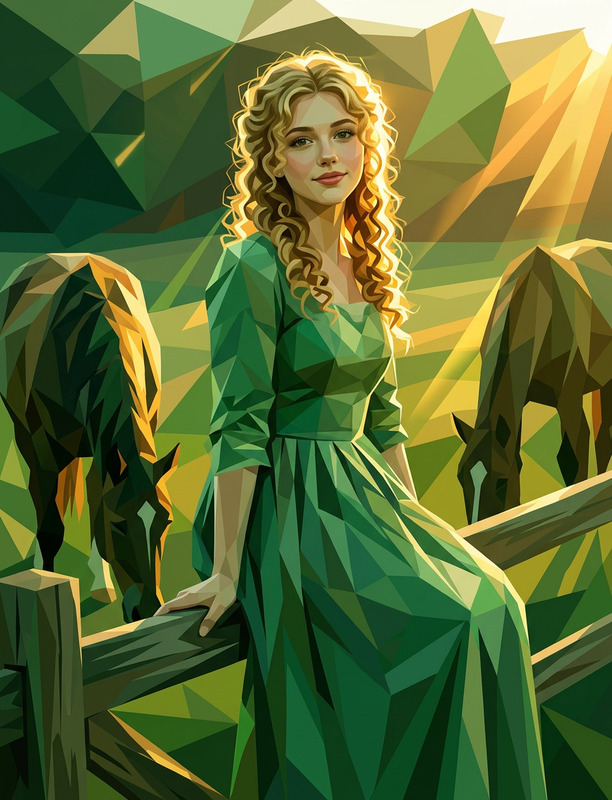
A green giant hero in a transformation moment, standing outdoors during a quiet blue hour. Expression is calm yet pensive, looking off to the side as energy builds, skin showing realistic texture with emerging green tones, veins, and a faint glow. Poetic, dreamy, romantic mood mixed with powerful hero energy. Shot on a DSLR 85mm lens, shallow depth of field, ultra-realistic cinematic style, HDR lighting with cool blue hour tones and dramatic highlights, clean high-end finish.
Any aspect ratio
Overview
The Emerald Hero Transformation template brings your imaginative hero concepts to life with AI precision. Using the AI Image Editor capabilities, this template allows you to craft an ultra-realistic portrayal of a heroic transformation scene. Designed for a poetic, dreamy look, it ideally blends power with romance, set during the serene blue hour.
What It Does
This template empowers creators to depict a character's dynamic transition into a green giant hero, capturing the intricate shifts in expression and skin texture. Through the model's Qwen Edit technology, it offers an unmatched high-end cinematic quality. The preset settings encapsulate a powerful hero aesthetic with enriched green tones and dramatic lighting, providing a polished output every time.
Who It's For
Ideal for filmmakers, comic creators, and digital artists, the Emerald Hero Transformation template suits those seeking to visually narrate heroic transformations with depth and detail. Teachers and trainers in media production can also leverage this for educational purposes, illustrating the power of AI in creative storytelling. It's also ideal for creators focusing on VFX Previs and cinematic design.
Summary
With the Emerald Hero Transformation template, you get a fully immersive creative tool that combines artistic vision with advanced AI capabilities. Leveraging tools like the AI Image Generator further enhances your project's scope, ensuring each scene resonates with the intended mood and cinematic flair.
How to Use
Choose the Template

Customize Your Scene

Generate Your Image

Use Cases
Film Pre-visualization
- Preview storyboard scenes
- Experiment with lighting and composition
Graphic Novel Illustration
- Vivid hero imagery
- Dramatic scene captures
Social Media Campaigns
- Promote hero narratives
- Build anticipation with character reveals
Creative Marketing Materials
- Posters and banners
- Online ads
Educational Content
- Media production classes
- Digital art tutorials
Best Practices
Maximize Detail
Ensure your prompt includes specific details about the hero's features, the setting, and the mood to take advantage of the template's full capability.Enhance Depth with Lighting
Experiment with HDR lighting settings to add depth and texture to your transformation scene, aligning with an ultra-realistic style.Blend Scenes Smoothly
Utilize the dramatic highlight features to transition smoothly between the quiet blue hour tones and the emergent power of the hero's transformation.