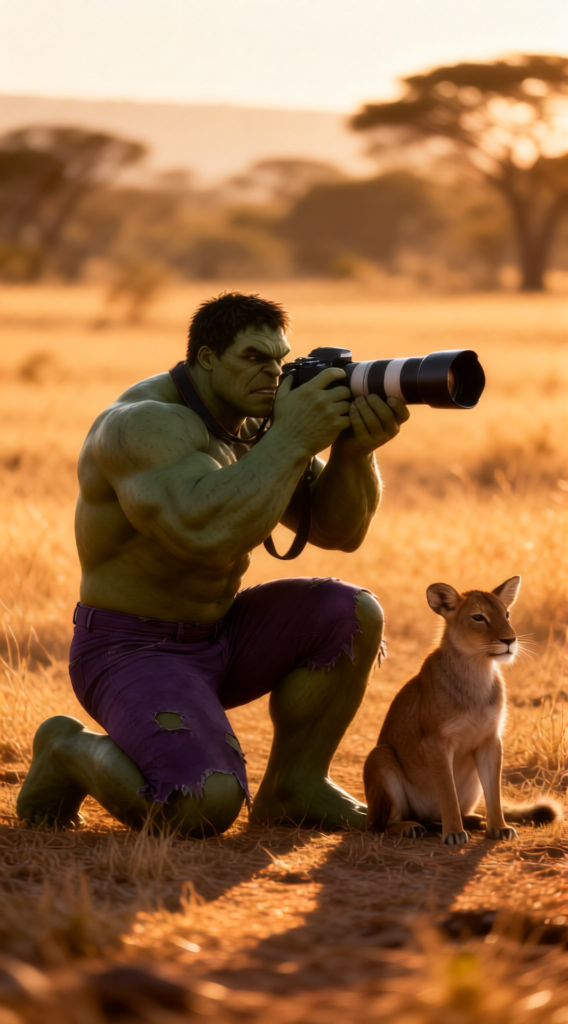
Golden Hour Shot
- Model
- Qwen Edit
- Image
- 568 × 1024 px
Prompt
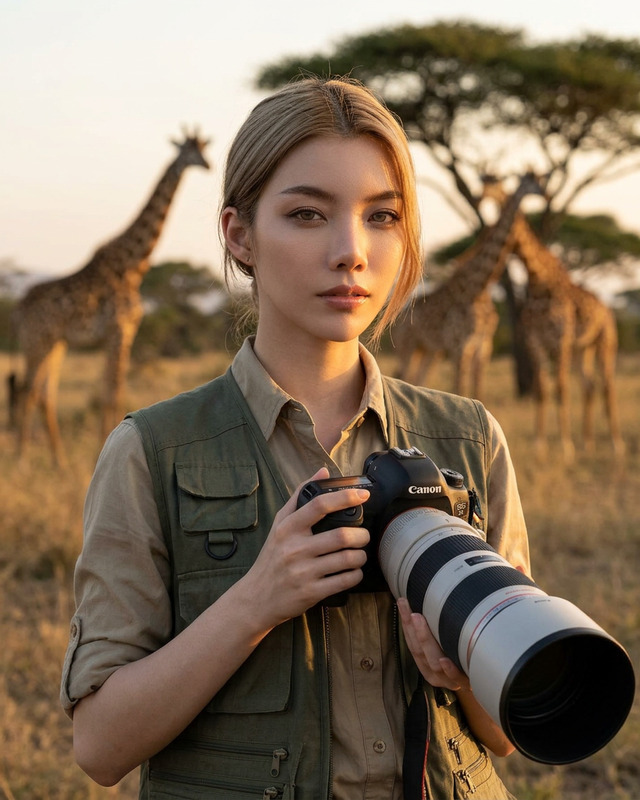
A cinematic wildlife scene: a {subject} kneels in an open savanna at golden hour, shooting with a large telephoto lens, while a calm {animal} sits beside him. Dry grasslands stretch into a softly blurred tree-lined background. Warm sunlight casts long, gentle shadows and enhances textures in grass, fur, and clothing. Natural, documentary-style composition with {focus effect}. Ultra-realistic, 85–200mm lens look, f/2.8, cinematic color grading, National Geographic style, 8K.
Any aspect ratio
Overview
The Golden Hour Shot template, part of our AI Image Editor range, allows you to create cinematic wildlife scenes with stunning realism. Using the advanced qwen-edit model, this template crafts ultra-realistic images that mimic the exquisite light and color grading found in National Geographic photography.
What It Does
Transform your images into golden hour masterpieces with the Golden Hour Shot. This template allows you to edit wildlife photography by emphasizing the warm tones, shadows, and textures typical of this magical hour. It offers a cinematic color grading and a natural documentary-style composition for your images.
Who It's For
Ideal for photographers and content creators looking to enhance their wildlife images, the Golden Hour Shot is perfect for professional use. Whether you're preparing content for a high-end photography portfolio, creating captivating digital art, or developing visual content for environmental documentaries, this template delivers exceptional results.
Summary
Optimize your photography workflow with the Golden Hour Shot template. It's designed to produce visually stunning images, advancing them with realistic depth and cinematic flair. The template utilizes the latest AI Image Generator technology to ensure the highest quality enhancements every time.
How-To
Choose the Template

Customize Your Scene

Generate and Download

Use Cases
Wildlife Photography
- Enhance portfolio collections
- Develop print material
Environmental Documentaries
- Improve visual storytelling
- Streamline post-production workflow
Best Practices
Leverage Natural Light
Use the template's focus on golden hour lighting to add warmth and depth. Try pairing it with the AI Photo Relighting for even more stunning results.Match Subject to Environment
Choose a subject that naturally fits the savanna setting to enhance realism.Adjust Color Grading
Highlight your photos' focal points by experimenting with different focus effects and ensuring your composition remains balanced.