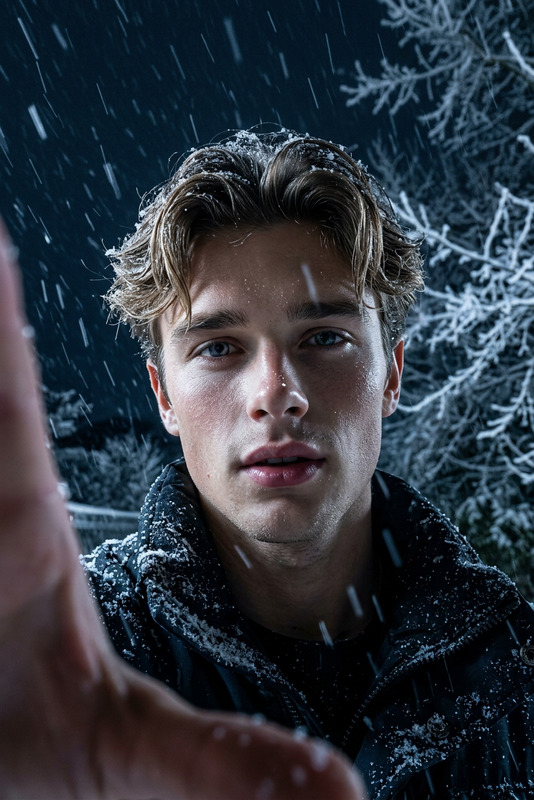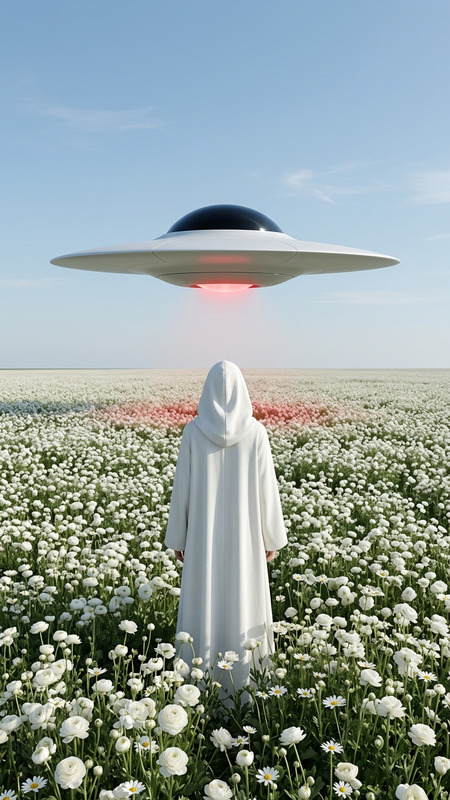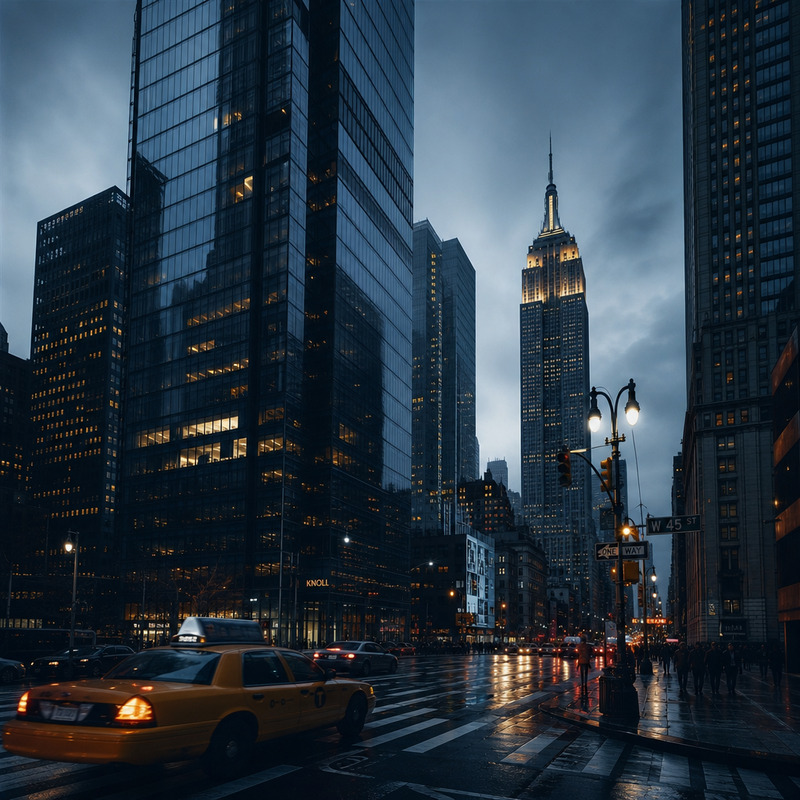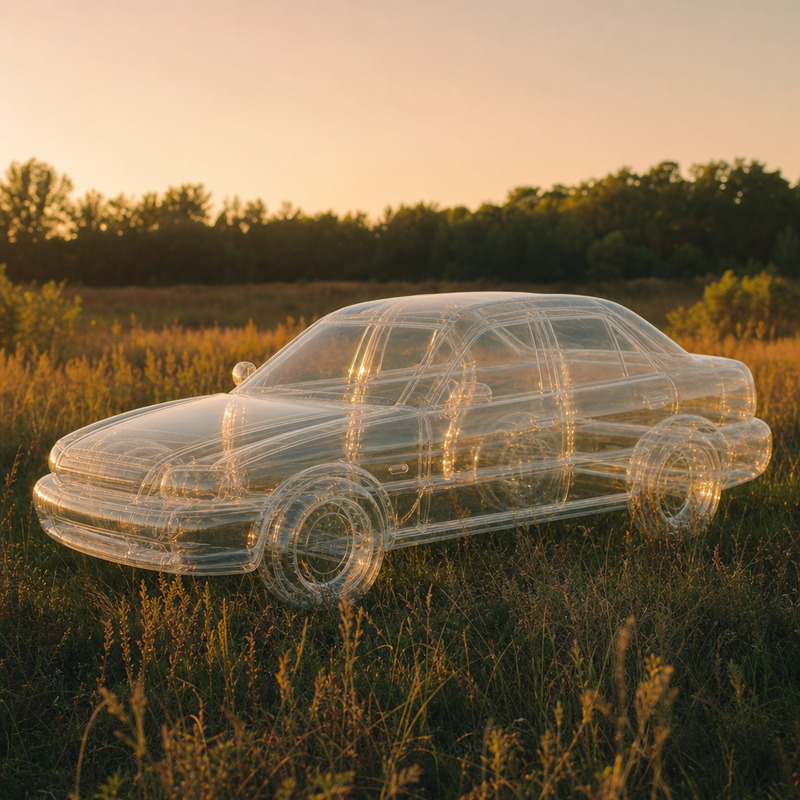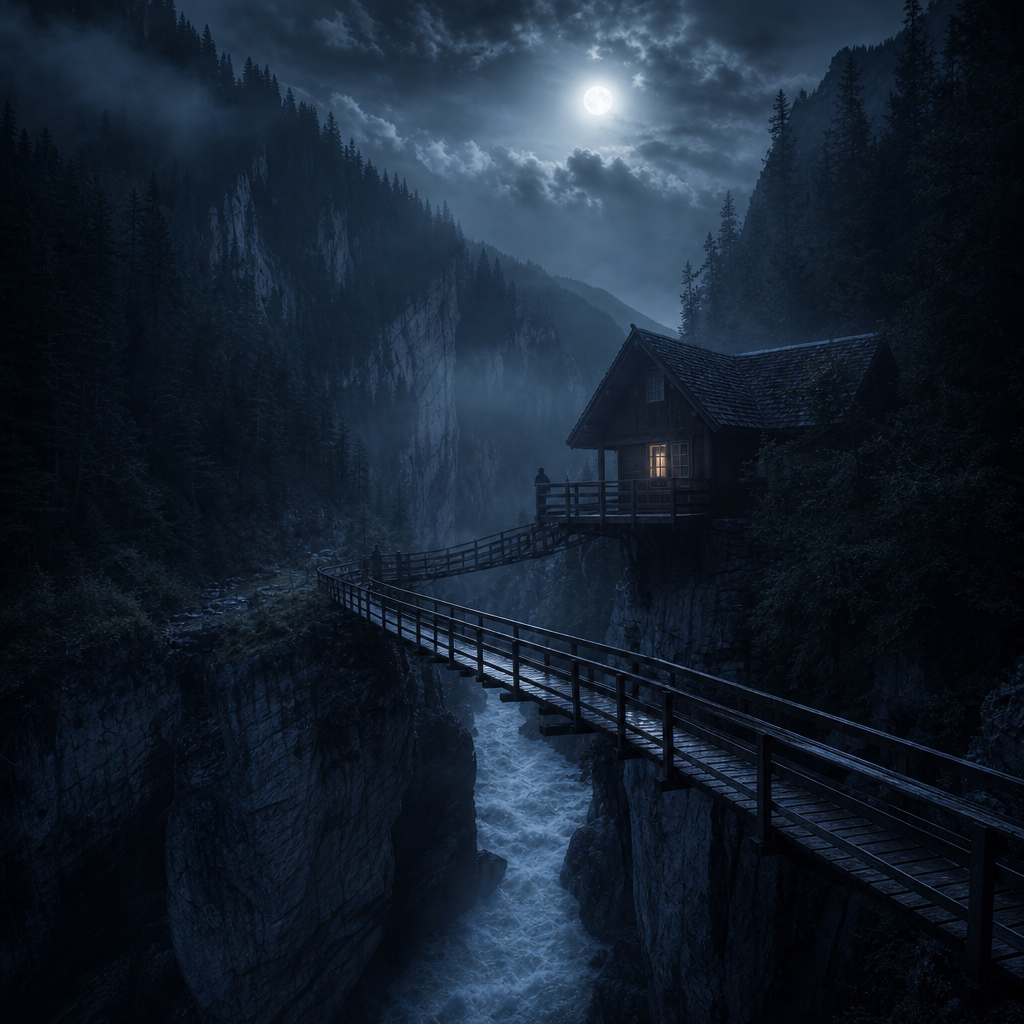
Nighttime remote area
- Model
- GPT Image 2
- Image
- 1024 × 1024 px
Prompt
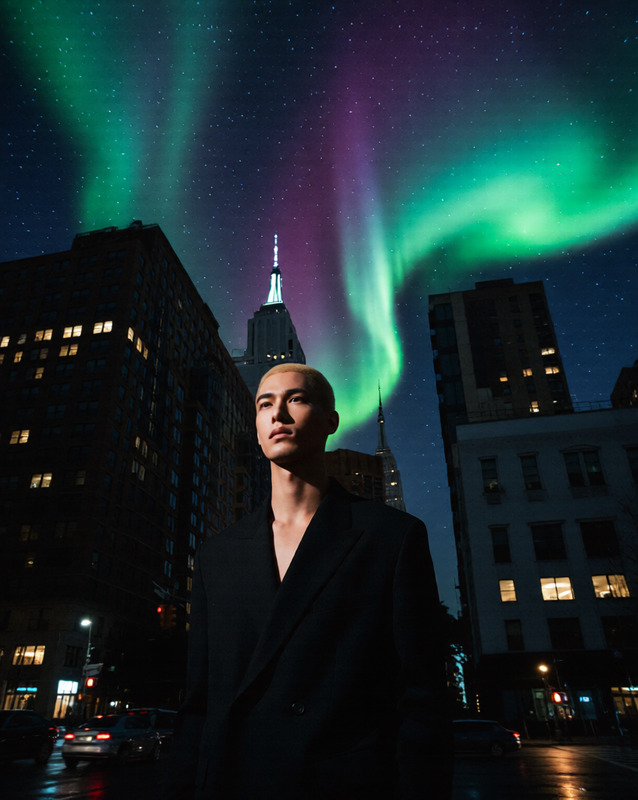
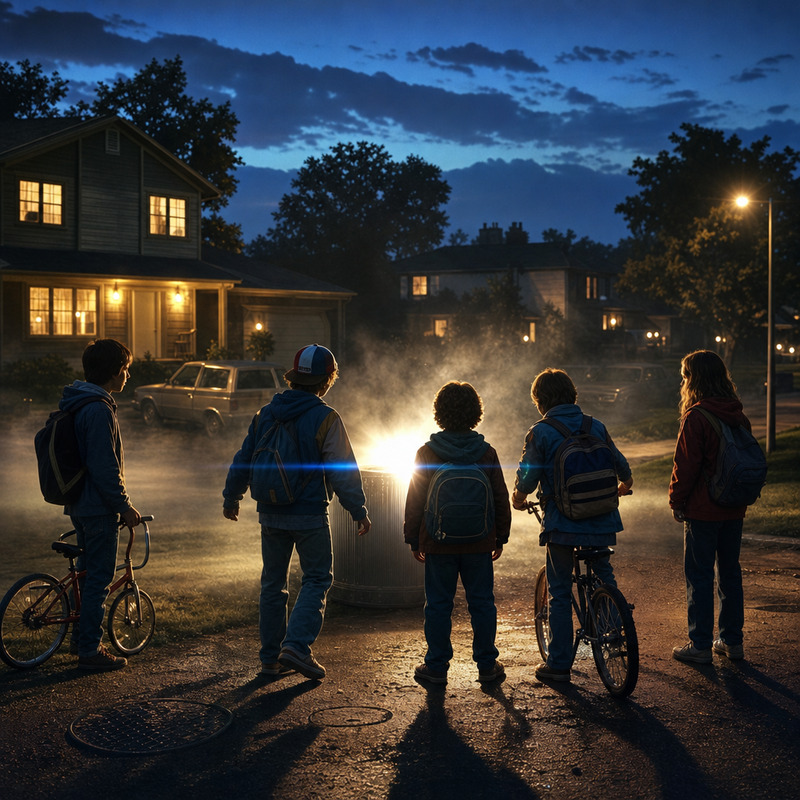
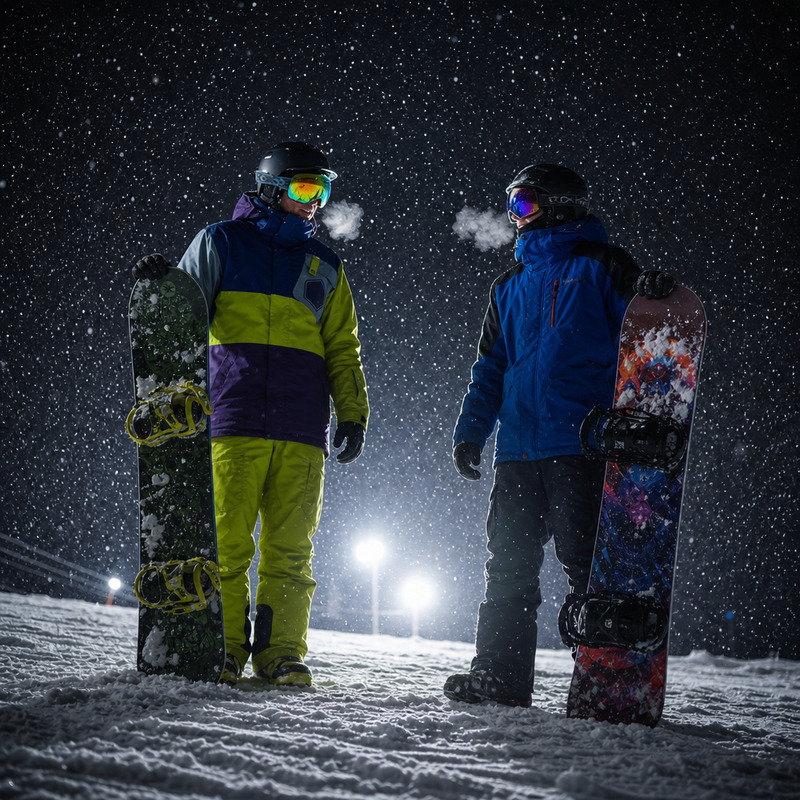
“Cinematic nighttime scene in a remote area, diffused moonlight, cold color palette, soft fog, silhouetted figures, minimal artificial light, vast oppressive silence, realistic textures, clean composition”
Any aspect ratio
Overview
The Nighttime Remote Area AI Image Editor template captures the essence of a cinematic, nocturnal scene in a distant location. Utilizing the advanced capabilities of the GPT-Image-2 model, it crafts a realistic atmosphere with diffused moonlight and a cold color palette.
What It Does
This template blends sophisticated AI algorithms to deliver a visually stunning nighttime scene with realistic textures and a meticulously clean composition. It excels in bringing the remote and vast silence of a nighttime setting to life, perfect for storytelling in visual projects.
Explore other feature-rich solutions like our AI Image Generator for creating varied artistic scenarios.
Who It's For
Designed for filmmakers, digital artists, and content creators who require high-quality, moody nighttime visuals, this template is ideal for anyone looking to add depth and realism to their projects. It's also a great fit for those interested in using AI Talking Photo to further animate or narrate these atmospheric scenes.
Summary
The Nighttime Remote Area template provides creators with tools to generate evocative nocturnal imagery that captures both the beauty and the mystery of remote landscapes. With its built-in features to handle a variety of scenes, it is a valuable addition to your AI Image Editor toolkit.
How to Use
Choose the Template

Customize Your Scene

Generate & Download

Use Cases
Film Pre-visualization
Digital Art Projects
Best Practices
Adjust Lighting Carefully
Focus on the balance of moonlight and shadows to enhance realism.Incorporate Subtle Details
Consider adding elements like fog or light reflections for a richer composition.Test with Different Palettes
Experiment with various cold shades to see which best fits the mood of your project.