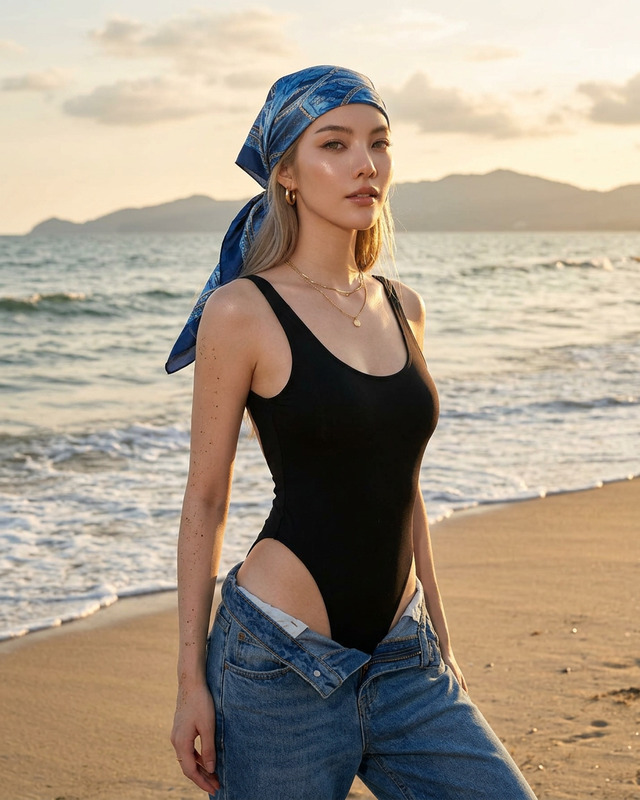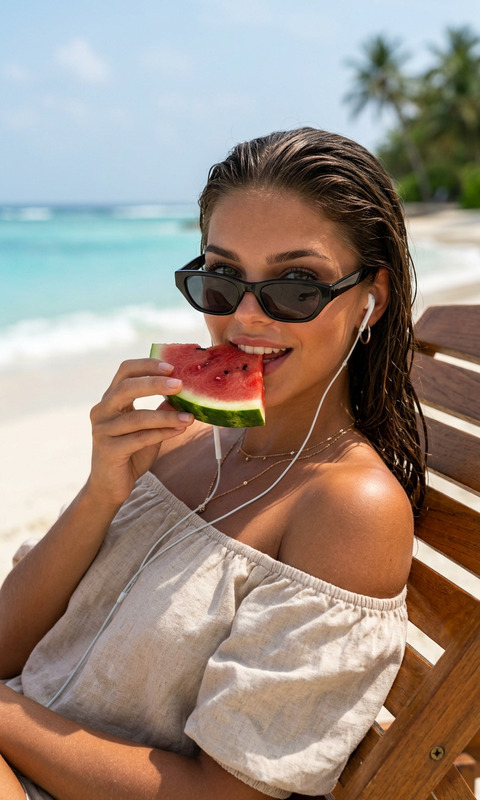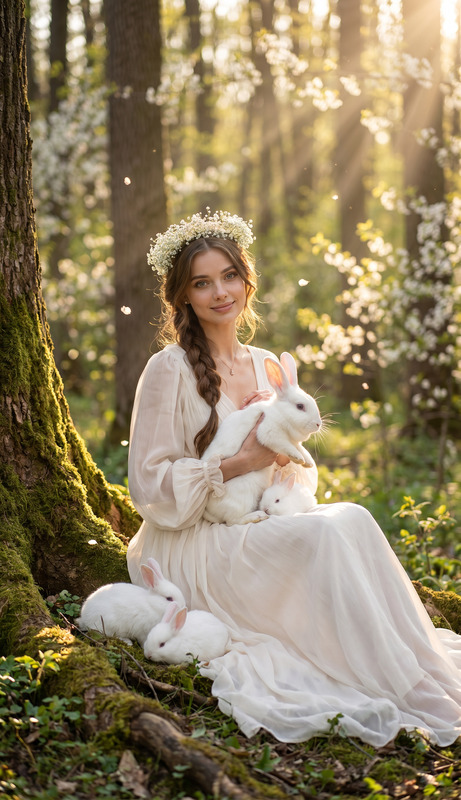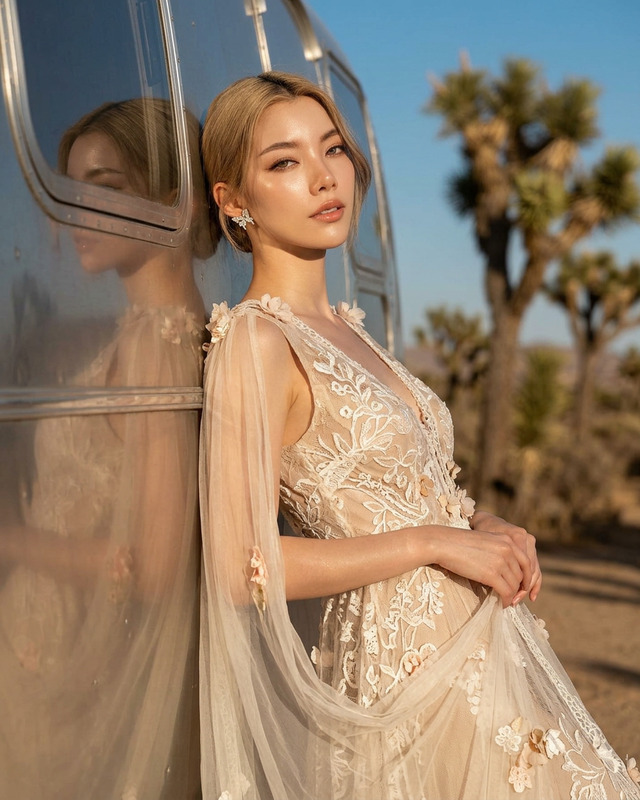
In the Forest
- Model
- Nano Banana 2
- Image
- 1686 × 2528 px
Prompt
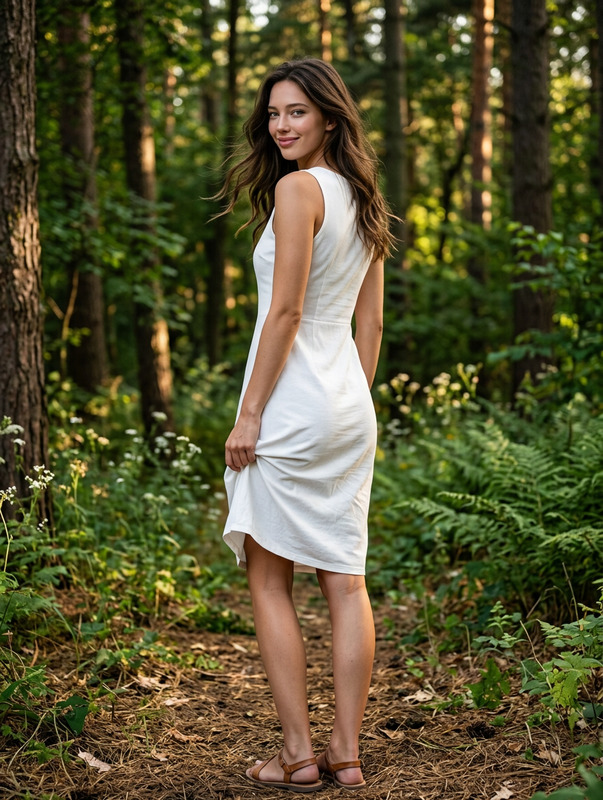
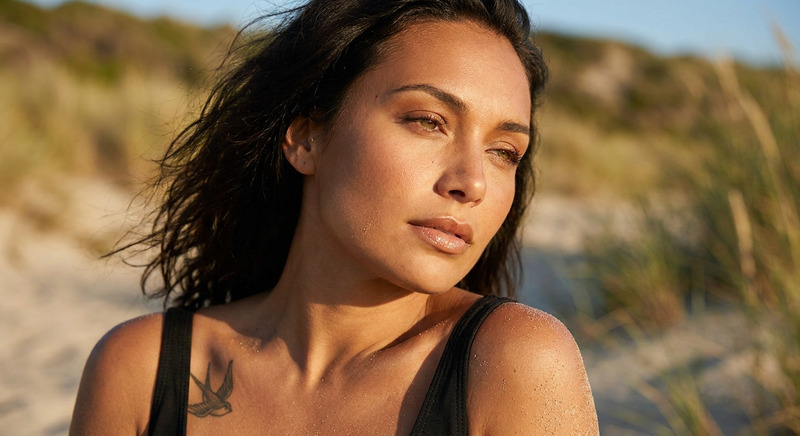
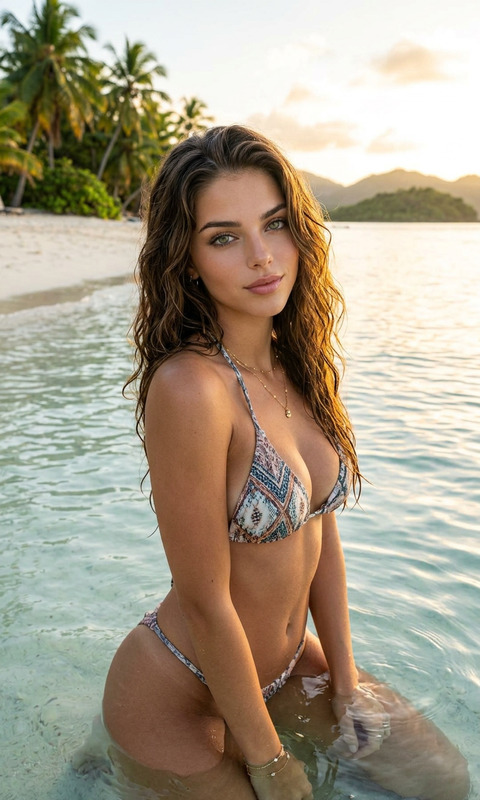
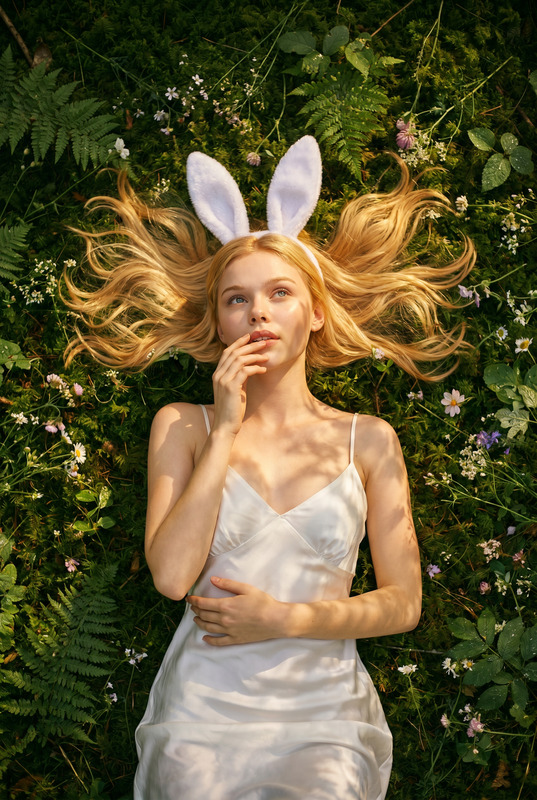
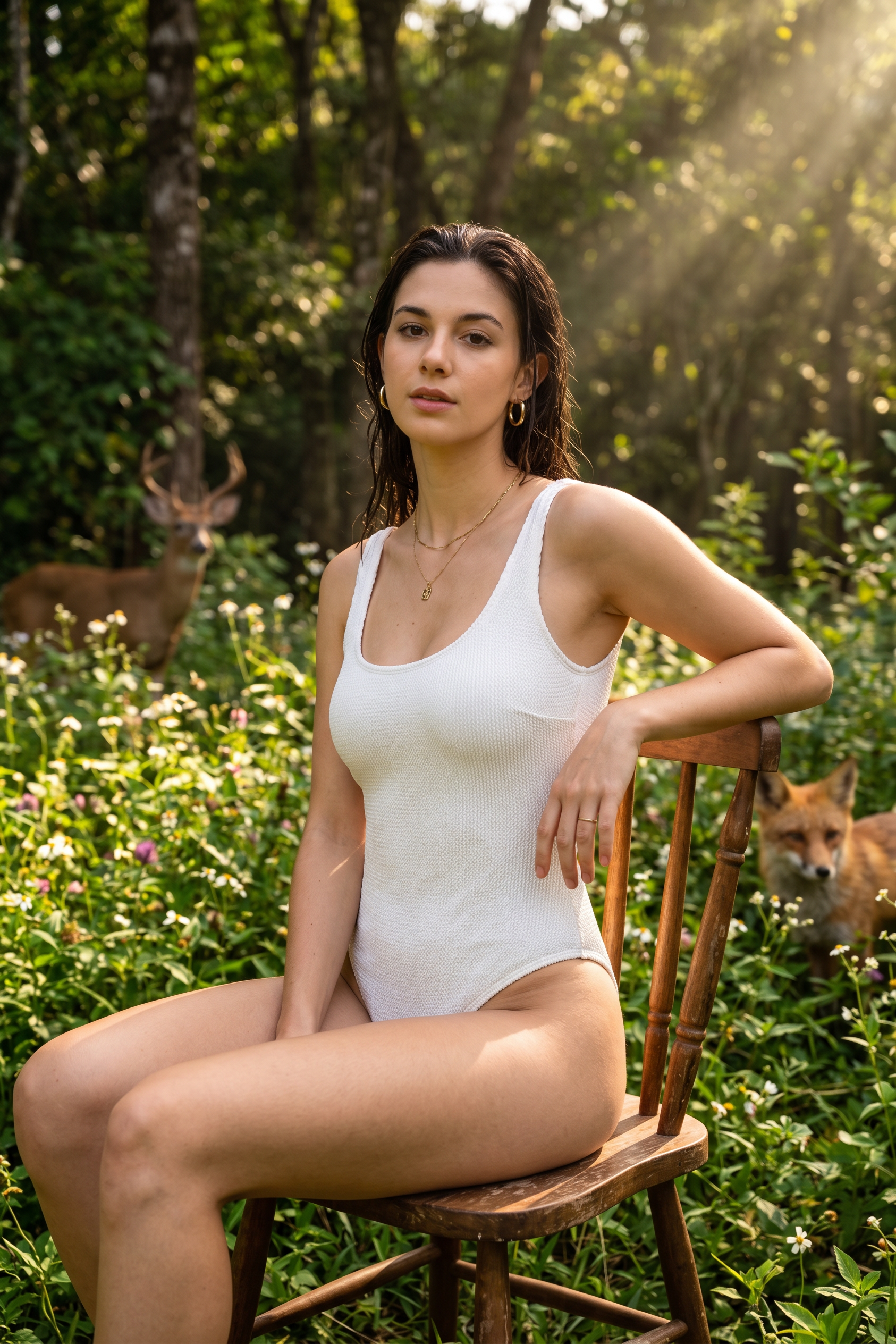
A photographic portrait of an Asian woman [image uploaded] (matching facial features, body proportions, full figure, dark hair with a naturally wet look). She sits gracefully on a rustic wooden chair in a lush green forest surrounded by abundant flowers and natural vegetation. Her arm rests comfortably along the back of the chair while she looks directly at the viewer with a calm, confident expression. She wears a white one-piece swimsuit with a natural fabric texture and contours. Gold hoop earrings, a delicate gold necklace, and stacked gold bracelets add a touch of luxury to her look. Warm sunlight filters through the trees overhead, creating beautiful rays of light, highlighting the scene with splendor and soft natural shadows. In the background, a deer and a fox are seen among the green trees, adding to the peaceful forest atmosphere. Cinematic natural lighting, surreal detail, realistic skin texture, genuine wet hair, shallow field depth, rich environmental detail, 8K quality, high-end nature fashion photography, vibrant yet natural colors, immersive forest atmosphere.
Any aspect ratio
Overview
Delve into the enchanting realm of high-end fashion photography with the 'In the Forest' AI Image Editor template. Designed using the advanced capabilities of the nano-banana-2 model, this template empowers creators to produce captivating and realistic images depicting lush forest settings.
What It Does
The 'In the Forest' template allows users to transform a photographic portrait into an artistic scene set within a tranquil forest. It integrates elements like natural lighting, realistic shadows, and vivid environmental details. The model focuses on realistic textures and minute detail, crafting an atmosphere with richness and depth highlighted by cinematic light effects.
Who It's For
This template is a valuable tool for photographers, designers, and content creators seeking to enhance their projects with a sophisticated natural setting. It's perfect for those in the fashion industry, digital marketing, and personal branding who wish to bring an element of the natural world into their imagery with AI Image Editor capabilities.
Summary
Enhance your visual storytelling with this AI-driven template designed for realism and artistic immersion. 'In the Forest' leverages top-tier rendering technologies to elevate your creative output, making it ideal for anyone looking to add high-quality scenic aesthetics to their projects. Explore it alongside other features such as AI Clothes Changer and AI Profile Picture Generator.
How to Use
Choose Your Template

Customize Your Scene

Generate Your Image

Use Cases
Fashion Campaigns
- Scenic backdrops for outdoors-inspired collections
- Nature-themed marketing campaigns
Digital Artworks
- Artistic photo manipulations
- Immersive digital storytelling
Personal Branding
- Unique social media content
- Stylized professional portfolios
Best Practices
Ensure Quality Inputs
Provide high-resolution images to maximize the realism and detail of the output.Use Complementary Colors
Select attire and accessory colors that harmonize with the forest scene to enhance visual cohesion.Experiment with Lighting
Play with different lighting effects to see which highlights your subject's features while maintaining the forest's natural ambience.