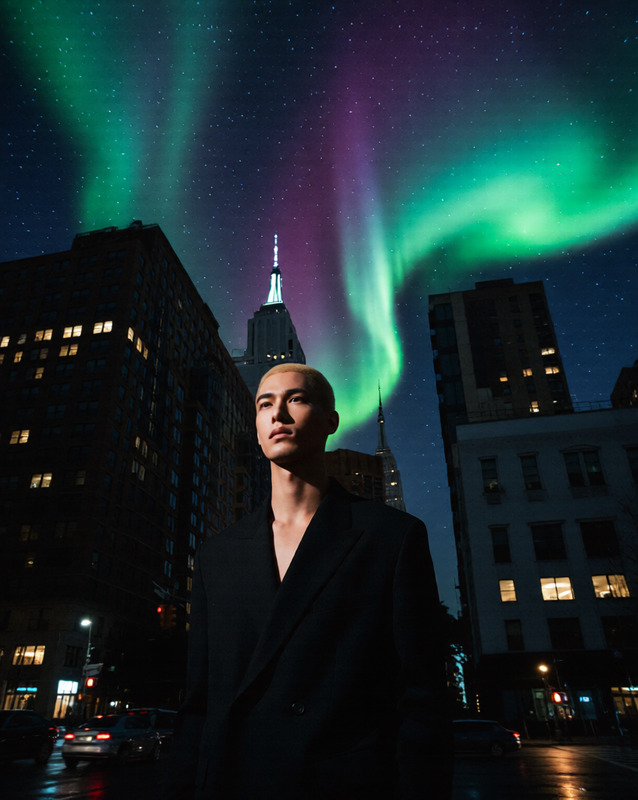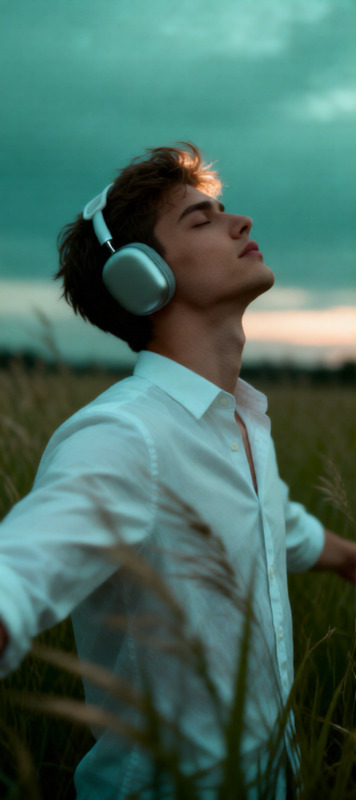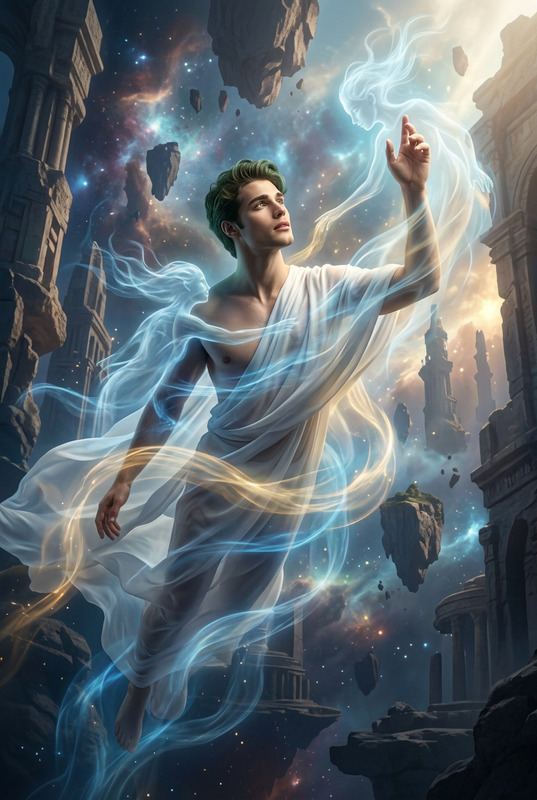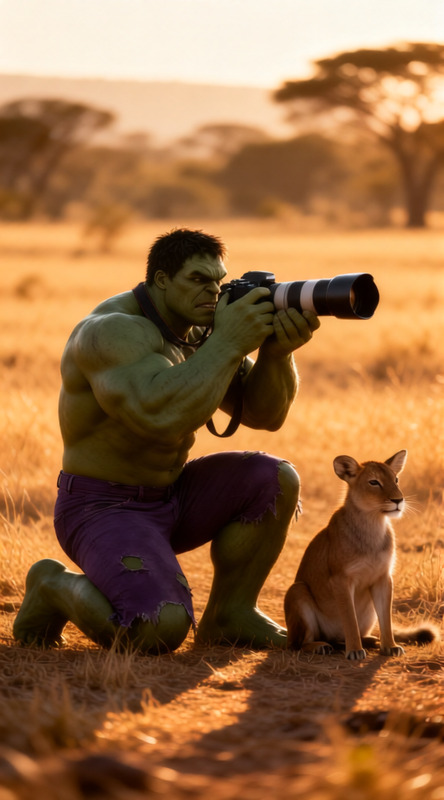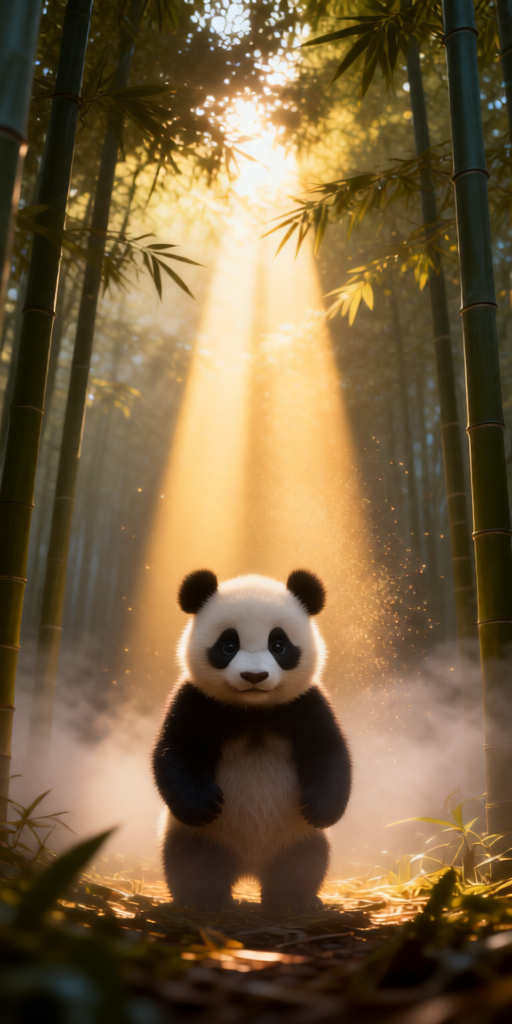
Volumetric Light Rays
- Model
- Qwen Edit
- Image
- 512 × 1024 px
Prompt
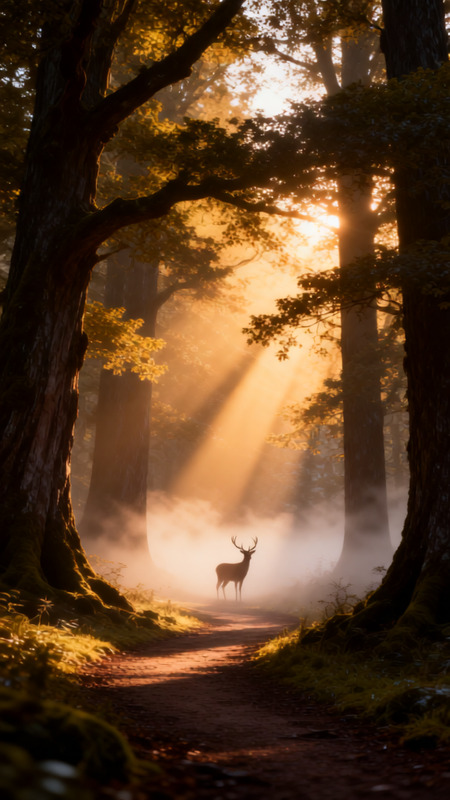
Morning mist in a bamboo forest, dramatic sunlight beams (god rays) cutting through canopy and haze. Subject stands in a shaft of golden light, visible light rays and floating dust particles. Magical, ethereal atmosphere, photorealistic, cinematic.
Any aspect ratio
Overview
Welcome to the Volumetric Light Rays template, an AI Image Editor designed to transform your images into magical, photorealistic scenes. By leveraging the power of AI, you can introduce dramatic sunlight beams, known as god rays, through dense canopies of settings like a bamboo forest. Achieve an ethereal atmosphere with visible light rays and dust particles, elevating the visual appeal of your photos.
What It Does
The Volumetric Light Rays template creates strikingly dramatic lighting effects, adding depth and a photorealistic quality to your images. Designed using the qwen-edit model, this template expertly harnesses volumetric lighting to enhance the cinematic quality of your photos. Its AI-driven enhancements allow for the rendering of majestic light shafts and atmospheric effects like floating dust particles to add realism.
Who It's For
This template is perfect for photographers, digital artists, and content creators who want to add a magical touch to their imagery. Whether you're working on an art project, commercial imaging, or AI Product Photography, this tool can elevate your work. Ideal for those aiming to craft highly atmospheric or fantasy-themed scenes, it caters to both professionals and enthusiasts.
Summary
Use the Volumetric Light Rays template to add dynamic lighting effects to your images with precision. This AI tool, utilizing the sophisticated AI Image Editor, helps you achieve photorealistic results, enhancing your visual storytelling. Enhance your final output with a striking depth that draws viewers into the scene, making your content remarkable.
How to Use It
Choose the Template

Customize Inputs

Generate the Output

Use Cases
Nature Photography Enhancement
- Introduce god rays to forest scenes
- Highlight focal points with light rays
Commercial Photo Shoots
- Adds depth to product colors and textures
- Creates a memorable visual experience
Creative Projects
- Enhance storyboards with moody environments
- Create artwork with a fantasy feel
Best Practices
Attention to Detail
Fine-tune the prompt inputs to control the strength and angle of the light rays for more realistic effects.Consistency in Theme
Ensure that the lighting effects align with the overall mood of your project, maintaining a cohesive visual narrative.Use with Complimentary Tools
Combine with other tools like the Full Body Generator to enhance entire compositions.