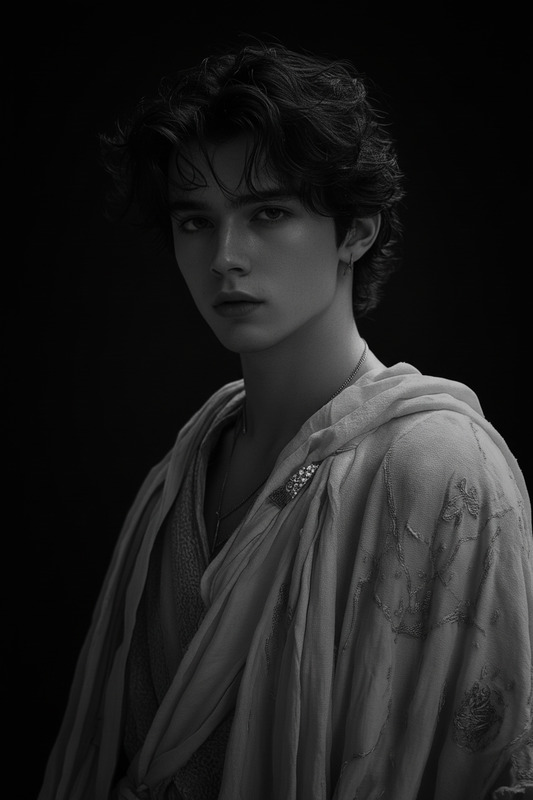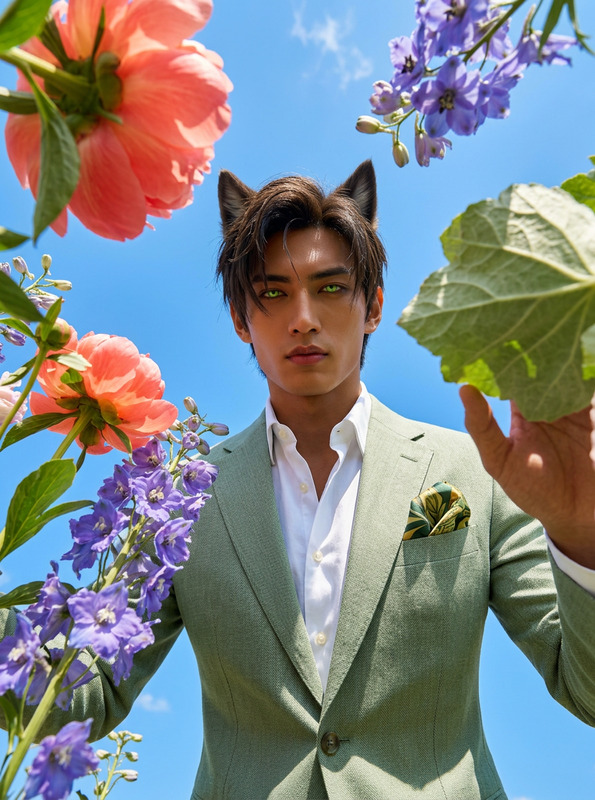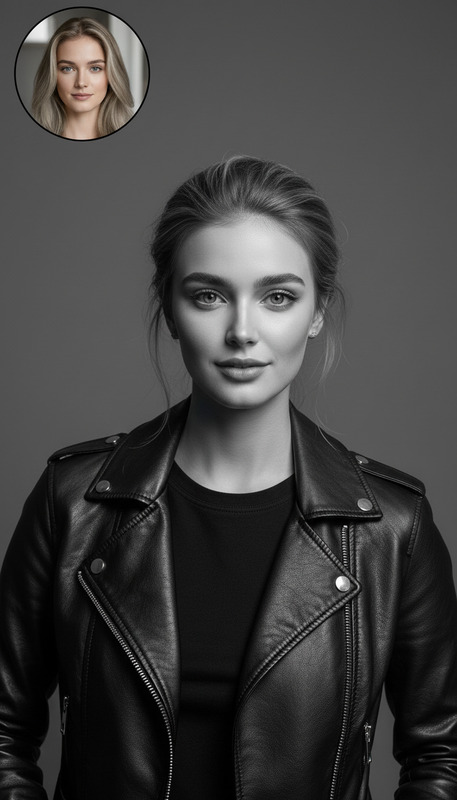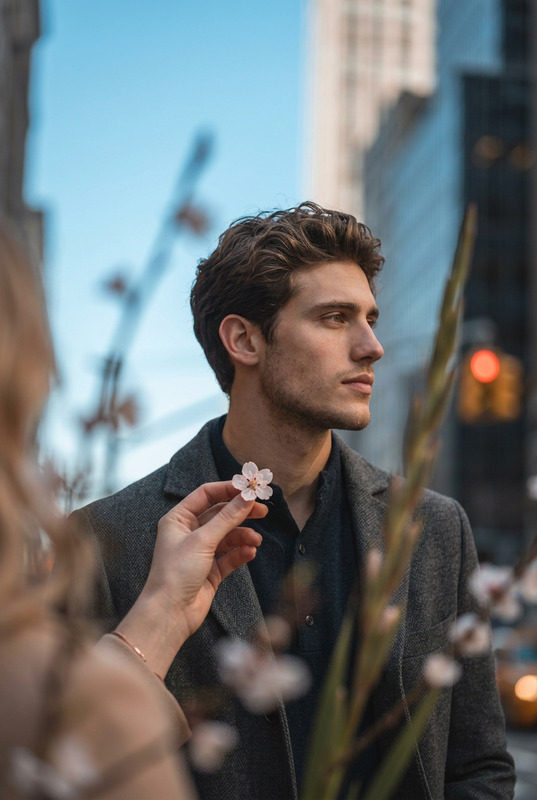
Waist-Up Crop
- Model
- Nano Banana 2
- Image
- 843 × 1264 px
Prompt
Zoom in on the subject to create a waist-up portrait. Preserve the subject’s identity, facial features, proportions, and expression exactly. Maintain original lighting, background style, and depth of field. Reframe composition naturally so the focus is on the face and upper body, with a clean, balanced crop.
Any aspect ratio
Overview
The Waist-Up Crop template is designed for creators who need to focus on capturing waist-up views in their video presentations or portraits. Utilizing the power of the Nano-Banana-2 model, this AI Image Editor template refines your images with precision, retaining essential details such as facial features and expressions.
What It Does
The template intelligently zooms into the subject of your image to create an appealing waist-up portrait. It preserves the intricate details of the subject's identity, including facial features and expressions, while maintaining the original background style and lighting. The reframed composition naturally emphasizes the face and upper body for a balanced crop.
Who It's For
This tool is ideal for photographers, content creators, and marketing professionals who want to enhance visual narratives with sharp, focused waist-up shots. Whether you're preparing for product demo videos or learning courses, this template provides professionally compelling imagery.
Summary
Experience a new level of image editing with the Waist-Up Crop template. Perfect for those looking to achieve professional quality with minimal effort, it ensures that your subjects stand out vividly while maintaining a harmonious background. Consider utilizing the AI Image Editor for broader image refinement needs.
How-To
Choose the Template

Customize Your Input

Generate the Image

Use Cases
Professional Profile Pictures
- Sharp focus on the face and upper body
- Maintains professional aesthetic
Online Courses
- Facilitates clear communication
- Ideal for lecture and tutorial visuals
Product Demos
- Enhances presenter visibility
- Maintains product context
Best Practices
Select High-Resolution Images
Start with high-quality images to allow the algorithm to identify and retain fine details effectively.Fine-Tune Inputs
Utilize customization options to adjust the frame and achieve the desired focus on facial features.Preserve Lighting
Keep original lighting in mind to maintain naturalness and consistency in the edited output, considering using the AI Photo Relighting tool for enhanced results.