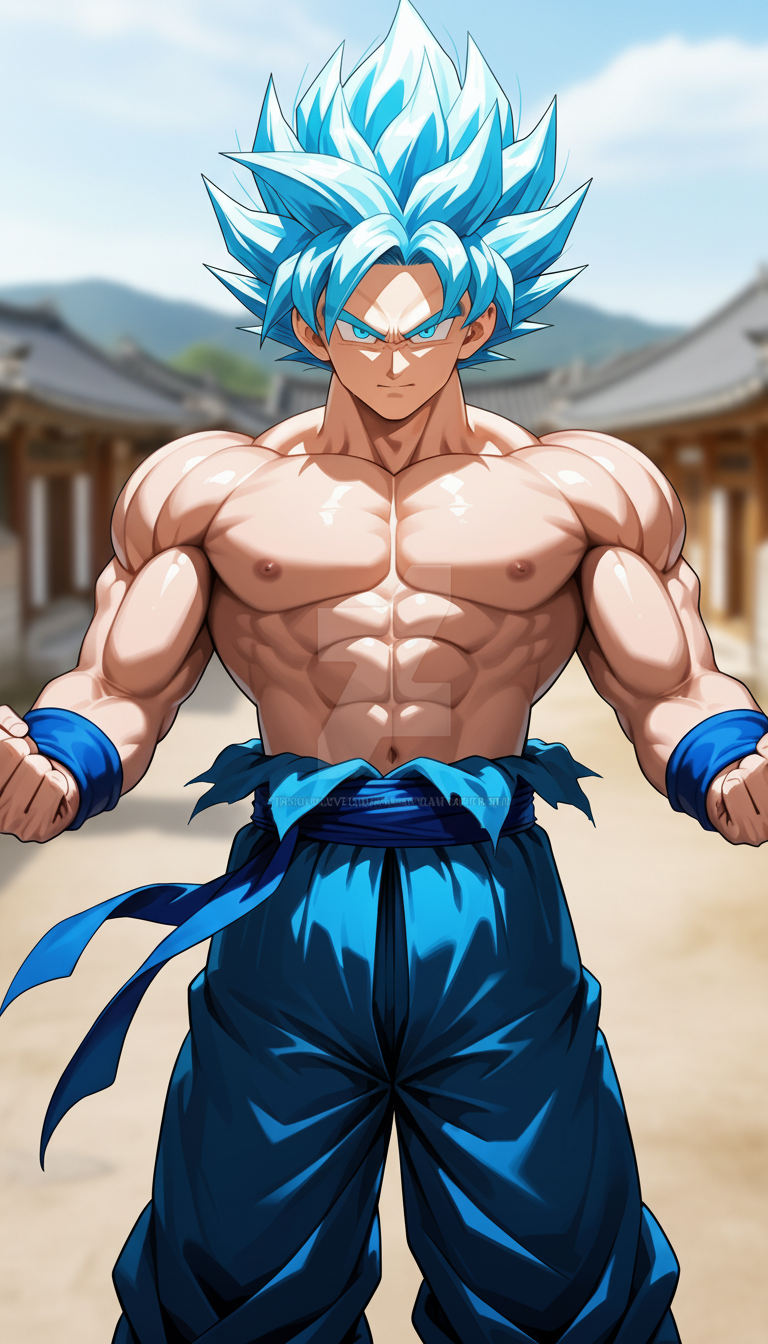
Strict Waist-Up Portrait
- Model
- Nano Banana
- Image
- 768 × 1344 px
Prompt
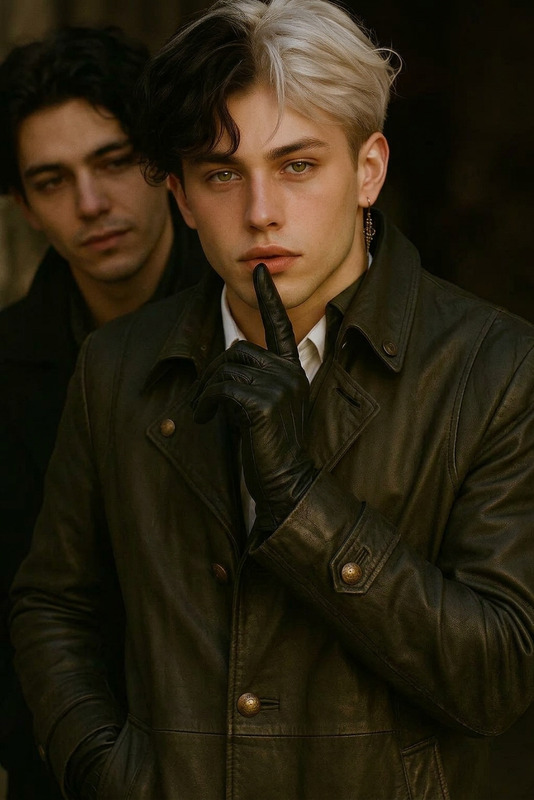
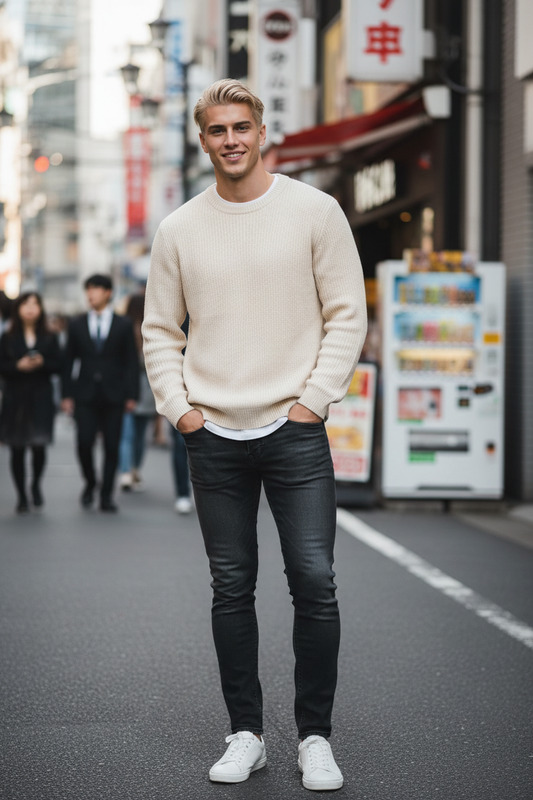
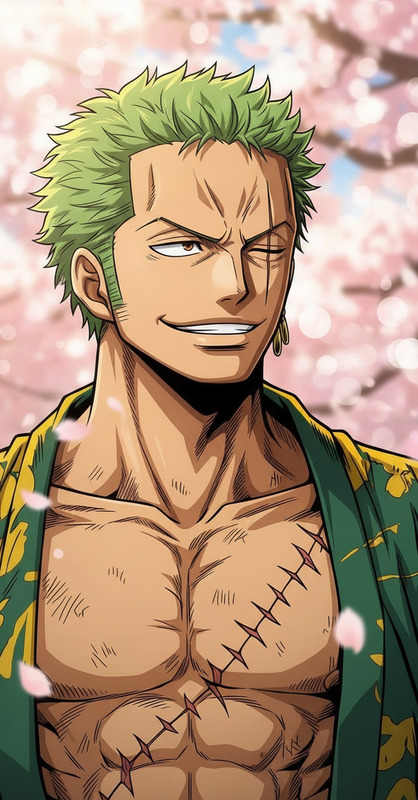
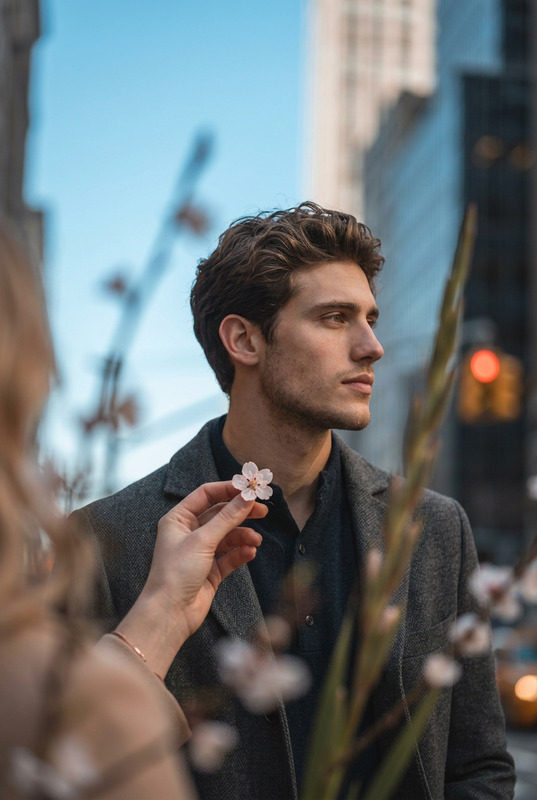
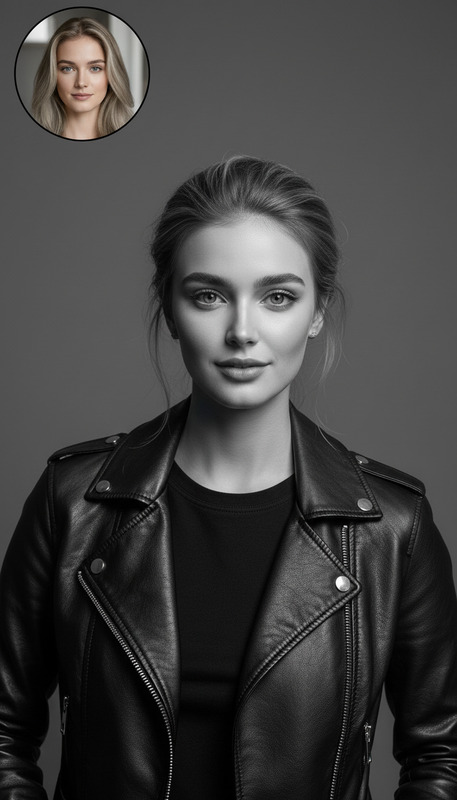
Strict medium shot, frame cut exactly at the waist (no hips, thighs, legs, or feet visible). Subject shown from waist up to slightly above the head, chest, shoulders, arms, and face filling the frame. Hanok village softly blurred in the background. Clean composition, photorealistic, natural light.
Any aspect ratio
Overview
The Strict Waist-Up Portrait template is a specialized tool within our AI Image Editor portfolio, designed for those who need precise portraits that emphasize the upper body.
This template, powered by the nano-banana model, delivers photorealistic images with natural lighting and a softly blurred Hanok village in the background, ensuring each portrait has a unique, professional quality.
What It Does
This template focuses on creating waist-up portrait images, capturing the subject from the waist to slightly above the head without any distractions from other body parts. The composition is clean and perfect for applications where focus on the face and upper body is critical.
By blurring the background subtly, it enhances the subject's prominence in the frame. This is particularly useful for professional profiles or media where the facial expression and upper body posture are key.
Who It's For
This tool is ideal for photographers, content creators, and marketing professionals who need to produce consistent waist-up images. It's perfect for use in professional profiles, marketing campaigns, and any content requiring a strong emphasis on facial expressions and the upper body.
Additionally, it's an excellent choice for e-commerce platforms aiming to focus on products worn or held from the waist up.
Summary
The Strict Waist-Up Portrait template is a valuable asset for professionals who demand precision in capturing waist-up imagery. Integrating seamlessly with our suite of Full Body Generator and other editorial tools, it offers unmatched quality and consistency.
Enhance your profile or marketing imagery with ease. Explore complementary options like the AI Clothes Changer for diversified appearance in portraits.
How-To
Choose Your Template

Customize Your Image

Generate and Download

Use Cases
Professional Profiles
Marketing Campaigns
Product Display
Best Practices
Ensure Subject Centering
For optimal results, ensure that your subject is centered in the frame before generating the portrait.Adjust Background Blur
Fine-tune the background blur to ensure the subject remains the focal point without losing the context of the scene.Use Consistent Lighting
Leverage natural lighting settings in the template to maintain uniformity across multiple portraits.