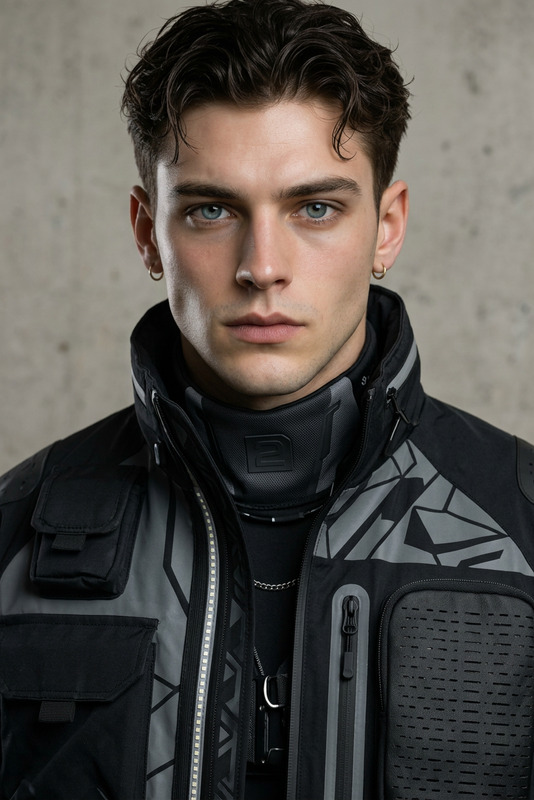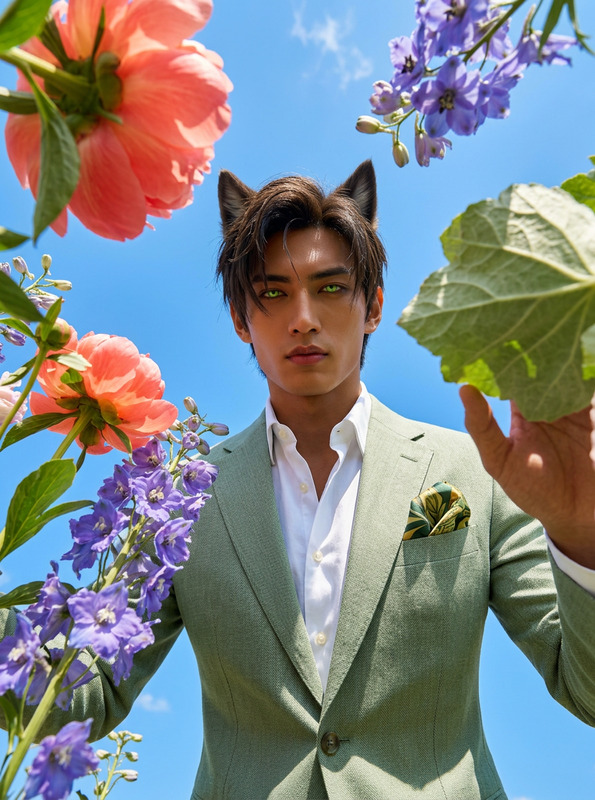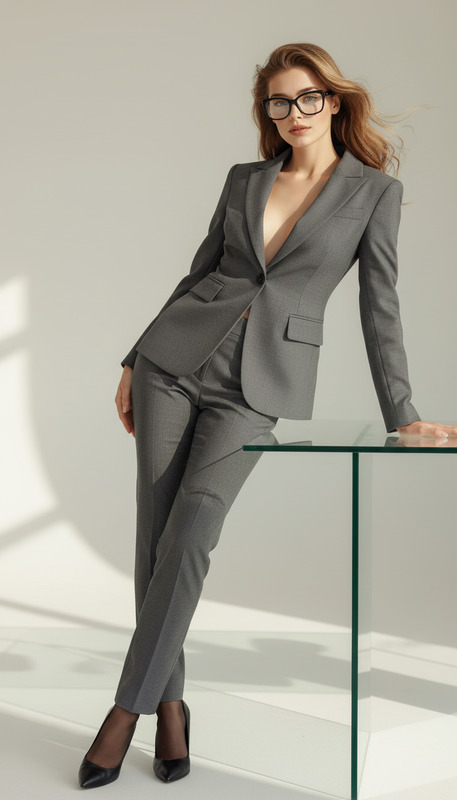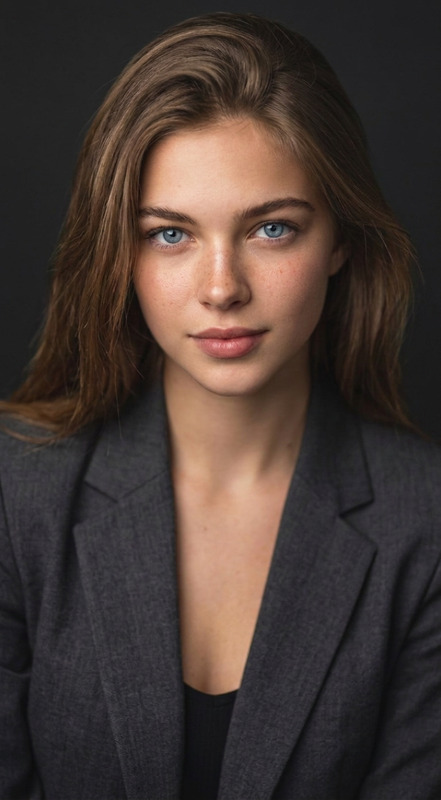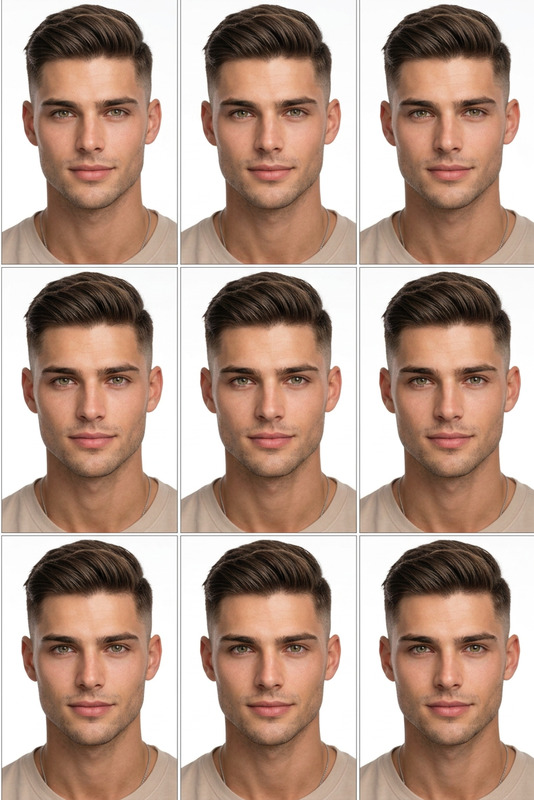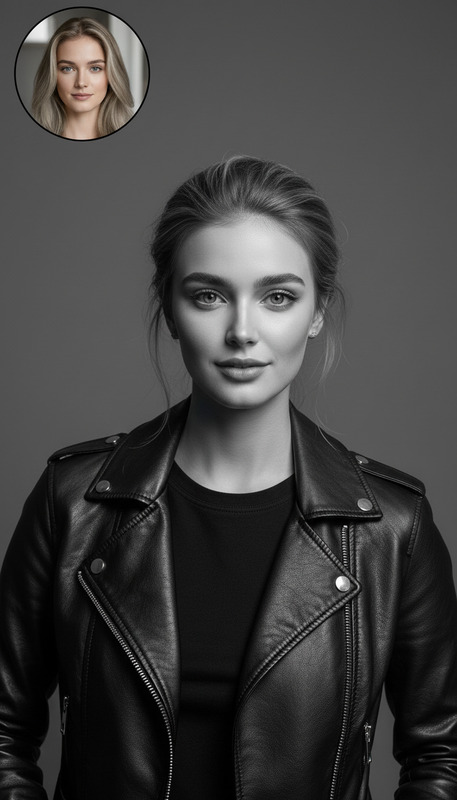
Professional ID Photo Maker
- Model
- Nano Banana
- Image
- 832 × 1248 px
Prompt
Crop the head and upper shoulders to create a standard 2-inch ID photo. Adjust the subject to face directly forward with a neutral posture and a slight, natural smile. Replace the background with a clean, solid blue color. Transform the outfit into professional business attire (e.g., formal blazer, collared shirt). Ensure even lighting, sharp focus, and balanced skin tones for a polished, official appearance. Maintain realistic proportions and a clean, passport-style composition
Any aspect ratio
Overview
The Professional ID Photo Maker leverages the capabilities of the nano-banana model to deliver pristine ID photos. By employing advanced AI Image Editor features, this template ensures your ID photos meet professional standards in both format and presentation.
What It Does
This template streamlines the process of creating ready-to-use ID photos. It crops the head and upper shoulders, aligns the face perfectly, adjusts the attire into formal business wear, and replaces the background with a solid blue color. Moreover, it corrects lighting anomalies and ensures the photo has a sharp focus and balanced skin tones.
For further photo manipulation tasks, consider using our AI Video Extender or AI Face Editor for even more refined adjustments.
Who It's For
The Professional ID Photo Maker is ideal for individuals needing formal photos for official purposes like passports, driver's licenses, and resumes. It's also perfect for businesses and professional services that require standardized photo solutions for employee ID cards or job applications.
Summary
The Professional ID Photo Maker ensures your photos are not only professional but also adhere to official standards. With nano-banana technology, it provides a comprehensive solution that brings out the best in your ID images. Explore additional image enhancing features in our AI Image Editor suite.
How To
Choose Your Template

Customize the Inputs

Generate Your ID Photo

Use Cases
Official Documents
- Passports
- Driver's Licenses
- National IDs
Corporate Environment
- Employee ID Cards
- Conference Badges
Job Applications
- CV Photos
- Portfolio Images
Best Practices
Choose High-Resolution Source Images
Start with high-quality, high-resolution images to ensure the best output.Maintain Neutral Expressions
Advise subjects to keep a slight, natural smile and neutral posture to align with official photo standards.Check Lighting Conditions
Ensure even lighting is captured during the initial photo to minimize adjustments needed by the AI.