Isometric Conversion

Isometric Conversion

ai-image-editor

1 clip
11 uses

Any aspect ratio

Prompt

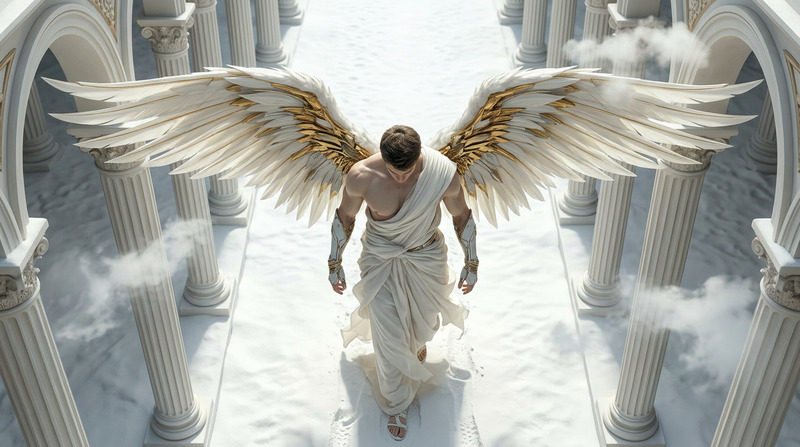
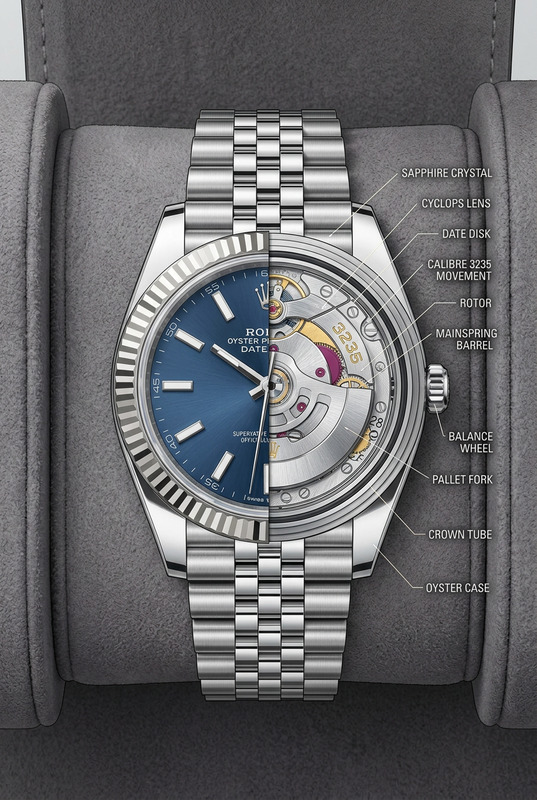
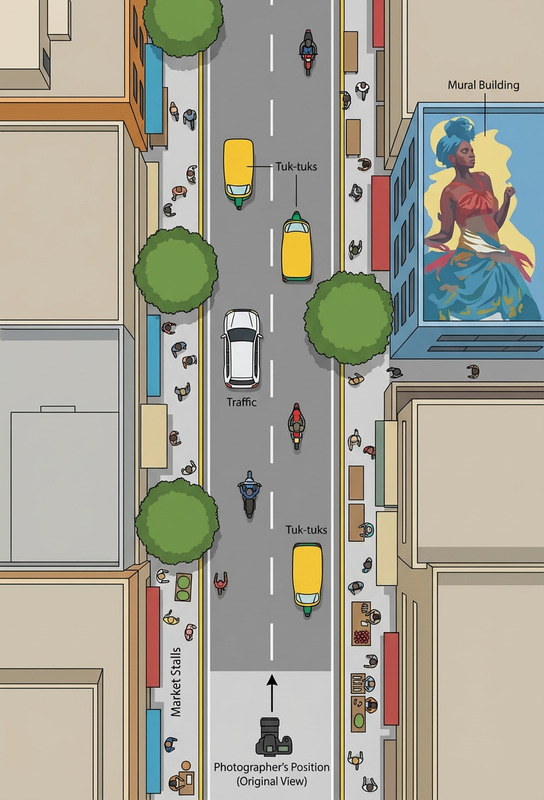
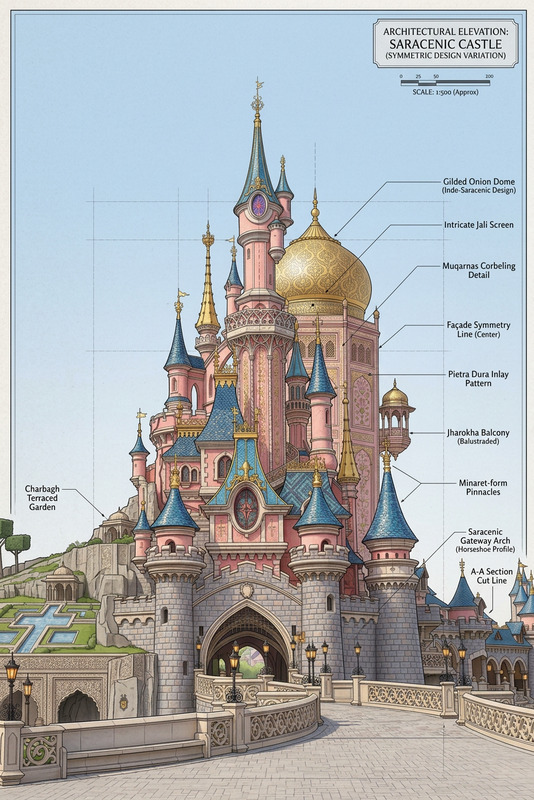
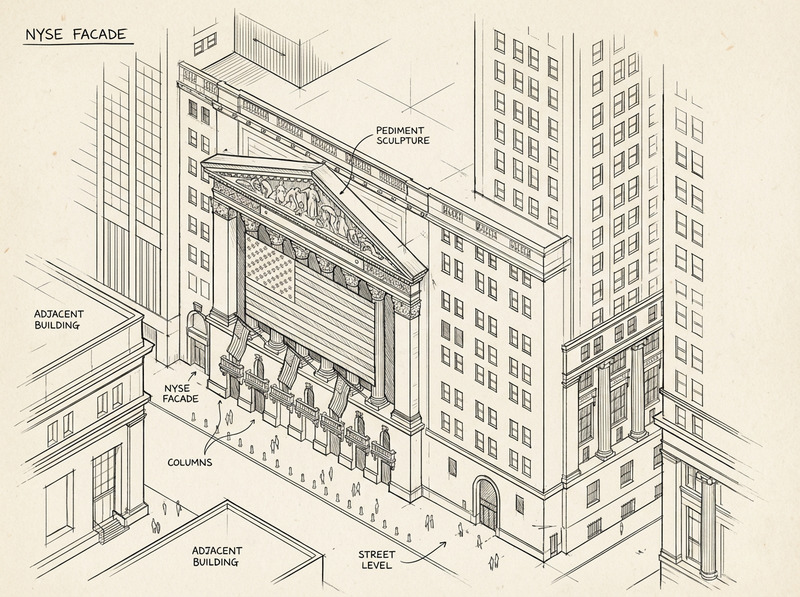
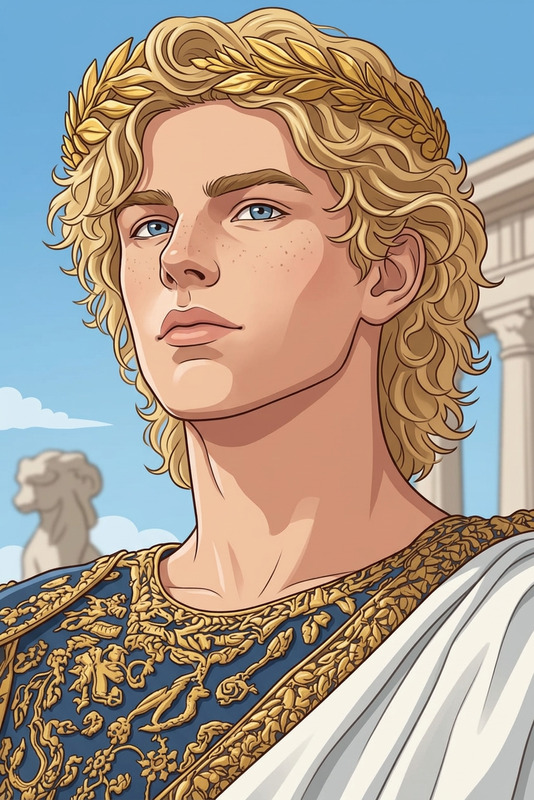
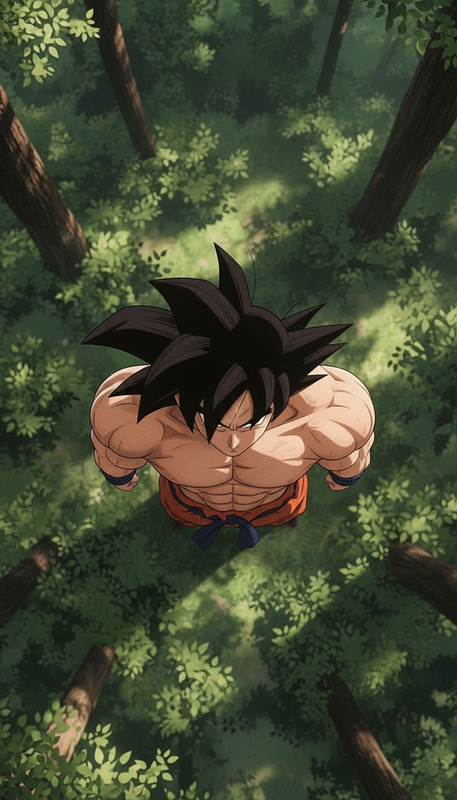
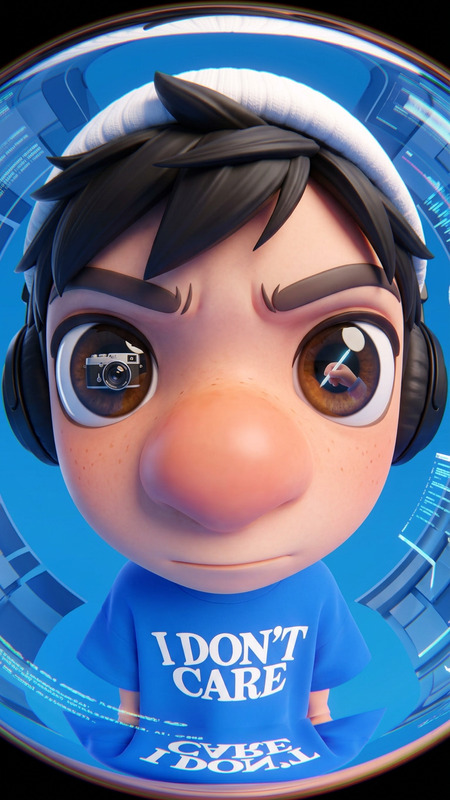
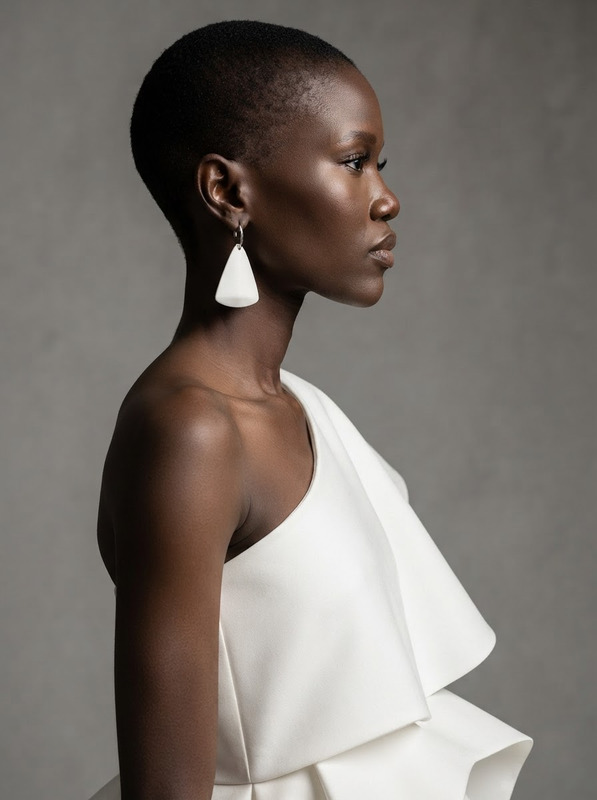
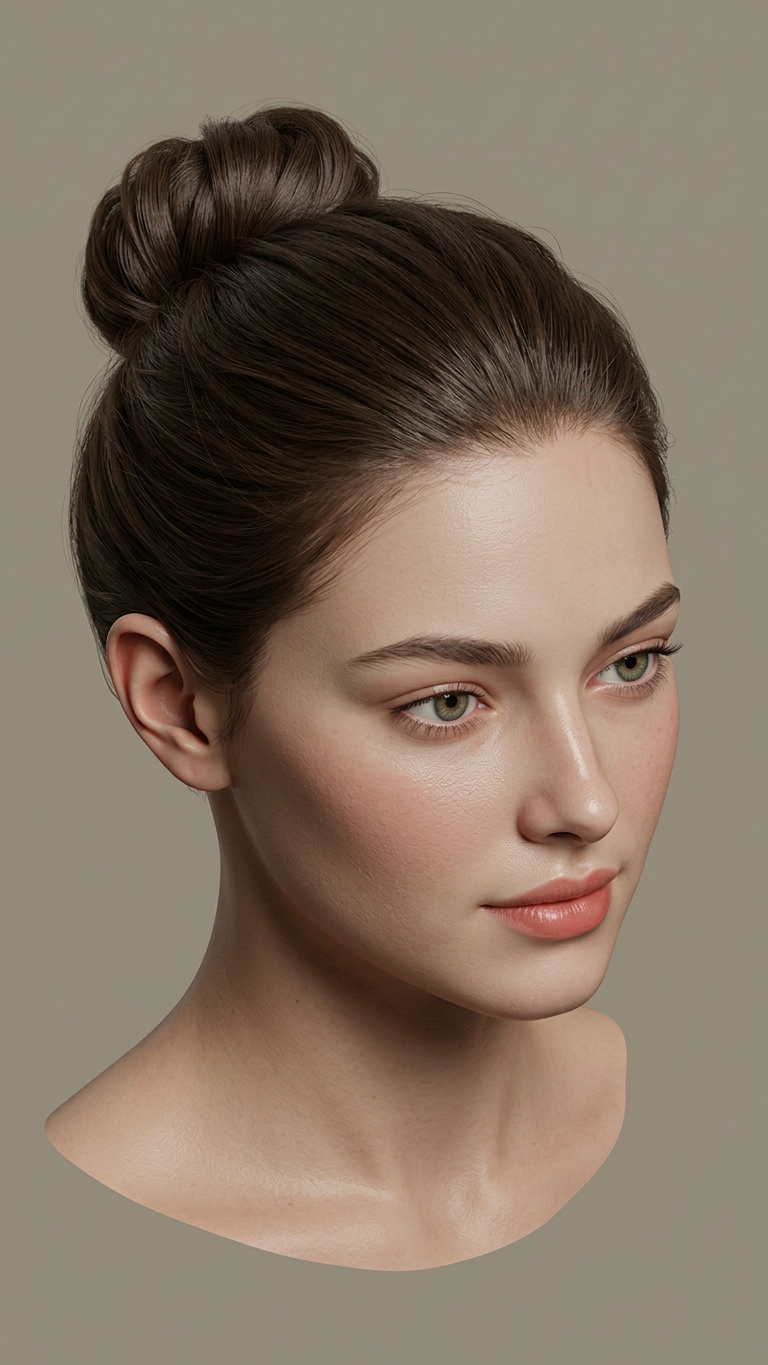
Convert the image into an isometric view with a consistent 3D angle (typically ~30°). Preserve the subject’s structure and proportions while adapting perspective to a clean isometric projection. Maintain lighting, colors, and details, ensuring a cohesive and realistic transformation.

AI Image Editor Template: Turn Any Image Into a Polished, Production-Ready Visual

Use this template as a fast starting point to transform, clean up, and redesign any image with the AI Image Editor. Whether you’re a marketer refreshing creatives, a founder polishing pitch assets, or a creator iterating on visuals, this template gives you a repeatable workflow you can remix in seconds.


What You Can Do With This Template

This AI Image Editor–based template is designed for:

Because it’s built on the AI Image Editor, this template is flexible: you can use it for simple retouching or as a base step in complex AI content pipelines.


How to Remix This Template in Magic Hour

You can recreate or customize this template in a few minutes:

  1. Open the AI Image Editor

    • Go to the AI Image Editor.
    • Upload the image you want to edit (product shot, illustration, selfie, UI mock, etc.).
  2. Define your editing goal clearly

    • Examples of precise goals that work well:
      • “Remove background clutter and replace with a clean gradient for an app-store style screenshot.”
      • “Turn this photo into a comic-book illustration while preserving pose and composition.”
      • “Polish this headshot for LinkedIn: better lighting, smoother skin, but keep it realistic.”
    • Clear intent helps the model make targeted, minimal changes instead of over-stylizing.
  3. Apply focused edits instead of overhauls

  4. Iterate quickly

    • Save intermediate versions of your image so you can compare outcomes and roll back.
    • Duplicate this template in your Magic Hour workspace and adjust it for:
      • Different brand color schemes
      • Different content types (product vs. portraits vs. UI)
      • Different channels (paid ads, email, social, App Store, decks)
  5. Save your remix as its own template

    • Once you like the outcome, save your configuration as a new template inside Magic Hour so your team can:
      • Reuse the same visual style
      • Standardize creative production across campaigns
      • Hand off clear, repeatable workflows to non-designers

Example Workflows Built on This Template

Use the AI Image Editor template as a core step in broader pipelines:

1. Product Marketing Pipeline

  1. Generate concept visuals with AI Art Generator or AI Photo Generator.
  2. Refine and clean the best image using this AI Image Editor template.
  3. Remove the background and adapt to multiple placements:
  4. Turn static graphics into motion assets using:

2. Founder / Team Headshot System

  1. Start with basic team photos or selfies.
  2. Use this template + AI Face Editor to standardize lighting, crop, and background.
  3. Generate alternate looks for different platforms:

3. Content & IP Development

  1. Rough out ideas using:
  2. Bring those drafts into the AI Image Editor template to:
    • Normalize style and color
    • Clean edges and remove noise
    • Adjust small details without regenerating from scratch
  3. Spin out variations across media:

When to Use AI Image Editor vs. Other Magic Hour Tools

For creators and teams, a common question is where the AI Image Editor fits among other tools.

Use AI Image Editor when you:

  • Already have an image and want to improve, fix, or lightly transform it.
  • Need pixel-level or region-level control (e.g., remove one object but keep everything else).
  • Want to preserve composition while altering style, lighting, or specific elements.

Consider pairing it with:


Connecting Images to Video, Voice, and Rich Media

The AI Image Editor template is often step one in a multimedia pipeline:


Practical Tips for Power Users

  • Think in pipelines, not one-offs
    Treat this AI Image Editor template as a reusable “step” in your creative pipeline: generate → refine → adapt → animate → publish.

  • Standardize for teams
    Save your remix as a team template so designers, marketers, and founders all work from the same visual system, reducing creative drift.

  • Combine static + dynamic tools
    Images edited here can feed into:


Why This Template Works Well for Builders

For busy creators, marketers, and startup teams, this AI Image Editor template offers:

  • Speed – Move from rough asset to polished creative without jumping between multiple apps.
  • Control – Keep what works in your image and only change what you need.
  • Consistency – Turn your best outcome into a reusable template that enforces brand and style.

Remix this template inside Magic Hour, connect it to other tools like AI Image Generator, Image to Video, and the Animation Template, and you’ll have a robust, reusable system for high-quality visuals across your entire content stack.

More Like This

Insufficient credits