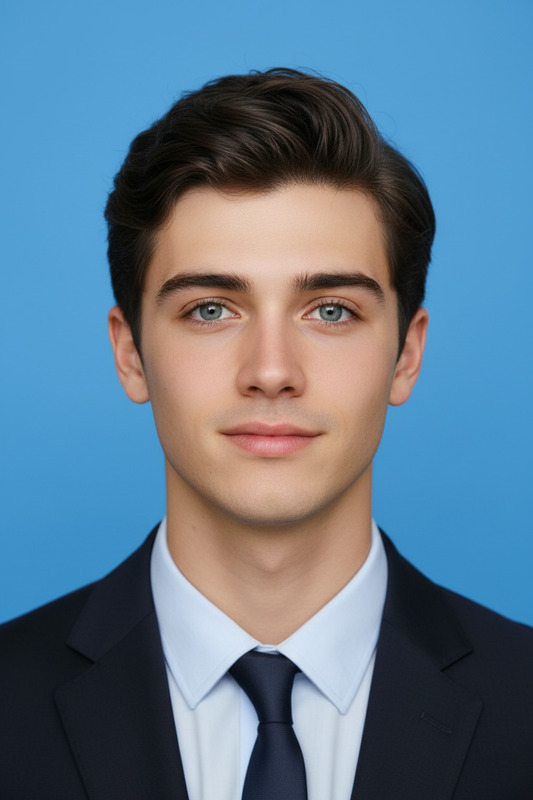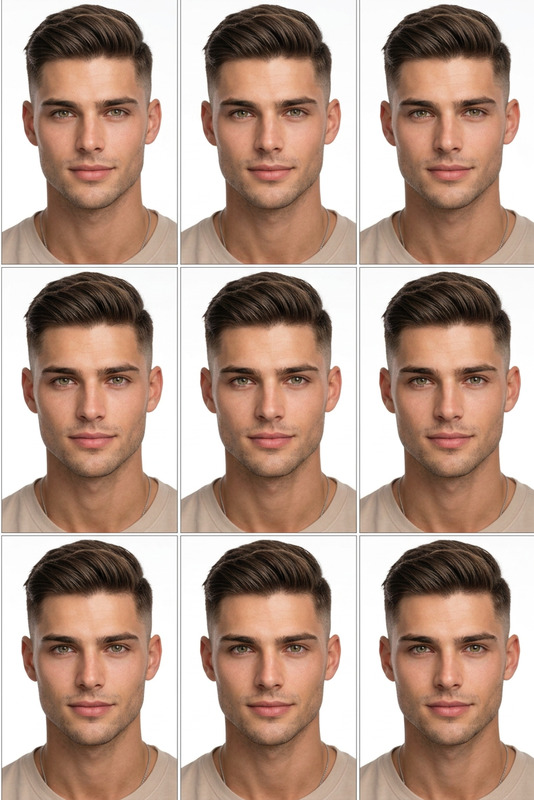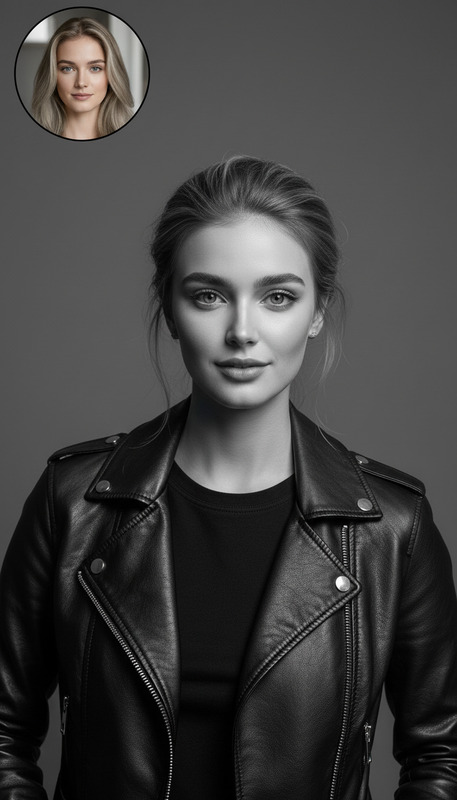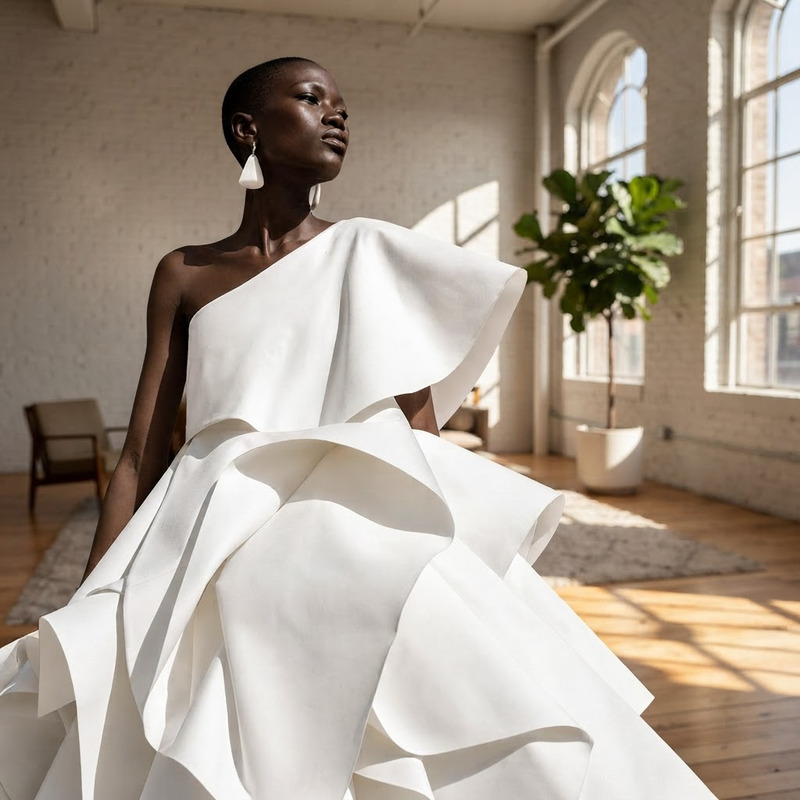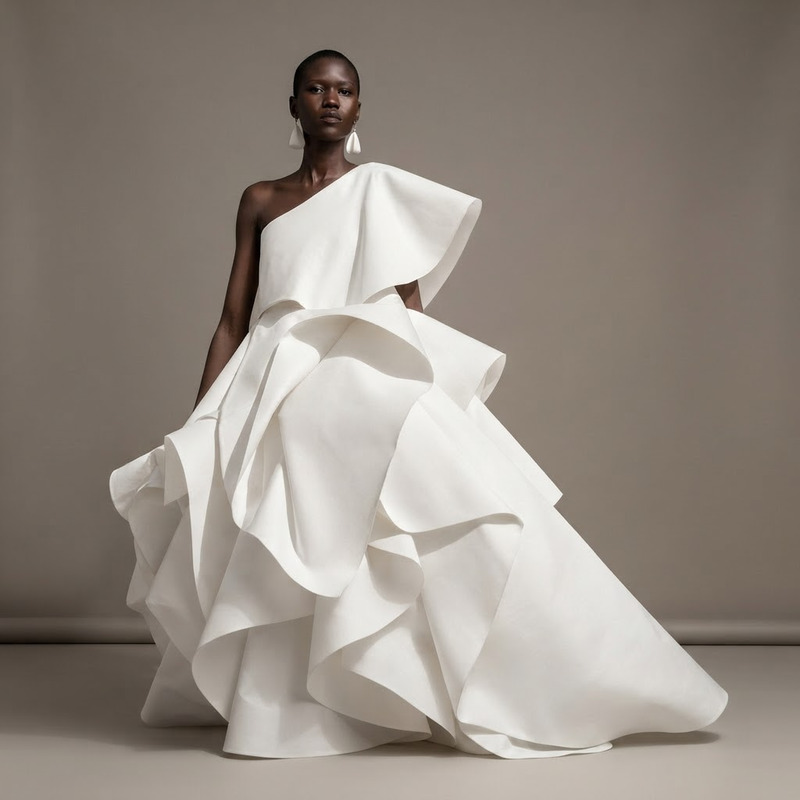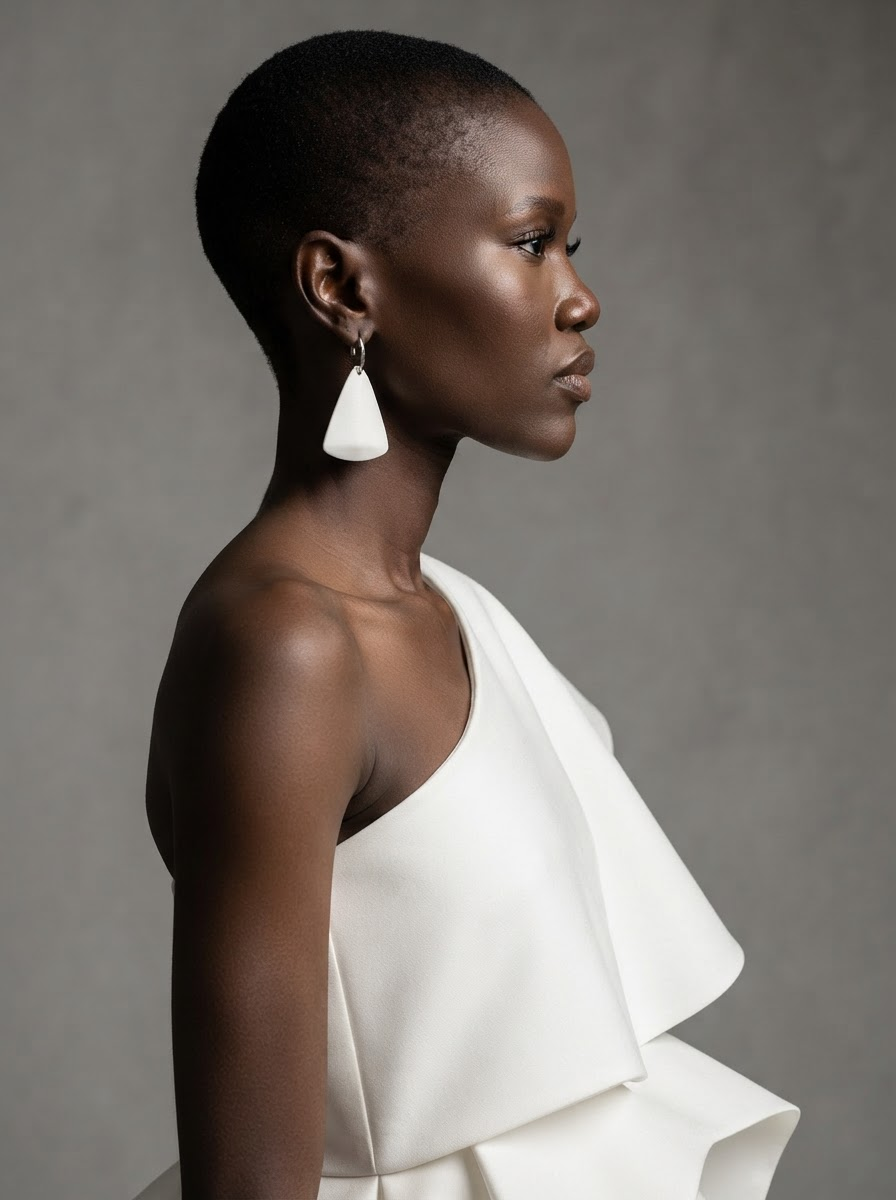
AI Image Editor · Turn the image into a crisp pr
- Model
- Nano Banana 2 Lite
- Image
- 896 × 1200 px
Prompt
Turn the image into a crisp professional profile portrait with neutral backdrop and flattering light
Any aspect ratio
Overview
The AI Image Editor template enhances your photos by transforming any image into a professional profile portrait. Featuring a neutral backdrop and flattering lighting, this tool is ideal for improving personal brand aesthetics. Whether you need a sharp headshot or are updating your social media profiles, this feature can elevate your pictures with ease.
What it Does
This AI Image Editor, powered by the nano-banana-2-lite model, smartly adjusts your image's lighting and background to ensure a professional quality. Designed to maintain the integrity of your original photo while enhancing its presentation, it provides users with a crisp, polished final product.
Who it's For
This tool is perfect for professionals seeking to improve their online presence, content creators aiming to enhance their image quality, and photographers looking for quick adjustments. It's also beneficial for HR managers who need high-quality profile pictures for their workforce directories and product photo enhancements.
Summary
Using the AI Image Editor template, you can easily convert any image into a high-quality, professional-grade portrait. By leveraging efficient AI technology, this tool simplifies the process of image enhancements, making it accessible for users of any skill level. For more complex editing needs, the AI Image Upscaler might be suited for larger projects.
How To
Choose Your Template

Customize Your Input

Generate and Download

Use Cases
Professional Networking
Social Media Updates
Corporate Directories
Best Practices
Choose High-Resolution Images
Start with a high-quality photo to ensure the best results.Refine Lighting Adjustments
Make subtle tweaks to lighting to suit different skin tones.Experiment with Backdrops
Try different background settings to find the perfect match for your needs. This might also require further edits in the AI Background Changer.