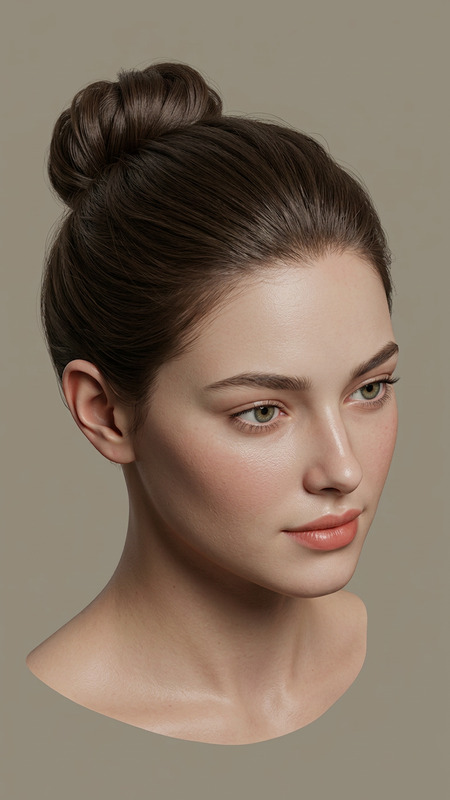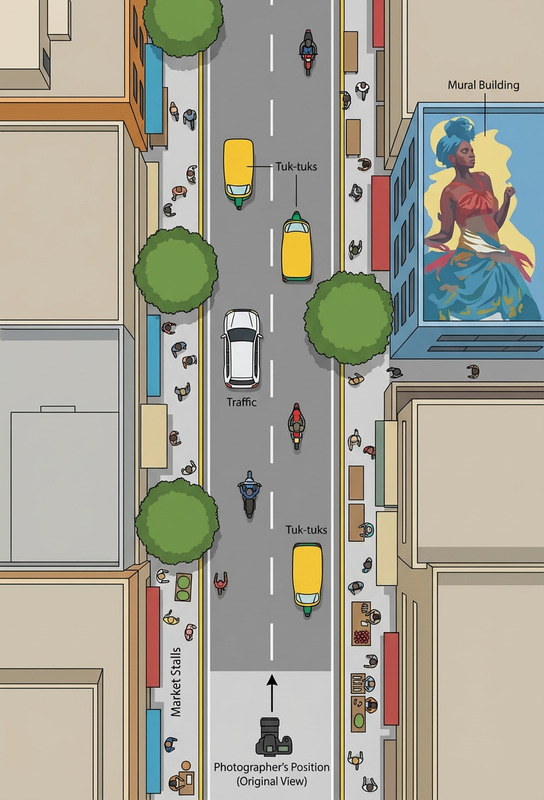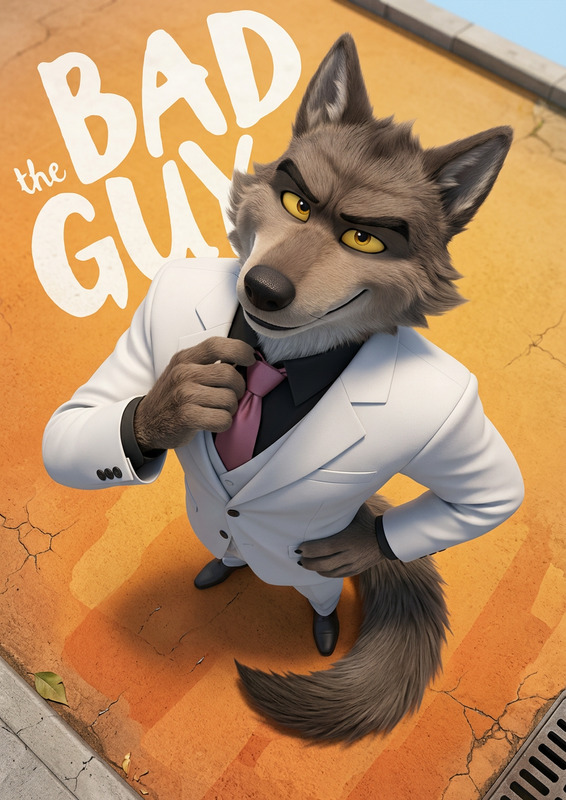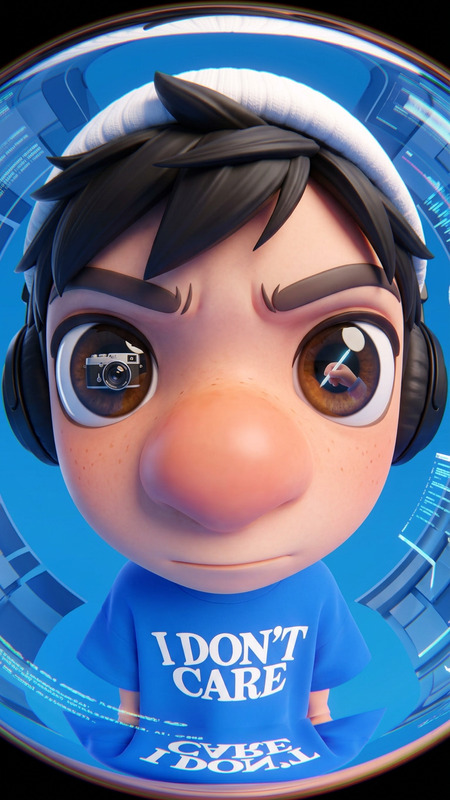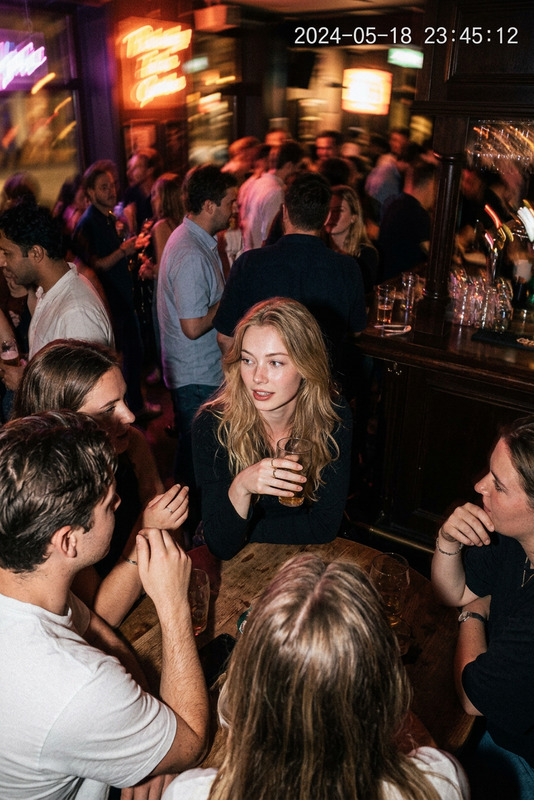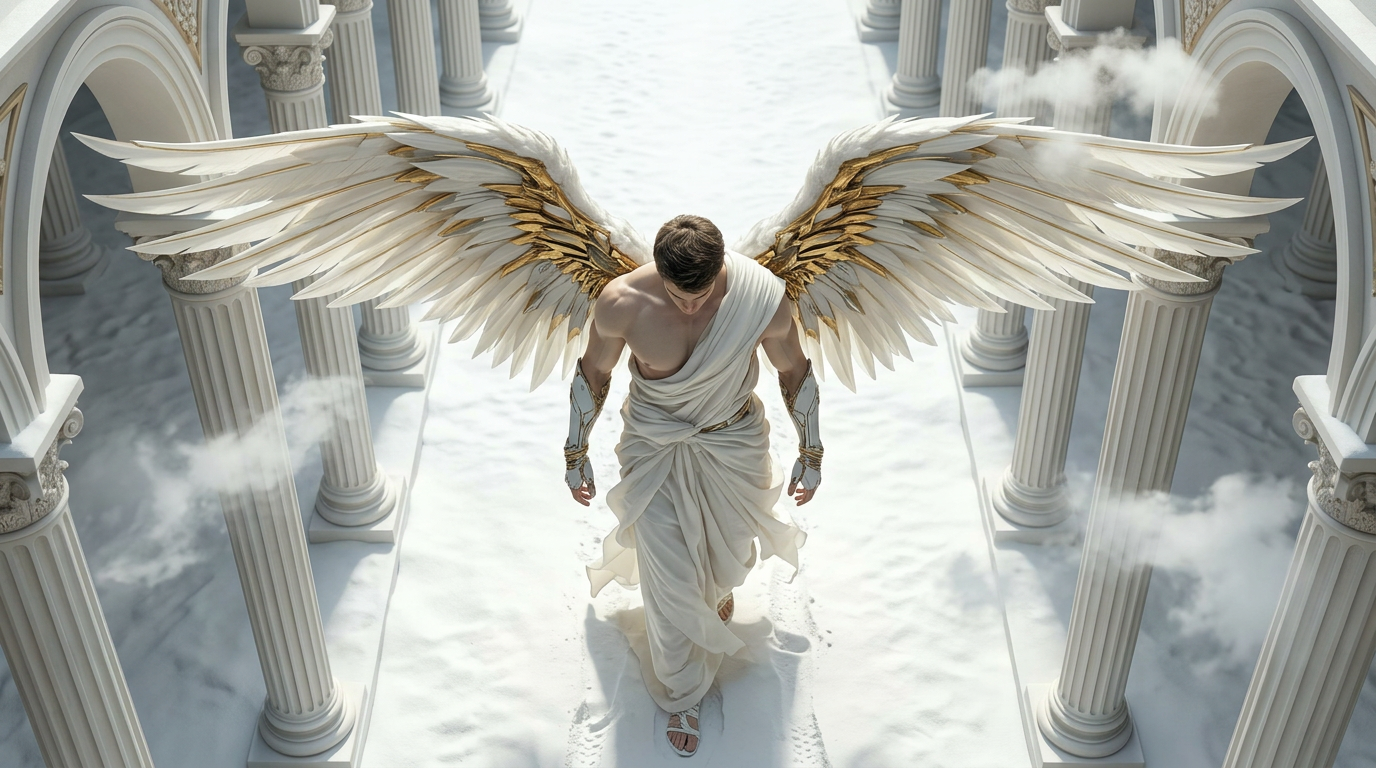
Camera top view
- Model
- Nano Banana 2
- Image
- 1376 × 768 px
Prompt
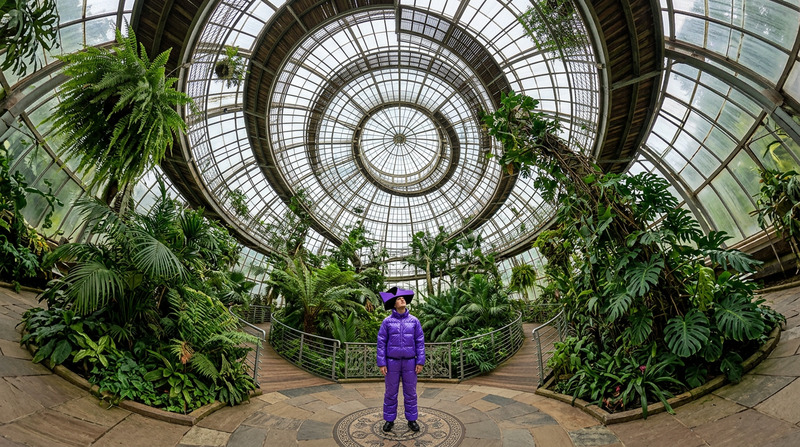
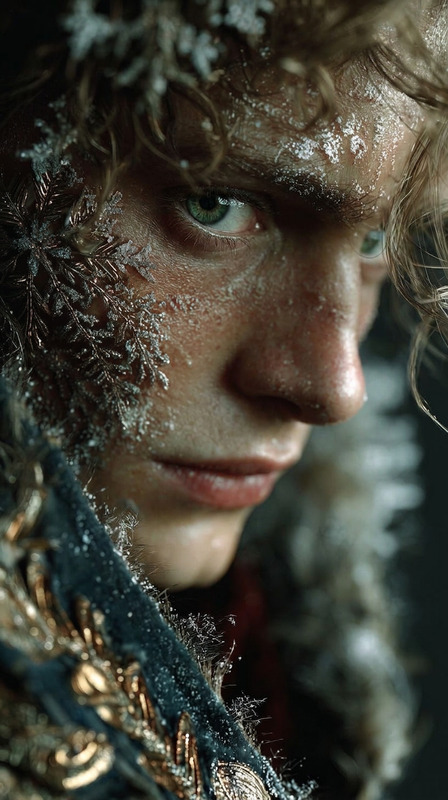
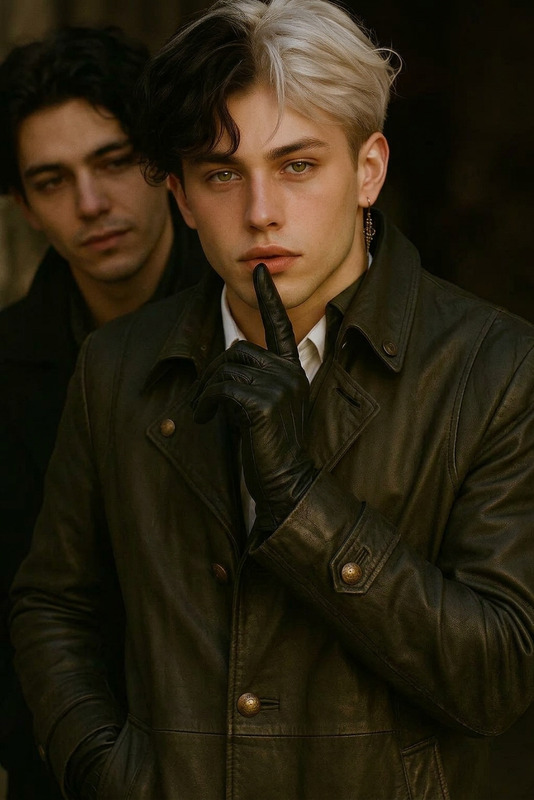
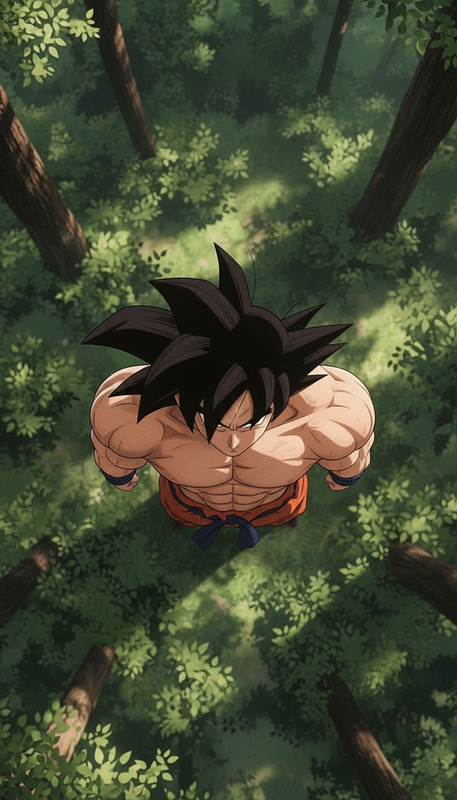
Change the camera angle from a head-on shot to a top-down shot, adjust the framing from a close-up to a medium shot, and change the aspect ratio to 16:9.
Any aspect ratio
Overview
The Camera Top View template uses the power of the AI Image Editor to transform your footage into a dynamic top-down perspective. This template is optimized with the nano-banana-2 model to offer enhanced visual depth and balance.
What It Does
By altering the camera angle to a top-down view and adjusting the framing, this template gives your videos a fresh perspective. It converts head-on shots into medium shots with a 16:9 aspect ratio, perfect for showcasing expansive scenes or product demos.
Who It's For
This template is ideal for content creators and video producers looking to add a new dimension to their visuals. Whether you're working on educational content, promotional videos, or creative projects, the AI Image Editor ensures professional-grade outcomes.
Summary
Enhance your video projects by using the Camera Top View template to achieve captivating camera angles. For those seeking similar transformations, explore other products like the AI Video Extender to further enrich your storytelling toolkit.
How-To

Customize Your Settings

Generate Your Video

Use Cases
Educational Videos
- Overhead cooking videos
- Craft tutorials
- Science experiments
Product Demos
- Unboxing videos
- Gadget reviews
- Fashion showcases
Creative Content
- Music videos
- Art projects
- Content for social media
Best Practices
Balanced Lighting
Ensure the lighting is evenly distributed to prevent shadows in the top-down view.Consistent Framing
Maintain consistent framing to keep the visual focus clear and uncluttered.Aspect Ratio Awareness
Verify that the subjects fit well within the 16:9 aspect ratio for optimal presentation.