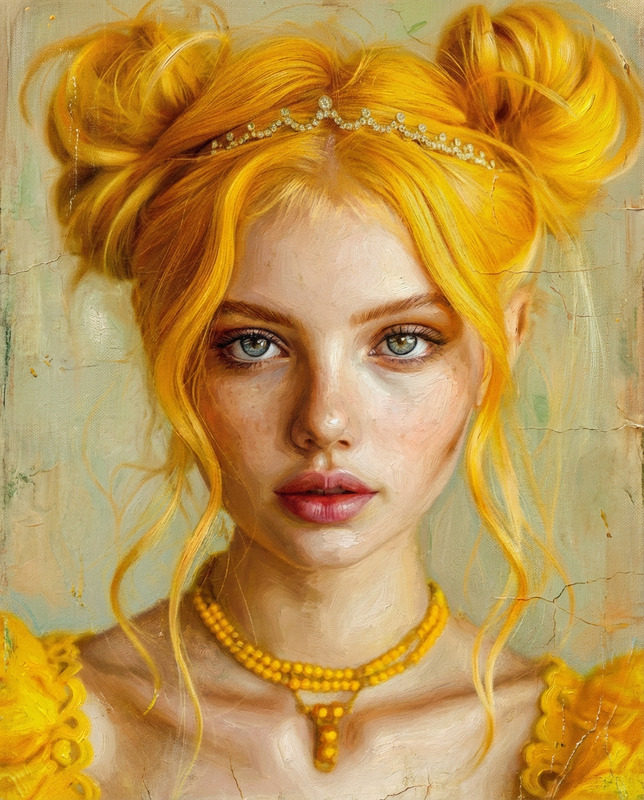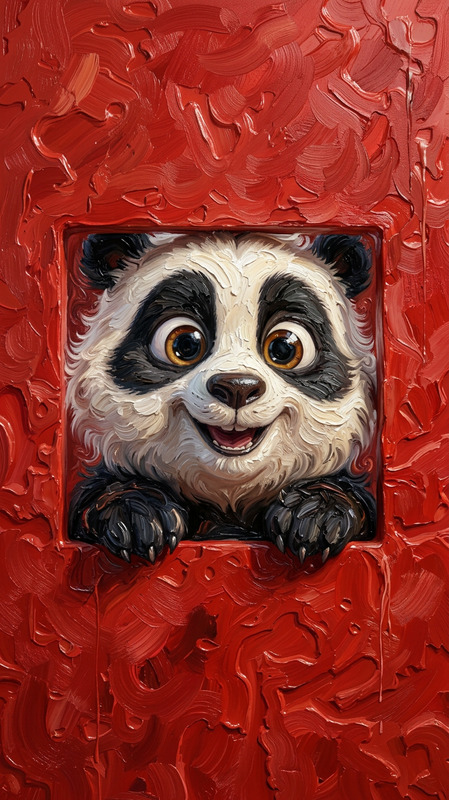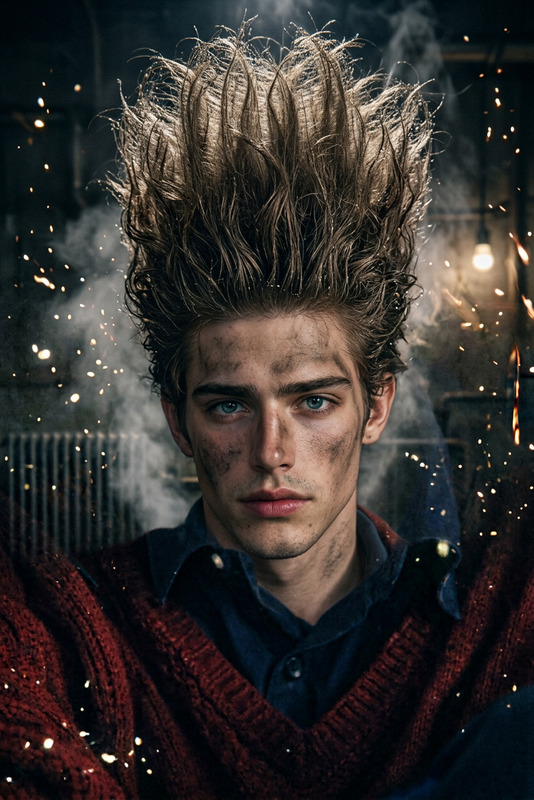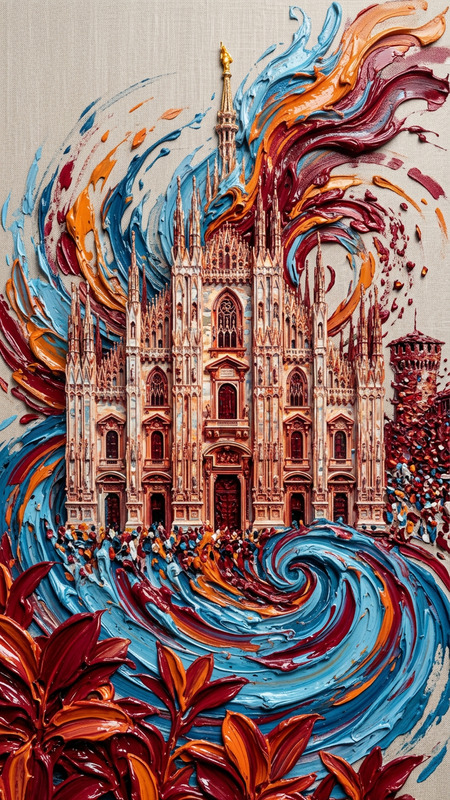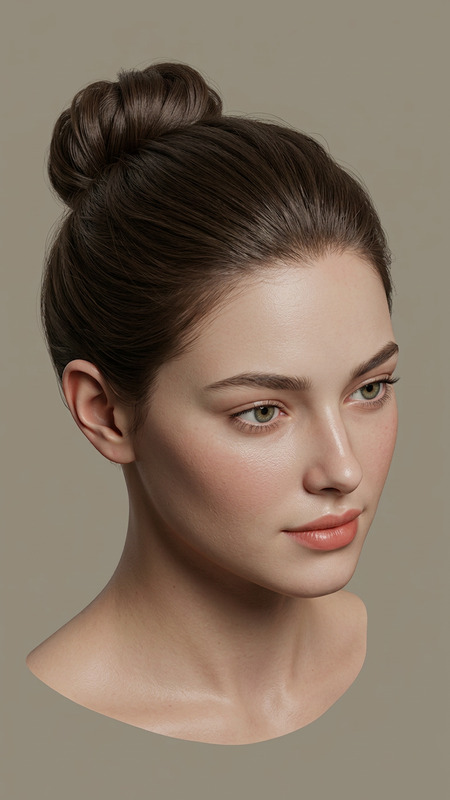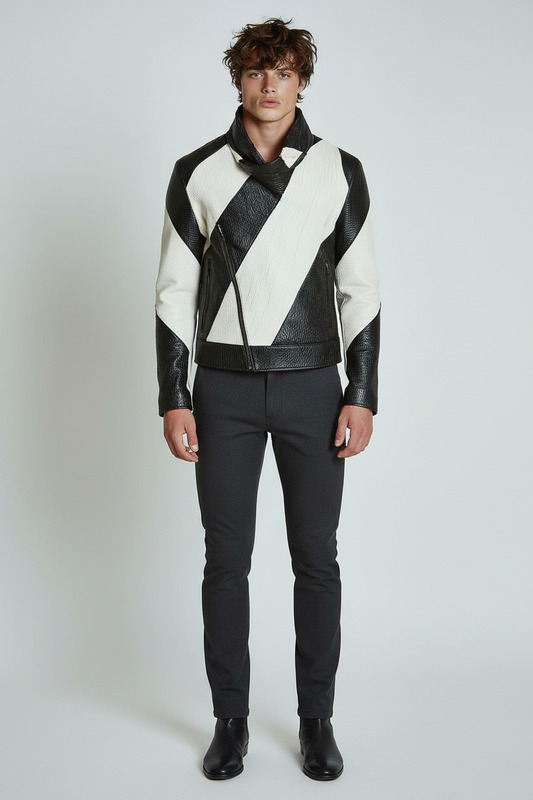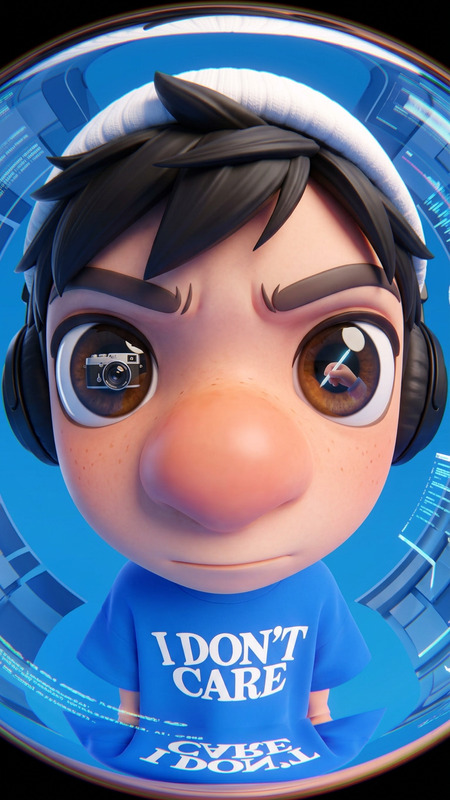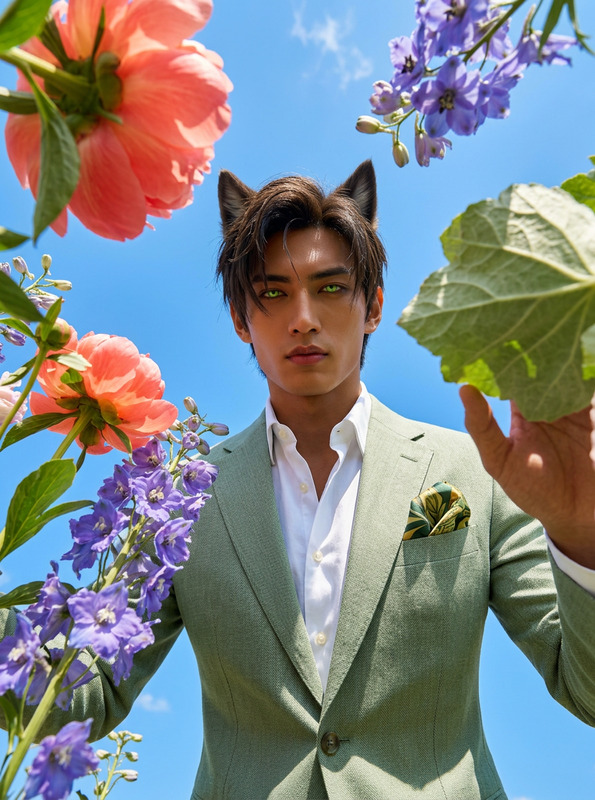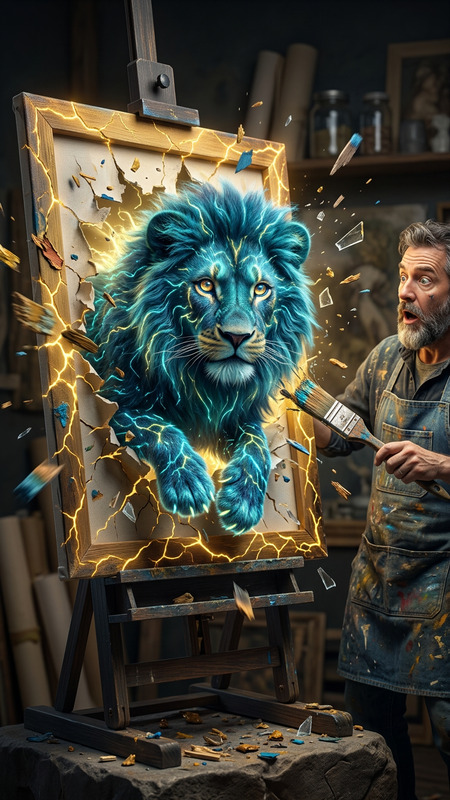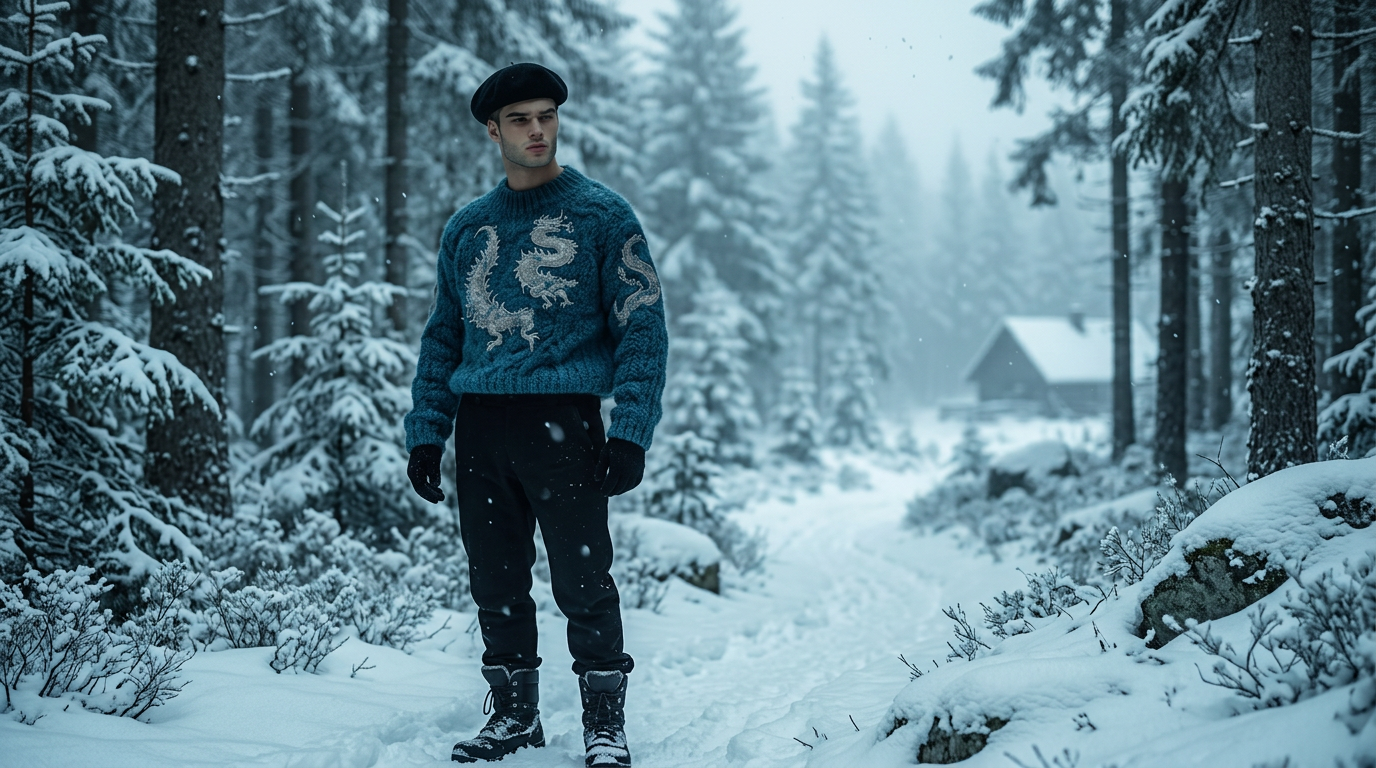
Outpainting 16:9 Expansion
- Model
- Nano Banana 2
- Image
- 1376 × 768 px
Prompt
Expand the image to a 16:9 widescreen composition by smoothly zooming out and extending the environment beyond the original frame. Logically reconstruct missing areas with consistent perspective, lighting, texture, and architectural or environmental continuity. Preserve the original subject exactly as-is, including identity, proportions, and details. Ensure seamless blending so the extended scene feels natural, realistic, and fully coherent with the original image.
Any aspect ratio
Overview
The Outpainting 16:9 Expansion template leverages the capabilities of the nano-banana-2 model in our AI Image Editor. This template is essential for transforming your standard aspect ratio images into widescreen compositions. It zooms out and logically reconstructs missing elements, ensuring perfect perspective, lighting, and texture alignment, all while maintaining the integrity of the original subject.
What It Does
This template skillfully converts images into a 16:9 aspect ratio by extending the environment through intelligent outpainting. It retains core details of the original subject, including identity and proportions, while seamlessly blending new and existing elements. The result is a visually coherent and realistic scene extension that adds depth and context to your media.
Who It's For
Perfect for digital artists, photographers, and content creators looking to enhance their media presentations. This template is also beneficial for video editors working on projects that require converting existing assets into widescreen formats without compromising on original image quality. It caters to anyone aiming to create a harmonious and immersive visual experience.
Summary
The Outpainting 16:9 Expansion template in our AI Image Editor is designed to expand images into 16:9 compositions with precision. It retains the original subject, reconstructs the environment naturally, and delivers a seamless blend, making it an ideal choice for professional-grade media projects.
How To
Choose the Template

Customize Your Image

Generate and Download

Use Cases
Enhancing Video Presentations
- Ideal for documentaries and presentations
Artistic Extensions
- Add depth to gallery exhibitions
Visual Storytelling
- Perfect fit for novels and graphic stories
Best Practices
Select High-Resolution Images
Use high-res images for the best outpainting results, ensuring details are preserved when extended.Define Logical Boundaries
Consider the existing scene when setting outpainting parameters to maintain consistency in perspective and lighting.Test Various Textures
Experiment with different textures to see how they integrate with your original subject, making adjustments as needed for a natural look.