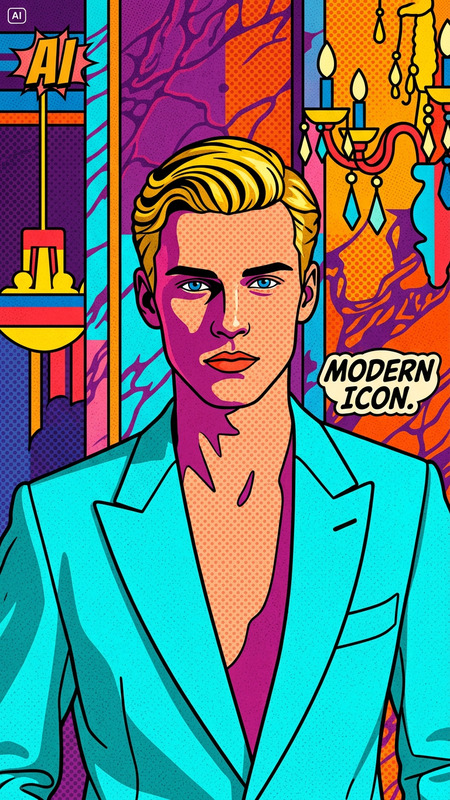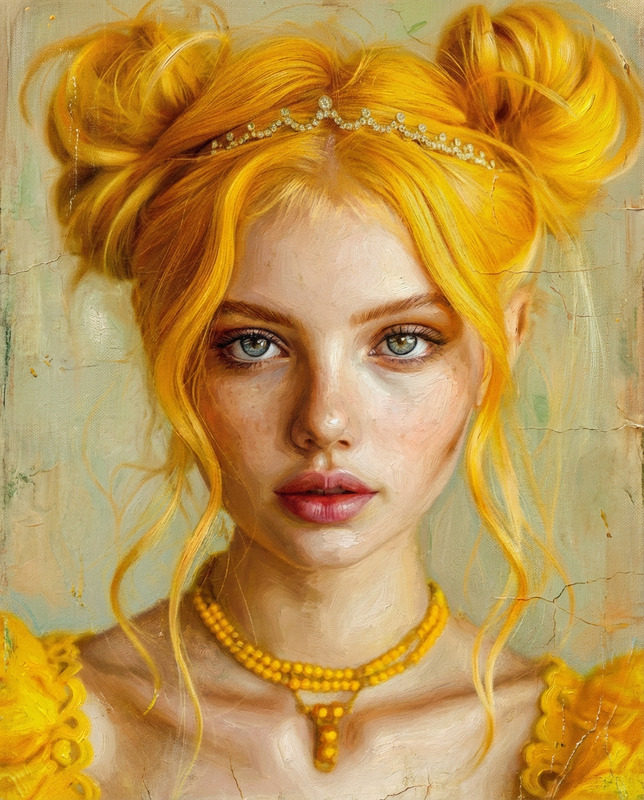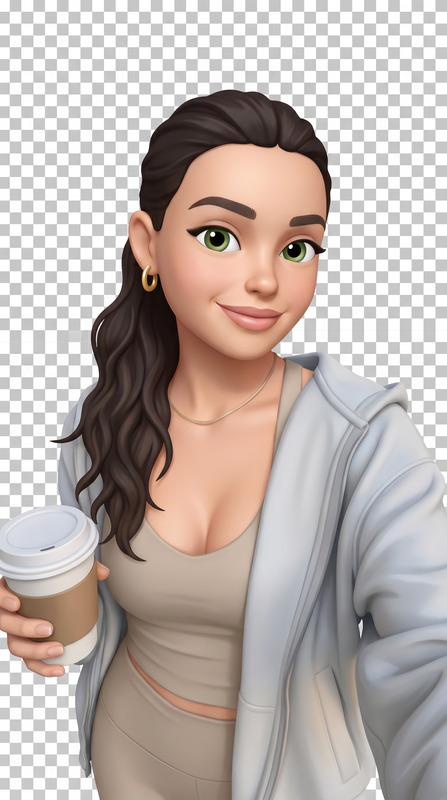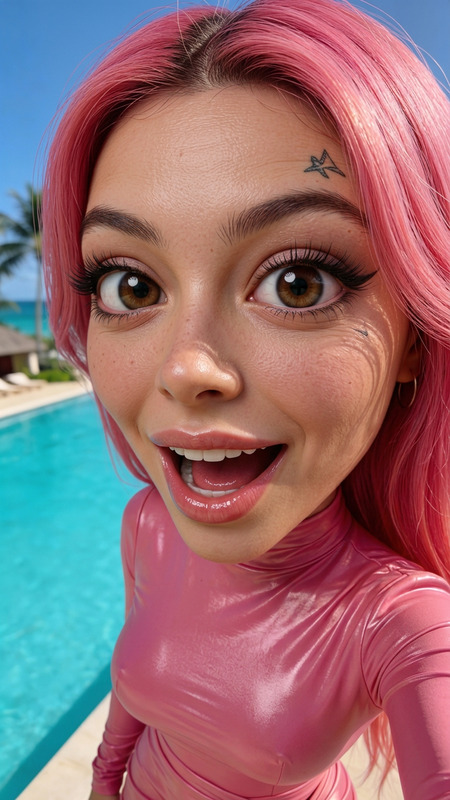
Iconic 3D Avatar
ai-image-editor
Any aspect ratio
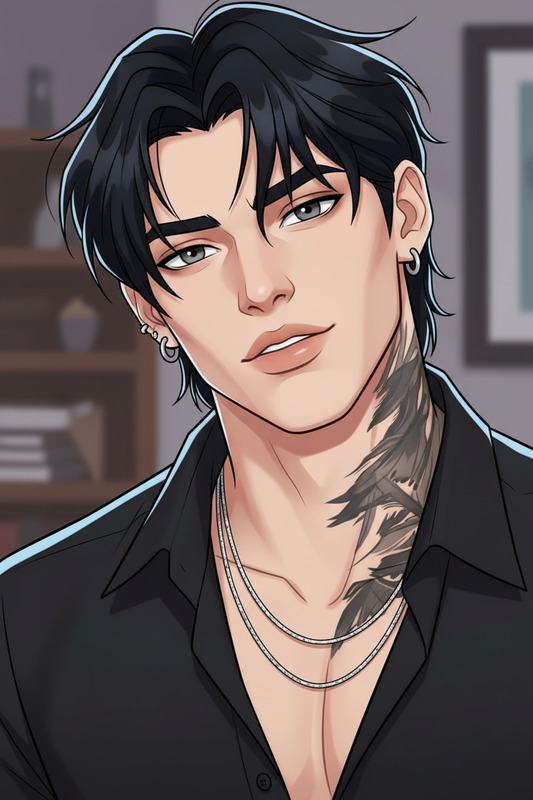
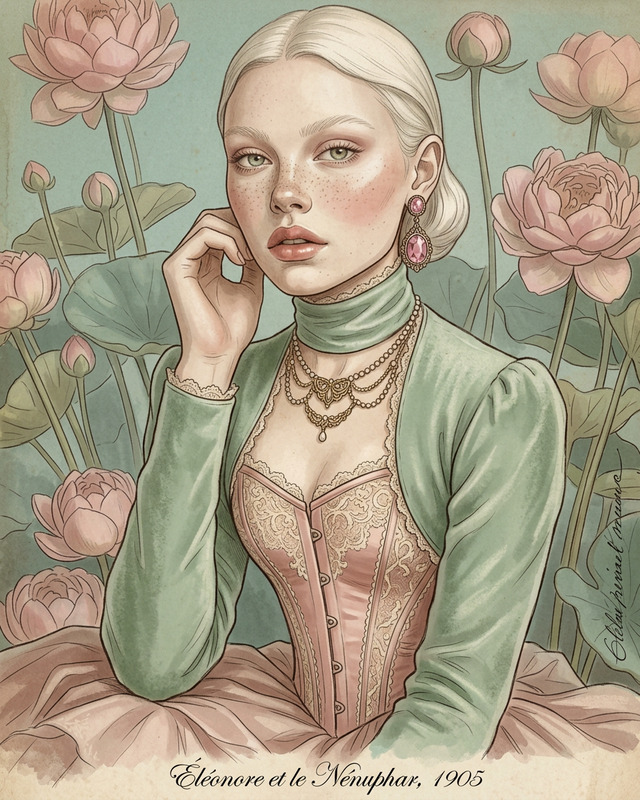
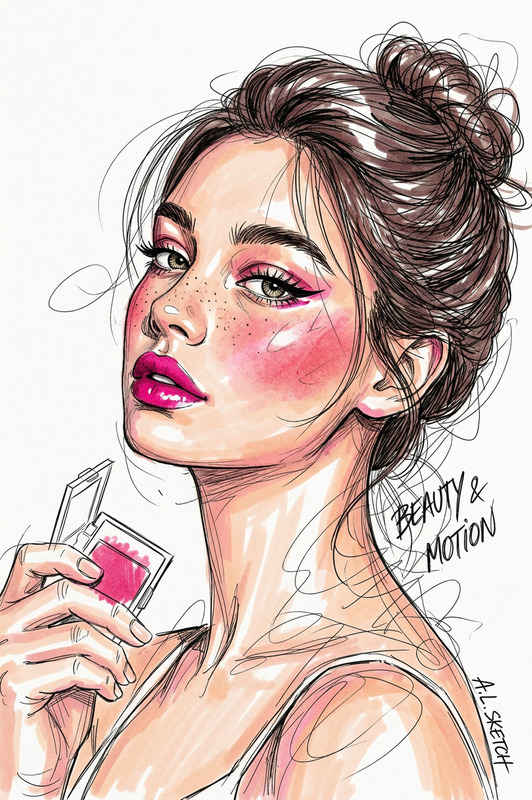
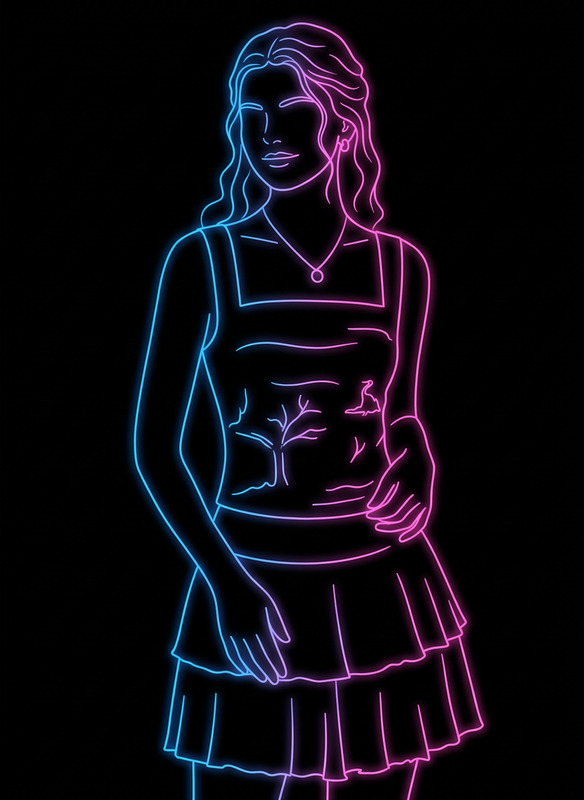
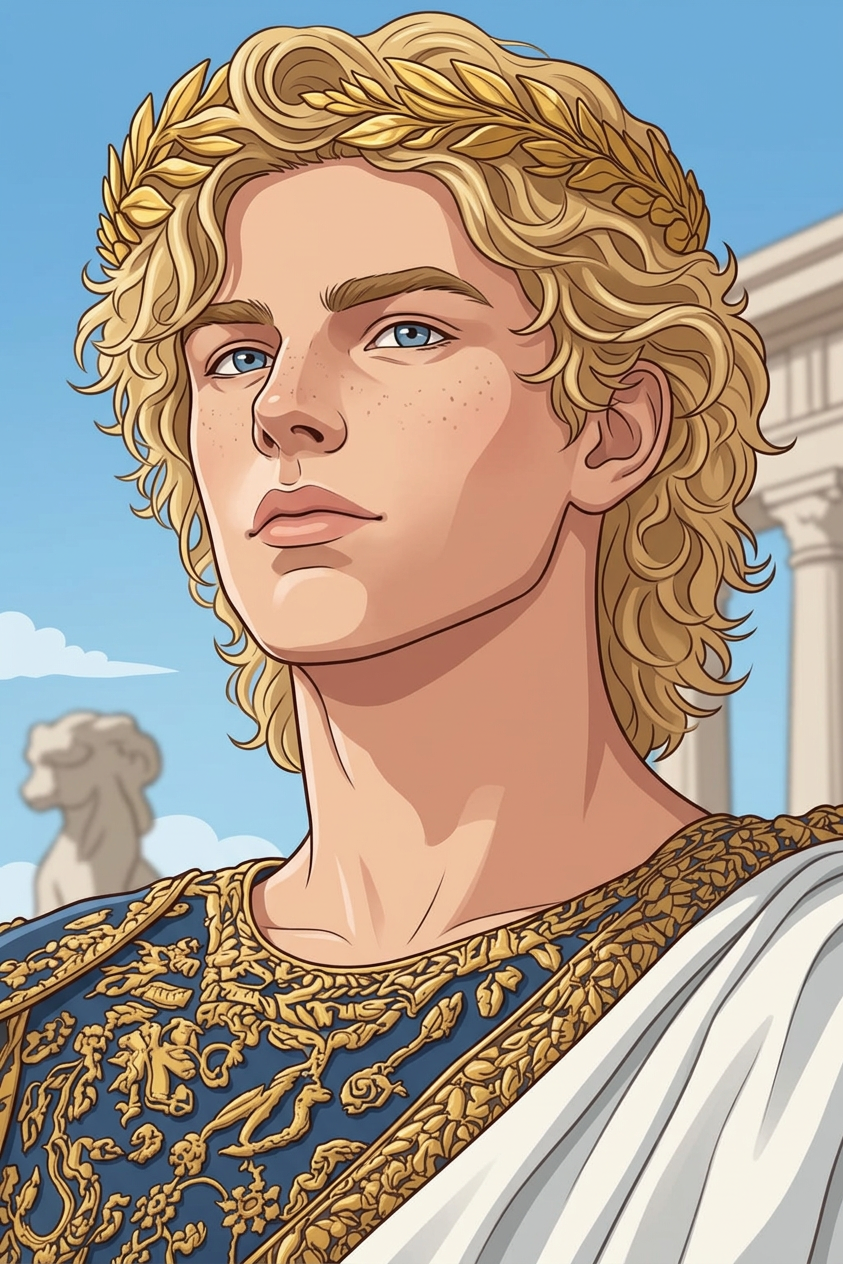
Convert the photo into a clean, high-quality illustration while preserving the subject’s likeness, proportions, and key details. Simplify textures into smooth, stylized shapes with refined linework and balanced shading. Maintain original lighting and color harmony, enhancing clarity and artistic appeal. The final result should feel polished, expressive, and suitable for modern digital illustration.
Tags
stylesAI Image Editor Template – Turn Any Still Image into High-Impact Visuals in Minutes
Use this template to quickly transform, refine, and repurpose images with the AI Image Editor. Whether you’re updating product shots, cleaning up campaign visuals, or prototyping creative concepts, this template gives you a repeatable workflow you can remix and customize inside Magic Hour.
What You Can Do with This Template
This AI Image Editor–based template is designed for fast, repeatable editing on top of a single source image. Common use cases:
Marketing & product visuals
- Clean backgrounds, remove distractions, and sharpen details
- Produce multiple visual variants for A/B tests, ads, or landing pages
- Combine with AI Image Upscaler for high‑resolution outputs
Brand & content creation
- Re-style images to match brand moodboards (colors, lighting, aesthetics)
- Generate social-ready versions for different formats (thumbnails, covers, memes)
- Pair with the AI Meme Generator or Thumbnail Maker to build content at scale
Photo cleanup & enhancement
- Remove unwanted objects or people using AI Remover or Remove Object From Photo
- Restore or improve older images with Old Photo Restoration, Unblur Image, or Photo Colorizer
Creative prototyping
- Explore art styles using AI Art Generator, AI Manga Generator, or AI Anime Generator
- Design covers and visuals with the Book Cover Generator, Album Cover Generator, or AI Logo Generator
How to Remix This Template in Magic Hour
You can use this template as-is or treat it as a starting point for your own reusable workflow:
Open the AI Image Editor
- Go to the AI Image Editor.
- Upload the image you want to work with (product shot, portrait, artwork, screenshot, etc.).
Define the transformation
- Clarify what you’re trying to achieve:
- “Clean white background for ecommerce”
- “Realistic portrait with softer lighting”
- “Comic-book style version of this scene”
- Use text prompts and region-based edits to guide the transformation.
- Clarify what you’re trying to achieve:
Chain edits with other Magic Hour tools (optional)
- For style & character work:
- Generate characters with the AI Character Generator or Animated Characters Generator, then refine them in AI Image Editor.
- For faces and portraits:
- Polish faces with the AI Face Editor, or generate new ones with the AI Face Generator.
- Create headshots using the AI Headshot Generator.
- For clothing & style:
- Experiment with outfits and looks using the AI Clothes Changer, AI Fashion Generator, or AI Outfit Generator.
- For backgrounds & environments:
- Generate new scenes with the AI Background Generator or AI Interior Design Generator, then composite them using AI Image Editor.
- For style & character work:
Save your edits as a reusable flow
- Once you find a combination of edits and prompts that consistently works (e.g., “clean ecommerce product pipeline” or “LinkedIn headshot upgrade”), you can:
- Duplicate this template inside Magic Hour
- Replace the source image
- Re-run the same logic to process new images in minutes
- Once you find a combination of edits and prompts that consistently works (e.g., “clean ecommerce product pipeline” or “LinkedIn headshot upgrade”), you can:
Export and reuse across formats
- Use AI GIF Generator to turn edited sequences into short loops.
- Convert images into motion with Image to Video or Text to Video.
- Upscale and polish final assets with Video Upscaler if you take them into video.
Example Workflows You Can Build from This Template
You can remix the template into more specialized workflows tailored to your use case:
1. Ecommerce Product Image Pipeline
- Start in AI Image Editor to:
- Remove clutter from product shots
- Standardize background color and lighting
- Use AI Image Upscaler for marketplace-ready resolution.
- Generate alternative angles or stylized scenes with AI Art Generator or AI Background Generator.
2. Creator Thumbnails & Covers
- Edit your base photo or screenshot in AI Image Editor:
- Increase clarity, focus, and composition
- Remove distracting elements with AI Remover
- Design formats for YouTube, Substack, or newsletters using:
3. Character & Concept Art Exploration
- Use:
- Refine, composite, and iterate on styles in AI Image Editor.
- Turn characters into animated content via:
Going from Edited Images to Dynamic Video
If you want to extend this image-editing template into motion:
Face-driven content
- Use Face Swap Video Templates or the Face Swap product to swap edited faces into existing footage or GIFs.
- Use Face Swap for GIFs for short, shareable loops.
Talking & lip-synced avatars
- Turn portraits into speaking characters with AI Talking Photo.
- Sync to audio using Lip Sync Templates and AI Voice Generator or AI Voice Cloner.
Style-consistent video
- Apply your image style across footage using Video-to-Video Templates.
- Add subtitles automatically with the Auto Subtitle Generator.
Tips for Better Results with AI Image Editing
- Start from the highest-quality source image available; if needed, use Unblur Image or AI Image Upscaler first.
- Be explicit in your prompts about style, mood, and context (e.g., “studio lighting”, “soft natural light”, “flat lay product photo”, “comic-book inking”).
- Iterate with small, focused edits rather than trying to change everything at once.
- Keep a “reference set” of outputs you like; reuse the same prompts and flow to maintain brand and style consistency.
Related Tools to Expand This Template
You can extend or specialize this AI Image Editor template with:
Identity & avatars:
Creative & niche generators:
Utility & cleanup:
Use this AI Image Editor template as a base, then remix it with other Magic Hour tools to build your own production-ready pipelines—for ads, social content, UGC, product pages, or internal prototypes. Once your flow is dialed in, you can reuse it for new images in a few clicks, instead of rebuilding from scratch every time.