Fisheye Perspective
- Model
- Nano Banana 2
- Image
- 768 × 1365 px
Prompt
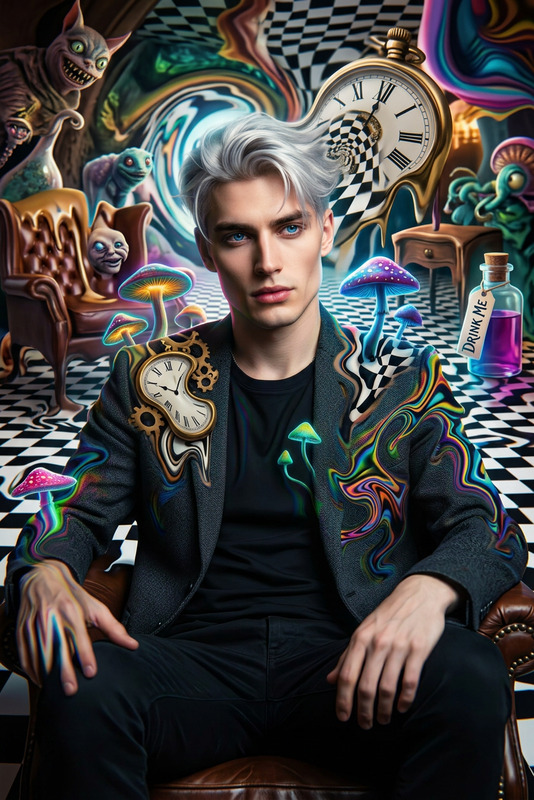
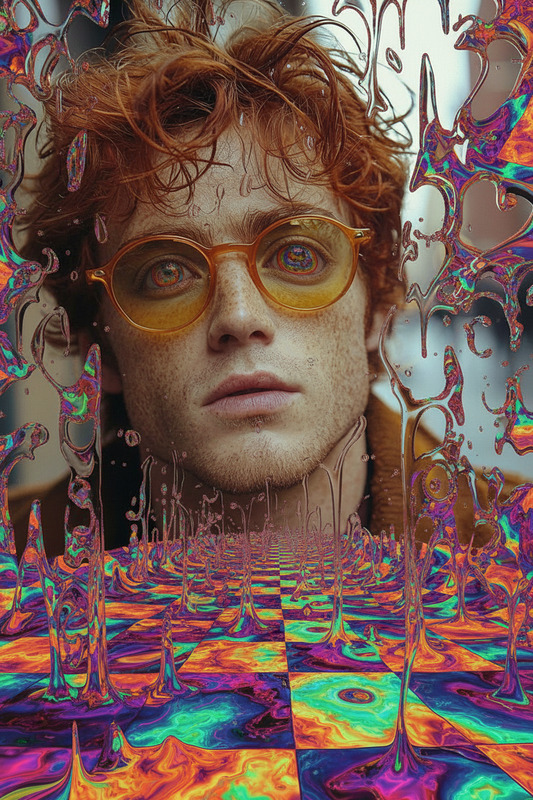
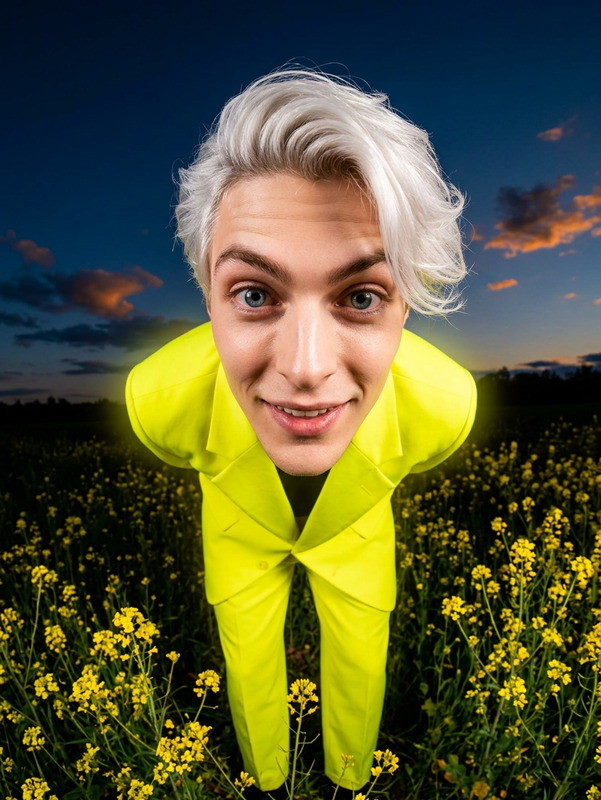
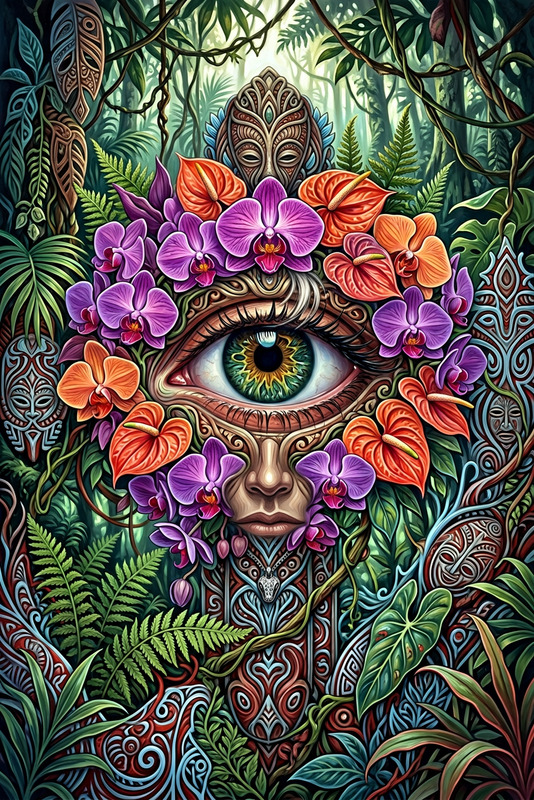
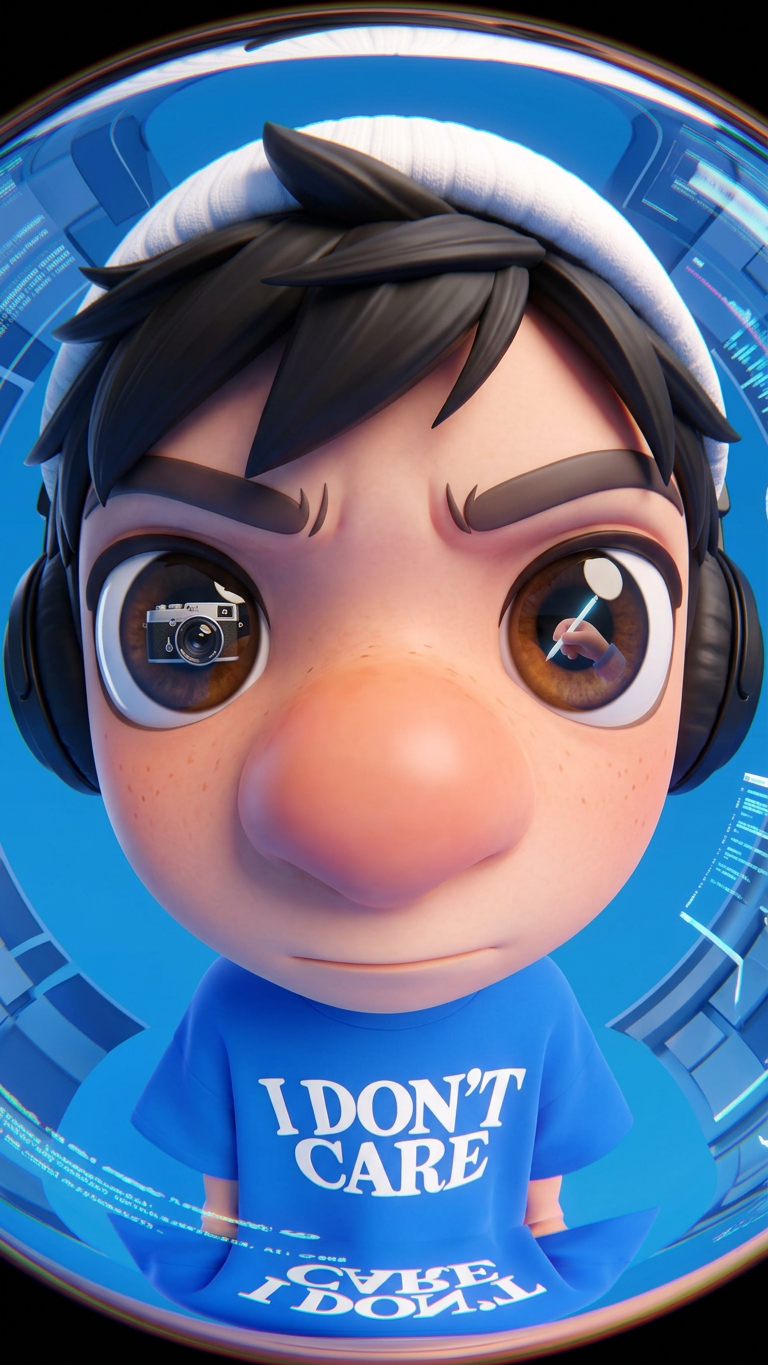
A creative AI-generated image of a subject looking directly into a fisheye lens, with distorted perspective and playful composition, rendered in a stylized digital art style with high detail, emphasizing imaginative visuals and artistic inspiration suitable for creative projects.
Any aspect ratio
Overview
The Fisheye Perspective template leverages the capabilities of the nano-banana-2 model to create captivating AI-generated images with a unique fisheye lens effect. This template is part of the AI Image Editor suite, ideal for adding a dynamic and immersive touch to your creative projects. Achieve a playful distortion that brings an artistic flair to any subject.
What It Does
The Fisheye Perspective template transforms simple images into a distorted, artistic masterpiece. By applying a fisheye effect, it creates a wide-angle distortion that captures a larger-than-life view. It enhances the subject with high detail, emphasizing imaginative and artistic elements. This makes it perfect for projects that demand creativity and visual intrigue.
Who It's For
Designers, content creators, and marketers will find this template particularly useful. If you're working on ad campaigns or social media updates, especially those requiring engaging visuals like social media ads or meme videos, the Fisheye Perspective provides an exciting tool to capture attention. It's also ideal for bloggers and digital artists aiming to enrich their visual storytelling with innovative effects.
Summary
The Fisheye Perspective template injects fun and creativity into your imagery with its unique lens effect. Integrated into the AI Image Editor lineup, it supports artistic and imaginative projects, ensuring your content stands out with compelling visual narratives. From advertising to digital art projects, this tool offers a distinctive way to enhance your images.
How-To
Choose Your Template

Customize Your Image

Generate Your Image

Use Cases
Engaging Social Media Content
- Distinctive visuals for brand identity
- Stand out in crowded feeds
- Innovative ways to engage audiences
Creative Advertising
- Catch attention quickly
- Enhance brand messaging creatively
- Optimal for Facebook and Instagram ads
Digital Art Projects
- Explore new creative styles
- Add flair to personal artworks
- Perfect for digital portfolios
Best Practices
Choose the Right Subjects
Use subjects with contrasting colors and textures to maximize the fisheye effect.Experiment with Distortion Levels
Adjust the level of distortion for desired impact, from subtle to extreme.Integrate with Brand Colors
Align your fisheye-enhanced images with brand colors for consistency across marketing materials.