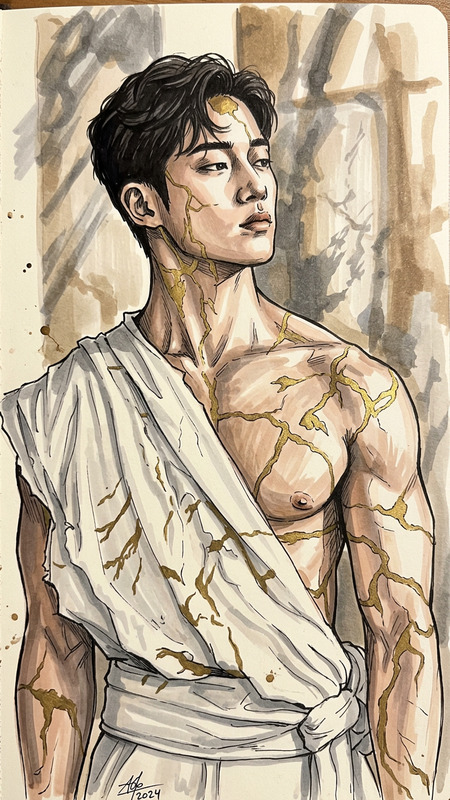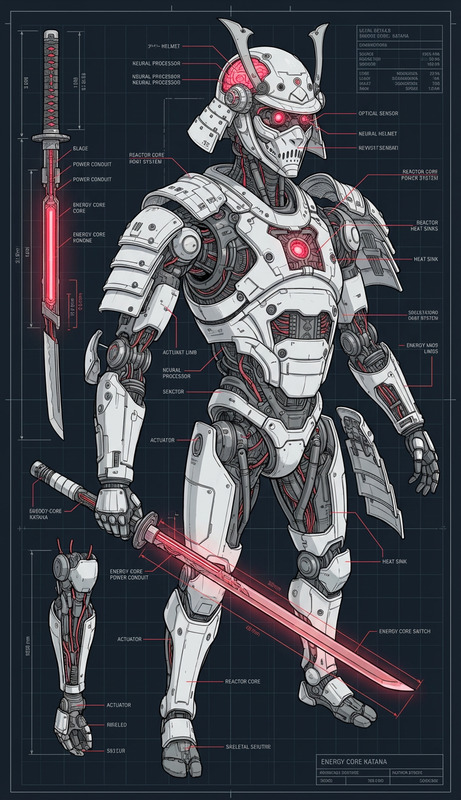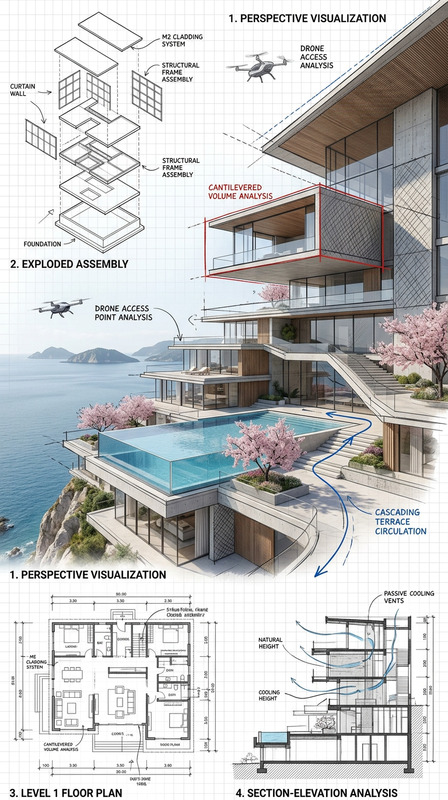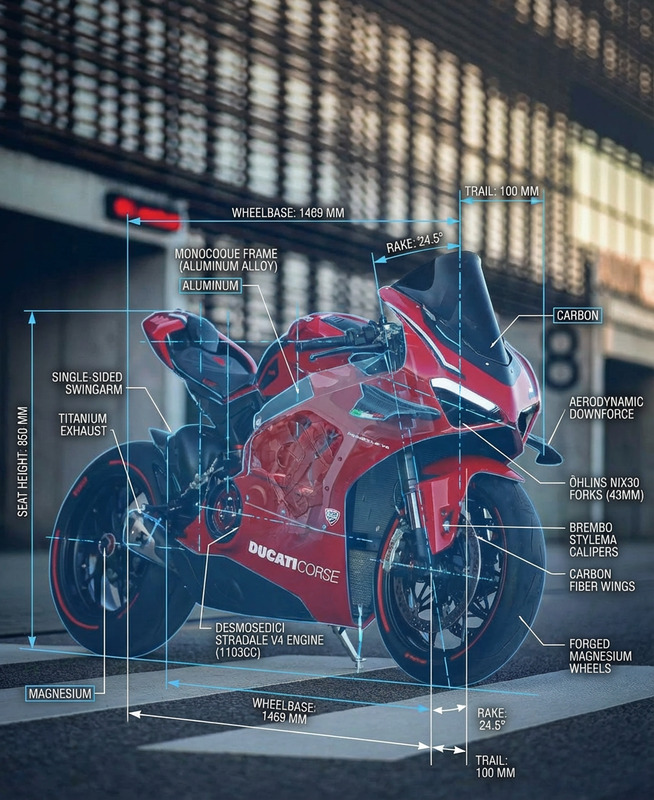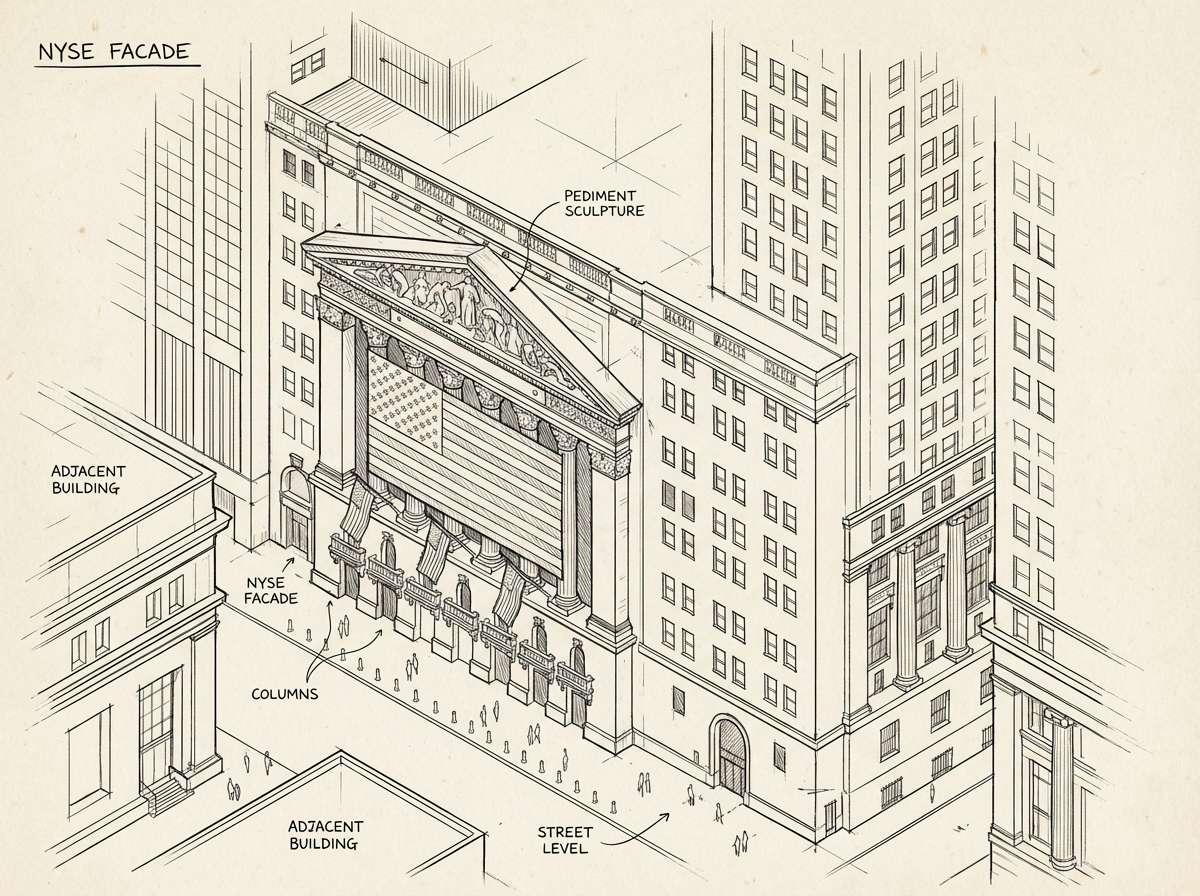
Isometric Sketch – Schematic Study
- Model
- Nano Banana Pro
- Image
- 1200 × 896 px
Prompt
A hand-drawn isometric schematic diagram of a subject, illustrated with clean linework and subtle sketch details. The drawing features a technical yet artistic style, with clear structure, simple annotations, and a balanced isometric perspective. Minimal shading, paper-like texture, and a precise but organic hand-drawn feel.
Any aspect ratio
Overview
The Isometric Sketch – Schematic Study template empowers creators to craft detailed isometric sketches enriched with technical finesse and artistic balance. This template, leveraging the AI Image Editor capability, uses the nano-banana-pro model for precision and artistry in design.
What It Does
This template transforms your conceptual designs into isometric sketches with precise linework and subtle sketch details. The output embodies a technical yet artistic style, perfectly balancing clean structure and hand-drawn aesthetics. Utilize it to generate diagrams with minimal shading and paper-like textures, making your designs both technical and visually appealing.
Who It's For
Ideal for designers, architects, and educators, this template is perfect for anyone looking to incorporate high-quality isometric sketches into their mood boards or technical presentations. Whether you're creating visual content for educational materials or design pitches, the detailed schematic diagrams will enhance the clarity and appeal of your projects.
Summary
Utilize the Isometric Sketch – Schematic Study template to enhance your design work with artistic and structurally sound isometric sketches. This tool is part of a versatile suite of AI-powered solutions that help bring clarity and creativity to your schematic projects. Explore other options such as the AI Product Photography for more diverse applications.
How to Use
Choose Your Template

Customize Your Inputs

Generate Your Isometric Sketch

Use Cases
Architectural Visualizations
- Include structural details and annotations
- Ideal for client reviews
Educational Materials
- Enhance textbooks and instructional guides
- Useful for both digital and print formats
Product Design Blueprints
- Showcase design concepts elegantly
- Incorporate simple annotations
Best Practices
Maintain Simplicity
Keep your schematic diagrams simple and uncluttered to ensure clarity and focus on the primary subject.Use Consistent Annotations
Utilize a consistent style and size for annotations to maintain a professional and polished look across designs.Leverage Paper-like Texture
Select textures that mimic real paper to provide an organic feel, enhancing the authenticity of your diagrams.