True Bird’s Eye Minimal
- Model
- Nano Banana
- Image
- 768 × 1344 px
Prompt
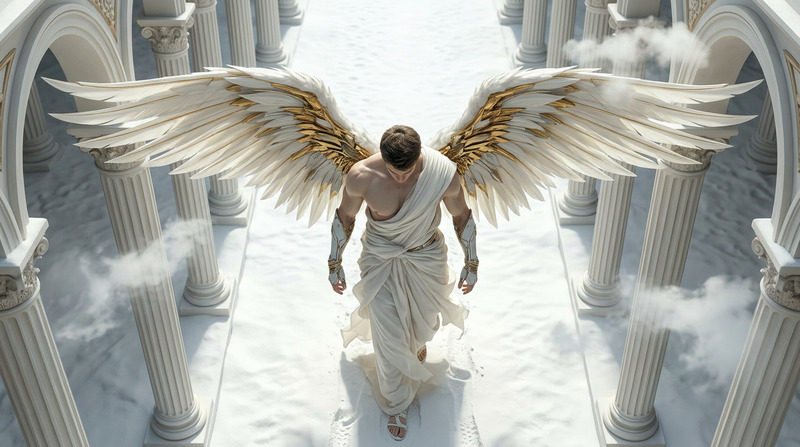
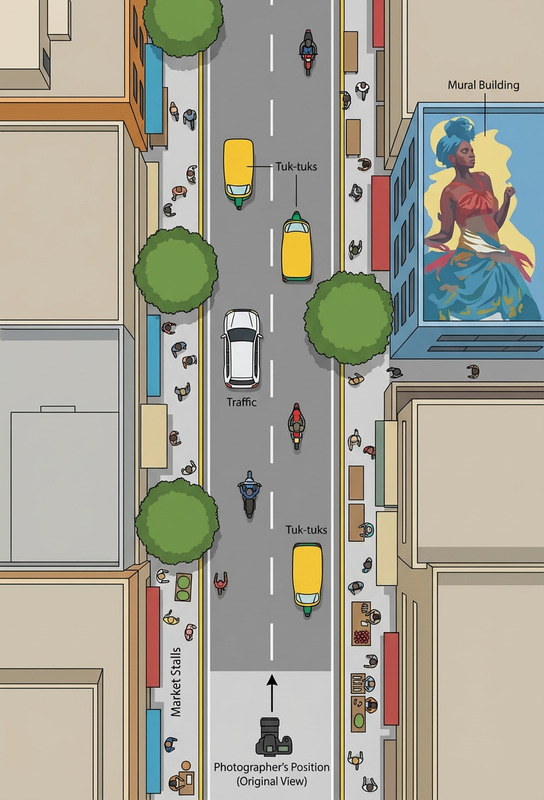
True bird’s-eye view, camera directly overhead at 90° pointing straight down. Subject unchanged, only top of head and shoulders visible, no face shown. Subject small and centered. Pure top-down shot, not tilted, photorealistic, natural light.
Any aspect ratio
Overview
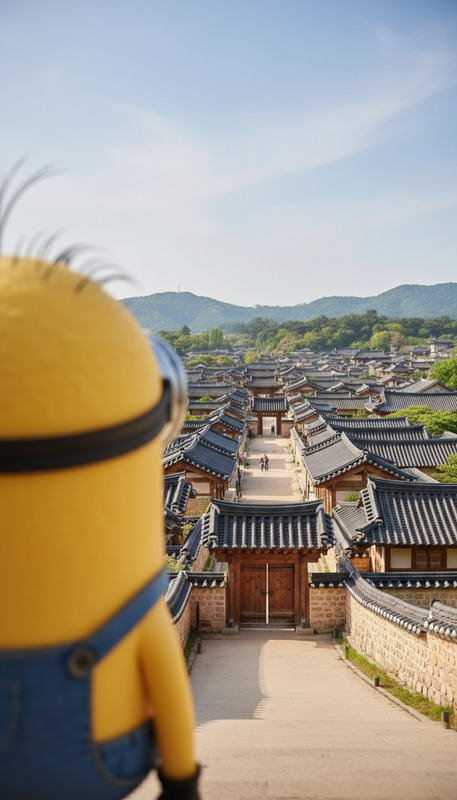
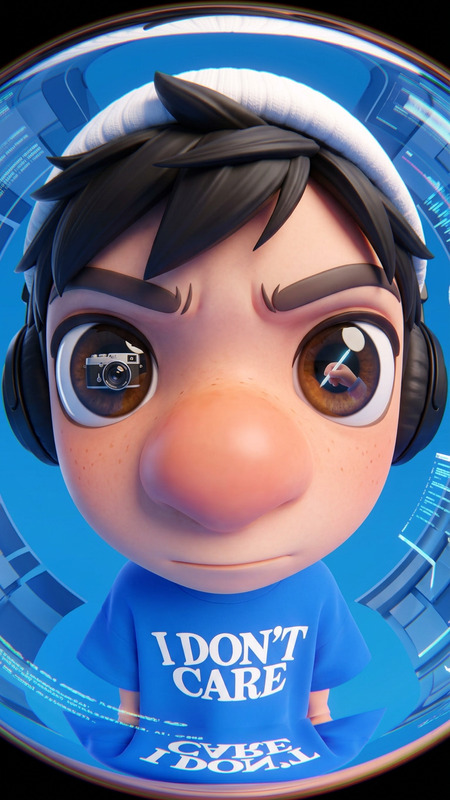
The True Bird’s Eye Minimal template brings the striking aesthetic of aerial photography to your projects. By leveraging the power of the AI Image Editor, this template creates a pure top-down, photorealistic view, focusing solely on the subject's head and shoulders from a 90° angle.
What It Does
This template allows you to generate high-quality images that look like they were taken directly from above. The emphasis is on capturing the natural light and photorealistic elements of the scene, requiring no face visibility for an abstract yet intimate perspective. The subject remains unaltered other than being centered in the frame, perfect for creating unique visuals.
The AI Image Generator model, enhanced by nano-banana, maintains the integrity of this perspective by ensuring a balanced, minimalistic shot every time.
Who It's For
This template is designed for photographers, digital artists, and content creators who seek to incorporate a fresh, elevated view into their work. It's also ideal for marketing professionals needing unique imagery for ecommerce ads or other creative presentations where a bird’s-eye view could enhance engagement.
Summary
Utilizing the True Bird’s Eye Minimal template opens your work to new perspectives, literally. With this unique angle, it offers simplicity combined with sophistication, making it a fantastic choice for those aiming to create compelling, photorealistic visuals from an overhead shot. Explore the potential of this template with AI Profile Picture Generator to further expand your creative projects.
How To
Choose the Template

Customize Your Inputs

Generate the Image

Use Cases
Marketing Campaigns
- Ideal for online advertisements
- Perfect for product photography
Creative Projects
- Suitable for digital art
- Enhances abstract photography
Educational Content
- Helps with educational visuals
- Enhances interactive presentations
Best Practices
Subject Positioning
Ensure the subject is small and perfectly centered to emphasize the bird’s-eye view.Lighting Considerations
Natural lighting works best to enhance the photorealism of the image; avoid artificial light.Consistency
Stick to the 90° angle for authenticity, avoiding any tilt to the camera view.