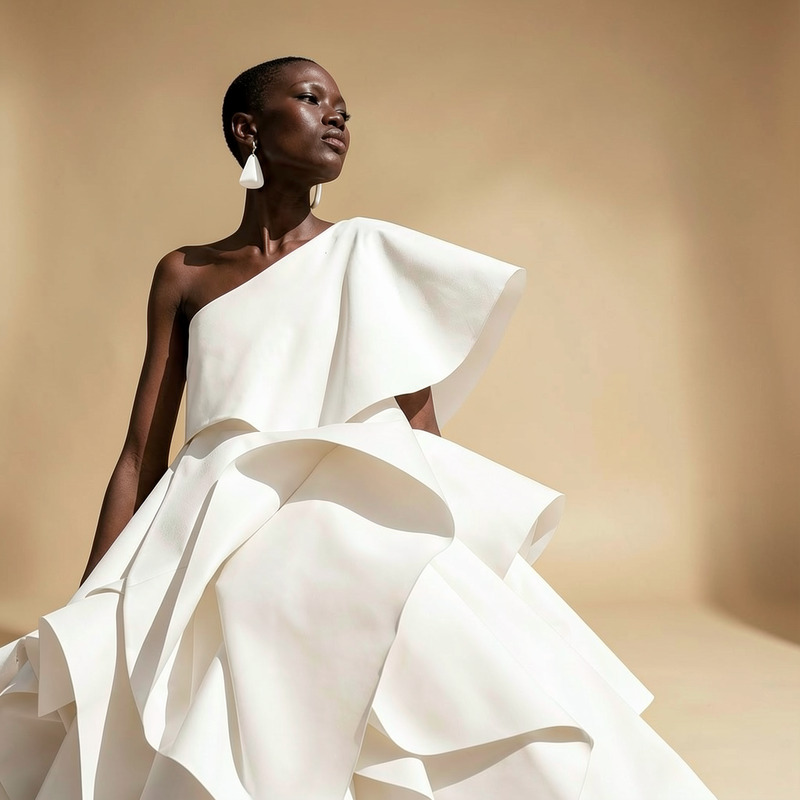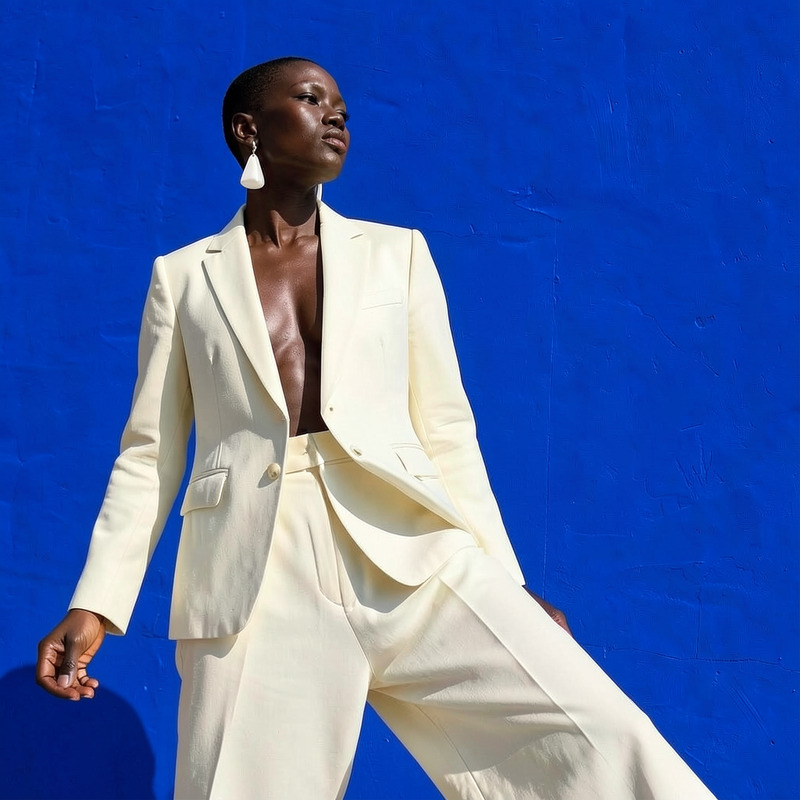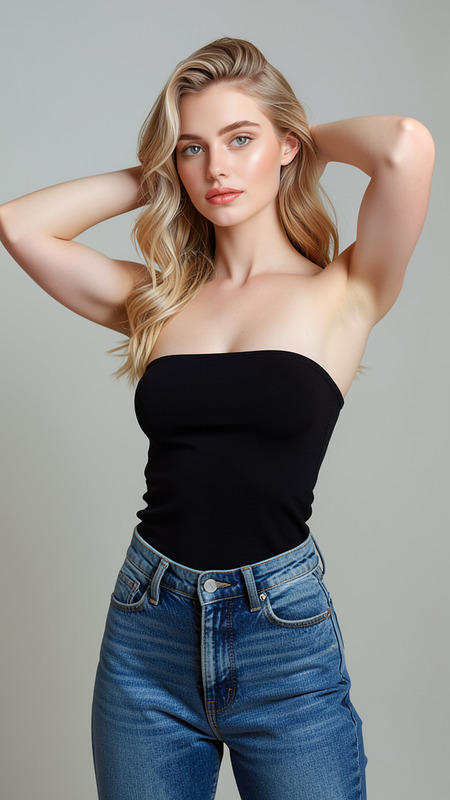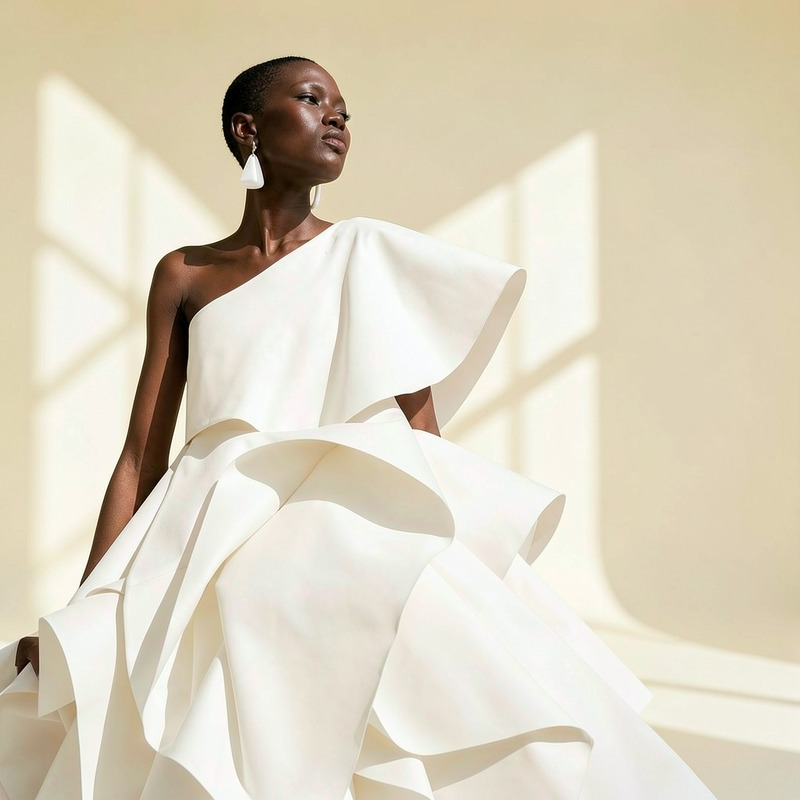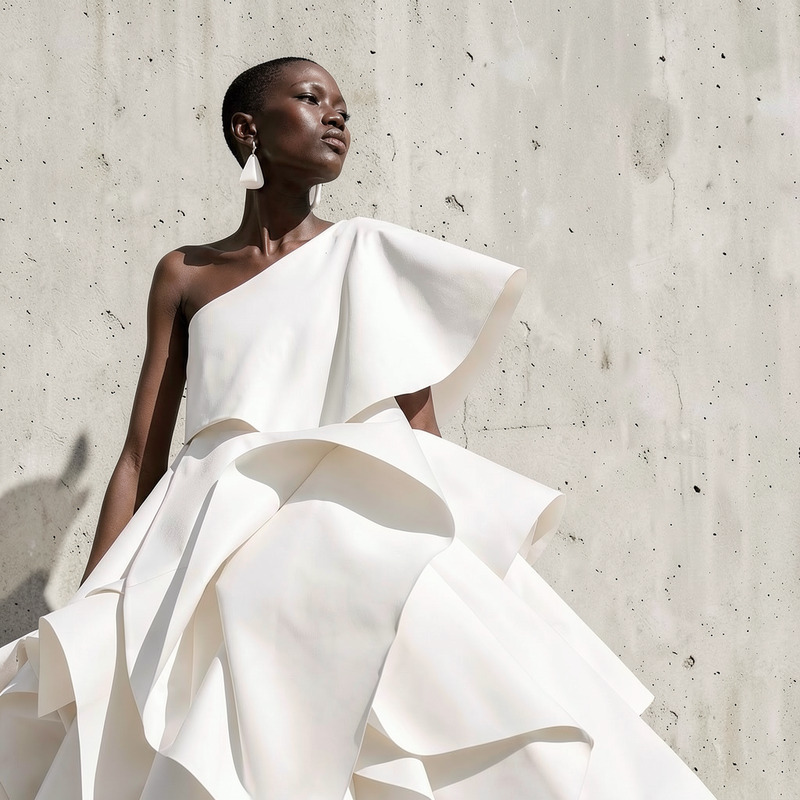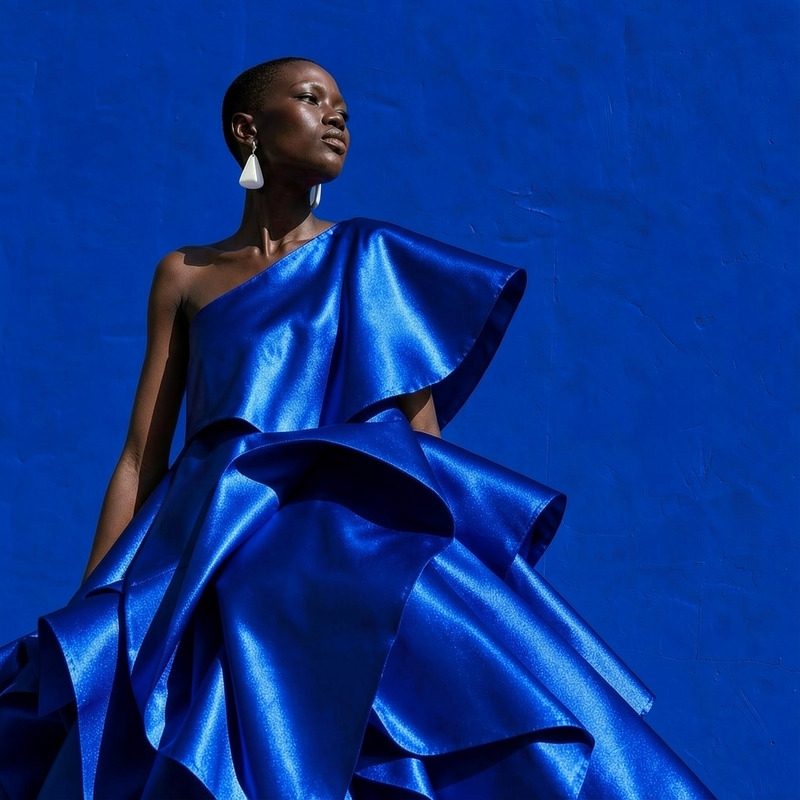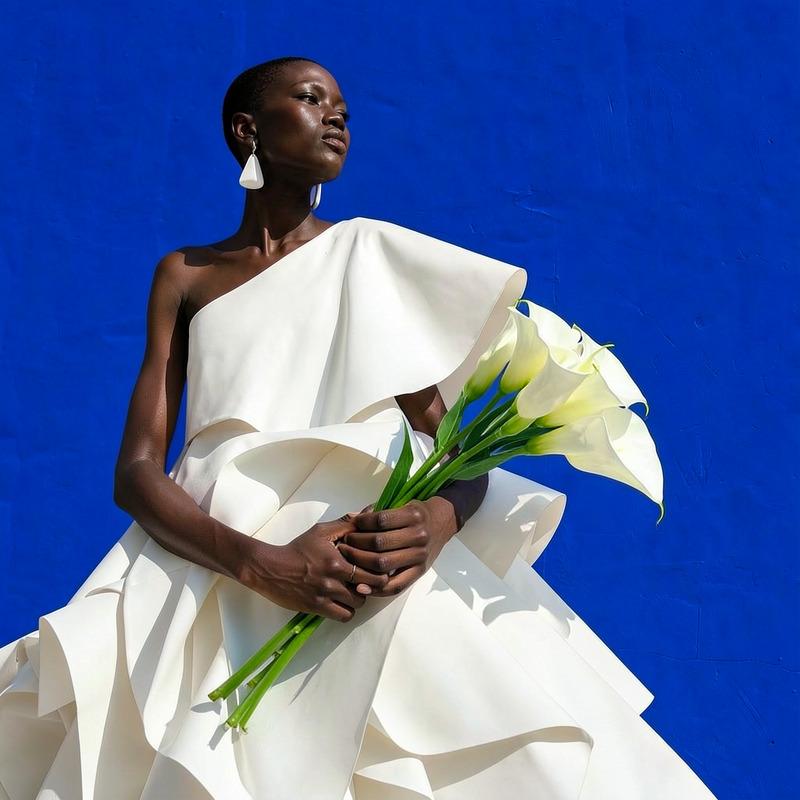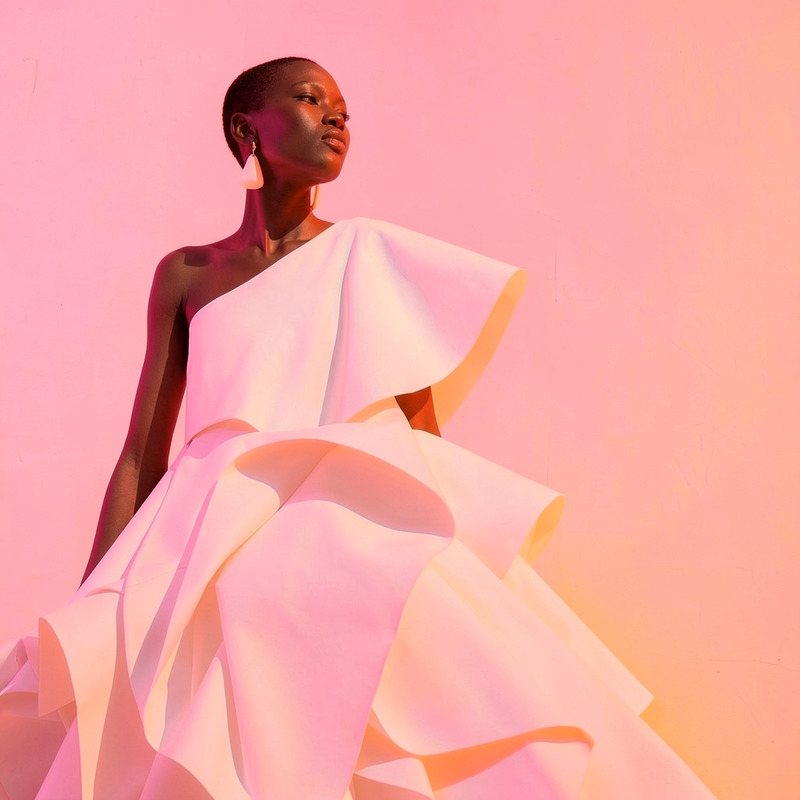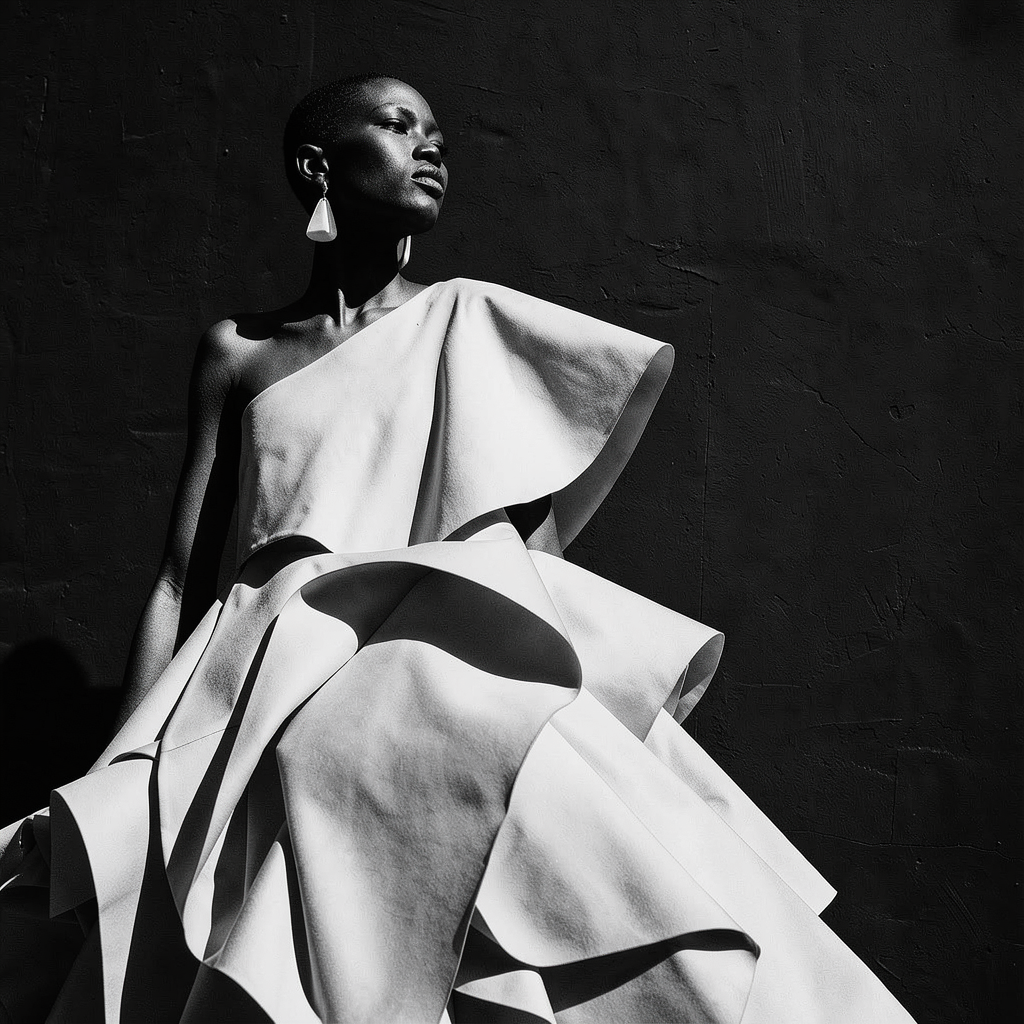
AI Image Editor · Create a high-contrast monochr
- Model
- Flux 2 Klein
- Image
- 1024 × 1024 px
Prompt
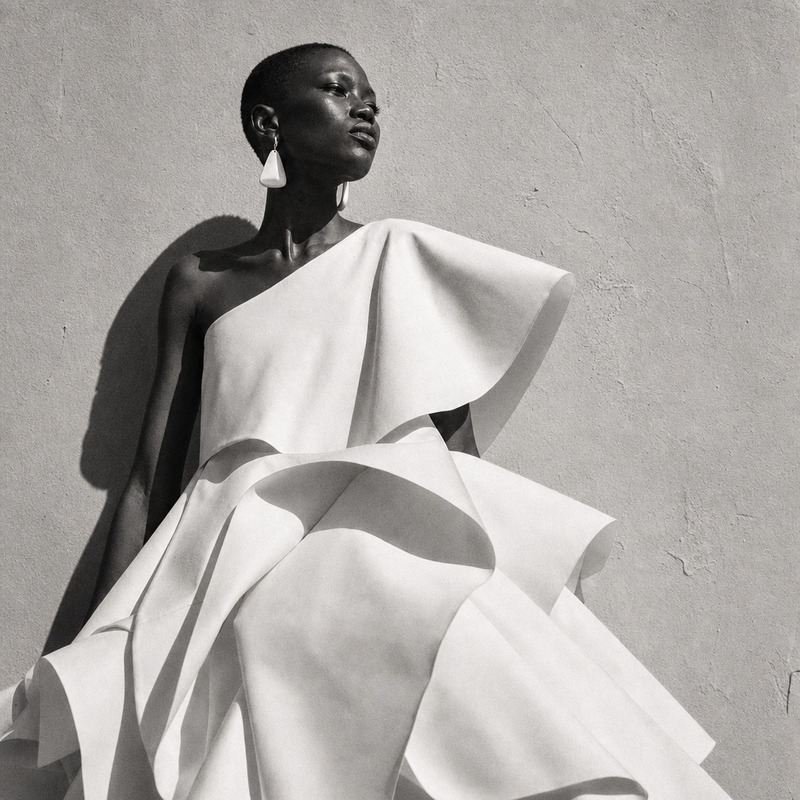
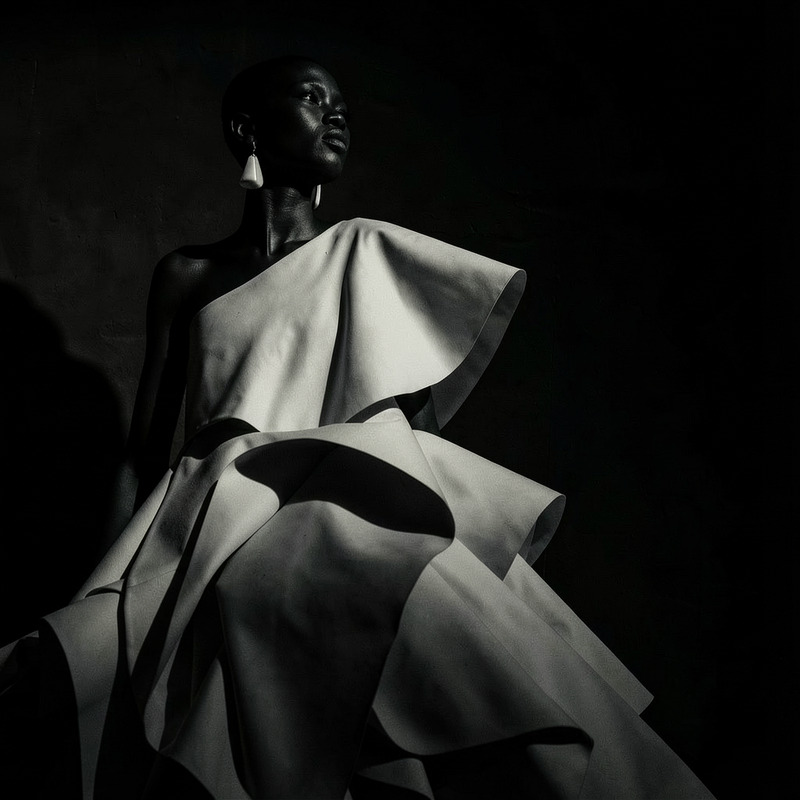
Create a high-contrast monochrome editorial while preserving skin texture and dress detail
Any aspect ratio
Overview
The AI Image Editor designed for creating high-contrast monochrome images brings dramatic flair to your visuals. Built on the powerful Flux-2-Klein model, this template maintains skin texture and dress details even in black and white transformations.
What It Does
This AI Image Editor enhances image contrast while converting images into monochrome, offering an editorial look. It is optimized to keep critical details like skin texture and clothing intact, providing professional-grade image edits suitable for various media formats.
Who It's For
This template is ideal for photographers, designers, and marketers looking to add a striking visual impact to their projects. Whether you're working on Instagram Reels or an AI Ad Creative, the AI Image Editor offers a streamlined way to enhance your imagery.
Summary
Transform your images into high-contrast monochrome works of art while ensuring every detail shines through. Utilize our AI-driven tools to create visually compelling content that retains all the essential details, ideal for AI Product Photography.
How-To
Choose Your Image

Customize Your Settings

Generate and Save

Use Cases
Editorial Photography
- Fashion shoots
- Magazine covers
- Lookbook series
Social Media Content
- Instagram posts
- Pinterest boards
- Facebook ads
Marketing Materials
- Flyers
- Promotional posters
- Event banners
Best Practices
Maintain Balanced Contrast
While adjusting contrast, ensure the image doesn't lose essential mid-tone information that defines depth and dimension.Preserve Textures
Focus on preserving textures, especially in clothing and skin, to maintain a natural and professionally finished look.Utilize Real-Time Previews
Use the real-time preview feature to continuously check how adjustments affect details and contrast before finalizing your edit.