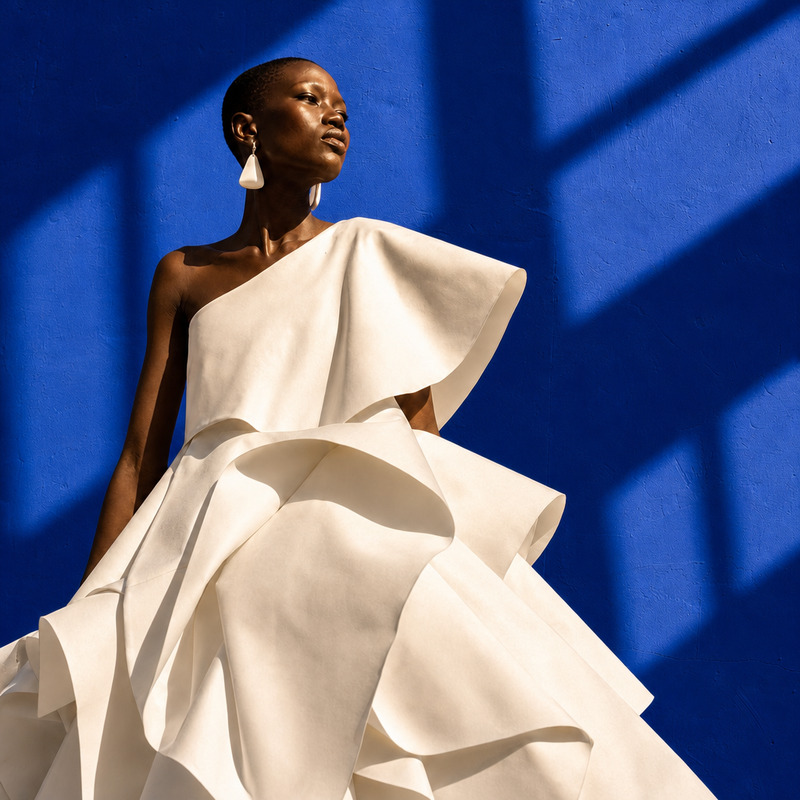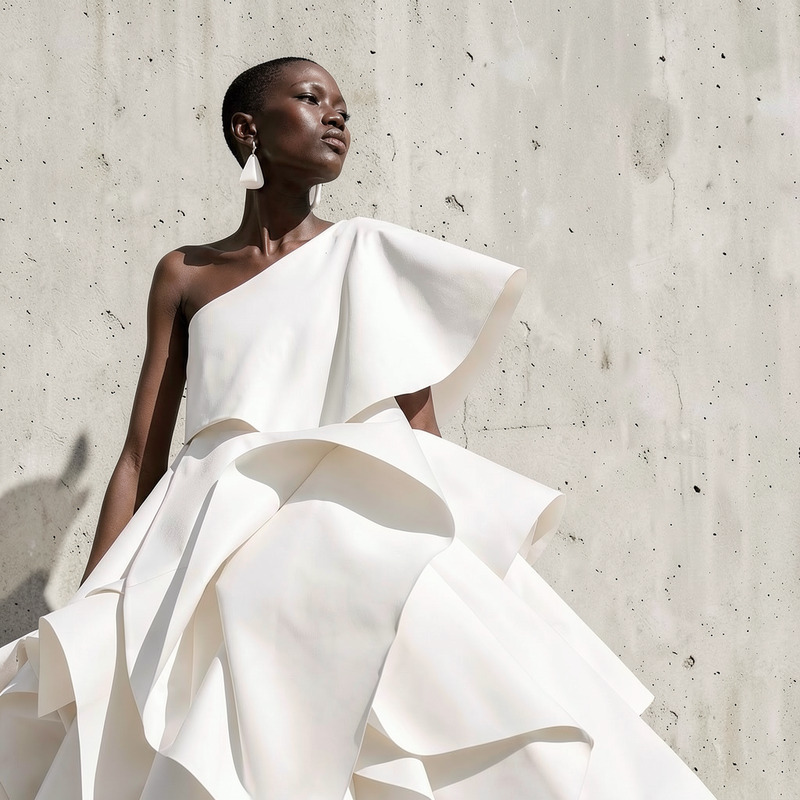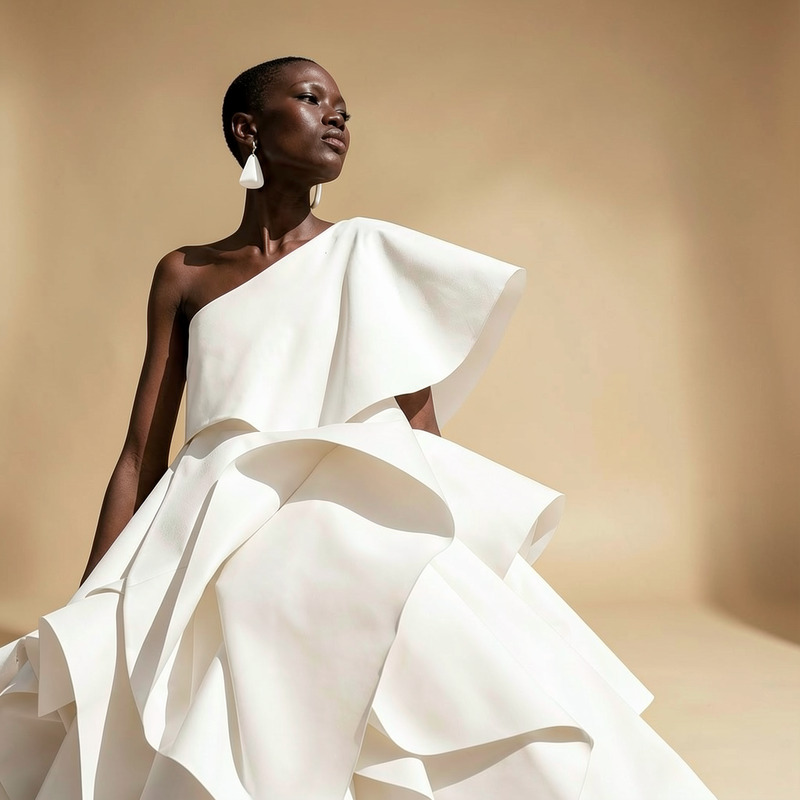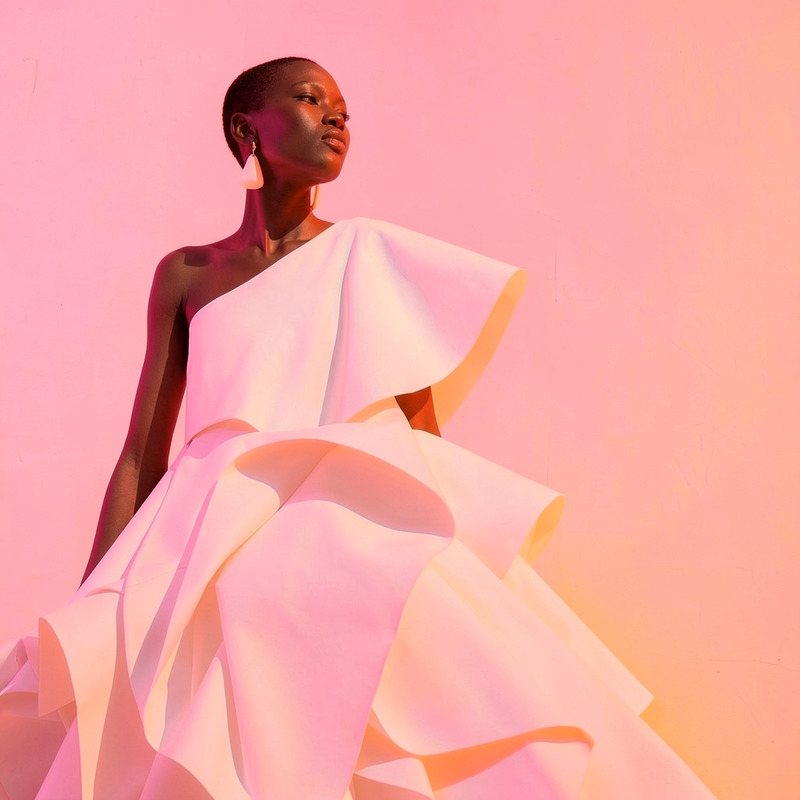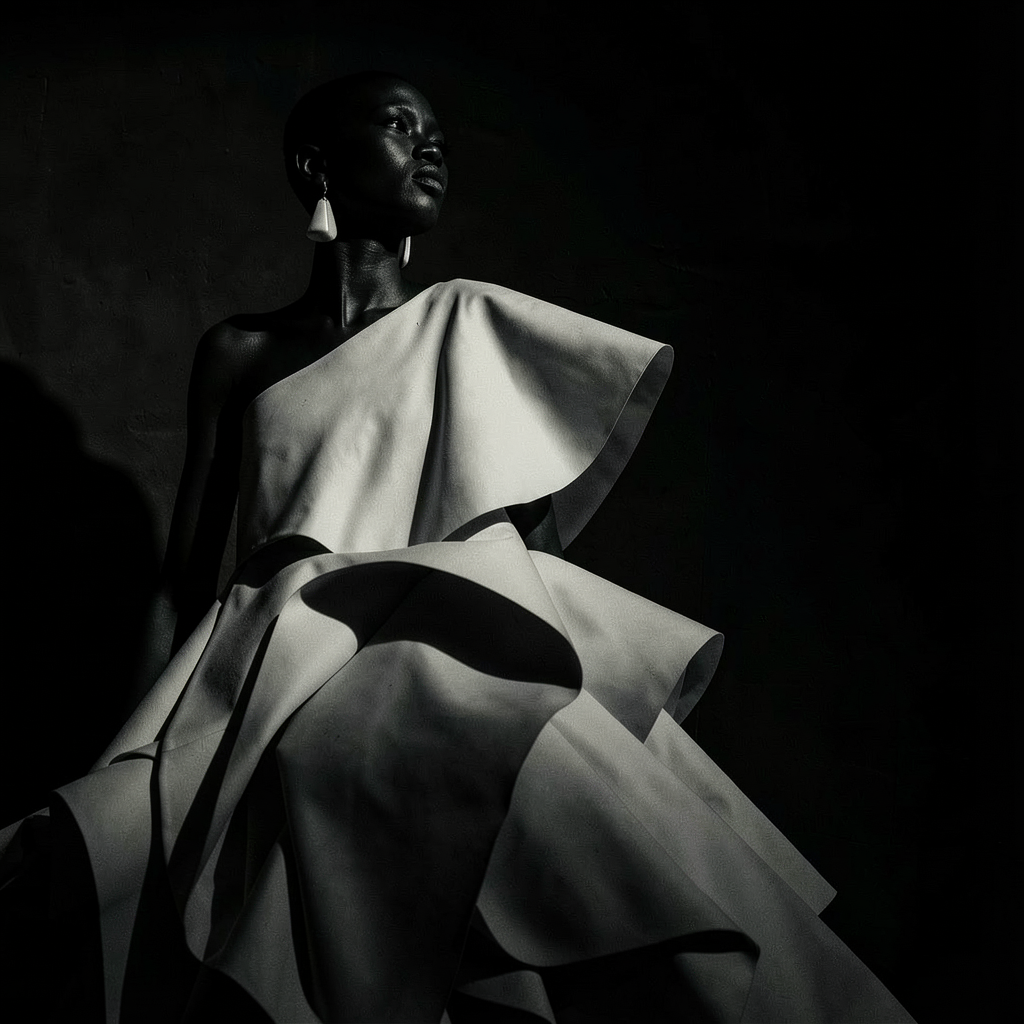
AI Image Editor · Change the lighting to dramati
- Model
- Flux 2 Klein
- Image
- 1024 × 1024 px
Prompt
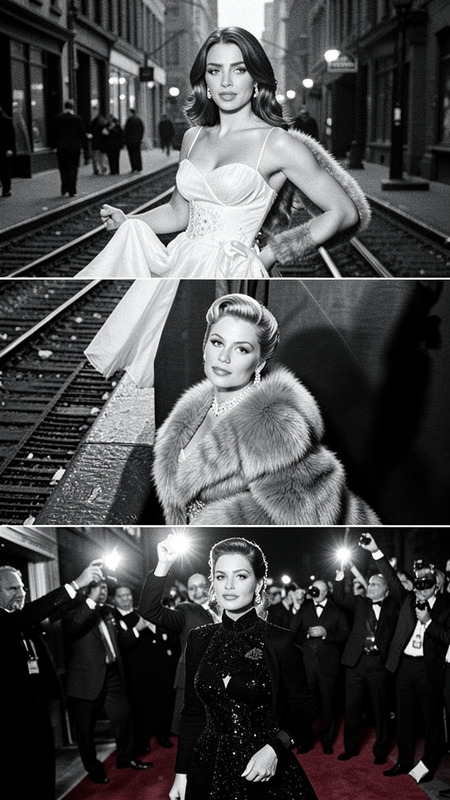
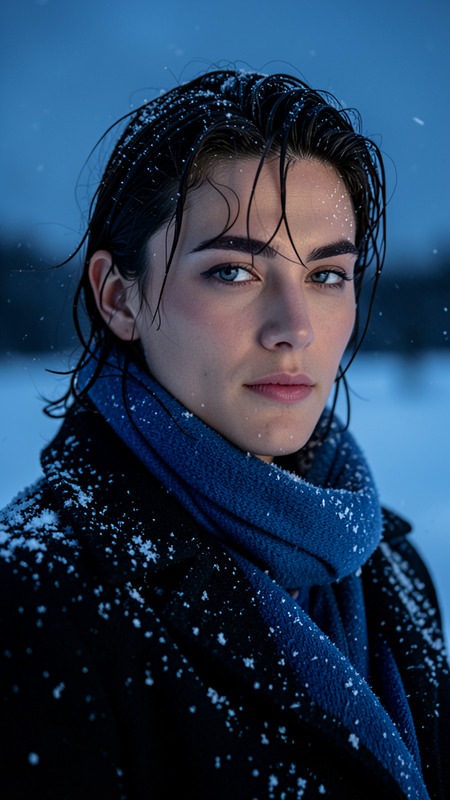
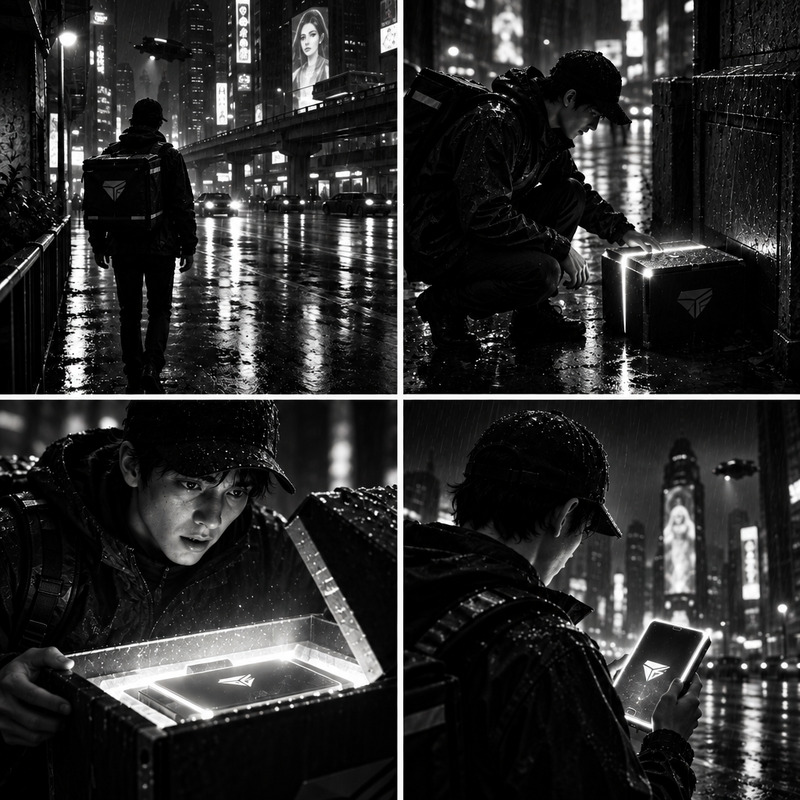
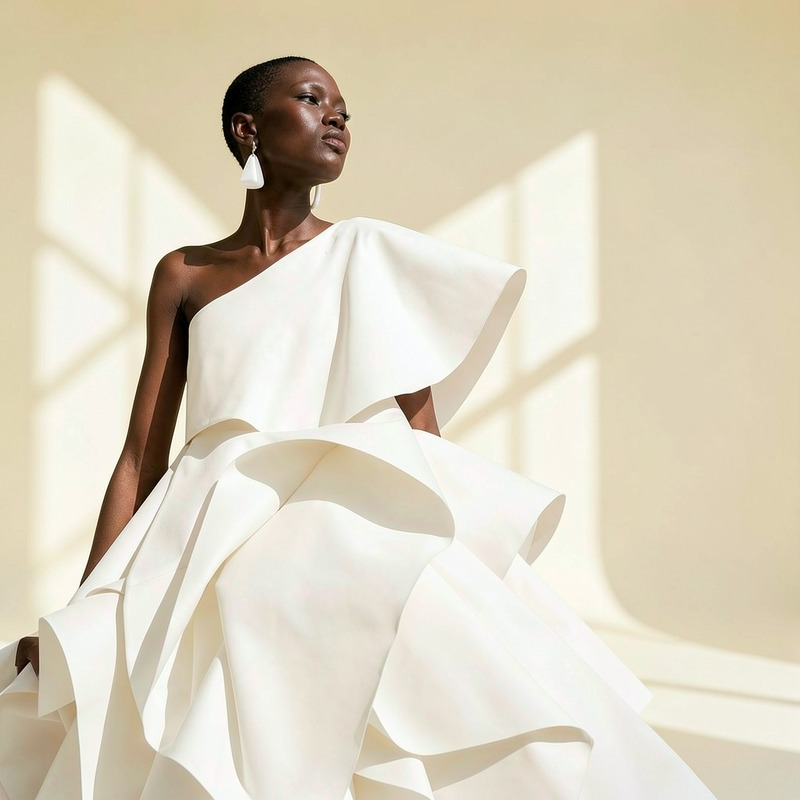
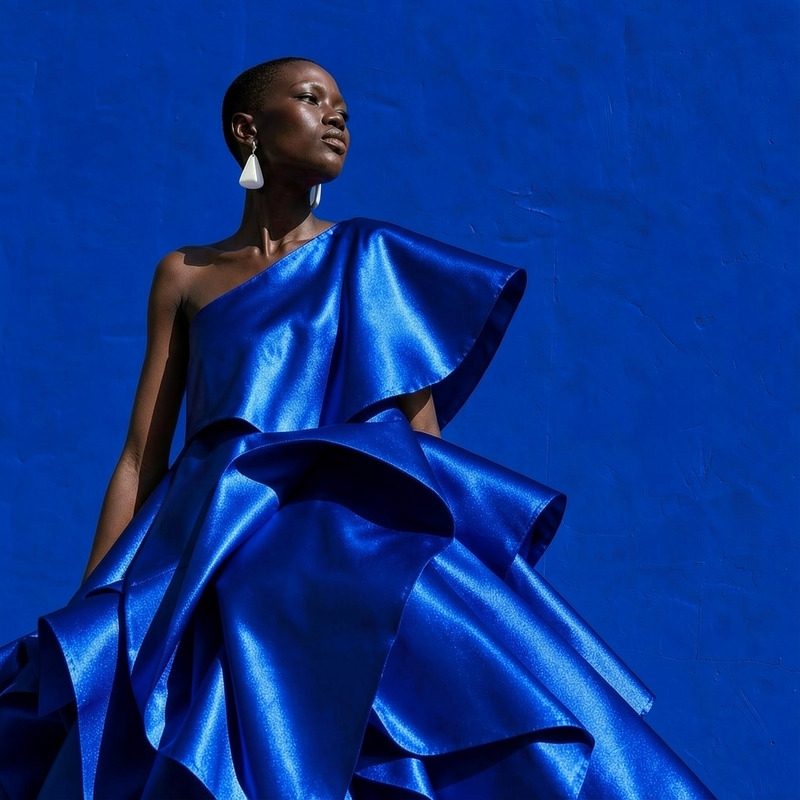
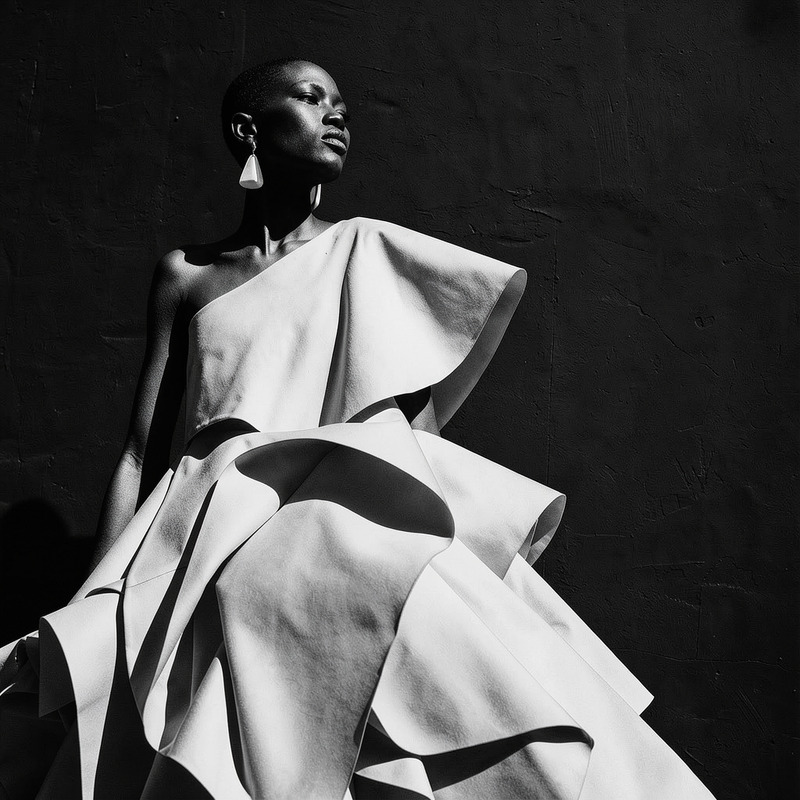
Change the lighting to dramatic film noir with hard side light and deep shadows
Any aspect ratio
Overview
Bring a new level of depth and ambiance to your images with the AI Image Editor’s dramatic lighting transformation. The template leverages the capabilities of the flux-2-klein model to create striking film noir effects. With precise side lighting and deep shadows, your photos will stand out with intensity and mood.
What It Does
The AI Image Editor template modifies the lighting in an image to render a dramatic film noir aesthetic. This involves enhancing contrast and creating strong side lighting with deep shadows. Designed for photographers and creatives, this template brings the impactful storytelling style of classic noir films to your visuals.
Utilize this technique to make your portraits, landscapes, or product imagery convey a sense of mystery and drama. You can handle diverse file types and image complexities with ease.
Who It's For
This template is perfect for photographers, designers, and marketers looking to enhance the visual appeal of their work. Those who frequently work on Instagram Reels or Product Launch Videos will find it especially beneficial. It adds a cinematic touch to campaigns or portfolios, helping your content to captivate audiences and leave a lasting impression.
Summary
With this AI Image Editor, transform your images into film noir masterpieces by modifying the lighting setup to include side lights and shadows. Integrate this tool with other Magic Hour products like the AI Photo Relighting or AI Background Changer to explore new creative possibilities. Allow your work to shine under dramatically enhanced lighting that engages viewers.
How to Use
Choose Your Template

Customize Your Image

Generate the Image

Use Cases
Portrait Photography
- Create moody, expressive portraits
- Appear more cinematic
Product Imagery
- Highlight product details with high contrast
- Convey a premium feel
Social Media Content
- Capture attention in feeds
- Convey stories effectively
Best Practices
Select High-Resolution Images
For the best results, use high-resolution images to ensure clarity and detail when applying dramatic lighting.Mind the Shadows
During customization, pay attention to shadow placement to maintain a natural yet dramatic effect.Experiment with Angles
Try different angles of side lighting to achieve the optimal film noir look for each scene or subject. Combined with the AI Multi-Angle Generator, you can achieve varied visual effects.