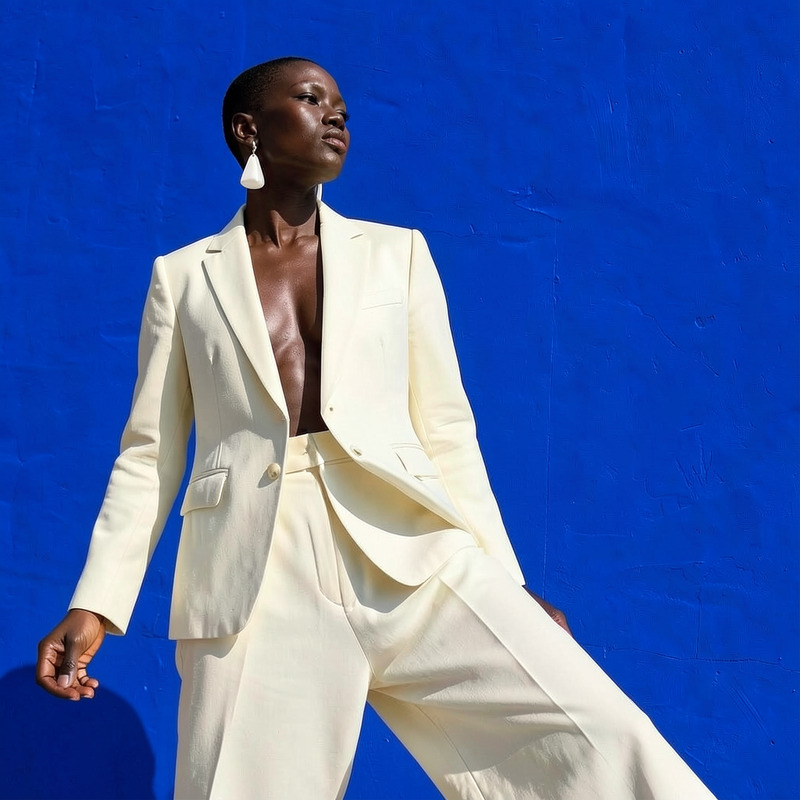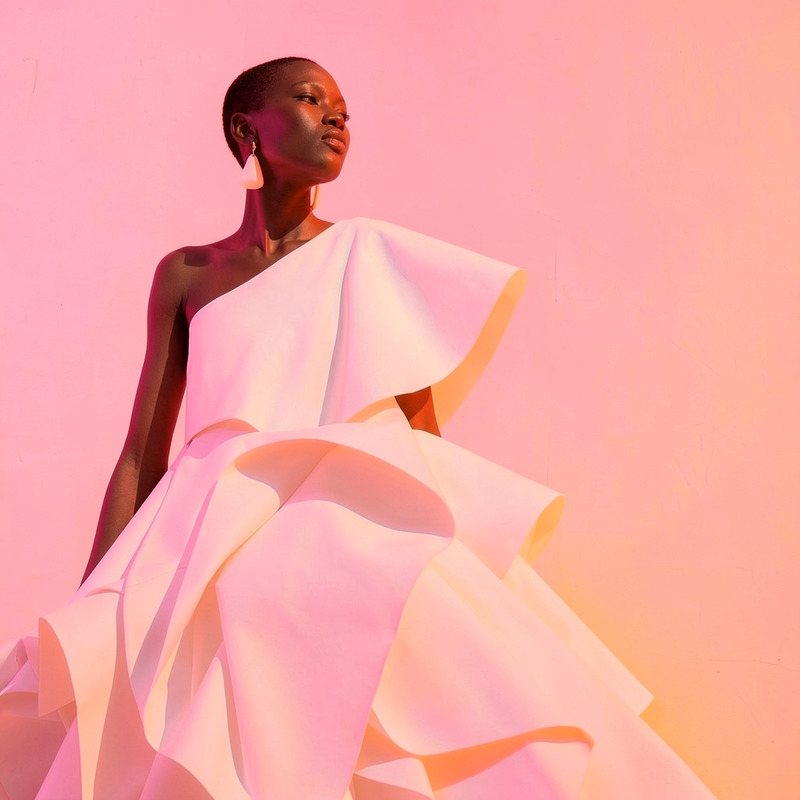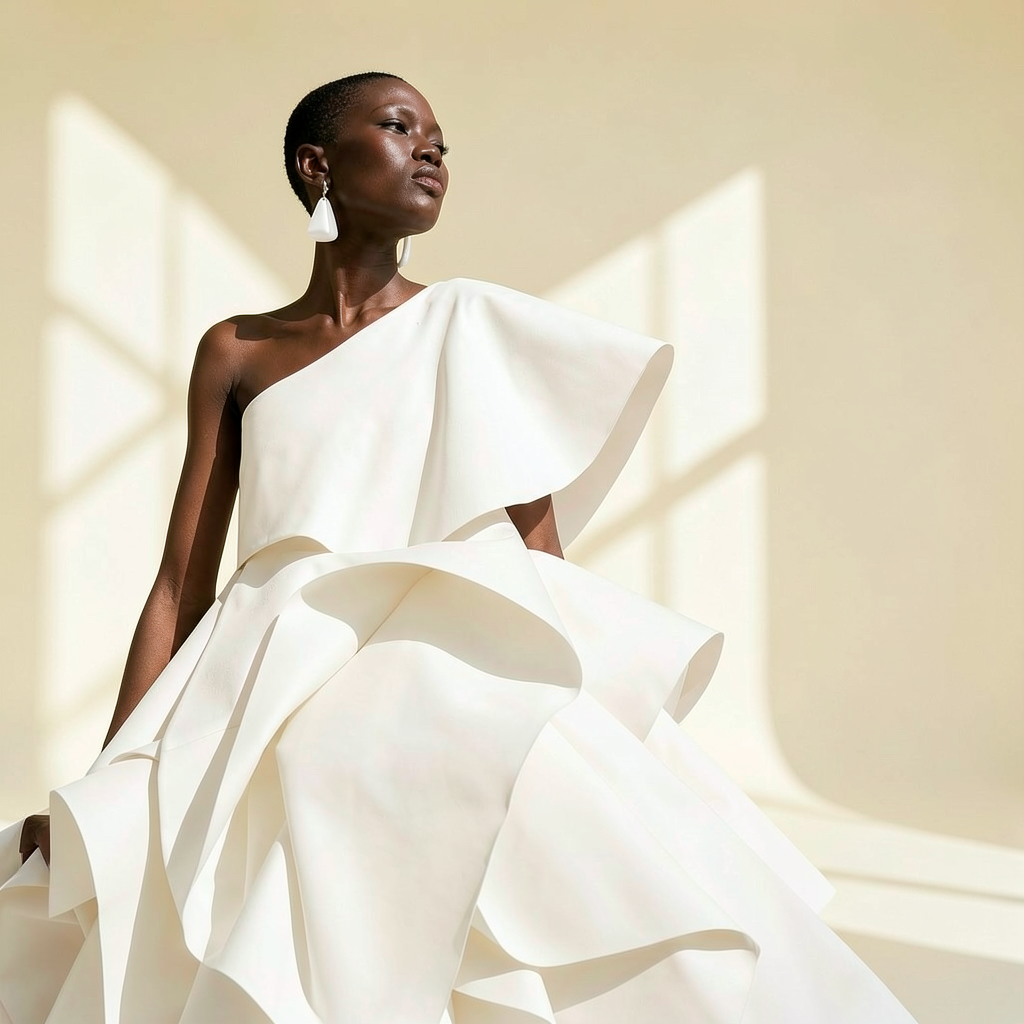
AI Image Editor · Change the background to a cle

AI Image Editor · Change the background to a cle

AI Image Editor
1 image
0 uses

Any aspect ratio

Prompt

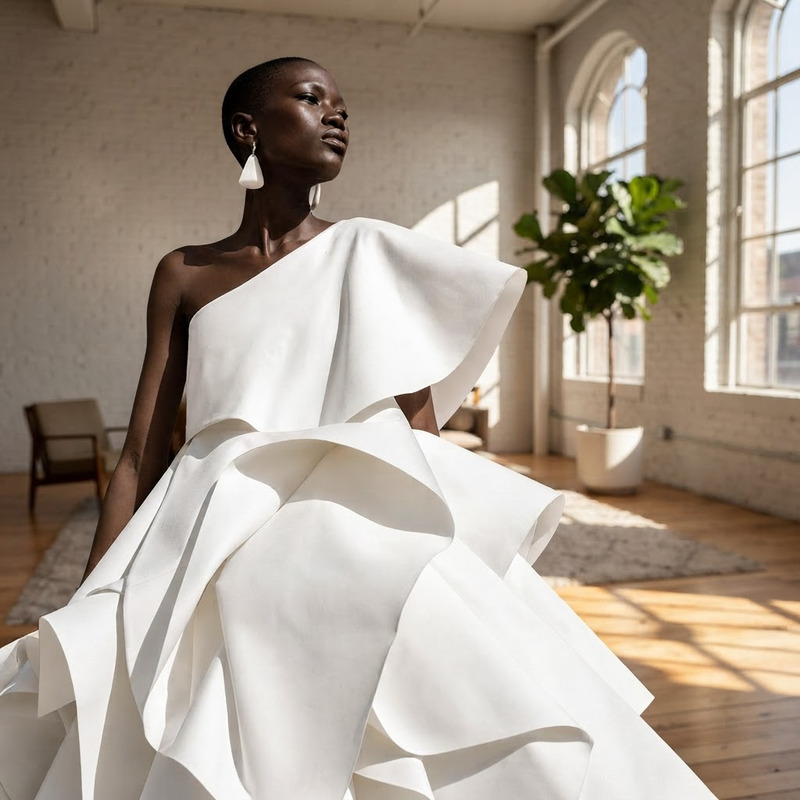
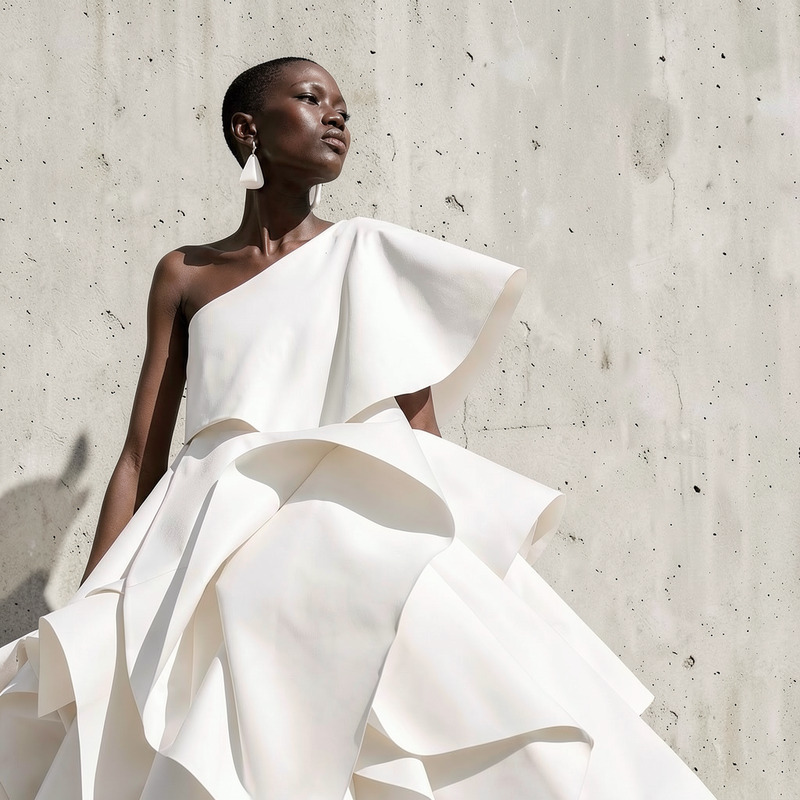
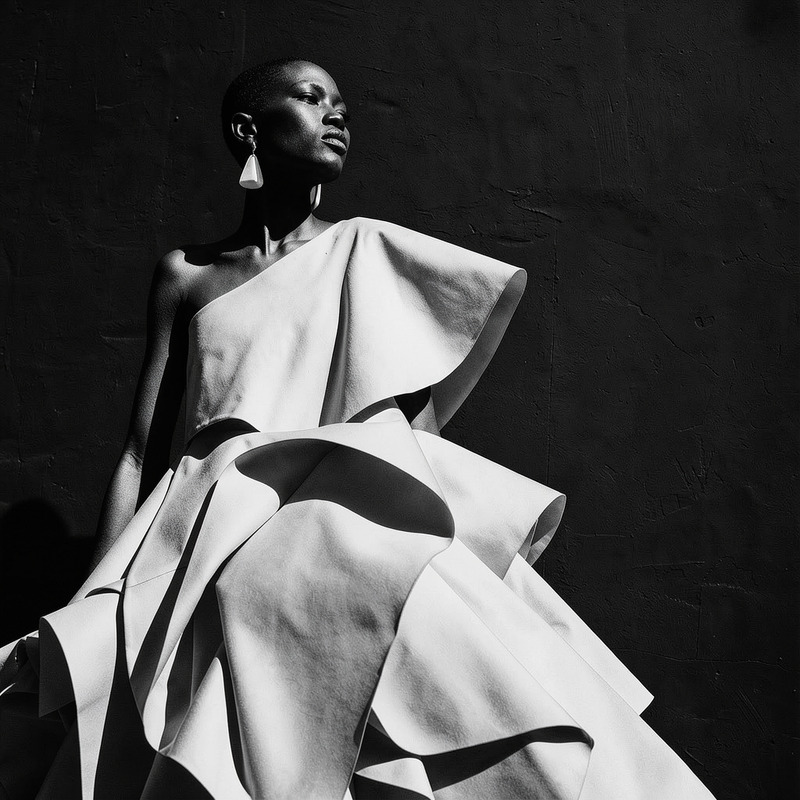
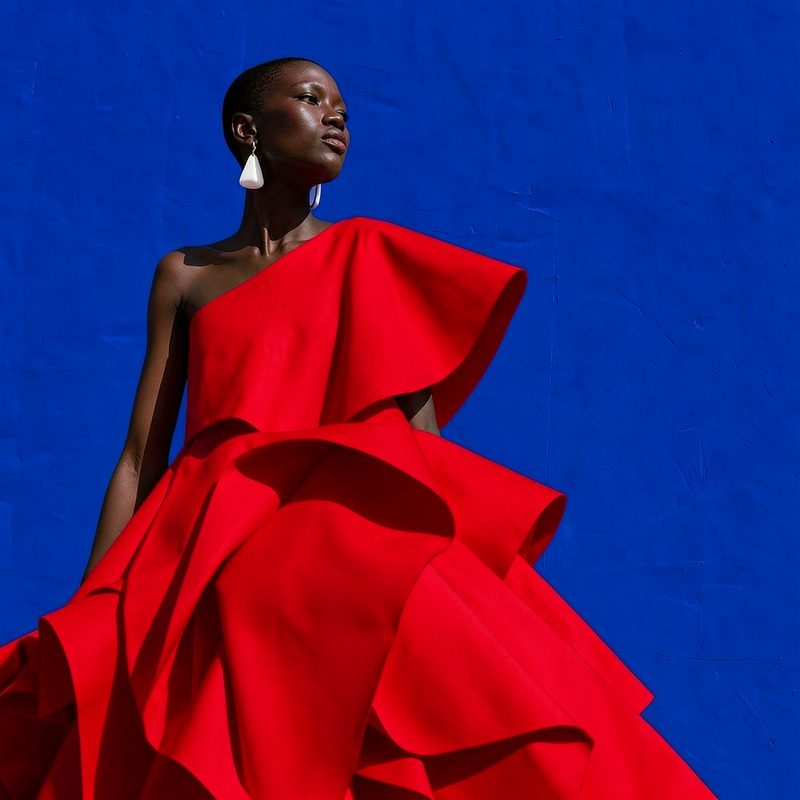
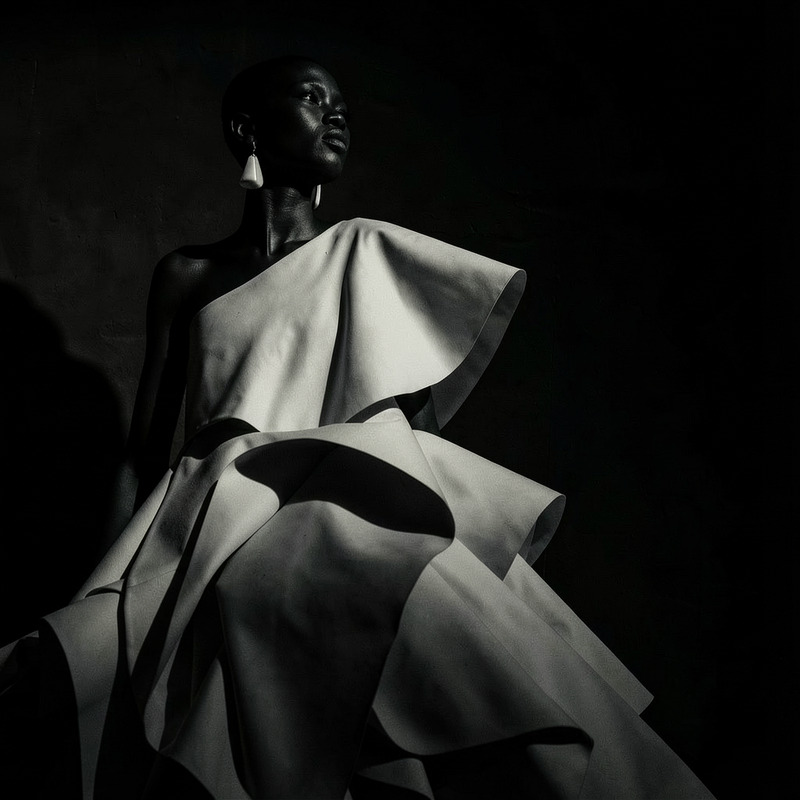
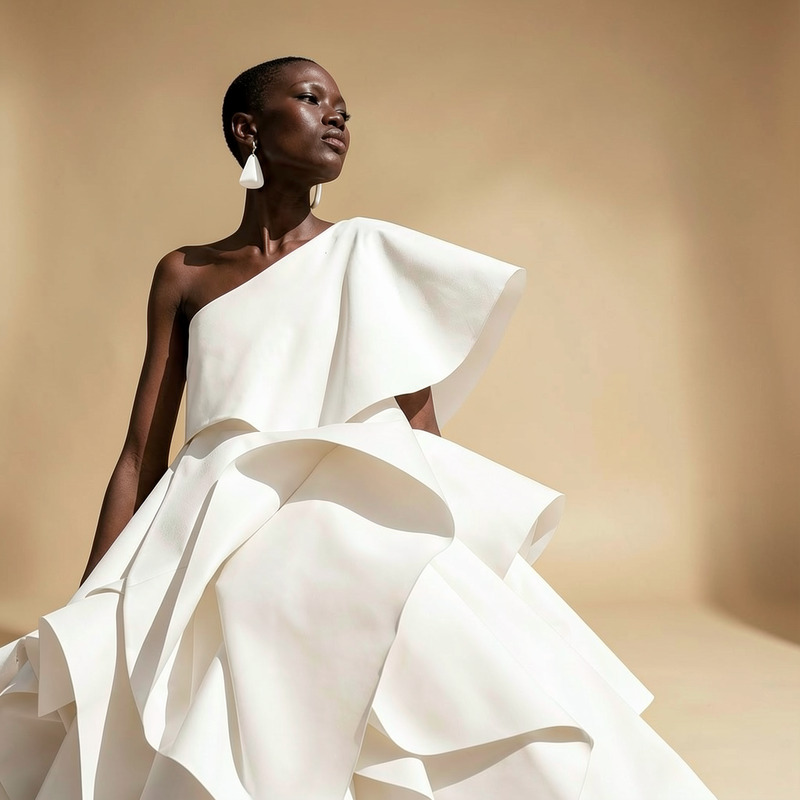
Change the background to a clean ivory studio and add soft directional window light

Overview

The AI Image Editor template allows users to transform their image backgrounds into a clean ivory studio setting, complete with soft directional window light. Utilizing the flux-2-klein model, this tool is perfect for achieving a professional studio look effortlessly.

What it Does

The AI Image Editor changes the background of your image to a clean ivory studio environment. This includes adding soft, directional window lighting to enhance the subject. The tool leverages advanced AI capabilities to seamlessly integrate the new background, providing a polished and professional finish in JPEG, PNG, or TIFF formats.

Who It's For

This template is ideal for photographers, content creators, and marketers who need high-quality images with studio backgrounds without the expense of a studio setup. Users involved in ecommerce ads and Instagram Reels will find this particularly useful.

Summary

Instantly upgrade your image backgrounds using the AI Image Editor. By transforming ordinary photos into studio-quality content, this tool is a game-changer for anyone looking to enhance their visual content for product videos or social media.

How to Use

    01

    Choose Your Template

    Navigate to the AI Image Editor section on Magic Hour. Select the "Change the background to a clean ivory studio" option.
    02

    Customize Your Inputs

    Upload your image. Adjust any specifics such as the intensity of the window light or the angle to best suit your subject.
    03

    Generate the Image

    Click 'Create' to process the image. Once completed, your new studio-background image will be ready for download.

Use Cases

🛍️

Ecommerce Product Images

Enhance product photos to display them in a consistent studio-style setting.
  • Professional product displays
  • Uniform backgrounds
  • Improved highlight on products
📱

Social Media Content

Create engaging and professional-looking images for platforms like Instagram and Facebook.
  • High visibility
  • Consistent theme
  • Increased engagement
💼

Profile Enhancements

Upgrade personal or professional profile pictures with clean and modern backgrounds.
  • Stand out in applications
  • Create a professional image
  • Attract more views

Best Practices

  • Use High-Resolution Images

    Ensure that the original image is of high quality to maximize the output's professional look.
  • Adjust Lighting Sensibly

    When adding directional window light, adjust the angle and intensity to best complement your subject.
  • Maintain Subject Proportions

    Avoid cropping too close to the subject to ensure the edited photo retains its natural look.
Frequently asked questions

The AI Image Editor supports JPEG, PNG, and TIFF formats.

Yes, after applying the initial ivory studio background, you can modify it using the AI Image Editor settings.

This tool works best with images that have clear, distinct subjects and background separation.

Adjusting the lighting can significantly enhance visual appeal by adding depth and accentuating features.

More Like This

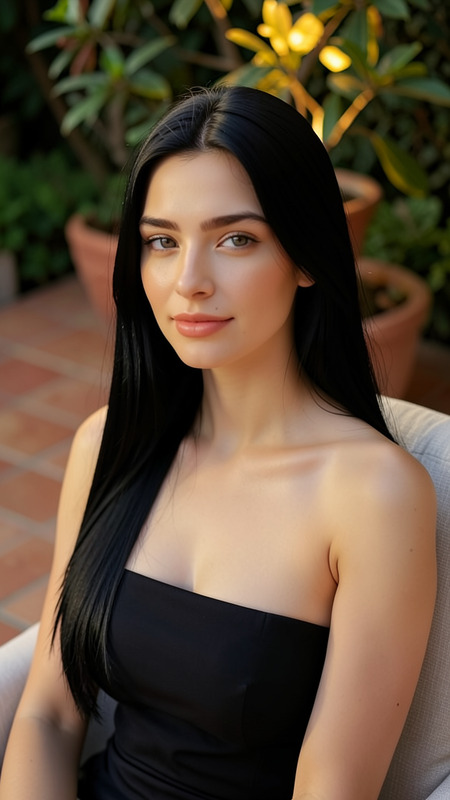
Warm Garden Portrait
5
Warm Garden Portrait
AI Image Editor · Replace the blue background wi
NEW
AI Image Editor · Replace the blue background wi
AI Image Editor · Replace the blue wall with a t
NEW
AI Image Editor · Replace the blue wall with a t
AI Image Editor · Turn the white dress into glos
NEW
AI Image Editor · Turn the white dress into glos
AI Image Editor · Add a bouquet of white calla l
NEW
AI Image Editor · Add a bouquet of white calla l
AI Image Editor · Create a high-contrast monochr
NEW
AI Image Editor · Create a high-contrast monochr
AI Image Editor · Transform the background into
NEW
AI Image Editor · Transform the background into
AI Image Editor · Change the dress color to vivi
NEW
AI Image Editor · Change the dress color to vivi
AI Image Editor · Change the lighting to dramati
NEW
AI Image Editor · Change the lighting to dramati
AI Image Editor · Replace the background with a
NEW
AI Image Editor · Replace the background with a
AI Image Editor · Change the outfit to a cream t
NEW
AI Image Editor · Change the outfit to a cream t
AI Image Editor · Add soft pink and orange gel l
NEW
AI Image Editor · Add soft pink and orange gel l

AI Image Editor