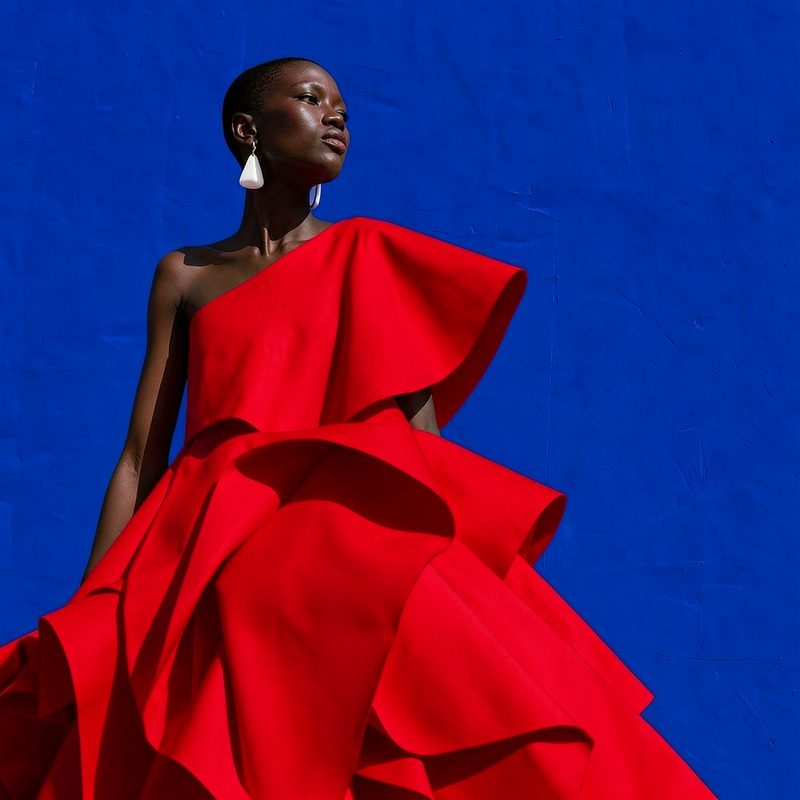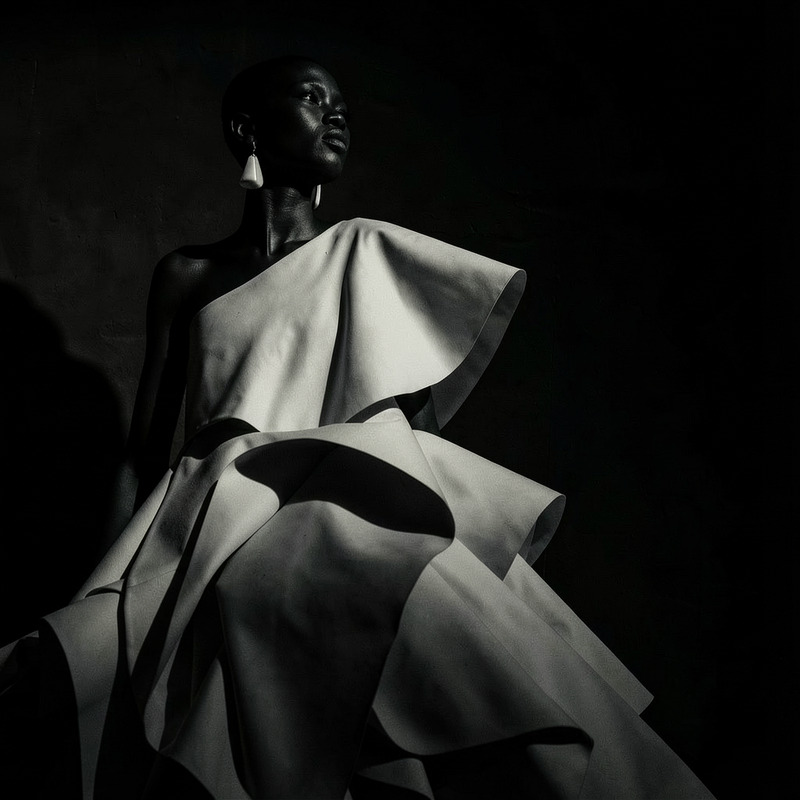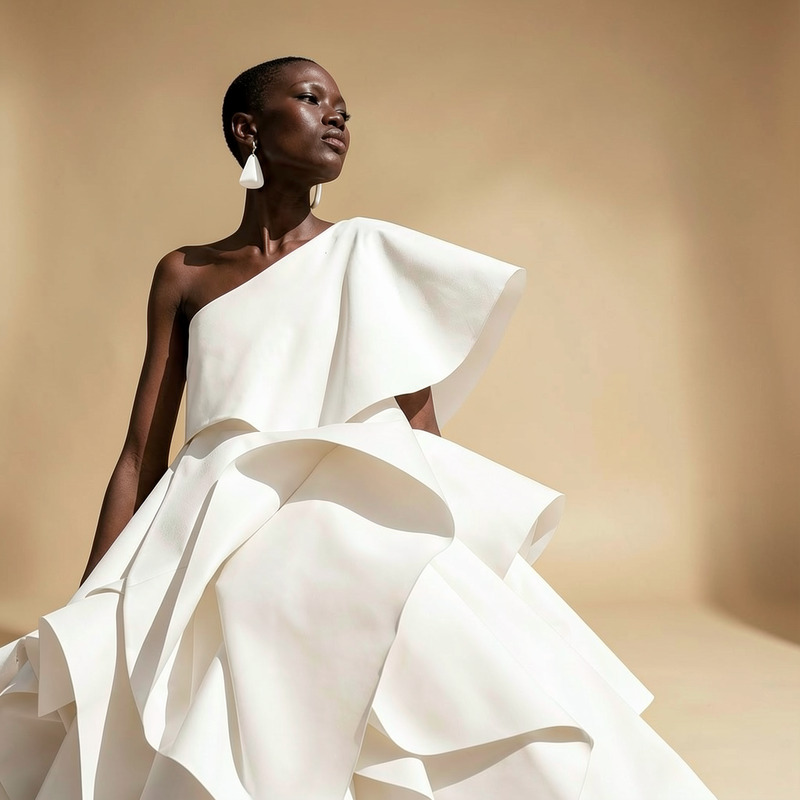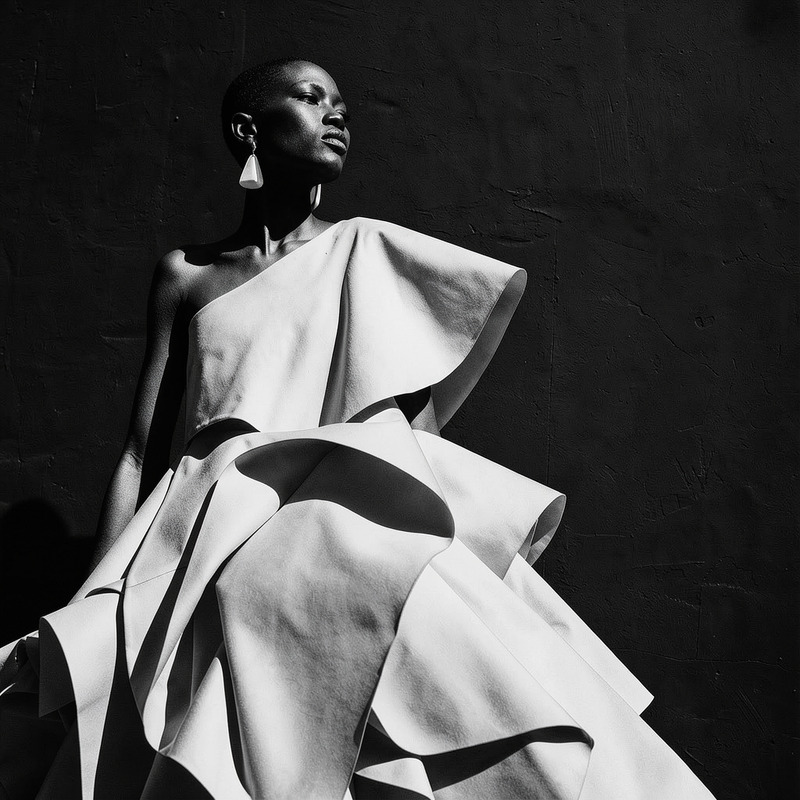
AI Image Editor · Add a bouquet of white calla l

AI Image Editor · Add a bouquet of white calla l

AI Image Editor
1 image
0 uses

Any aspect ratio

Prompt

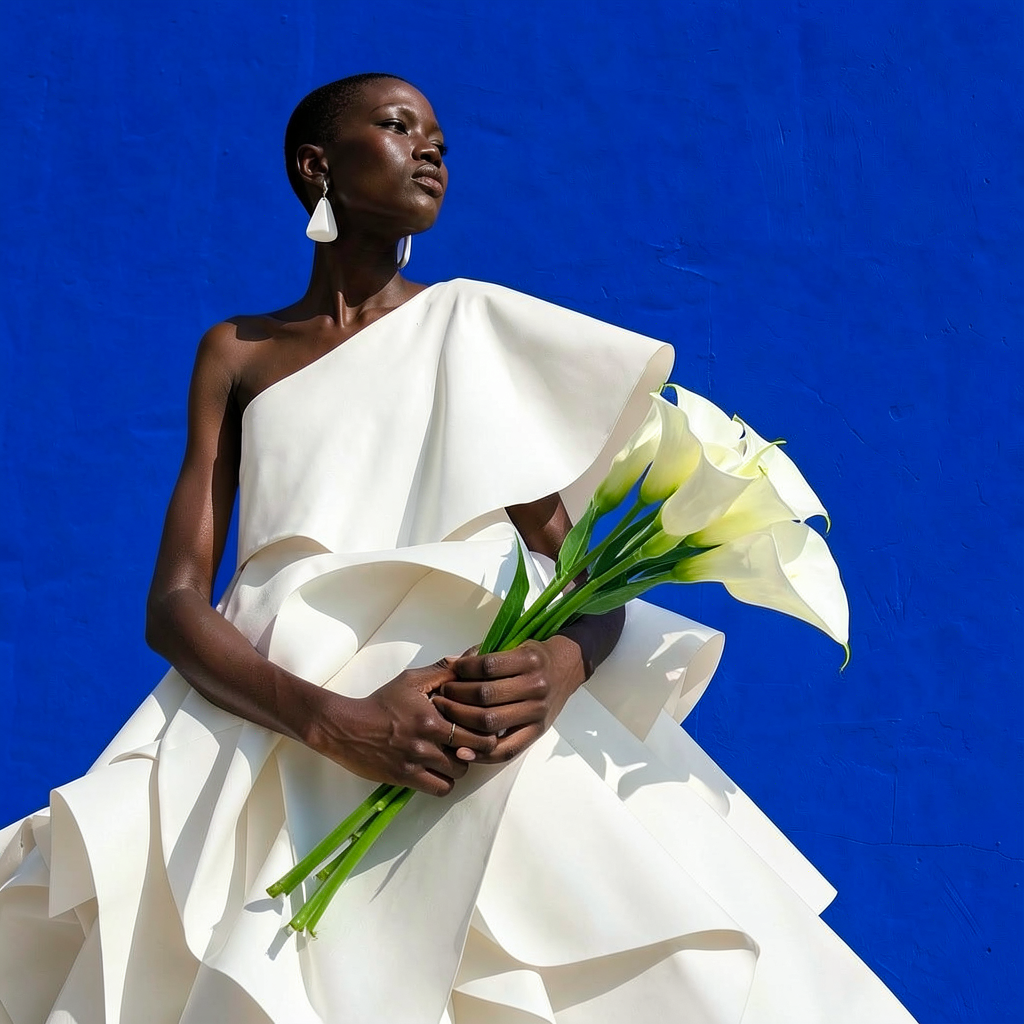
Add a bouquet of white calla lilies in the model hand, natural grip and realistic lighting

Overview

Effortlessly enhance your images with the AI Image Editor, designed to add a bouquet of white calla lilies to a model's hand with natural grip and realistic lighting. Utilizing the powerful flux-2-klein model, this template is perfect for creating visually stunning images without extensive photo editing skills.

What It Does

This AI Image Editor template provides a user-friendly way to integrate a bouquet of white calla lilies into your images. Adjust the bouquet's placement, modify lighting to match the scene, and ensure the model's grip looks natural. The result is a polished and realistic image ready for personal or commercial use.

Who It's For

Ideal for photographers, marketers, and social media influencers looking to elevate image quality quickly. This template is also great for businesses requiring professional image edits for promotional materials or anyone in need of advanced editing capabilities augmented by AI.

Summary

Enhance your images with precision using our AI Image Editor. From personal projects to product launches, customize images to suit your needs. For additional editing capabilities, explore our Full Body Generator to extend your creative possibilities.

How To

Follow these streamlined steps to add a bouquet of white calla lilies into your image using our AI Image Editor.
    01

    Choose the template

    Navigate to the AI Image Editor section and select the 'Add a bouquet of white calla lilies' template from the list.
    02

    Customize your inputs

    Upload your target image and adjust the positioning of the bouquet and lighting to fit the natural grip of the model.
    03

    Generate and download

    Click the 'Generate' button to apply the edits. Once complete, download your enhanced image in the file format you prefer, like JPEG or PNG.

Use Cases

Explore the creative possibilities with this AI image editing template.
📈

Marketing Campaigns

Elevate your advertising materials by seamlessly adding elegant calla lilies to enhance storytelling.
  • Billboard ads
  • Social media promotions
  • Print advertisements
📸

Photography Enhancement

Add a professional touch to your photography projects without hours of editing.
  • Wedding photos
  • Portrait enhancements
  • Floral-themed shoots
✨

Social Media Aesthetics

Create captivating social media content that stands out with a unique floral touch.
  • Instagram posts
  • Blog visuals
  • Pinterest boards

Best Practices

Maximize the effectiveness of your image editing with these best practices.
  • Match the Lighting

    Ensure the lighting of the bouquet matches the existing light conditions in your image for a seamless integration.
  • Adjust the Position

    Carefully adjust the position of the bouquet to ensure the model's grip appears authentic and natural.
  • Choose the Right Format

    When downloading, consider your usage needs. Use PNG for high-quality images or JPEG for easily shareable files.
FAQs

The AI Image Editor supports common file formats, including JPEG and PNG, for both input and output.

Yes, the template allows for customization of the bouquet size to fit naturally into your image.

Absolutely, this tool is designed to offer professional-grade edits suitable for commercial and personal projects.

Processing time may vary, but typically, your enhanced image is ready for download within a few minutes.

More Like This

Add Flowers
Add Flowers
AI Image Editor · Turn the white dress into laye
NEW
AI Image Editor · Turn the white dress into laye
AI Image Editor · Change the dress color to vivi
NEW
AI Image Editor · Change the dress color to vivi
AI Image Editor · Change the lighting to dramati
NEW
AI Image Editor · Change the lighting to dramati
AI Image Editor · Replace the background with a
NEW
AI Image Editor · Replace the background with a
AI Image Editor · Create a high-contrast monochr
NEW
AI Image Editor · Create a high-contrast monochr
Warm Garden Portrait
5
Warm Garden Portrait
AI Image Editor · Change the background to a cle
NEW
AI Image Editor · Change the background to a cle
AI Image Editor · Replace the blue wall with a t
NEW
AI Image Editor · Replace the blue wall with a t
AI Image Editor · Turn the white dress into glos
NEW
AI Image Editor · Turn the white dress into glos
AI Image Editor · Change the outfit to a cream t
NEW
AI Image Editor · Change the outfit to a cream t
AI Image Editor · Add soft pink and orange gel l
NEW
AI Image Editor · Add soft pink and orange gel l

AI Image Editor