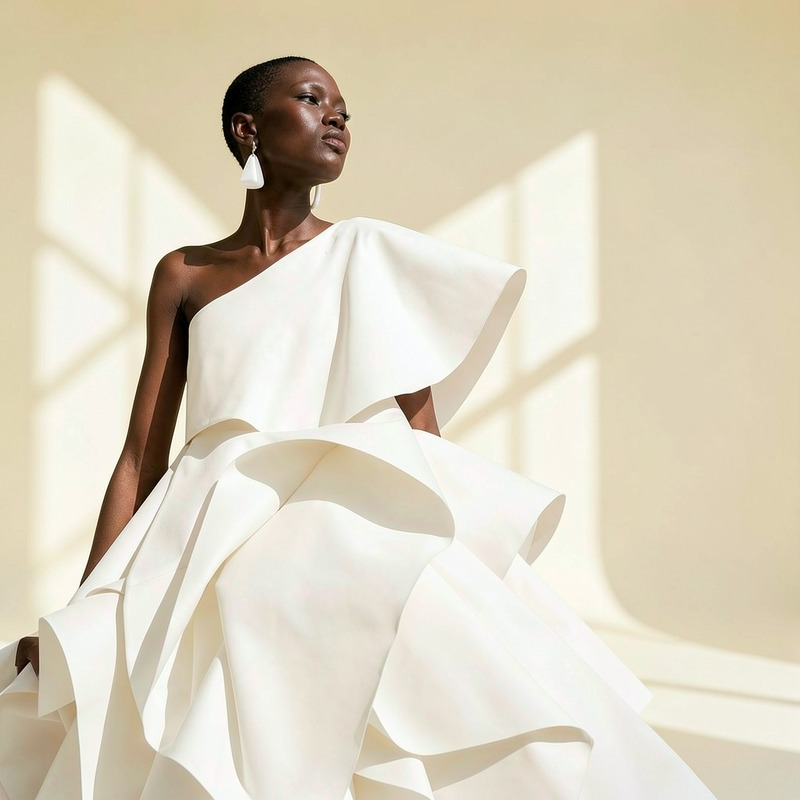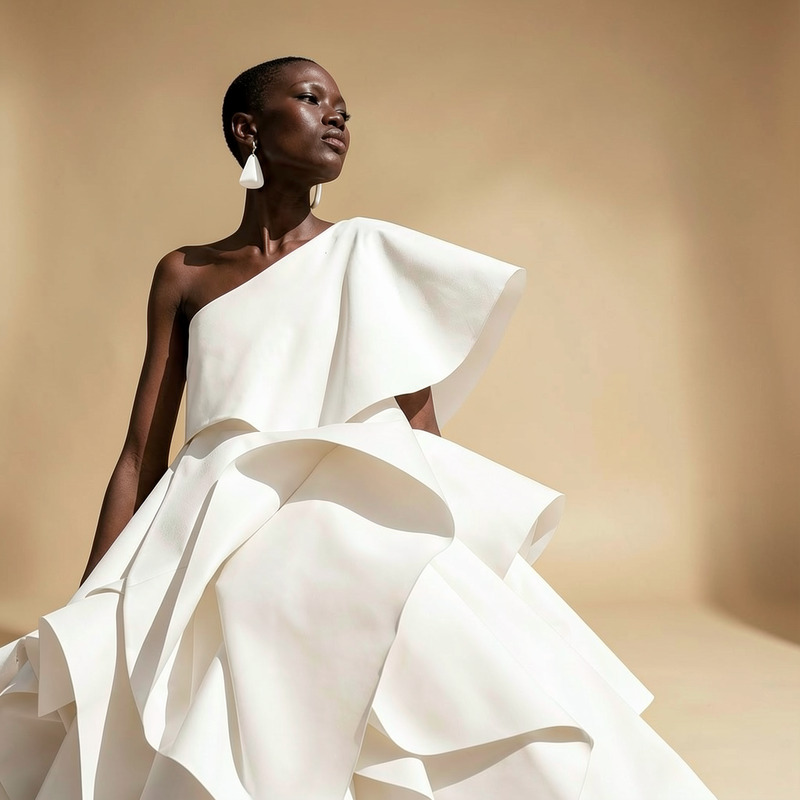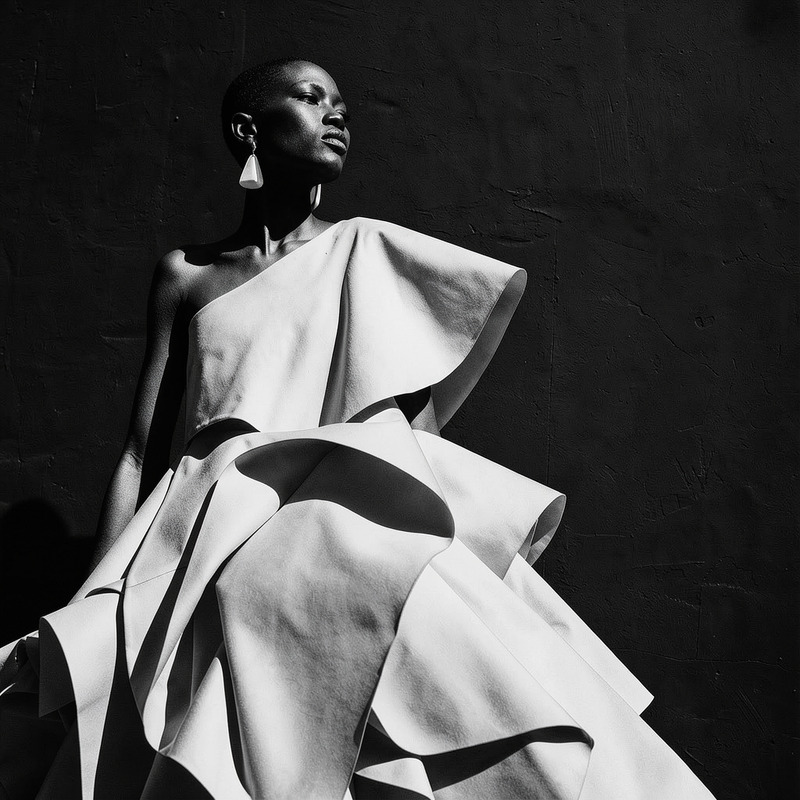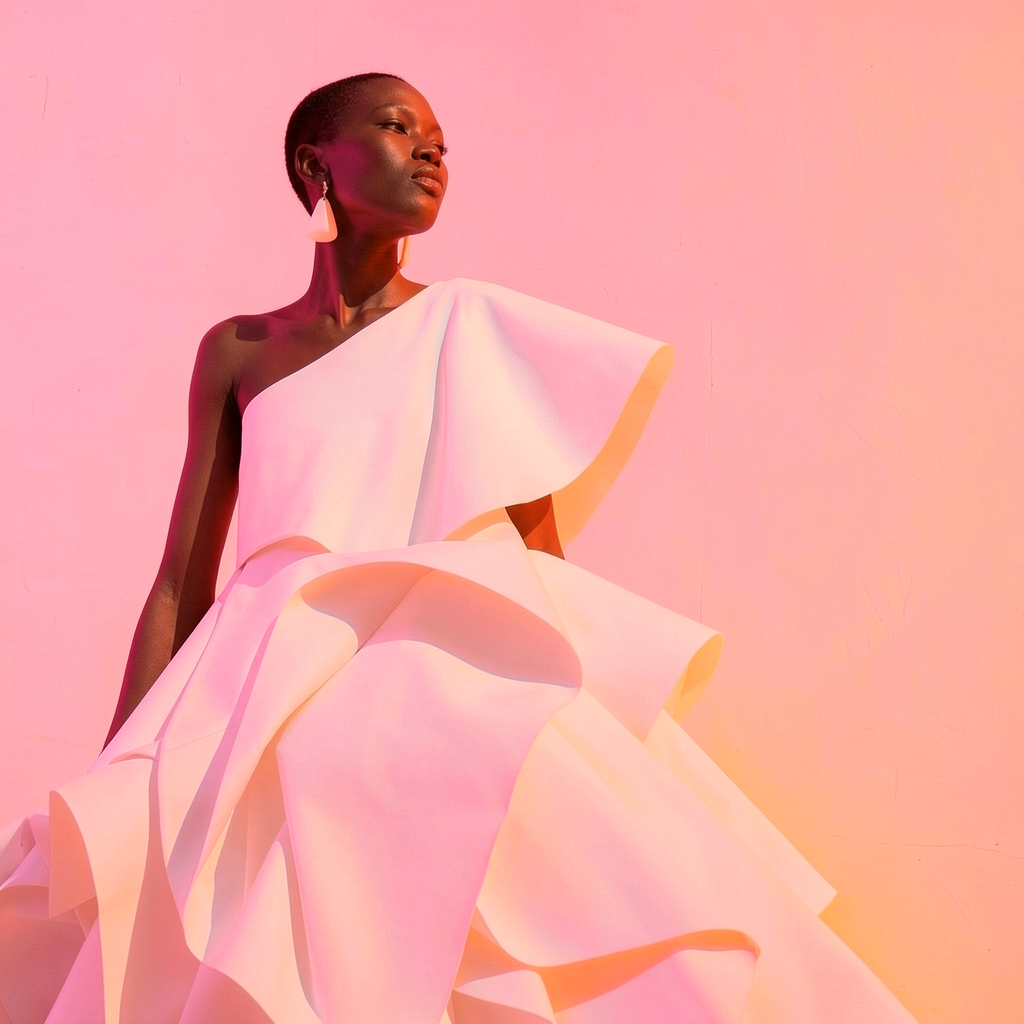
AI Image Editor · Add soft pink and orange gel l
- Model
- Flux 2 Klein
- Image
- 1024 × 1024 px
Prompt
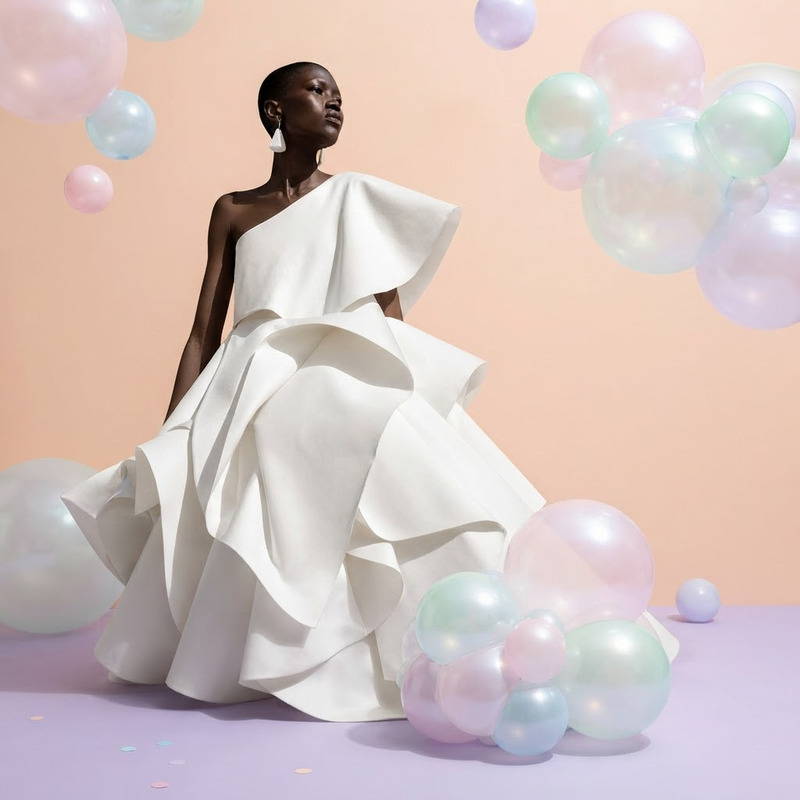
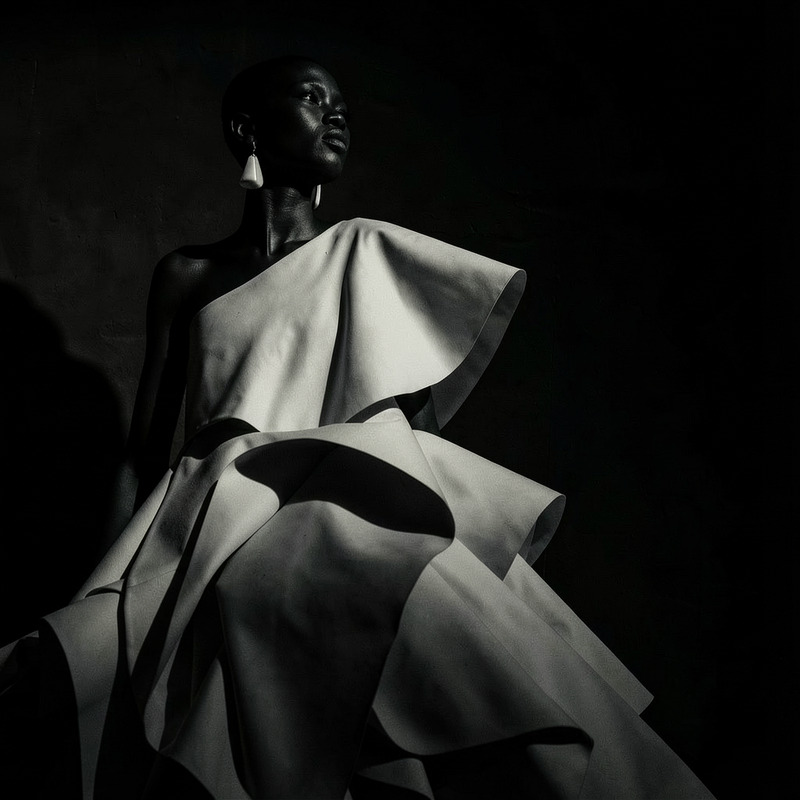
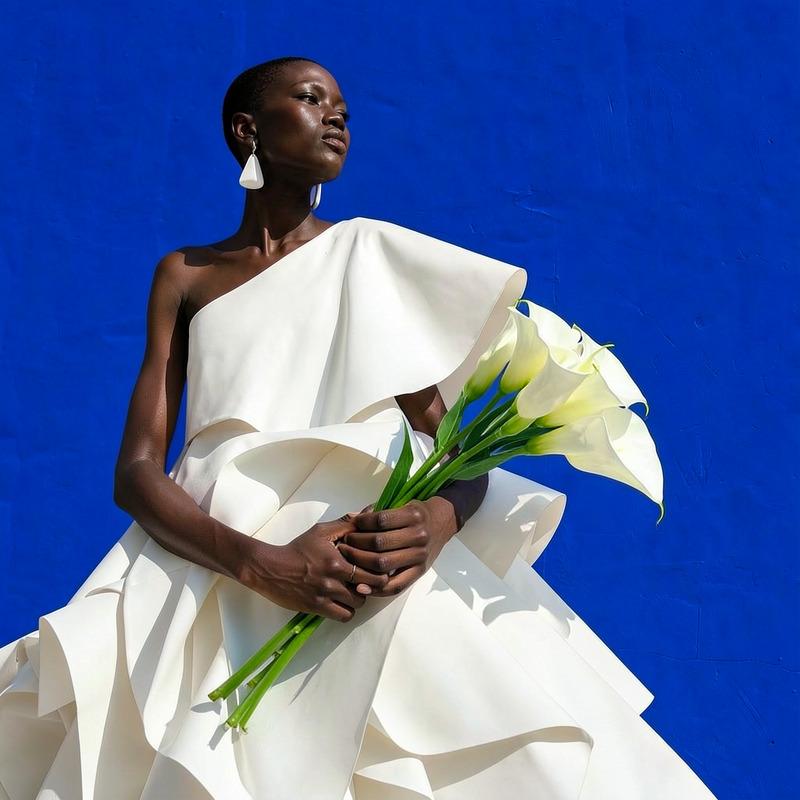
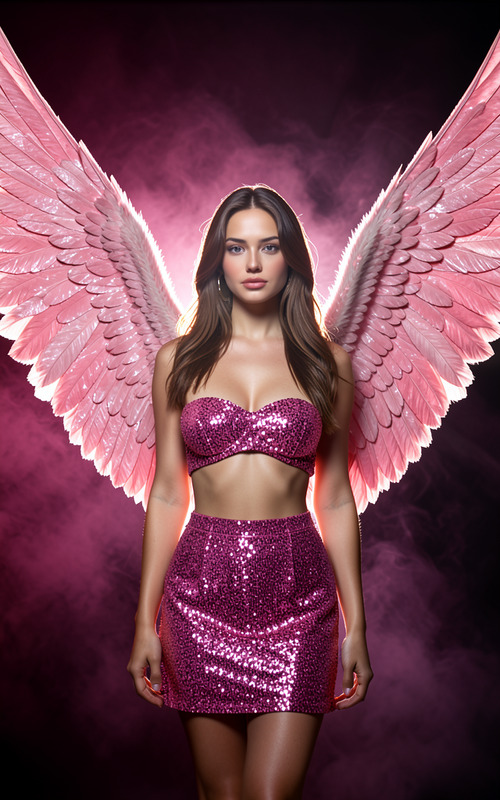
Add soft pink and orange gel lighting for a modern beauty campaign, preserving composition
Any aspect ratio
Overview
Enhance your images with a touch of modern beauty using the AI Image Editor. This template allows you to apply soft pink and orange gel lighting, the perfect finish for a trendy beauty campaign. Leverage the precision of the flux-2-klein model to maintain composition while transforming the lighting dynamics.
What It Does
The AI Image Editor template alters the lighting of your images, adding a sophisticated soft pink and orange gel effect. This is ideal for creating a contemporary, dreamy look that elevates beauty portraits or fashion shoots. The tool ensures that the original composition of your image remains consistent, merely augmenting its visual allure with a color-enhancing glow.
Who It's For
Perfect for photographers, graphic designers, and marketing professionals looking to enhance their visuals for beauty campaigns. Whether you're producing content for social media, print, or digital advertising, this tool delivers professional-quality results. Ideal for those who use AI Product Photography tools to boost their imagery's appeal.
Summary
Utilize the AI Image Editor template to bring a modern beauty aesthetic to your projects. By using specialized lighting effects, you can significantly enhance your visuals without disrupting the original image integrity. This tool is particularly useful in tandem with AI Multi-Angle Generator to create a cohesive look across different image perspectives.
How To
Choose Your Template

Customize Your Inputs

Generate and Download

Use Cases
Beauty Campaigns
Fashion Photography
Social Media Content
Best Practices
Maintain Composition
Ensure the primary subjects remain the focal point by carefully balancing the added lighting with the original image composition.Test Various Combinations
Try different intensity levels of pink and orange gels to find the most aesthetically pleasing combination for your project.Consider the Audience
When using the enhanced images for campaigns, keep audience preferences in mind regarding color schemes and visual impact.