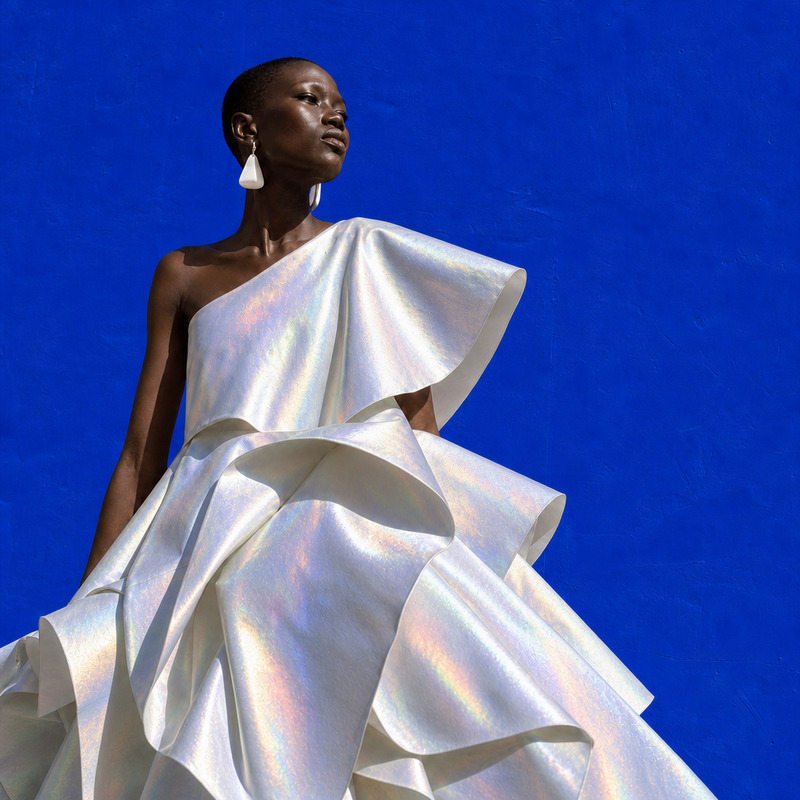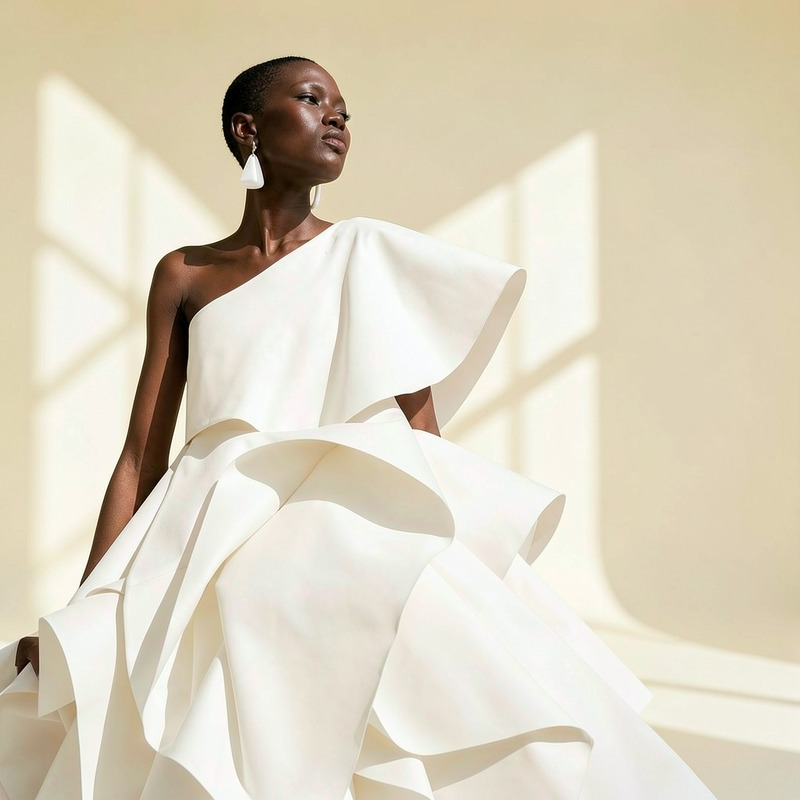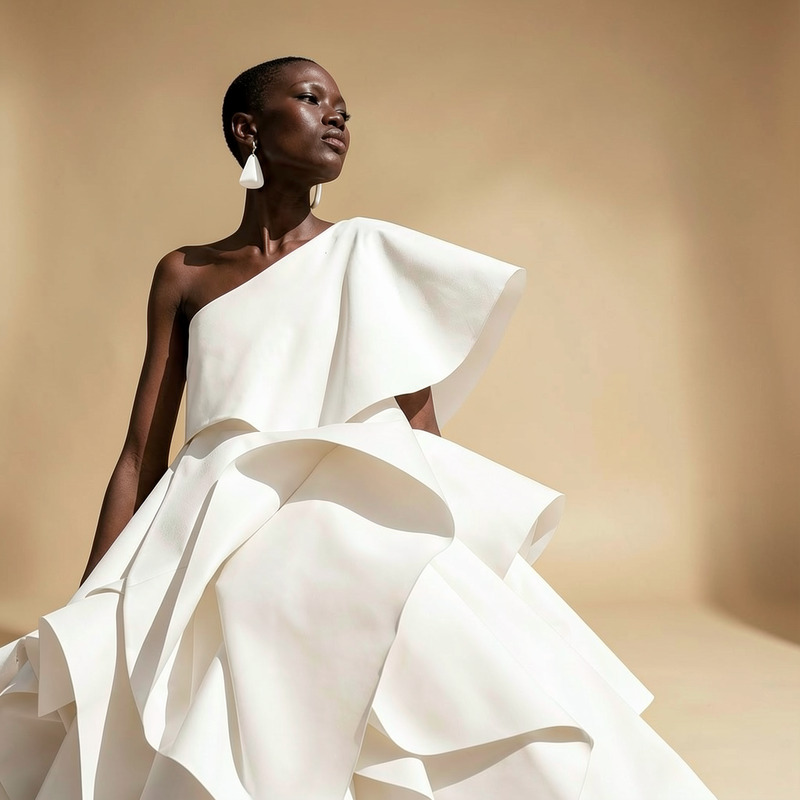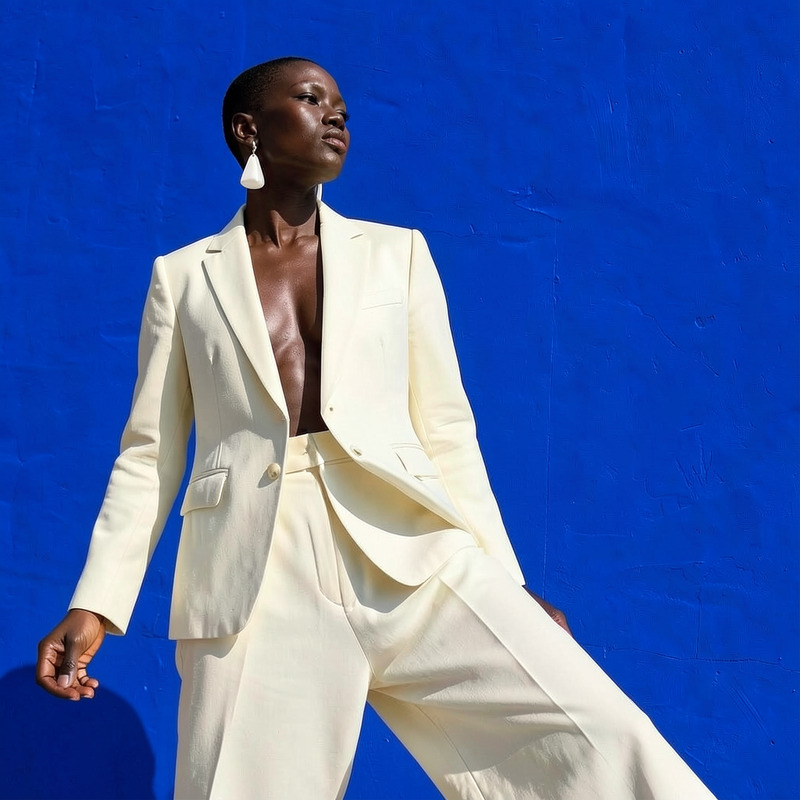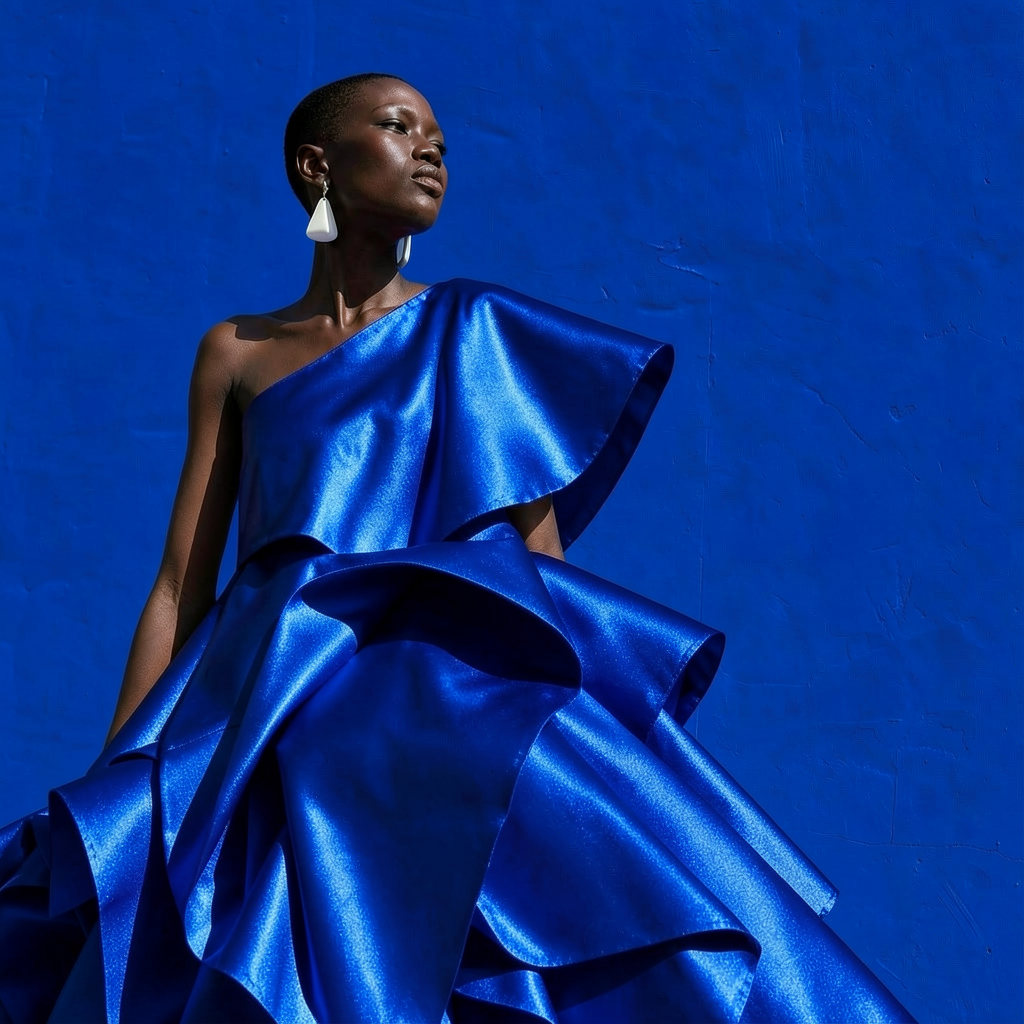
AI Image Editor · Turn the white dress into glos

AI Image Editor · Turn the white dress into glos

AI Image Editor
1 image
0 uses

Any aspect ratio

Prompt

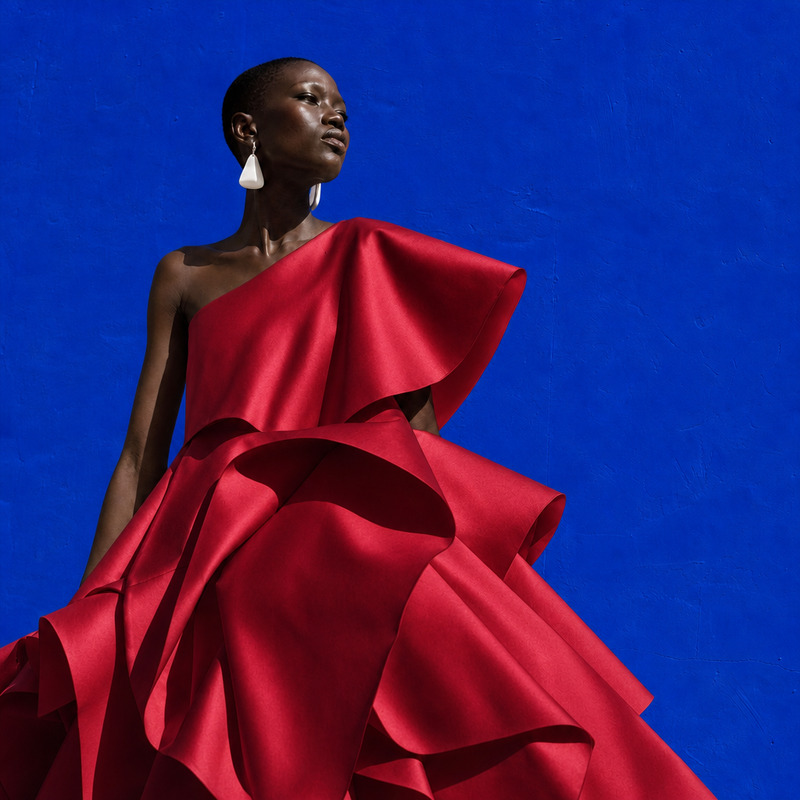
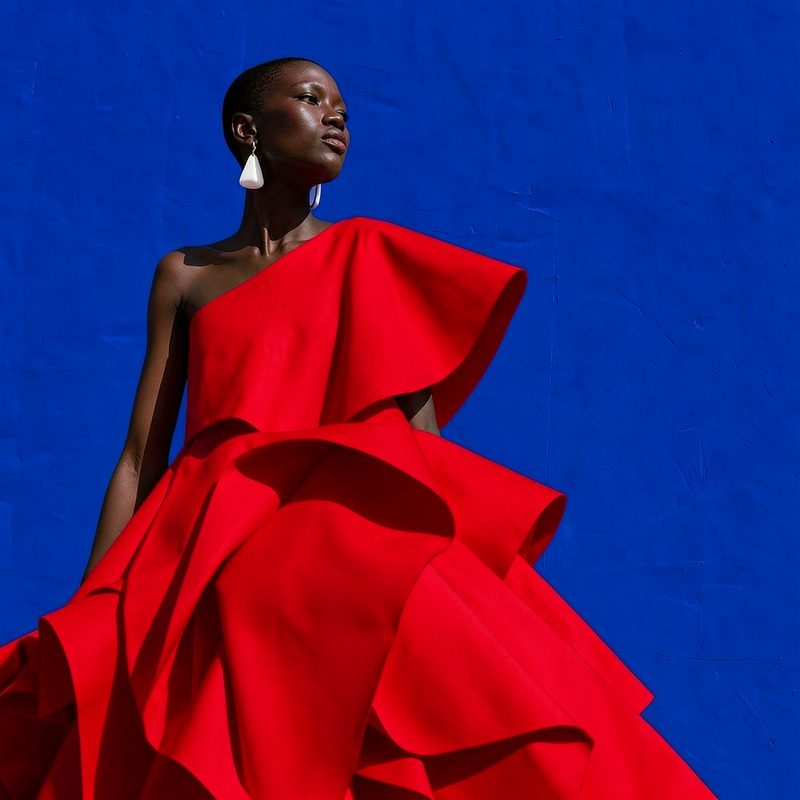
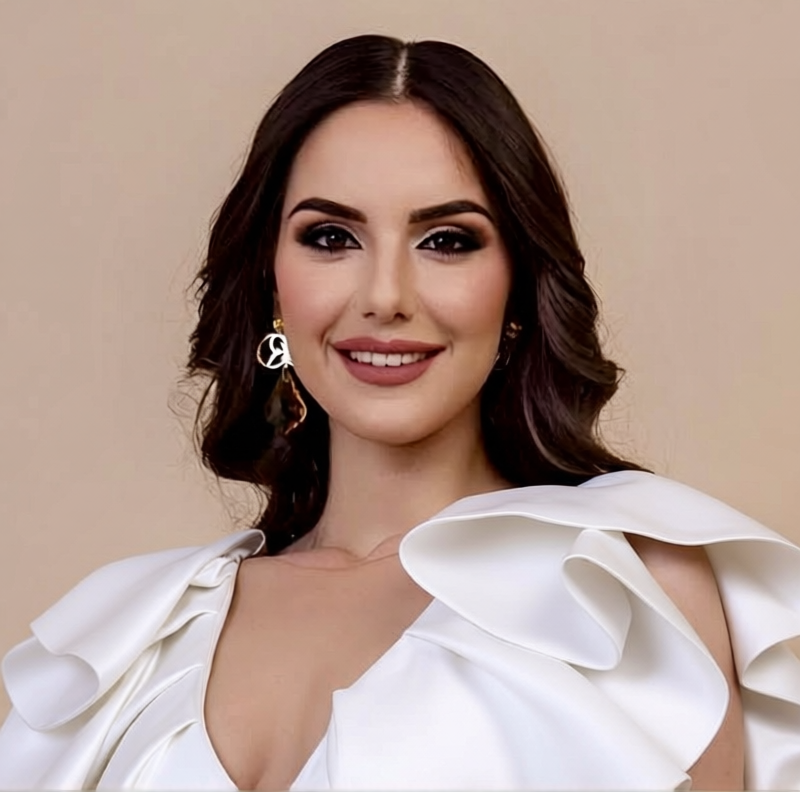
Turn the white dress into glossy cobalt satin while keeping the same design and silhouette

Overview

Transform the fabric of your photos effortlessly with the AI Image Editor by converting a white dress into a glossy cobalt satin masterpiece. Using the powerful Flux-2-Klein model, this tool maintains the original design and silhouette, ensuring a seamless and realistic transformation.

What It Does

This AI Image Editor precisely alters the texture and color of garments in images. By targeting specific elements—like a white dress—it achieves a rich, glossy cobalt satin finish while preserving the design details. Ideal for fashion mockups or artistic photo manipulation.

Who It's For

Designed for fashion designers, photographers, and digital artists, this tool fits perfectly into workflows involving garment visualization and photo editing. Whether you're preparing work for clients or enhancing images for retail platforms like eCommerce, this AI tool provides high-quality results efficiently.

Summary

Our AI Image Editor allows professionals to redefine garment textures and colors with accuracy and ease. By integrating with the AI Product Photography system, users can achieve consistency in product visualization, ensuring that every piece of clothing depicts the intended aesthetic without losing its original design essence.

How To

Follow these steps to transform the white dress into glossy cobalt satin using the AI Image Editor.
    01

    Choose Your Template

    Navigate to the AI Image Editor on Magic Hour and select the 'White Dress to Glossy Cobalt Satin' template.
    02

    Customize Your Inputs

    Upload your image file and specify the area of the dress you want to transform. Adjust the prompt, if necessary, to tailor the output to your needs.
    03

    Generate and Download

    Click 'Generate' to process your image. Once the transformation is complete, download the edited image in your preferred format.

Use Cases

Explore various applications of transforming fabric in images using the AI Image Editor.
👗

Fashion Design Prototyping

Quickly visualize fabric changes on designs without altering the physical garment.
  • Preview alternate fabrics on designs
  • Create prototypes for client presentations
🛒

E-commerce Visual Enhancements

Update product listings with fresh visuals that highlight new fabric options.
  • Boost online sales with varied product images
  • Efficiently manage visual updates for inventory
🎨

Digital Art and Concept Development

Use texture changes for artistic expressions or concept artwork.
  • Experiment with textures for creative projects
  • Develop unique fashion illustrations

Best Practices

Ensure optimal results when using the AI Image Editor for fabric transformation.
  • Maintain Consistent Light in Images

    For the best visual effect, use images with even lighting. This helps the AI accurately apply new textures without inconsistencies.
  • Focus on High-Resolution Images

    Utilize high-quality images to maintain detail in fabric transformation, especially when enhancing for use in AI Headshot Generator projects.
  • Fine-Tune Prompts for Specific Results

    Adjust the prompt details to suit your transformation needs, particularly if you're combining with AI Clothes Changer capabilities for broader customization.

Frequently asked questions

The AI Image Editor supports common image formats such as JPEG, PNG, and TIFF, ensuring compatibility with your preferred image workflow.

Yes, the tool allows you to tweak prompt details to adjust fabric texture and glossiness to your preference.

While the AI Image Editor can handle multiple changes, focusing on one garment at a time ensures the highest quality transformation.

The processing time depends on image complexity and size, but it typically ranges from a few seconds to a couple of minutes.

More Like This

Glossy
3
Glossy
AI Image Editor · Change the dress to sculptural
NEW
AI Image Editor · Change the dress to sculptural
AI Image Editor · Change the dress to tailored b
NEW
AI Image Editor · Change the dress to tailored b
AI Image Editor · Change the dress color to vivi
NEW
AI Image Editor · Change the dress color to vivi
AI Image Editor · Replace the background with a
NEW
AI Image Editor · Replace the background with a
AI Image Editor · Change the outfit to a cream t
NEW
AI Image Editor · Change the outfit to a cream t
Gala Carpet
1
Gala Carpet
AI Image Editor · Change the dress material to i
NEW
AI Image Editor · Change the dress material to i
AI Image Editor · Change the background to a cle
NEW
AI Image Editor · Change the background to a cle
AI Image Editor · Replace the blue wall with a t
NEW
AI Image Editor · Replace the blue wall with a t
AI Image Editor · Add a bouquet of white calla l
NEW
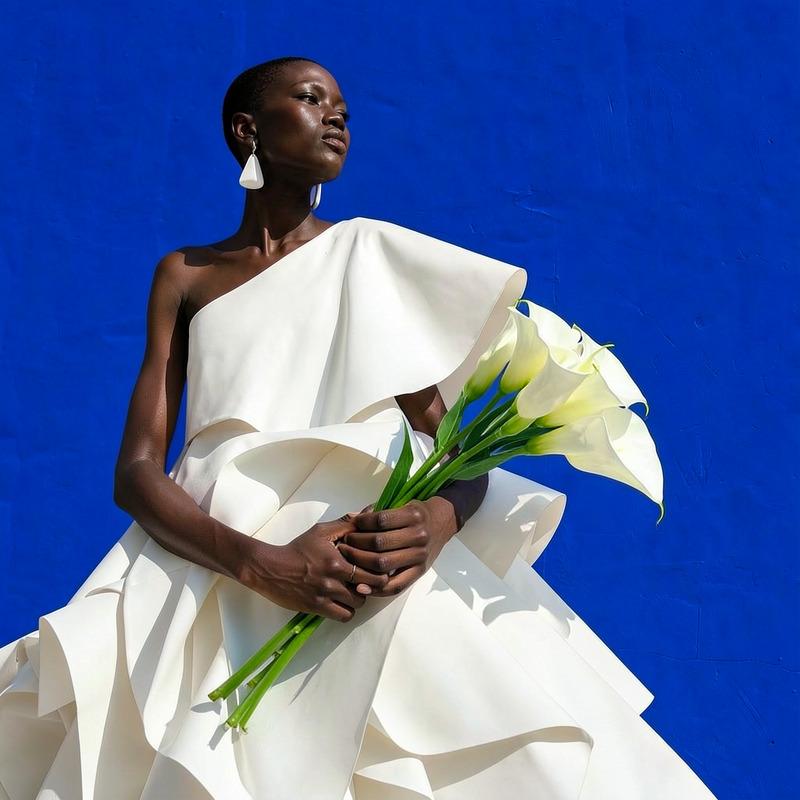
AI Image Editor · Add a bouquet of white calla l
AI Image Editor · Create a high-contrast monochr
NEW
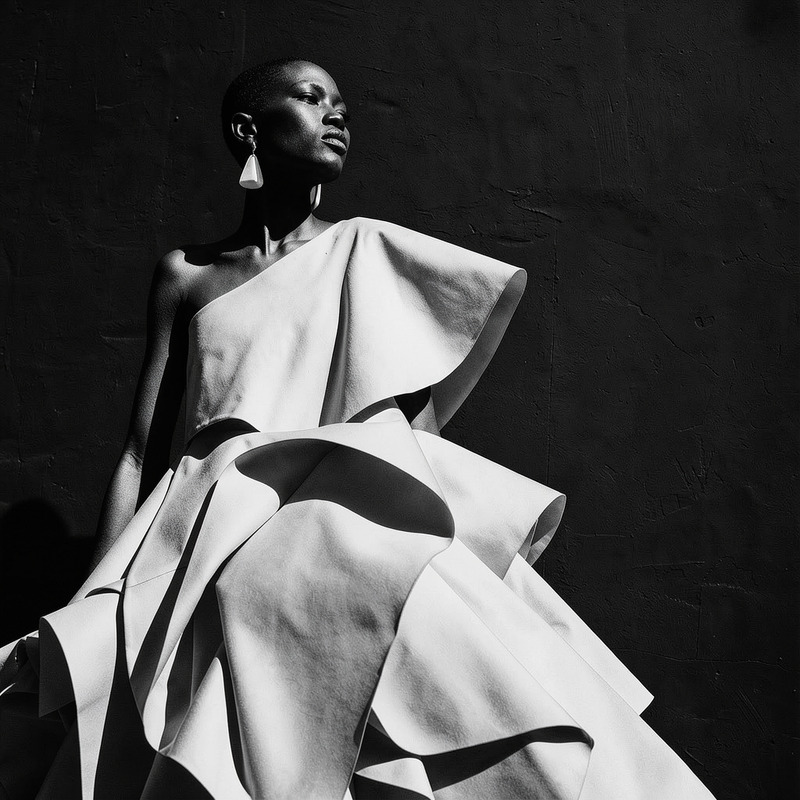
AI Image Editor · Create a high-contrast monochr

AI Image Editor