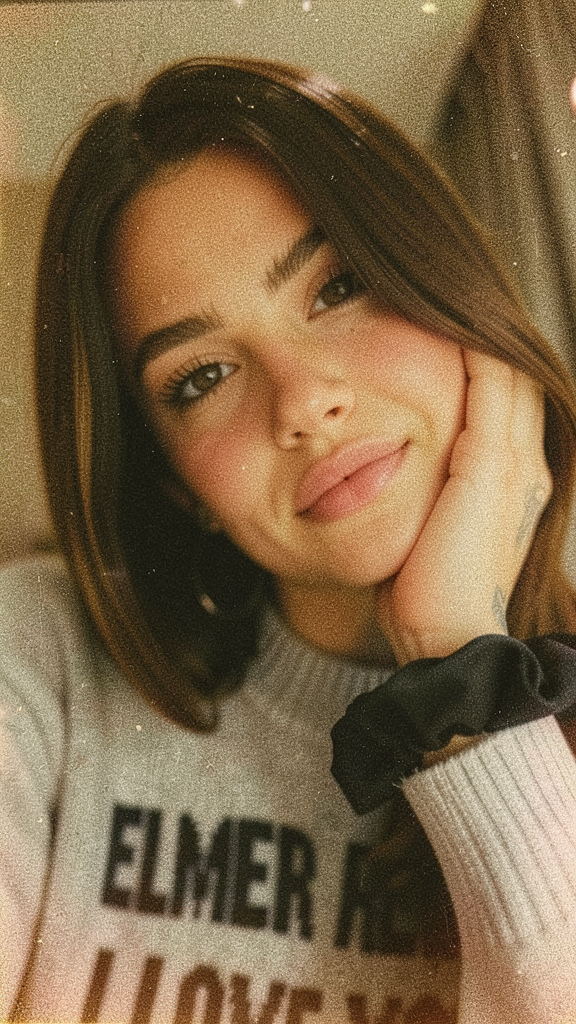
Dreamy Shots
- Model
- Flux 2 Klein
- Image
- 576 × 1024 px
Prompt
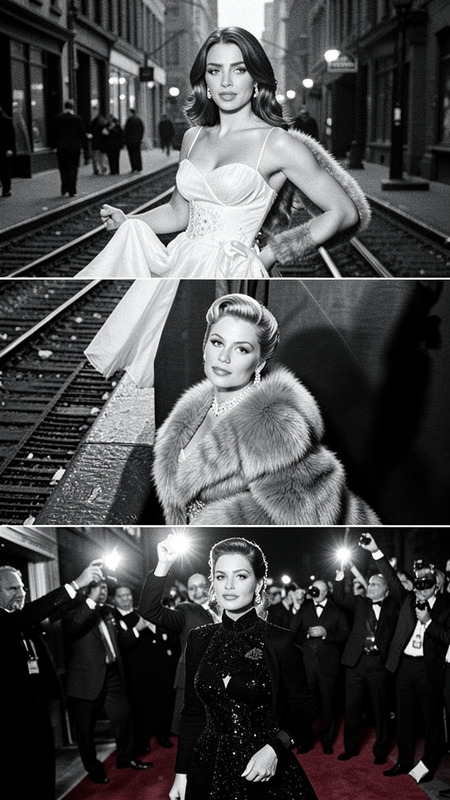
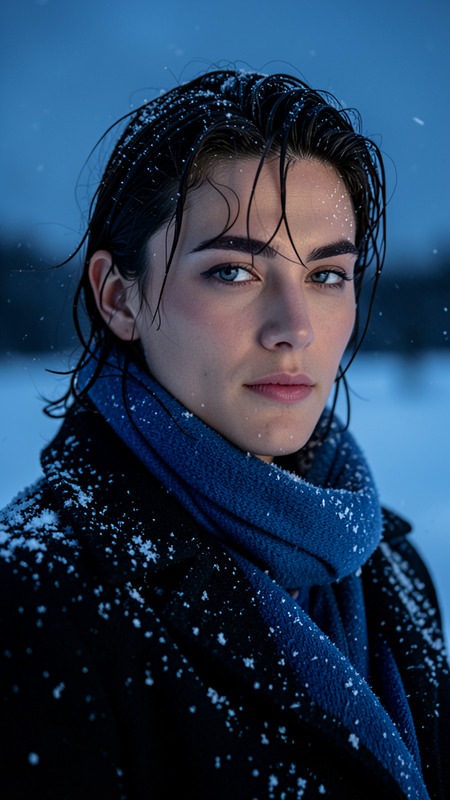
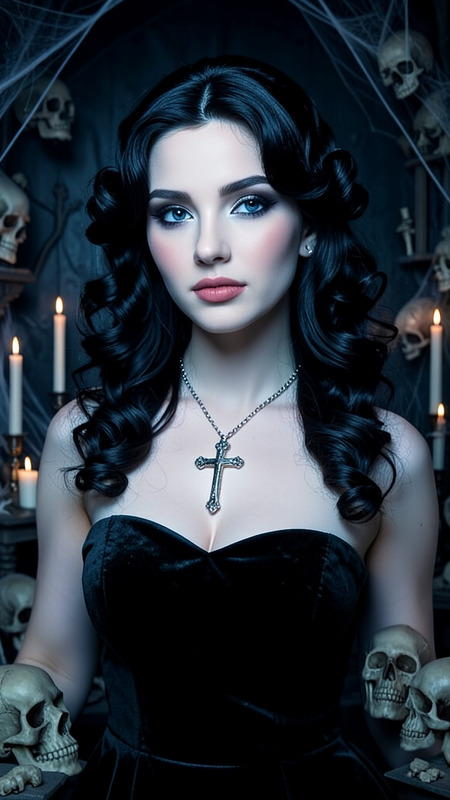
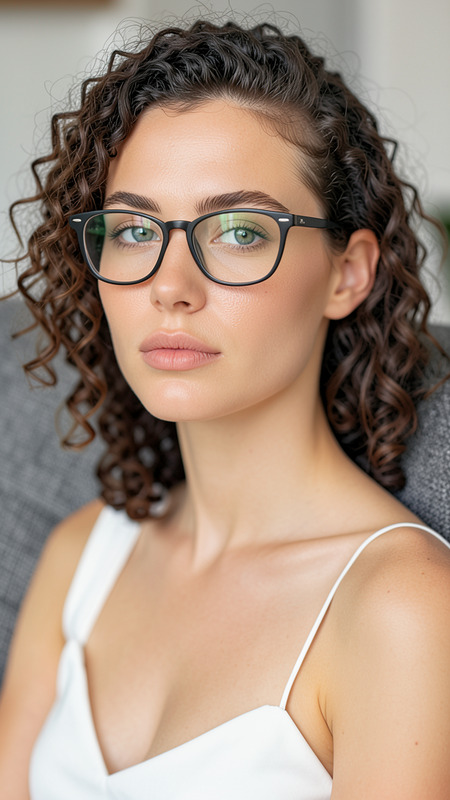
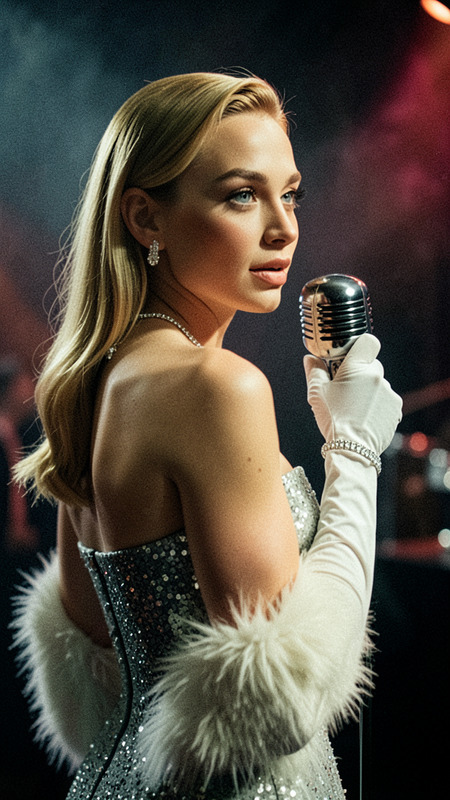
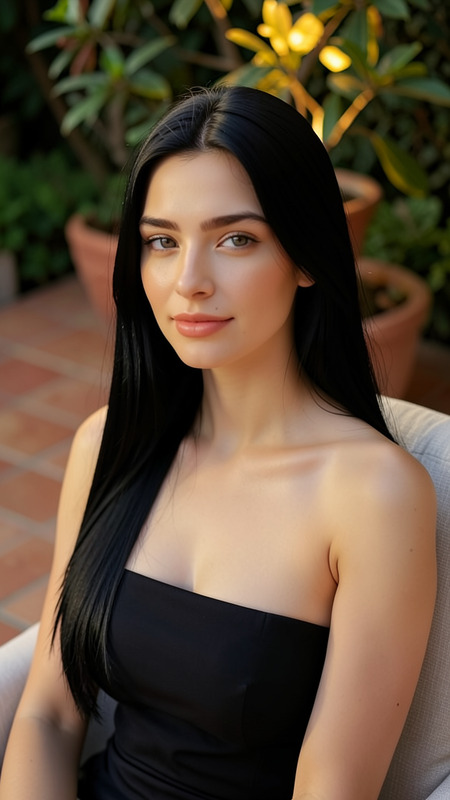
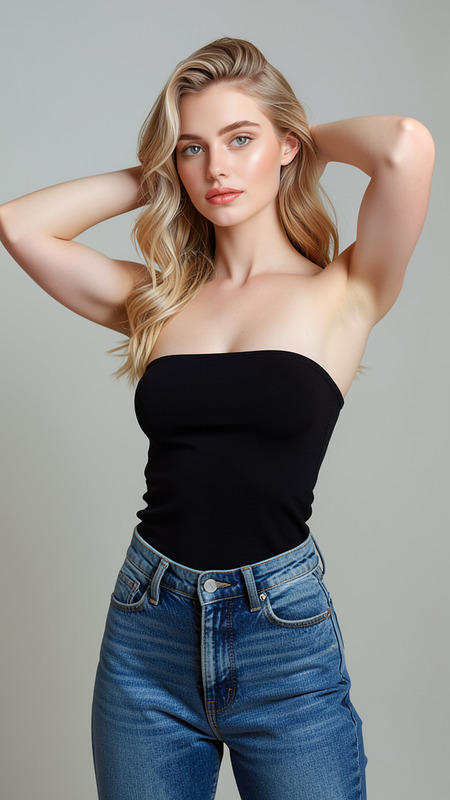
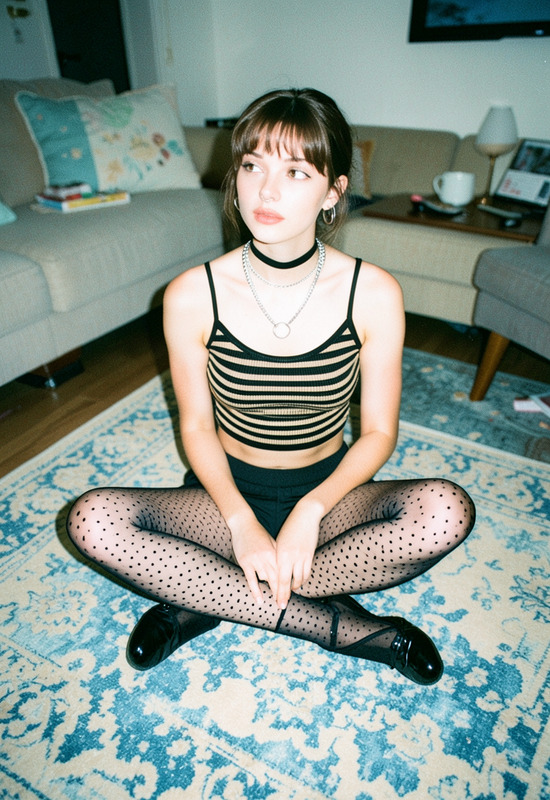
A 1970s retro film-style portrait, inspired by the aesthetics of vintage film photography, features soft focus and a warm, grainy filter. A close-up, high-quality beauty portrait. The model gazes languidly into the camera, her chin slightly raised, her face expressing serenity and bliss.
Any aspect ratio
Overview
The "Dreamy Shots" template offers a nostalgic journey into the past, simulating a 1970s retro film aesthetic through a powerful AI Image Editor. Utilizing the flux-2-klein model, it captures soft focus, warm tones, and a grainy filter akin to vintage film photography.
What It Does
This template applies a vintage film-inspired style to your photos, transforming them into warm, grainy portraits with a soft focus. Ideal for creating a sense of serenity and bliss in high-quality beauty photos, it aligns perfectly with the aesthetics found in retro film photography.
For editing variety, consider using the AI Image Editor for additional adjustments.
Who It's For
"Dreamy Shots" is perfect for professional photographers, Instagram influencers, and creative enthusiasts looking to add a touch of nostalgia to their portfolios. Film students and content creators aiming to evoke a classic, serene emotion in their imagery will find this tool indispensable.
Summary
Step into a world of nostalgia with "Dreamy Shots," where you can transform modern images into 1970s retro film-style portraits. With the Photo Colorizer, enhance your creation further by introducing even richer vintage tones.
How-To
Choose Your Template

Customize Your Inputs

Generate Your Image

Use Cases
Social Media Posts
Portfolio Development
Marketing Campaigns
Best Practices
Select High-Quality Photos
For the best results, start with high-resolution images that complement the template’s soft focus and warm tones.Experiment with Variations
Adjust the amount of grain and warmth in the prompt to better suit different images and outputs.Complement with Other Tools
Use tools like the Full Body Generator for complete style transformations from head to toe.