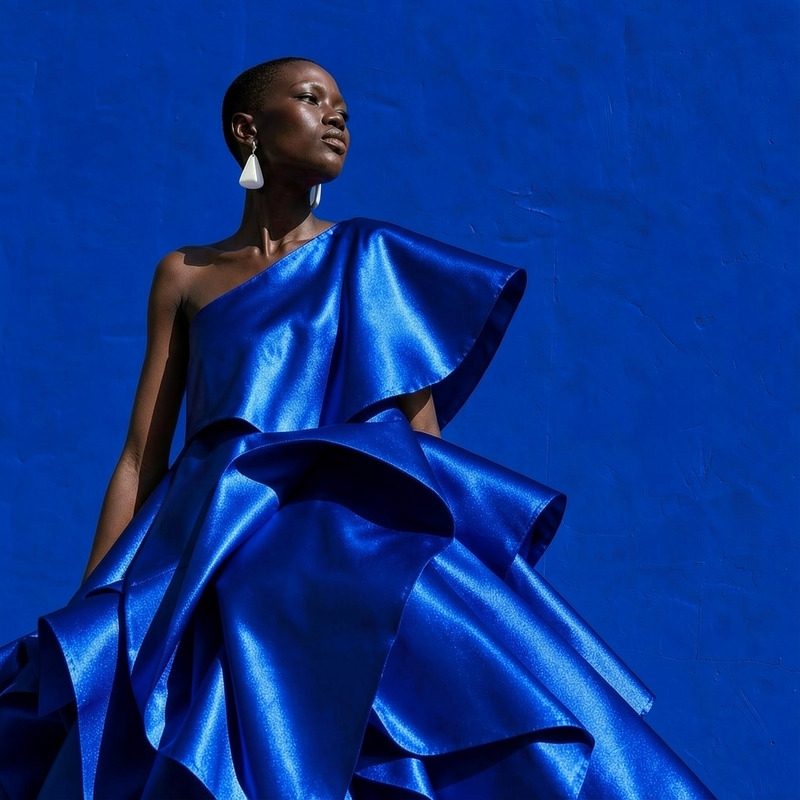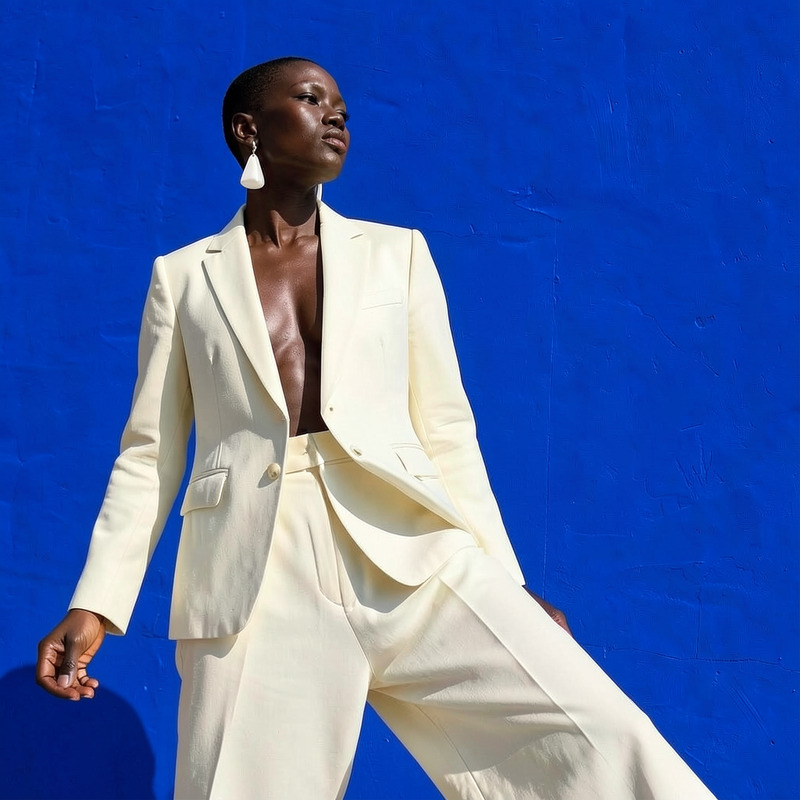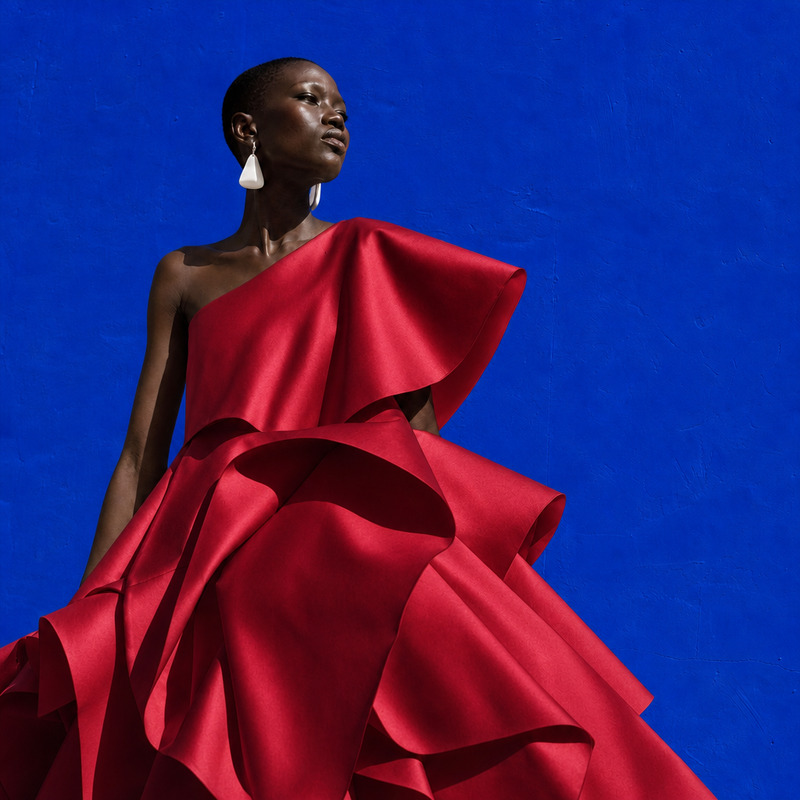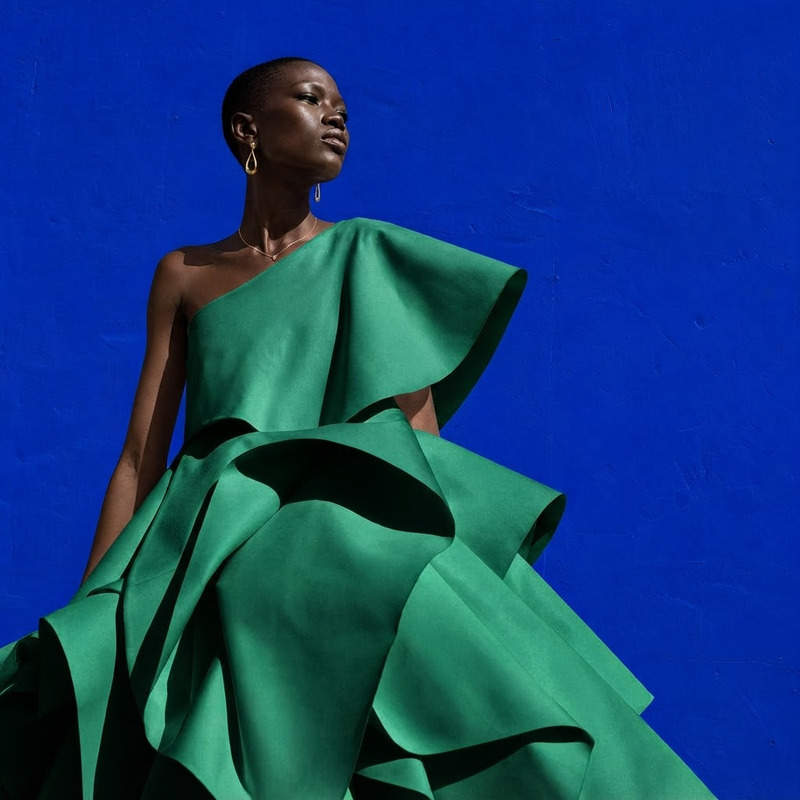
AI Image Editor · Change the dress color to vivi
- Model
- Flux 2 Klein
- Image
- 1024 × 1024 px
Prompt
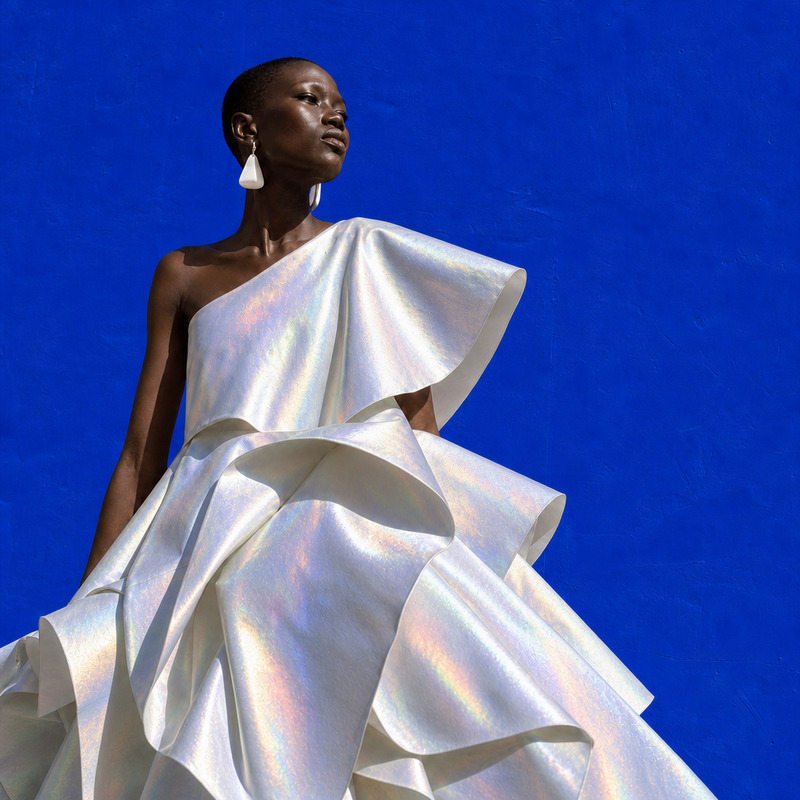
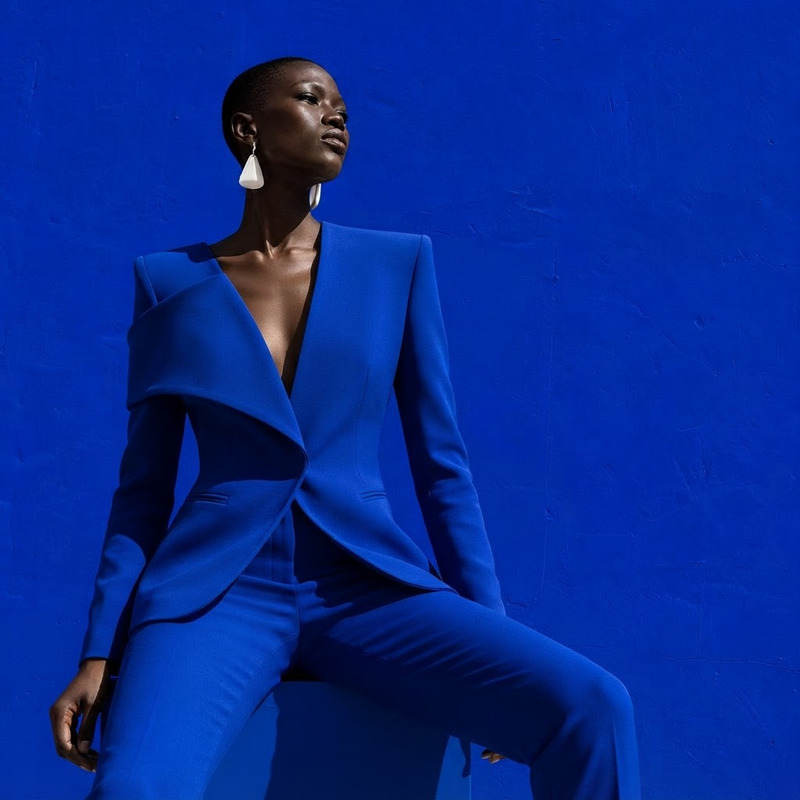
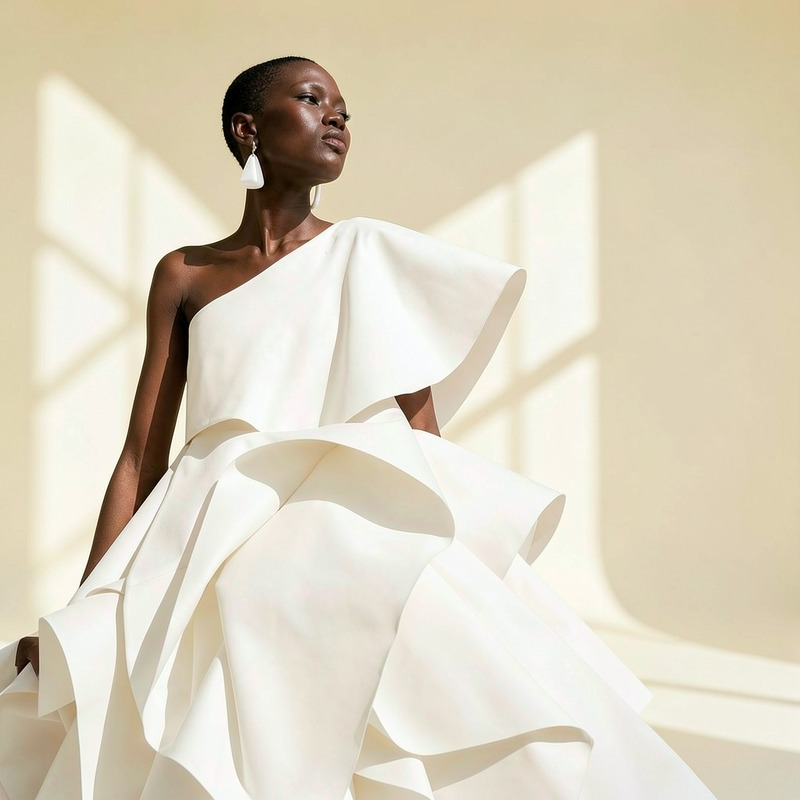
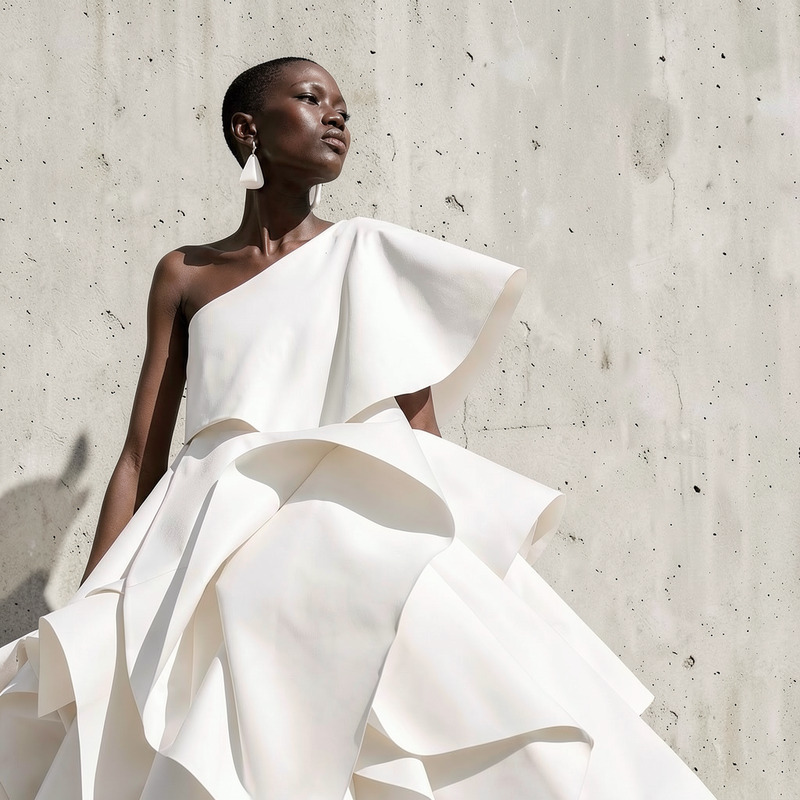
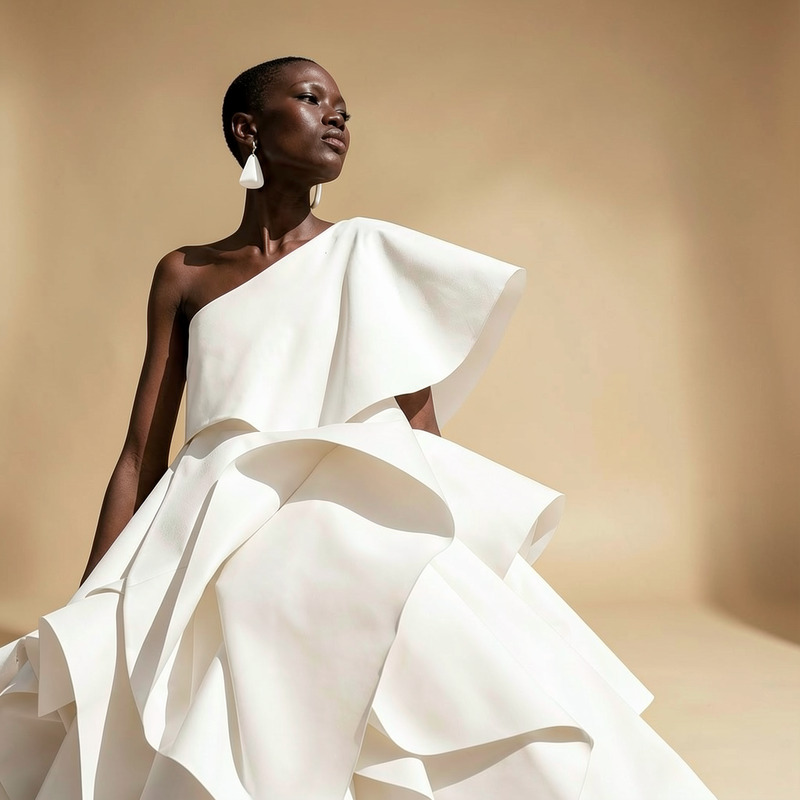
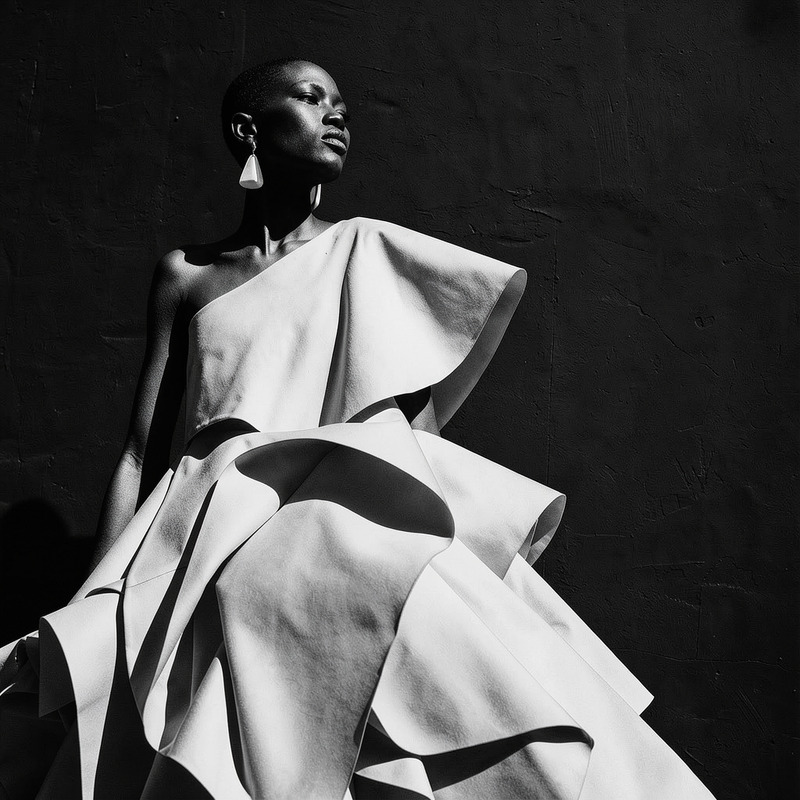
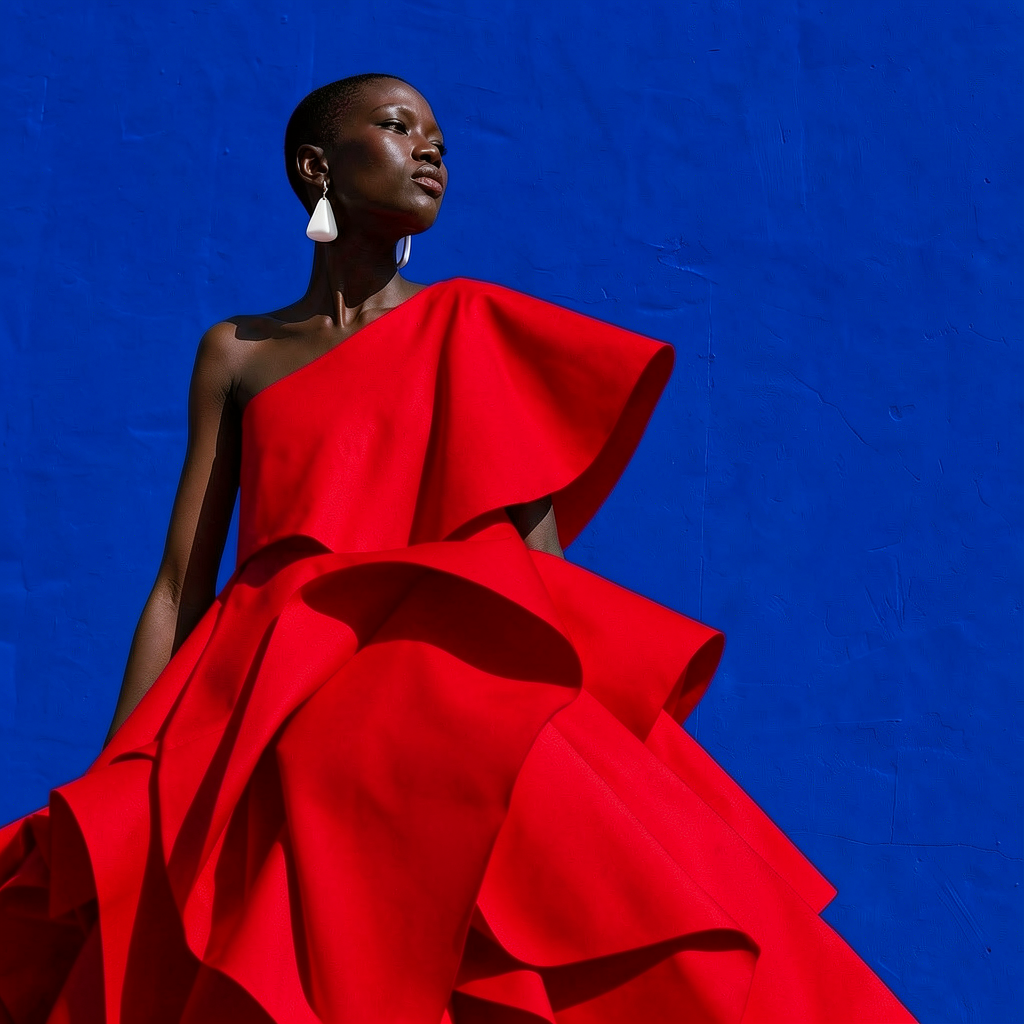
Change the dress color to vivid red while preserving the person, face, pose, and fabric folds
Any aspect ratio
Overview
Transform your images with our AI Image Editor, designed to modify the dress color to vibrant red while maintaining essential details like the face, pose, and fabric folds. Built using the advanced flux-2-klein model, this tool ensures high-quality, realistic results that look natural and professionally edited.
What It Does
The AI Image Editor efficiently changes the dress color in your images to a vivid red, retaining the integrity of other elements such as the person, facial features, poses, and intricate fabric details. This specialized tool is ideal for quickly enhancing fashion images, personal photos, and promotional content.
For a complete makeover, try it together with the AI Clothes Changer, which allows for additional adjustments beyond just color.
Who It's For
This template is perfect for fashion designers, marketers, or anyone needing to create striking visual content without professional editing skills. It's also a valuable asset for social media influencers and content creators looking to enhance their images swiftly and effectively.
Professionals can benefit from its use in promotional campaigns, complementing tools like the AI Product Photography for comprehensive visual strategy.
Summary
The AI Image Editor is a robust tool for changing dress colors in photos to a vivid red, powered by the AI Image Editor. Utilizing the flux-2-klein model, it delivers high fidelity and attention to detail, making it an indispensable tool for high-quality image enhancements.
How To
Choose the Template

Customize Your Image

Generate and Download

Use Cases
Fashion Design
- Save on material costs by visualizing designs
- Share new color options quickly across teams
Social Media Content
- Create vibrant and engaging Instagram posts
- Stand out in Facebook promotions
Marketing Campaigns
- Align with brand colors effortlessly
- Refresh old content for new audiences
Best Practices
High-Resolution Images
For the best results, use high-resolution images. This allows the editor to accurately capture and preserve details.Consistent Lighting
Ensure that images have consistent lighting to prevent variations in the edited output.Combine with Other Tools
Use alongside tools like the Face Swap to achieve more comprehensive edits in one workflow.