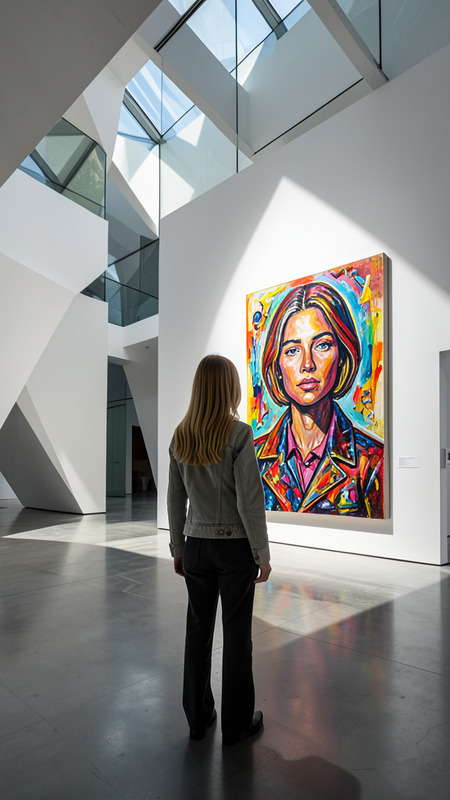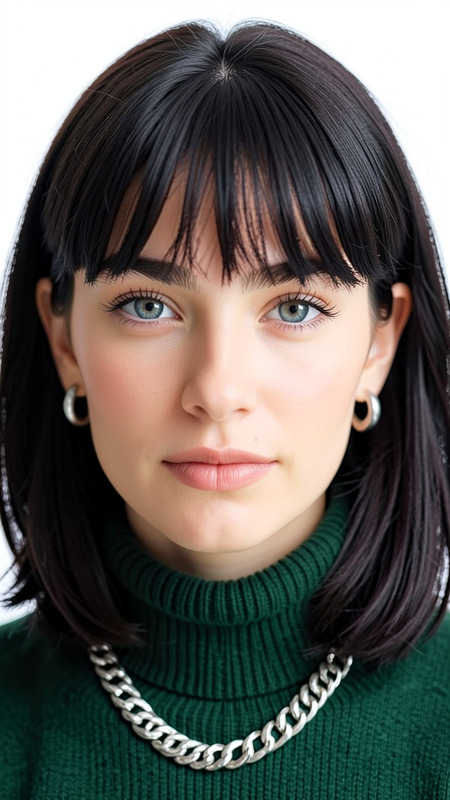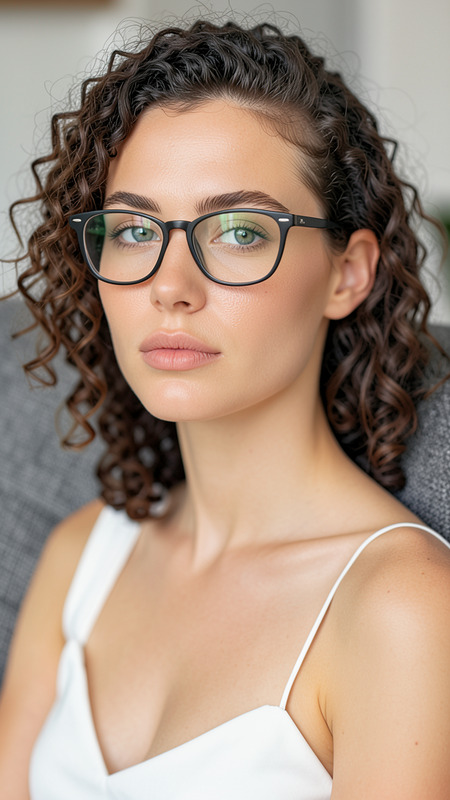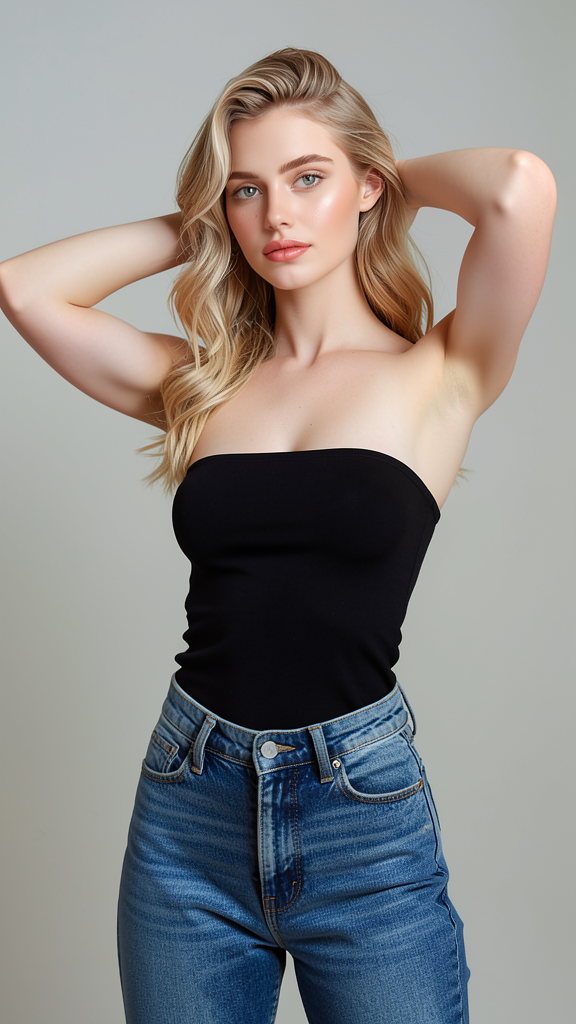
Minimal Confidence
- Model
- Flux 2 Klein
- Image
- 576 × 1024 px
Prompt
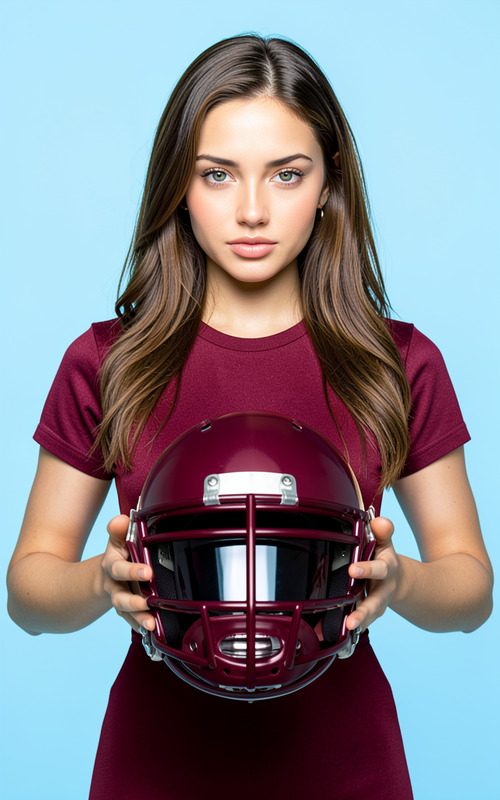
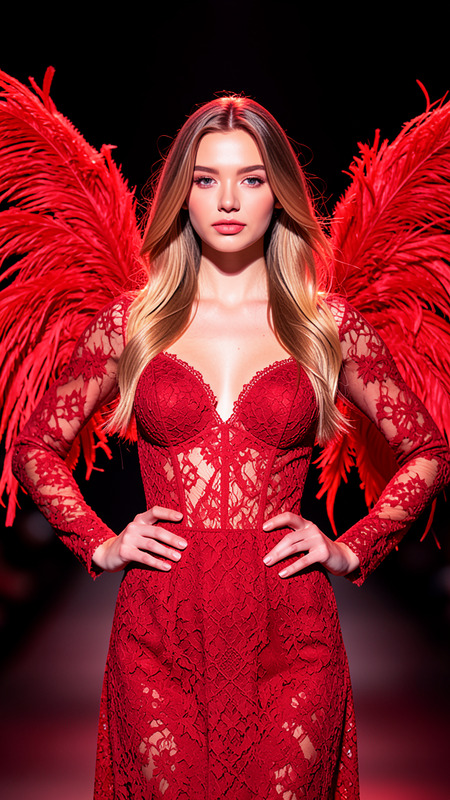
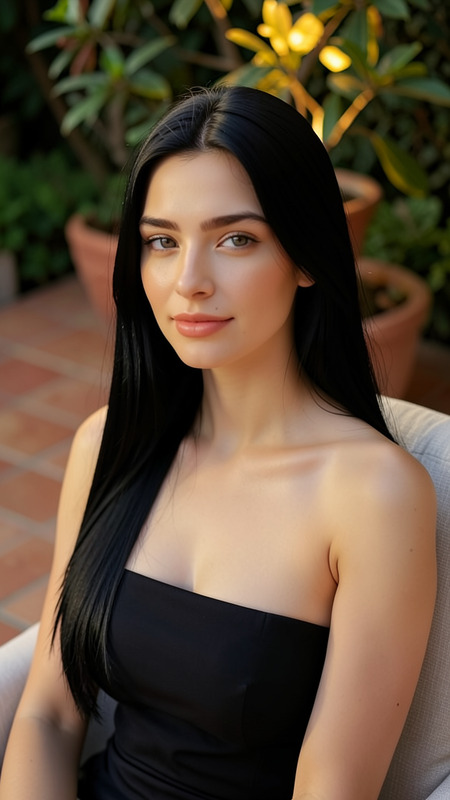
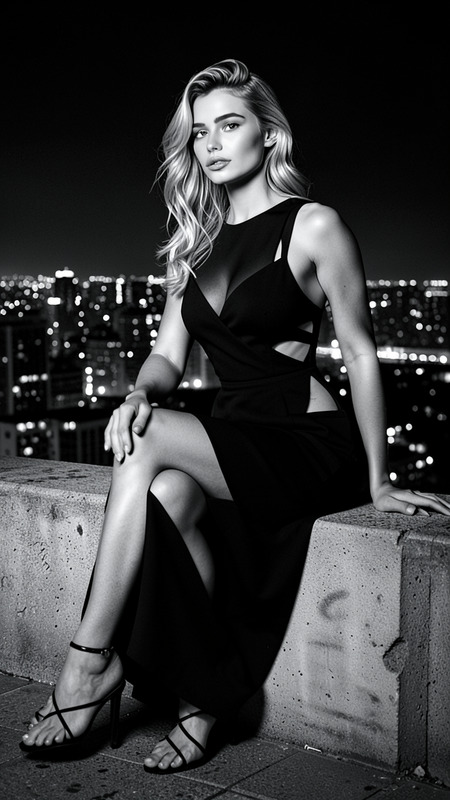
A high-quality portrait of the subject posing confidently against a plain background. Preserve exact facial features, hairstyle, skin tone, and identity from the reference image. The subject wears a black strapless top paired with high-waisted jeans, standing with one hand on the hip and the other behind the head. Natural colors, balanced exposure, clean studio lighting, and a minimalist composition emphasize the subject.
Any aspect ratio
Overview
The Minimal Confidence template is an effective solution in the AI Image Editor category, streamlined to refine portraits with precision. By focusing on the subtleties of lighting and composition, this tool provides creators an optimal environment to highlight a subject's confidence.
What It Does
This template enhances portrait images by maintaining exact personal characteristics while presenting the subject in a poised stance. With features geared for preserving facial identity, hairstyle, and attire, it ensures all elements stay true to the original reference. The clean, minimalist background helps in focusing attention on the subject’s inner confidence.
Who It's For
The Minimal Confidence template perfectly suits photographers, social media content creators, and fashion bloggers looking to polish portraits with professional finesse. It’s also ideal for anyone in Instagram Reels creation and fashion-related visual storytelling.
Summary
Incorporating the flux-2-klein model, this template is a specialized tool within the AI Image Generator suite. With a balanced approach to emphasizing natural features in a controlled studio-like setting, it’s a reliable asset for producing high-quality portraiture.
How-To
Choose Your Template

Customize Details

Generate and Download

Use Cases
Photography Portfolio Enhancement
- Preserve identity with each edit
- Enhance studio-like quality
Social Media Branding
- Reflects personal brand confidently
- Eye-catching minimalistic appeal
Fashion Editorials
- Highlights garment details
- Maintains focus on subjects
Best Practices
Consistent Lighting Setup
Ensure the lighting complements the skin tone and overall composition for a cohesive look.Attire and Composition
When adjusting the prompt, focus on how attire blends with the subject’s pose and the background.Focus on Subject's Identity
Maintain the unique features of the subject to achieve an authentic portrait.