AI Image Editor · Replace the blue wall with a t
- Model
- Flux 2 Klein
- Image
- 1024 × 1024 px
Prompt
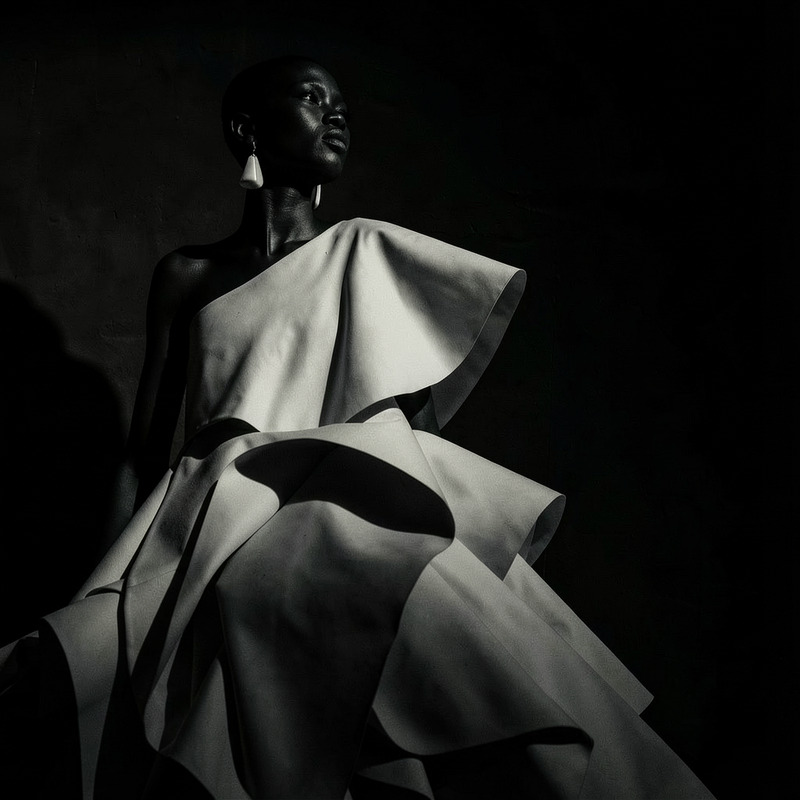
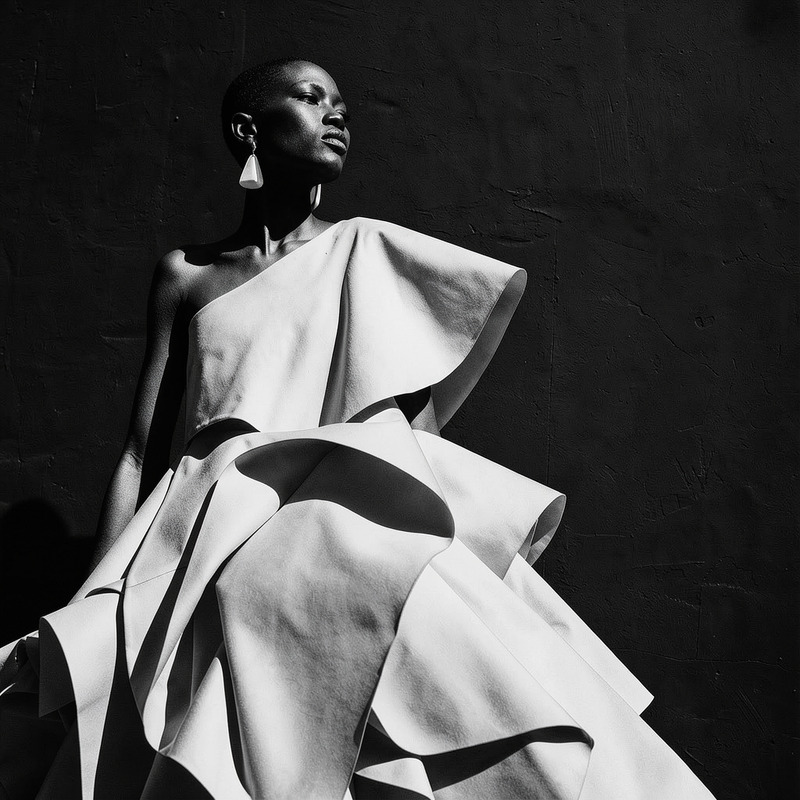
Replace the blue wall with a textured pale concrete backdrop, preserving the subject exactly
Any aspect ratio
Overview
The AI Image Editor template is designed to transform your photos by replacing specific backgrounds while maintaining the integrity of your primary subject. Utilizing the flux-2-klein model, this tool simplifies the process of altering image scenes with remarkable accuracy.
What It Does
This template allows you to replace a standard blue wall background with a textured pale concrete backdrop. The advanced AI ensures that the main subject of your image remains untouched, providing a seamless change in environment. This is ideal for creating a sophisticated and modern look in your visuals.
Who It's For
Perfect for photographers, marketers, and content creators, the AI Image Editor caters to anyone looking to enhance their photography projects or digital content. It's particularly beneficial for those in real estate or interior design, where a professional-looking backdrop can elevate the visual appeal of spaces.
Summary
Enhance your images effortlessly by replacing your blue background with a stylish concrete texture. Whether you're a professional or an enthusiast, this tool offers a quick solution for transforming your photos without compromising on quality. Explore more about its application in our virtual staging use case.
How To
Choose the Template

Customize Your Image

Generate and Download

Use Cases
Real Estate Photography
Social Media Content
Product Photography
Best Practices
Subject Separation
Ensure that your subject is well separated from the blue wall for the best AI detection and replacement results.Image Resolution
Use high-resolution images for superior background replacement and final image quality. Check out our AI Image Upscaler for enhancing lower quality images.Consistent Lighting
For a natural look, the lighting on your subject should match the lighting intended for the new background.