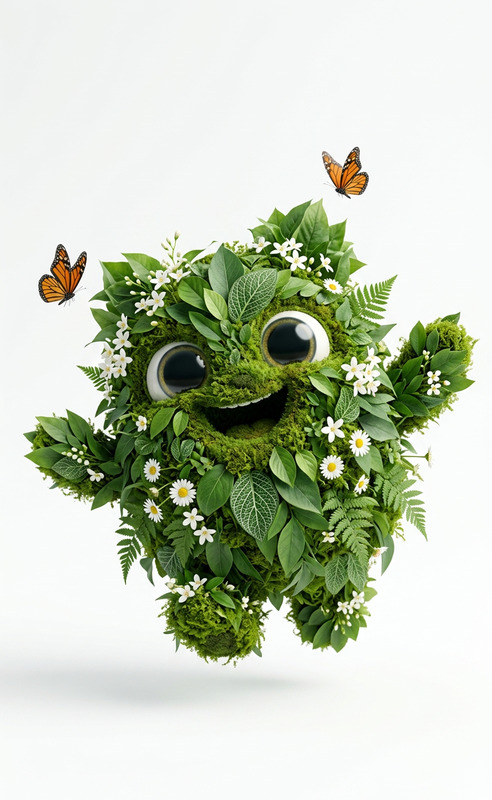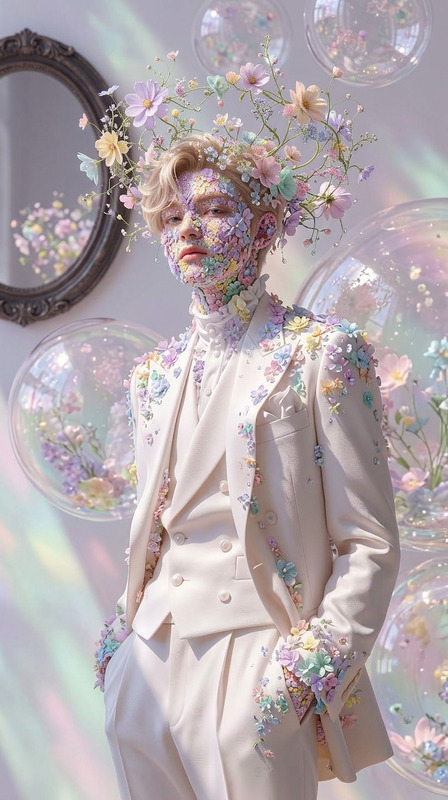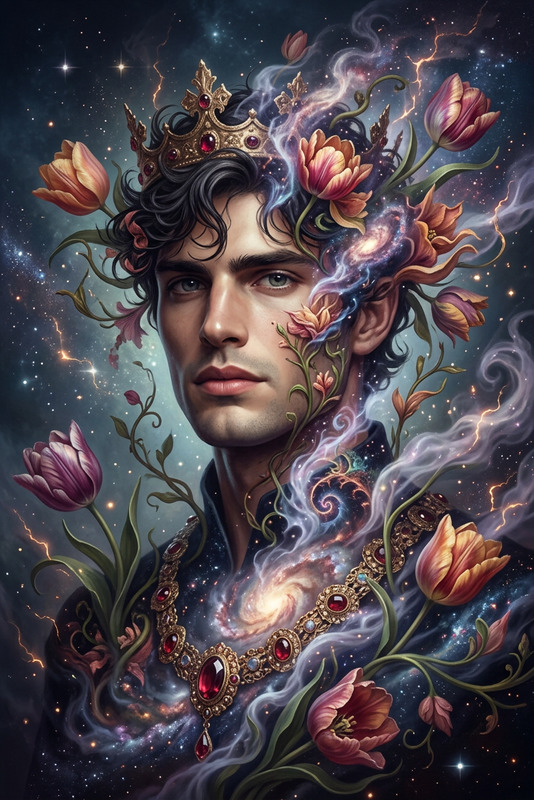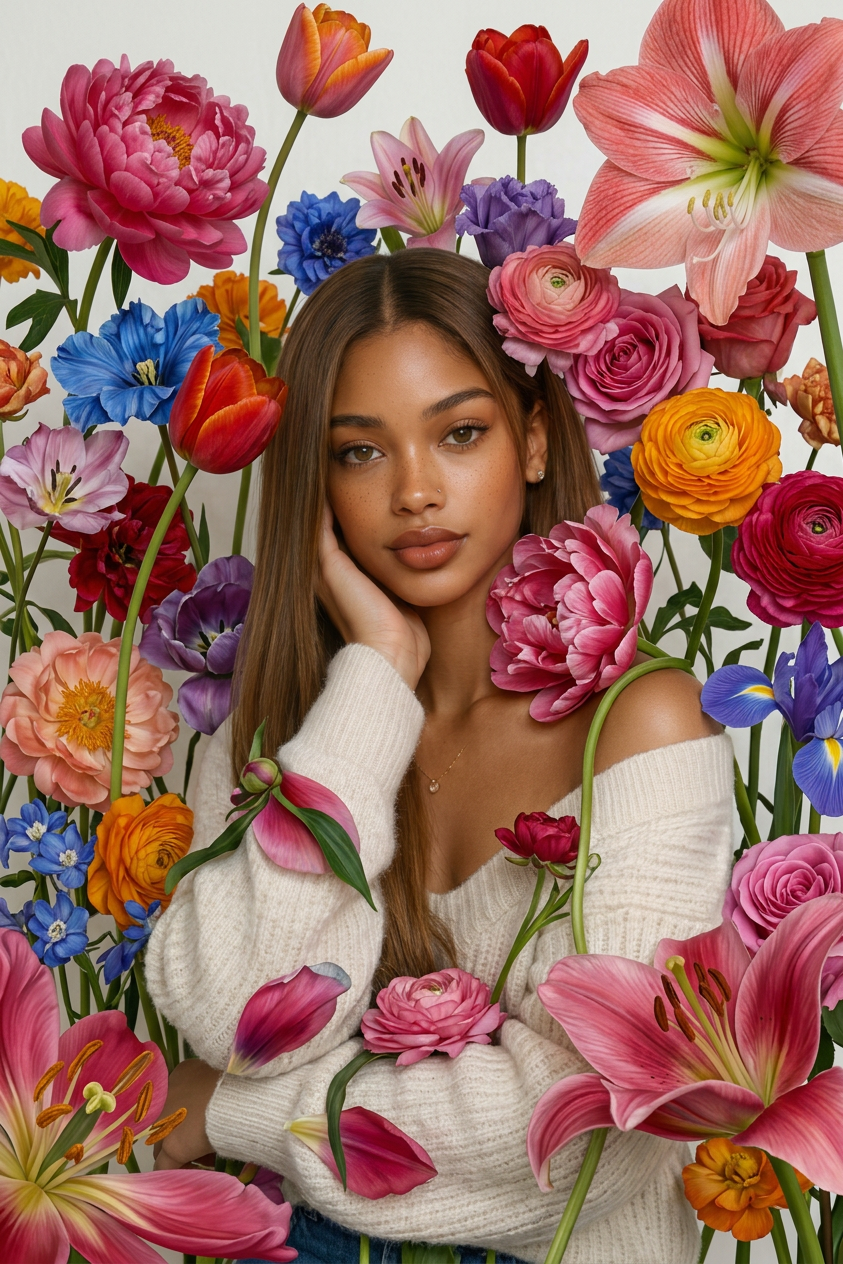
Add Flowers
- Model
- Nano Banana 2
- Image
- 843 × 1264 px
Prompt
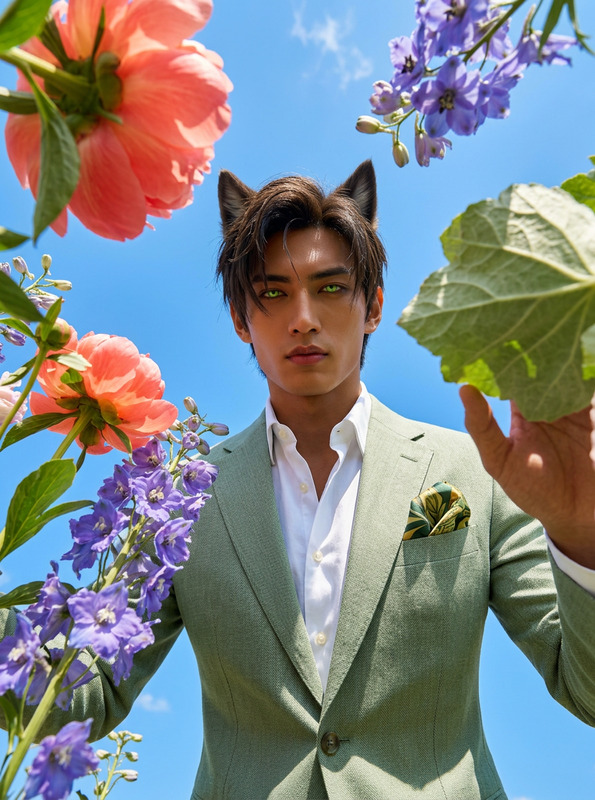
Use photo 1 as the exact template, keeping the composition, perspective, lighting, colors, and all existing objects completely unchanged and recognizable. Fill the scene with dozens of giant natural flowers in different varieties and colors, with long stems, large fully bloomed petals, realistic textures, and some flowers much larger than a human. The flowers should grow between and around objects, overlapping densely and interacting naturally with the environment, creating a surreal but believable ultra-photorealistic image with no CGI, illustration, balloons, or text.
Any aspect ratio
Overview
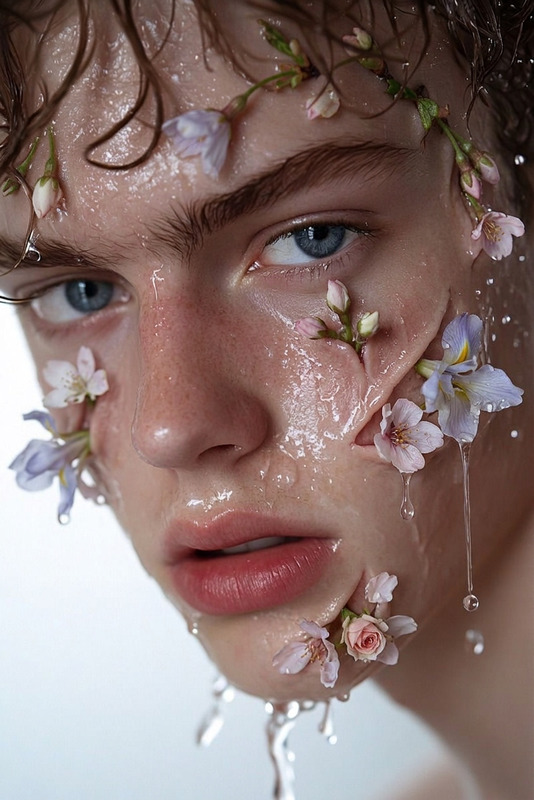
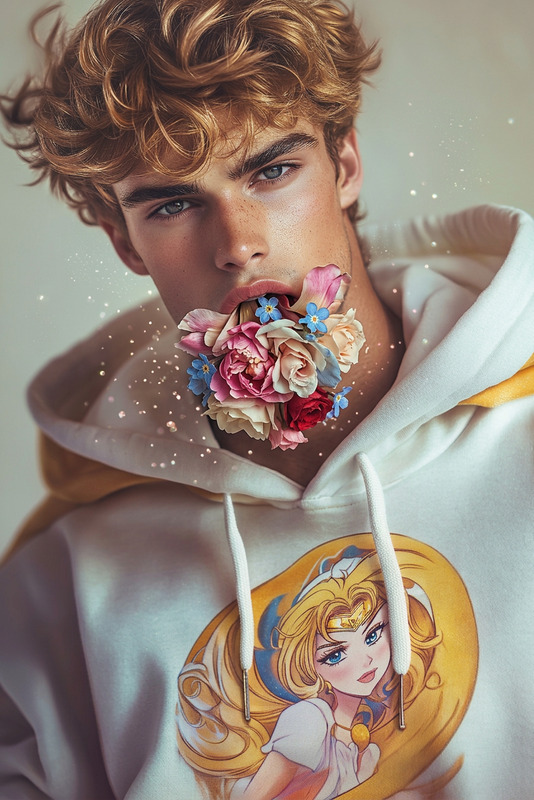
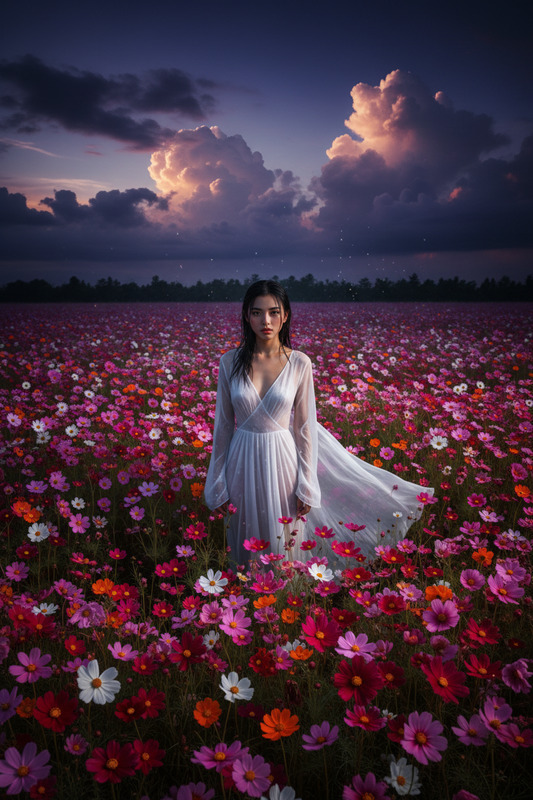
The Add Flowers template leverages the power of the nano-banana-2 model to transform your images into lush, floral masterpieces. By incorporating dozens of giant flowers into any scene, this tool offers an artistic, photorealistic enhancement to your original photos while maintaining all other elements of the image intact.
What It Does
This template serves as an advanced AI Image Editor, adding vast arrays of natural flowers to your images. They are ultra-photorealistic with realistic textures and scales, creating a densely flowered scene without altering the original composition, perspective, lighting, or colors of the photo. The result is a stunning visual that appears surreal yet completely believable.
Who It's For
This template is ideal for photographers, digital artists, and content creators looking to enhance their visuals with a unique floral touch. It's perfect for those in marketing or social media seeking to capture attention with striking imagery. If you are a professional in the creative field, the Add Flowers template offers a novel way to enrich your projects.
Summary
Whether you're curating a magazine layout or crafting visually captivating marketing material, the Add Flowers template is a versatile tool for any visual creator. Pair it with other tools like AI Clothes Changer or AI Image Generator for innovative, artful compositions that stand out.
How to Structure
Choose the Template

Customize Your Input

Generate the Image

Use Cases
Artistic Enhancements
Marketing and Advertising
Content Creation
Best Practices
Select Complementary Photos
Choose images where large floral elements would naturally complement or enhance the existing ambiance. Landscapes or open spaces work particularly well.Mind the Lighting
Ensure the lighting in your original photo is neutral or matches the desired outcome, as this will help maintain photorealism once flowers are added.Use High-Resolution Images
Starting with a high-resolution image increases the quality of the final output, preserving details in both the original photo and added flowers.